The best AI tools for meeting notes in October 2026 are Granola for people who hate meeting bots, Fireflies for multilingual teams, Fathom for the most generous free plan and Otter for sales teams that live in a CRM. If your company already pays for Google Workspace, Microsoft 365 or Zoom, the note taker built into that suite may be all you need, and it costs nothing extra on Zoom’s paid plans.
The harder question is how each tool hears the meeting. Some send a bot that joins as a visible participant. Others record silently from your laptop. That one design choice decides who knows they are being recorded, which recording consent laws you have to think about and whether the tool works in a conference room at all. Prices below come from vendor pages and help centres as of October 2026, for a US buyer.
Bot or Botless Capture, Free Plan Caps and Consent Laws
- Botless capture: Granola, Notion and the desktop apps of tl;dv and Fathom record from your device, so no extra participant appears on the call. You become responsible for telling people.
- Free plans differ a lot: Fathom and tl;dv record without a cap, Otter gives 300 minutes a month in 30-minute chunks, and Read AI stops at five meetings.
- Eight seats for a year: roughly $1,344 on Granola Business up to $1,920 on Otter Business or Notion Business at list prices.
- Consent: 13 US states expect every party to agree to a recording, and on calls that cross state lines the strictest rule is the safe one to follow.
- HIPAA: on most tools it sits on the Enterprise tier only, usually with a signed BAA.
Bot or Botless: The First Choice in an AI Note Taker
A bot note taker joins your Zoom, Google Meet or Microsoft Teams call as its own participant, records the audio from the platform and sends notes afterwards. It works even when you skip the meeting, and everyone can see it. The cost is social: clients notice a stranger called “Notetaker” on the call, and some ask for it to leave.
A botless, or on-device, tool listens to your computer’s system audio and microphone instead. Granola works this way on every plan. Notion’s desktop app captures “all sides of the conversation” from system audio and mic, while its browser version only hears your microphone. tl;dv offers bot-free recording through its Mac and Windows desktop app, and Fathom lists bot-free capture as a Mac-only beta.
- Choose a bot if: you want notes from meetings you skip, or your team wants a visible, consistent record of every customer call.
- Choose botless if: you meet clients who dislike bots, join calls on platforms your tool does not support, or want notes that sit alongside your own typed jottings.
- Choose a suite tool if: almost all your meetings happen inside one platform and IT wants data kept in Google, Microsoft or Zoom.
Capture Method, Free Plan and Paid Tier of Every Note Taker
Prices are per user per month in US dollars, data as of October 2026. Where a vendor shows two figures, the lower one is the annual-billing rate.
| Tool | Capture | Free plan | Main paid tier | Standout | Compliance on record |
|---|---|---|---|---|---|
| Granola | Botless (device audio) | 30 days of history | Business $14 | No bot, mobile and Apple Watch apps | SOC 2 Type II; HIPAA on Enterprise |
| Fireflies | Bot | Yes | Pro $10 / $18; Business $19 / $29 | 100+ languages | SOC 2 Type II, GDPR; HIPAA on Enterprise |
| Fathom | Bot, or botless beta on Mac | Unlimited recordings | Premium $16 / $20 | Most generous free plan | HIPAA with signed BAA |
| Otter | Bot, plus mobile apps | 300 min a month, 30 min per conversation | Pro $8.33 / $16.99; Business $20 / $30 | Salesforce and HubSpot field sync | SOC 2 Type II; HIPAA on Enterprise |
| tl;dv | Bot, or botless desktop app | Unlimited recordings, AI notes for 10 meetings | Pro $18 / $29 | EU hosting, 30+ languages | SOC 2 Type II, GDPR, EU hosting |
| Read AI | Bot, plus desktop app | 5 meetings a month | $15 / $19.75 | Coaching and meeting metrics | Retention policies on top tier |
| Notion AI Meeting Notes | Botless (desktop app) | No (Business plan and up) | Business $20 per member | Consent message tools, 16 languages | Zero data retention with LLM providers on Enterprise |
| Gemini in Google Meet | Built into Meet | Needs eligible Workspace or Google AI plan | Part of Workspace | Notes saved to Drive, 8 languages | Google Workspace controls |
| Microsoft Teams Facilitator | Built into Teams | No (Copilot licence) | Copilot Business add-on $18 promo / $25.20 | Live notes in Loop, tasks to Planner | Microsoft 365 controls |
| Zoom AI Companion | Built into Zoom | No (paid Zoom account) | Included with Pro at $15.99 monthly | No extra cost on paid Zoom | Zoom account controls |
The 10 Best AI Tools for Meeting Notes, Ranked
The order weighs capture method, real free-plan limits, summary and action-item features, CRM sync, search across meetings and written privacy terms. Suite tools sit lower only because they cover a single platform.
1. Granola: Best Botless Note Taker
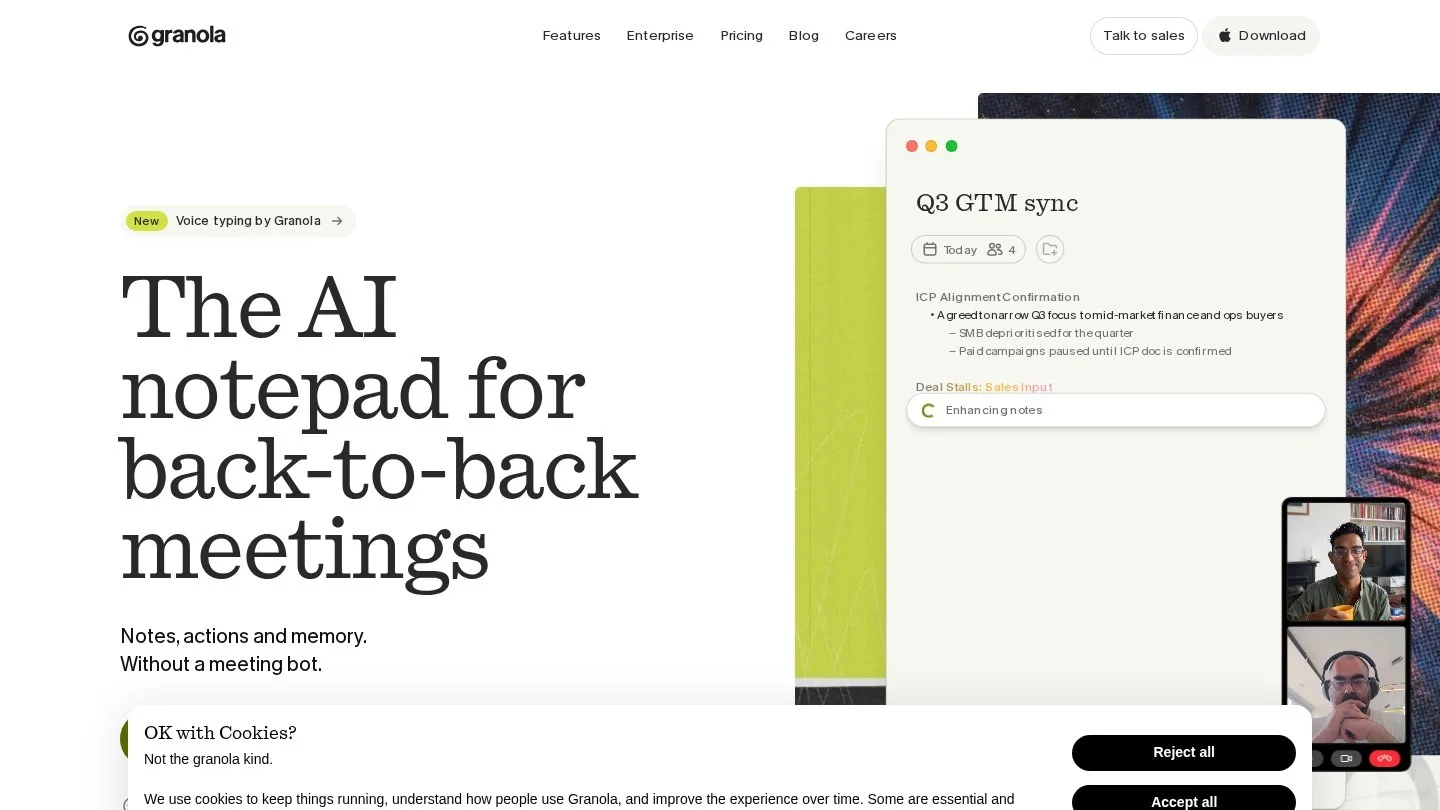
Granola feels like a notepad that happens to be listening. It captures audio from your own device and turns the conversation into structured notes after the call. No bot ever joins.
According to Granola’s pricing page, the free Basic plan keeps 30 days of meeting history. Business costs $14 per user per month with unlimited history and more capable AI models, and Enterprise is $35. Business is billed monthly with no annual discount. SOC 2 Type II covers every plan, HIPAA-compliant workspaces are Enterprise only, and users can opt out of model training individually on Basic and Business, or workspace-wide on Enterprise.
- Best for: founders, consultants and anyone whose clients would object to a bot.
- Watch out for: the 30-day history limit makes the free plan a trial in practice, and there are no notes from meetings you do not attend.
2. Fireflies: Best for Multilingual Teams

Fireflies is the safe all-rounder for teams that meet in more than one language. A June 2026 Fireflies comparison claims transcription and summaries in more than 100 languages, with a Multi-Language Mode that handles over 60 languages within a single meeting. That helps a team that switches between English and a local language mid-call.
The Fireflies help centre lists Pro at $10 per seat per month billed annually or $18 monthly, Business at $19 or $29, and Enterprise at $39 billed annually. The company says it does not use customer data to train AI models and keeps a zero-data-retention arrangement with its AI vendors. SOC 2 Type II and GDPR apply on every plan, Free included, and HIPAA comes with Enterprise without a seat minimum, which is unusual and useful for a small clinic or therapy practice.
- Best for: distributed teams, multilingual calls and small healthcare practices that need HIPAA without buying five seats.
- Watch out for: monthly billing costs far more than annual.
3. Fathom: Best Free AI Note Taker

Fathom’s free plan is the most generous here. Its pricing page promises unlimited recordings and transcriptions, instant AI summaries, clips, playlists and search across calls, free forever. Some features, such as action items and account-wide Ask Fathom questions, are marked as limited use on Free.
Paid tiers are Premium at $16 per user per month annually or $20 monthly, Team at $15 or $19 with a two-user minimum, and Business at $25 or $34, which adds CRM field sync. Fathom lists HubSpot and Salesforce integrations and a signed BAA for HIPAA. Capture is normally by bot, with a bot-free option in beta on Mac only.
- Best for: solo professionals who want good summaries for $0, and small sales teams moving to Business for CRM sync.
- Watch out for: Windows users get the bot only.
4. Otter: Best for Sales Teams and CRM Sync

Otter’s 2026 pitch leans hard on sales. According to Otter’s June 2026 comparison, it syncs BANT and MEDDIC insights into Salesforce and HubSpot at field level, so the qualification fields fill themselves after a discovery call. An MCP integration also lets Claude and ChatGPT query your meeting history.
The free Basic plan gives 300 transcription minutes a month but cuts each conversation at 30 minutes. Pro is $8.33 per user per month billed annually or $16.99 monthly with 1,200 minutes. Business is $20 or $30, with 6,000 minutes, sessions up to four hours and unlimited file imports. Enterprise adds SSO, SCIM and HIPAA with a BAA. Transcription covers English, Spanish, French, German, Japanese and Simplified Chinese. Otter is SOC 2 Type II certified and records in-person meetings through its mobile apps.
- Best for: sales teams running qualification frameworks, and anyone who records lectures or in-person interviews on a phone.
- Watch out for: six transcription languages is a short list next to Fireflies or tl;dv, and the 30-minute free cap.
5. tl;dv: Best for EU Data Residency

tl;dv has the clearest European data story in this list. According to its October 2026 comparison page, it hosts data in the EU and lets customers choose whether AI processing happens in Europe or the US. It is SOC 2 Type II and GDPR compliant and says meeting data is not used to train its models.
Recording and transcription are unlimited on every plan, including Free, which also gets AI notes for 10 meetings and 10 Ask tl;dv queries a month. Pro costs $18 per user per month annually or $29 monthly and adds Salesforce and HubSpot sync. Business at $29 or $39 adds custom CRM field mapping, while SSO, custom retention and private storage are Enterprise features. It transcribes in 30+ languages, works across Zoom, Google Meet and Teams, and records without a bot through its Mac and Windows desktop app.
- Best for: EU-based companies, or US firms with European clients who ask where data is processed.
- Watch out for: Pro costs more than the equivalent tier at Fireflies, Fathom or Otter.
6. Read AI: Best for Meeting Coaching and Metrics
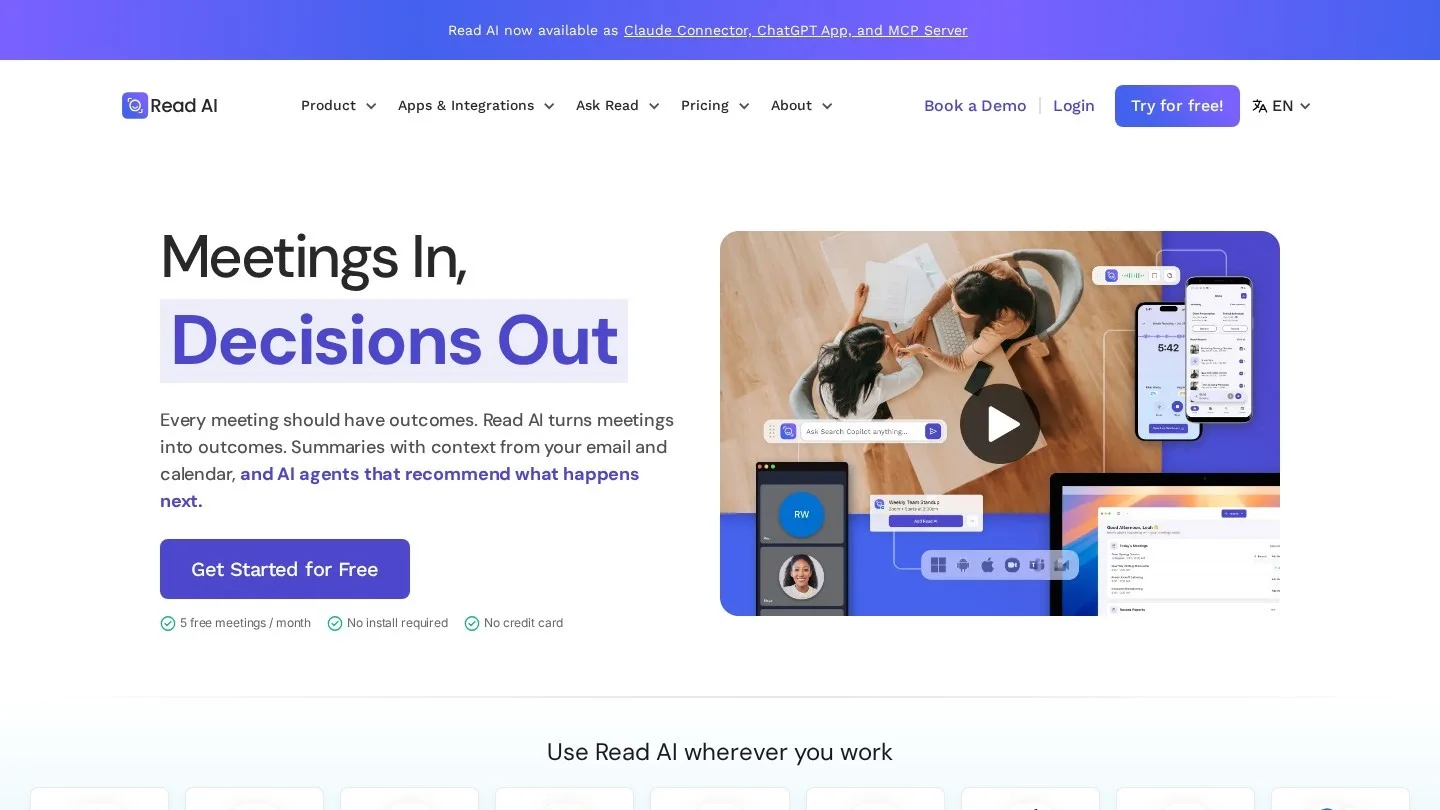
Read AI goes beyond notes into how the meeting went. The free plan, per Read’s help centre, includes transcription, summaries, personalised coaching and meeting metrics, capped at five meetings a month.
The entry paid plan costs $15 per user per month annually or $19.75 monthly and adds integrations and workspaces. The next tier, at $22.50 or $29.75, adds video playback and highlights. The top tier, at $29.75 or $39.75, brings data retention policies, domain capture and SAML. Paid plans store meetings indefinitely unless an admin sets a policy.
- Best for: managers coaching a team on meeting habits.
- Watch out for: five free meetings a month runs out in the first week for most managers.
7. Notion AI Meeting Notes: Best for Teams Already in Notion
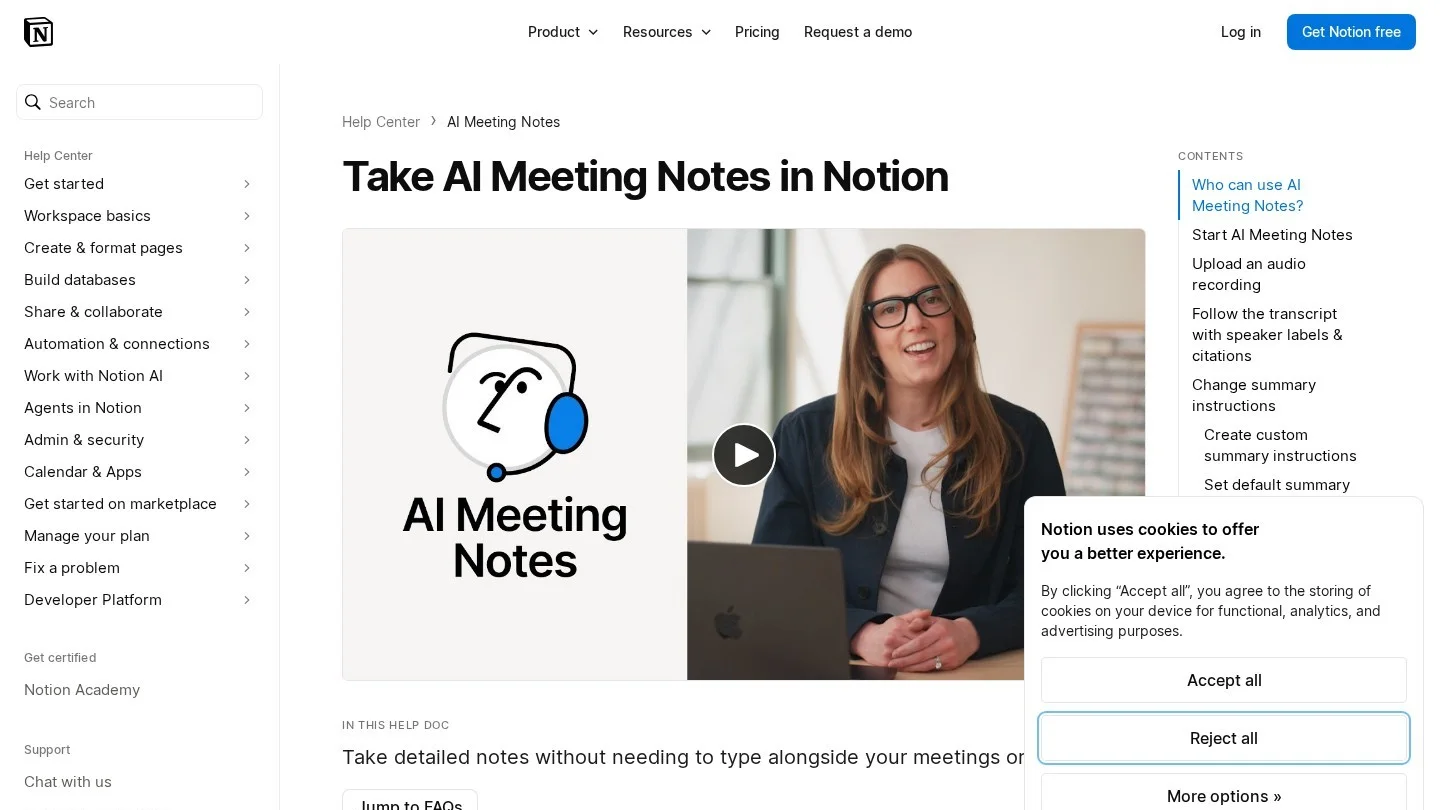
If your projects, docs and wiki already live in Notion, its meeting notes save a copy-paste step every day. Summaries land in the same workspace as the tasks they create. The feature needs the Business or Enterprise plan, according to Notion’s help page, and Business lists at $20 per member per month, with yearly billing saving up to 20%.
Capture is botless through the desktop app on macOS 13 or later and current Windows. Transcription supports 16 languages, including Korean, Thai, Vietnamese and the Nordic languages, though speaker labels are English only. There is a 10-hour daily limit per user. Its consent tooling is the best here: a chat message, a spoken notice through your speakers, or an automatic consent message that workspace owners can enforce. On Enterprise, Notion says it keeps zero data retention with its LLM providers.
- Best for: teams that already pay for Notion Business and want notes beside their projects.
- Watch out for: the browser version hears only your microphone, so use the desktop app for calls.
8. Gemini in Google Meet: Best for Google Workspace Shops
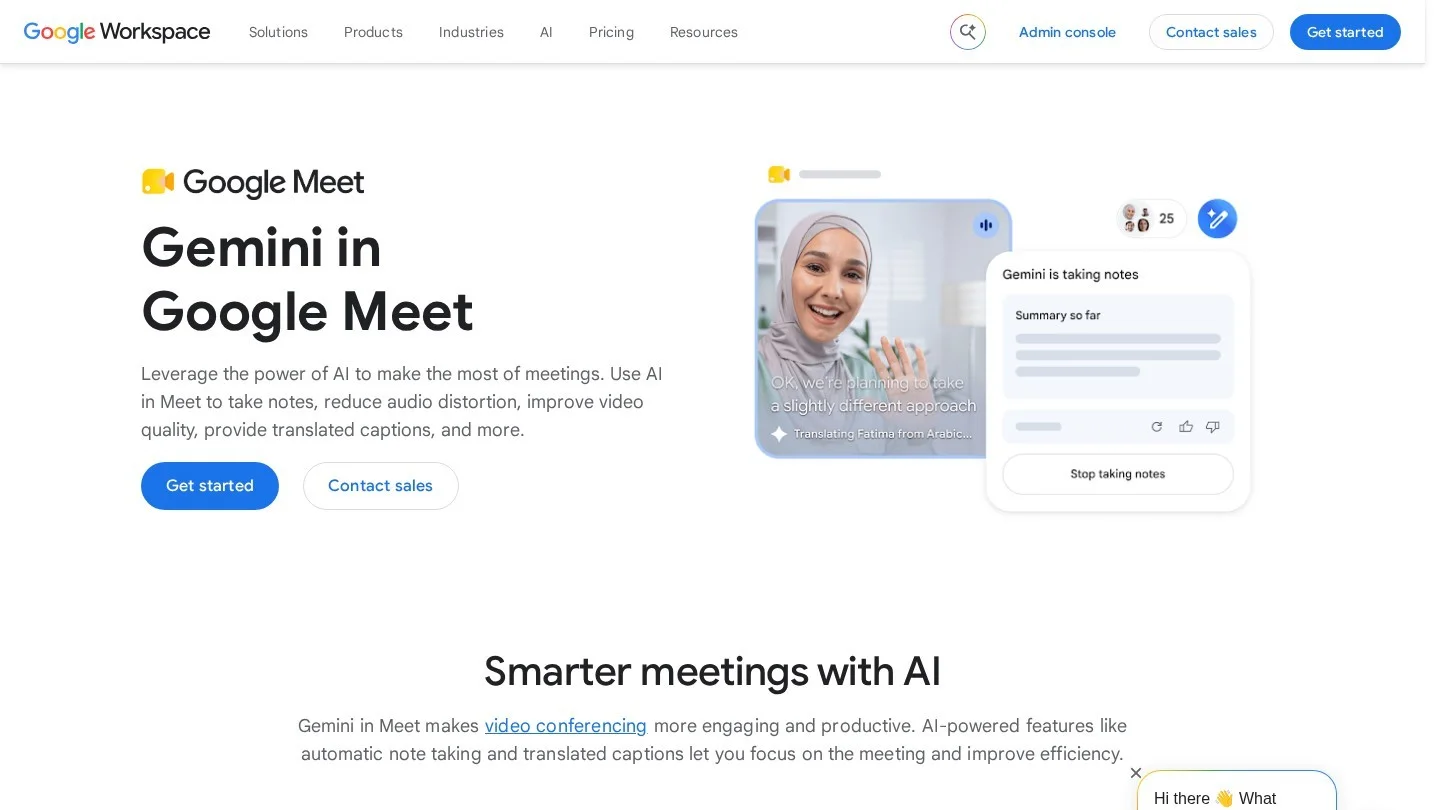
Google’s “Take notes for me” writes a notes document into the organiser’s Drive, in a Google Meet folder, and attaches it to the Calendar event. Google’s help page says the organiser decides who receives it: every invited guest, only internal guests or just hosts. Everyone in the meeting is told notes are being taken and sees a pencil icon, which settles the disclosure question for you.
It needs an eligible Workspace edition or Google AI plan. Supported languages are English, French, German, Italian, Japanese, Korean, Portuguese and Spanish, one per meeting, so mixed-language calls are not supported. Google recommends meetings between 15 minutes and eight hours.
- Best for: companies where nearly every meeting is on Meet and data should stay in Drive.
- Watch out for: it does nothing for the Zoom or Teams calls your clients send you.
9. Microsoft Teams Facilitator: Best for Microsoft 365 Companies

Inside Teams, the meeting note taker is an agent called Facilitator. According to Microsoft’s support page, it writes real-time notes into an editable Loop page, tracks decisions and open questions, runs the agenda with a timer and captures tasks you can sync to Planner. It works in scheduled meetings only, not channel meetings, instant meetings or Teams calls, and external guests do not see the live notes. The Teams mobile app can take notes in face-to-face meetings too.
You need a Microsoft Copilot licence to switch it on. Microsoft’s pricing page lists the Copilot Business add-on at $18 per user per month on annual billing as a promotion from 1 July to 31 December 2026 (normally $21), or $25.20 monthly, for up to 300 users. Bundles run $23.50 for Business Standard with Copilot and $32 for Business Premium with Copilot, billed annually.
- Best for: organisations standardised on Teams and Outlook.
- Watch out for: the licence buys all of Copilot, so it is expensive if meeting notes are the only thing you want.
10. Zoom AI Companion: Best Value if You Already Pay for Zoom
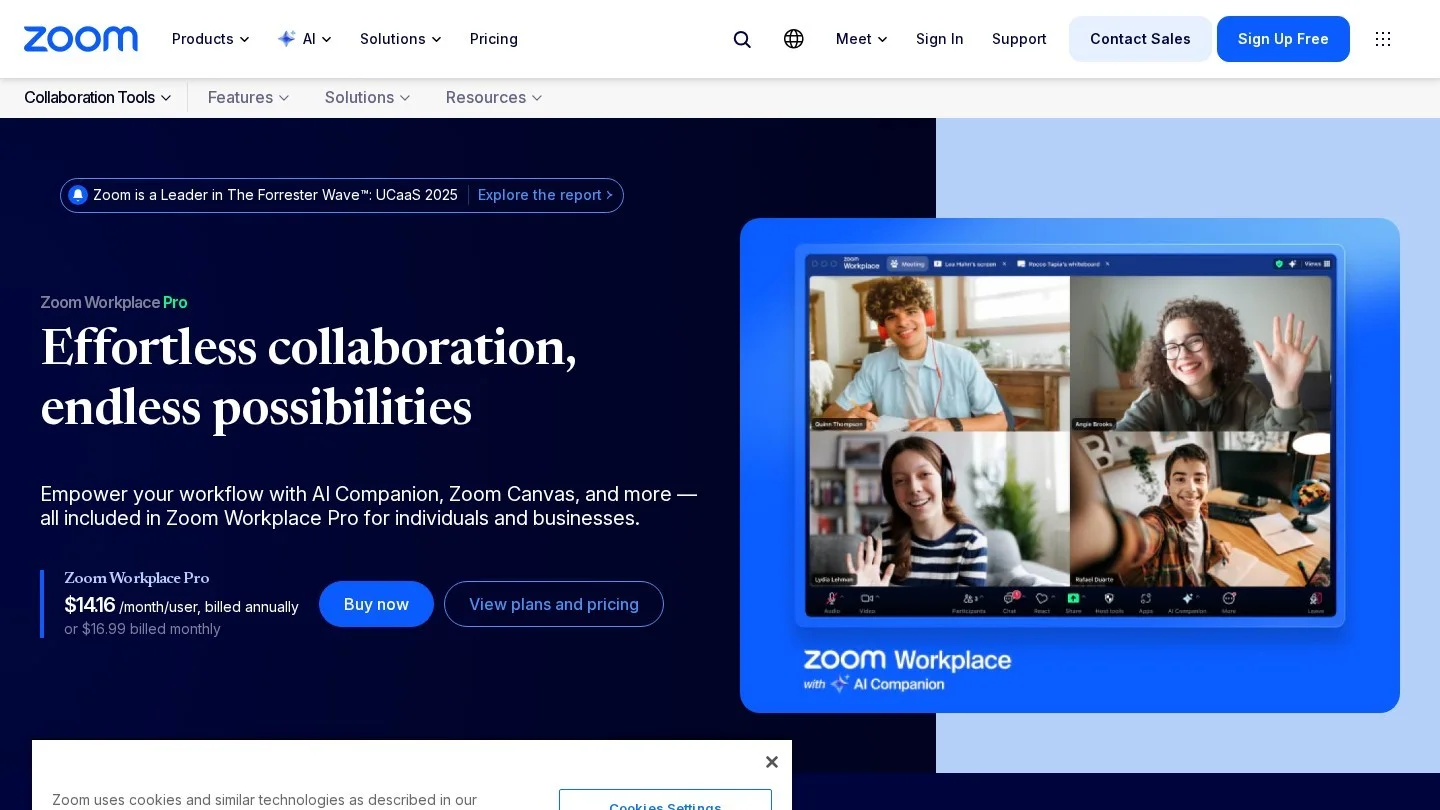
AI Companion is included at no additional cost with paid Zoom accounts. It summarises meetings, answers questions during the call and catches up late joiners on what they missed. Zoom Workplace Pro, for one to nine users, lists at $15.99 per user per month on monthly billing and allows meetings up to 30 hours, against 40 minutes on the free Basic plan.
- Best for: small firms that already pay for Zoom and host most calls themselves.
- Watch out for: it summarises Zoom meetings only, and when a client hosts, their account settings decide what is available.
What Eight Seats Cost in Year One
Per-seat prices hide how fast the bill grows. For eight people at October 2026 list prices: seats times monthly price times 12.
| Plan | Per user per month | 8 seats, 12 months |
|---|---|---|
| Granola Business (monthly only) | $14 | $1,344 |
| Fathom Team (annual) | $15 | $1,440 |
| Read AI entry paid plan (annual) | $15 | $1,440 |
| tl;dv Pro (annual) | $18 | $1,728 |
| Microsoft 365 Copilot Business add-on (annual promo) | $18 | $1,728 |
| Fireflies Business (annual) | $19 | $1,824 |
| Otter Business (annual) | $20 | $1,920 |
| Notion Business | $20 | $1,920 |
The Notion and Microsoft figures buy a whole workspace or AI suite, so they are cheaper than they look if you need those anyway. The Copilot promotion ends on 31 December 2026; at the normal $21 rate, eight seats cost $2,016. For a solo user, billing choices matter more: Otter Pro costs $99.96 a year billed annually against $203.88 billed monthly, a saving of about 51%.
If you bill clients by the hour, our freelance hourly rate calculator helps you check whether a tool that saves 20 minutes of write-up per meeting pays for itself.
Recording Consent Laws Before You Press Record
An AI note taker is a recording device in the eyes of the law. US federal law, the Electronic Communications Privacy Act, follows a one-party consent rule: a participant can record a conversation they are part of. But according to a Kilpatrick Townsend summary of US wiretap laws, 13 states require the consent of everyone on the call:
| All-party consent states |
|---|
| California, Connecticut, Delaware, Florida, Illinois, Maryland, Massachusetts, Montana, Nevada, New Hampshire, Oregon, Pennsylvania, Washington |
The same summary says that on calls between states with different rules, the strictest standard generally applies. A founder in Texas, a one-party state, interviewing a candidate in California should therefore get consent from everyone. Say at the start that an AI note taker is running, and switch it off if anyone objects.
- Bots disclose themselves: a visible participant in the list counts as notice to many people, though it is no substitute for asking.
- Botless tools disclose nothing by default: with Granola, tl;dv desktop or Fathom’s Mac beta, the other side cannot see that you are recording, so the spoken notice is on you.
- Some tools help: Google Meet shows every participant a notes indicator, and Notion lets admins enforce an automatic consent message for all members.
- Write it down: a company AI policy should say which tools are approved and how consent is captured. See our guide to an AI acceptable use policy for a small business.
This is general information, not legal advice. Check the rules in each state or country your participants are in.
Privacy, Retention and Model Training Settings Worth Checking
Meeting transcripts hold salary talks, client numbers and board gossip. Check three things before rollout.
- Model training: Fireflies and tl;dv say customer meeting data is not used to train models. Granola gives an opt-out, per user on Basic and Business and workspace-wide on Enterprise.
- Retention: Read AI stores meetings indefinitely on paid plans unless an admin sets a policy on the top tier. Custom retention sits on the Enterprise tier at tl;dv and Fathom, and Granola’s free plan shows only the last 30 days of history.
- Where data lives: Gemini notes stay in the organiser’s Google Drive, Facilitator notes in a Microsoft Loop page, and tl;dv offers EU hosting with a choice of EU or US AI processing.
Search across meetings, such as Ask Fathom or Ask tl;dv, retrieves transcript passages and hands them to a language model. Our retrieval-augmented generation explainer shows why those answers deserve a check against the transcript.
Which AI Note Taker to Pick for Your Situation
| If you are… | Pick | Why |
|---|---|---|
| A consultant whose clients dislike bots | Granola | Botless on every plan, $14 Business tier |
| A solo founder on a $0 budget | Fathom Free | Unlimited recording and transcription |
| A sales team that lives in Salesforce or HubSpot | Otter Business | Field-level BANT and MEDDIC sync |
| A team meeting in several languages | Fireflies | 100+ languages, mixed-language mode |
| A European company or EU clients | tl;dv | EU hosting and a choice of AI processing region |
| A small healthcare practice | Fireflies Enterprise | HIPAA with no seat minimum |
| A manager coaching meeting habits | Read AI | Coaching and meeting metrics |
| A team running projects in Notion | Notion AI Meeting Notes | Notes land next to tasks; strong consent tools |
| All-in on Google, Microsoft or Zoom | The built-in assistant | No new vendor, data stays in the suite |
Run a free plan for two weeks before buying. That is long enough to see whether the summaries catch your action items or bury them. If those meetings span clients in several regions, our time zone converter handles the scheduling side, and more buying guides sit in our AI section.
Training on Your Calls, In-Person Use and Recording Consent
What Is the Best Free AI Note Taker for Meetings?
Fathom, because its free plan records and transcribes without a minute cap and includes instant summaries. tl;dv also records without a cap but limits AI notes to 10 meetings, and Otter’s free plan stops each conversation at 30 minutes.
Is There an AI Note Taker That Does Not Join the Meeting?
Yes. Granola and Notion AI Meeting Notes capture audio from your computer with no bot. tl;dv’s desktop app and Fathom’s Mac beta also record without one.
Is It Legal to Use an AI Note Taker Without Telling People?
Federal US law needs only one party’s consent, but 13 states, including California, Florida and Illinois, require everyone’s. Telling all participants at the start is the safe habit everywhere.
Do AI Note Takers Use My Meetings to Train AI?
It depends on the vendor. Fireflies and tl;dv say they do not, and Granola offers an opt-out. Read the privacy terms of any tool before you connect a work calendar.
Which AI Note Taker Works for In-Person Meetings?
Otter and Granola have mobile apps for recording in a room, Google Meet’s “Take notes for me” supports in-person use, and the Teams mobile app can take notes with Facilitator.
Granola, Fireflies, Otter and Notion Plans and Comparisons
- Granola: Pricing
- Granola: Meeting note tool pricing (March 2026)
- Fireflies: Learn about the Fireflies pricing plans
- Fireflies: Fireflies vs Read AI (June 2026)
- Fathom: Pricing
- Otter: Otter.ai vs Fathom (June 2026)
- tl;dv: tl;dv vs Otter (October 2026)
- Read AI: What are the different paid plans that Read offers
- Notion: Take AI meeting notes in Notion
- Notion: Pricing plans
- Google Meet Help: “Take notes for me” in Google Meet
- Microsoft Support: Facilitator in Microsoft Teams meetings
- Microsoft: Copilot plans and pricing for business
- Zoom: Zoom Workplace Pro
- Kilpatrick Townsend: Wiretap laws in the United States (July 2024)