


An accounting firm finds every file on its shared drive renamed with a strange extension on a Monday morning in March. Its backup drive was plugged in all weekend, so it is encrypted too. The cloud sync folder faithfully copied the encrypted files to OneDrive. The firm has a backup on paper and none in practice.
This happens because many small businesses confuse copies with backups. A backup is only real if it survives the same event that damaged the original and can be restored on a deadline. This guide uses current attack and drive failure data to build a plan that meets both tests.
Why Backups Matter More Than Ever
| Finding | Figure | Source |
|---|---|---|
| Ransomware attacks where data was encrypted | 56% | Sophos State of Ransomware 2026, 2,158 victims |
| Victims with encrypted data who restored from backup | About two-thirds | Sophos State of Ransomware 2026 |
| Average recovery cost, not counting any ransom | $1.7 million | Sophos State of Ransomware 2026 |
| Median ransom payment | $769,000 | Sophos State of Ransomware 2026 |
| Attacks that began with stolen or misused credentials | Close to 8 in 10 | Sophos State of Ransomware 2026 |
| Hard drive annualized failure rate, second quarter of 2026 | 1.73% | Backblaze, 354,415 drives |
Two lessons stand out. First, backups are the main reason victims recover without paying. Second, drives fail even without attackers. Backblaze’s latest figures mean roughly one or two out of every 100 drives fail each year, and some individual models failed at over 9% in the quarter.
Dig deeper: Sophos found that more than half of victims were running again within a week, but the average recovery took about three weeks. A tested backup is what separates the two groups.
The 3-2-1 Rule, With One Upgrade
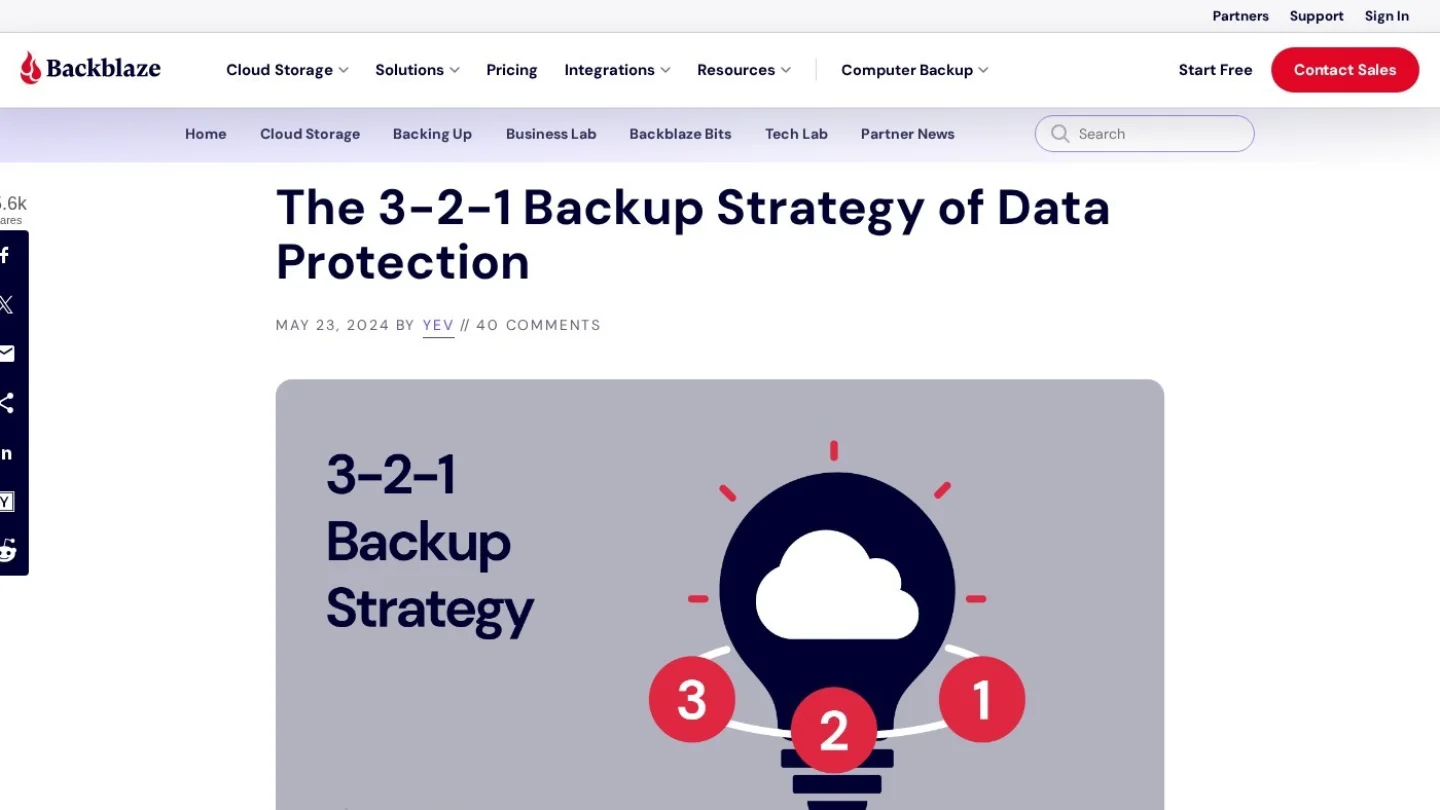
The classic rule says to keep three copies of your data, on two different types of storage, with one copy offsite. The modern version adds one more requirement, often called 3-2-1-1-0:
- 3 copies: The live data plus two backups.
- 2 types of storage: For example, a local network drive and cloud storage.
- 1 offsite: So a fire, flood or theft at the office does not take everything.
- 1 immutable or offline: A copy that cannot be changed or deleted for a set period, even by an administrator. This is what stops ransomware from encrypting your backups.
- 0 errors: Restores are tested and verified, not assumed.
Sync Is Not Backup
This is the most common gap in small offices. Dropbox, Google Drive and OneDrive sync files across devices. If a file is deleted, corrupted or encrypted on one laptop, the damage syncs everywhere within seconds.
| Feature | Sync service | Real backup |
|---|---|---|
| Copies changes instantly | Yes | No, it takes snapshots on a schedule |
| Spreads ransomware damage | Yes | Not if immutable or offline |
| Keeps old versions | Limited, often 30 to 180 days | As long as you set it |
| Survives an account being deleted | Often no | Yes, stored separately |
Version history in sync tools helps with small accidents, but it is not a plan for losing a whole account.
What Microsoft 365 and Google Workspace Do Not Keep
Microsoft and Google run highly reliable data centers, but they work on a shared responsibility model. They protect the service from failing. Protecting your data from your own deletions, rogue employees and attackers is largely your job.
- Exchange email: Deleted items move to a Recoverable Items folder for 14 days by default, which an admin can extend to 30. After that, the mail is gone unless you have retention policies or a backup.
- OneDrive and SharePoint: Deleted files stay in the two-stage recycle bin for up to 93 days, then are permanently removed.
- Departed employees: When a user account is deleted, their mailbox and OneDrive are removed after a retention period. Many firms lose a former employee’s files this way.
Microsoft now sells its own Microsoft 365 Backup add-on, priced per gigabyte. Third-party tools such as Acronis, Datto, Veeam and Backupify typically cost around $3 to $6 per user per month.
A Worked Plan for a 10-Person Office
Take an invented firm: 10 staff, Microsoft 365, about 2 TB of shared files, laptops for everyone and an accounting database on one desktop.
| Layer | What it covers | Example tools | Rough cost |
|---|---|---|---|
| Microsoft 365 backup | Email, OneDrive, SharePoint and Teams files | Microsoft 365 Backup, Acronis, Veeam, Datto | About $30 to $60 a month for 10 users |
| Local backup device | Fast restores of shared files and the accounting desktop | A two-bay NAS from Synology or QNAP with two drives mirrored | About $500 to $900 one-time |
| Immutable cloud copy | Offsite, locked copy of the NAS | Backblaze B2, Wasabi or AWS S3 with Object Lock | Usually under $20 a month for 2 TB |
| Laptop backup | Files saved outside OneDrive | Backblaze Computer Backup, CrashPlan or Time Machine on Macs | About $8 to $10 per laptop per month |
Total running cost is roughly $130 to $180 a month after the one-time hardware. Compare that with the $1.7 million average recovery bill in the Sophos data. Even a fraction of that would close many small firms.

Two Numbers to Agree on First
Before buying anything, the owner should answer two questions:
- Recovery point objective (RPO): How much work can you afford to lose? If the answer is “one day,” nightly backups are fine. If it is “one hour,” you need hourly snapshots for key systems.
- Recovery time objective (RTO): How long can you be down? A NAS can restore a shared folder in minutes. Downloading 2 TB from the cloud over a 300 Mbps connection takes well over 14 hours, before any setup time.
Write both numbers down. They decide where to spend money.
Protect the Backups Themselves
Attackers know that backups are what stop a ransom payment, so they look for them first. With close to eight in ten attacks starting from stolen credentials, the backup system must not share the same keys as everything else.
- Separate admin accounts: Use a different login for the backup system, with its own multi-factor authentication.
- Turn on immutability: Object Lock in cloud storage, or immutable snapshots on the NAS, keep copies locked for 14 to 30 days.
- Disconnect or isolate: If you use a USB drive, unplug it after each backup and rotate two drives so one is always offsite.
- Encrypt backups: Especially laptop and cloud copies, so a stolen drive or leaked bucket does not expose client data.
Run a Restore Test Every Quarter
A backup you have never restored is a guess. Put a 30-minute test on the calendar each quarter:
- Pick one random file, one full folder and one mailbox.
- Restore each to a different location, not over the original.
- Open the files and check they work.
- Time the folder restore and compare it with your RTO.
- Write down what happened, including anything that failed.
Once a year, try a full scenario: pretend the main office computer is gone and rebuild the accounting database on a spare machine from backup.
Frequently Asked Questions
How often should a small business back up data?
At least daily for shared files and email, and more often for systems where losing a few hours of work would hurt, such as order or accounting databases. Your recovery point objective sets the exact schedule.
Is an external hard drive enough?
Not on its own. A single drive can fail, be stolen with the office laptop or be encrypted if it stays plugged in. It can be one layer in a 3-2-1 plan if you rotate two drives and keep one offsite.
Does cyber insurance require backups?
Most cyber insurers now ask about backups, multi-factor authentication and offline or immutable copies on their applications. Weak answers can raise premiums or lead to a refused policy.
How long should backups be kept?
Keep daily backups for about 30 days, monthly backups for a year and yearly copies for as long as tax and industry rules require. In the US, the IRS generally recommends keeping tax records for at least three years, and longer in some cases.