


A monthly expense tracker for freelancers is one sheet with a row for every business cost. Each row gets a category, and each category gets a monthly total. Spend 15 minutes on it at the end of each month. Then tax season becomes a matter of adding up twelve totals.
Most freelancers skip it until April. By then the receipts are buried in email, the mileage is a guess, and small costs like software trials never make it onto the return. Each missed cost means you pay tax on money you never kept.
We checked every tax rule in this guide against IRS.gov pages. Then we built a sample month for a freelance designer so you can see how the numbers add up.
Set Up Your Freelance Expense Tracker in Six Steps
You can build the tracker in Google Sheets, Excel or an accounting app. The steps are the same in each one.
- Open a separate business account. Pay every business cost from one card or account, so the bank statement doubles as a backup record.
- Create one tab per month. Name the tabs January to December, plus one summary tab for the year.
- Add the columns. Use date, vendor, category, amount, payment method, receipt saved and business-use percentage.
- Fix your category list. Pick 10 to 14 categories and do not invent new ones mid-year, or your totals will not match.
- Add a mileage log. Keep a second table for trips with the date, start and end point, purpose and miles.
- Set a monthly date. Block the last Friday of each month to download statements, match receipts and fill gaps.
The business-use column matters more than it looks. A phone you use 60% for clients is a 60% business cost, so the tracker should only count that share. Use a formula such as =D2*G2 to work out the business amount.
If you need a ready sheet, our small business expense spreadsheet template uses a similar layout.
Sort Freelance Expenses Into These Categories
Categories turn a long list of receipts into totals you can hand to an accountant. Keep the names short, and keep the same list all year.
| Category | What goes in it | Freelance examples |
|---|---|---|
| Software and subscriptions | Apps you pay for to do client work | Design tools, cloud storage, accounting app |
| Equipment | Hardware for your business | Laptop, monitor, camera, microphone |
| Phone and internet | The business share of your bills | 60% of a phone plan |
| Home office | Space used only for work | Simplified rate or actual costs |
| Vehicle and mileage | Business driving | Client visits, supply runs |
| Travel | Overnight work trips | Flights, hotels for a conference |
| Advertising and marketing | Getting new clients | Ads, website hosting, portfolio site |
| Contract labor | People you pay to help | Subcontractors, virtual assistants |
| Professional fees | Outside experts | Accountant, lawyer |
| Education | Skills for your current work | Online courses, books |
| Insurance | Business cover | Professional liability insurance |
| Bank and payment fees | Fees to get paid | Card processing fees, transfer fees |
| Office supplies | Small consumables | Paper, ink, postage |
Ask a tax professional about any cost that mixes personal and business use. The category tells you where a cost goes. It does not prove the cost is deductible.
Fill In a Sample Monthly Tracker
Take a sample November for a freelance designer who works from home. All amounts are examples, so swap in your own.
| Date | Vendor | Category | Amount | Business use | Business amount |
|---|---|---|---|---|---|
| 1 Nov | Design software | Software and subscriptions | $59.99 | 100% | $59.99 |
| 3 Nov | Phone carrier | Phone and internet | $70.00 | 60% | $42.00 |
| 3 Nov | Home internet | Phone and internet | $65.00 | 50% | $32.50 |
| 8 Nov | Cloud storage | Software and subscriptions | $9.99 | 100% | $9.99 |
| 12 Nov | Freelance copywriter | Contract labor | $400.00 | 100% | $400.00 |
| 15 Nov | Online course | Education | $49.00 | 100% | $49.00 |
| 18 Nov | Office store | Office supplies | $23.40 | 100% | $23.40 |
| 22 Nov | Payment processor | Bank and payment fees | $31.20 | 100% | $31.20 |
| 30 Nov | Mileage log, 120 miles | Vehicle and mileage | $91.20 | 100% | $91.20 |
The mileage line uses the IRS business rate of 76 cents a mile for the second half of 2026, so 120 × $0.76 = $91.20. Next, add each category to get the month’s summary:
| Category | November total |
|---|---|
| Contract labor | $400.00 |
| Vehicle and mileage | $91.20 |
| Phone and internet | $74.50 |
| Software and subscriptions | $69.98 |
| Education | $49.00 |
| Bank and payment fees | $31.20 |
| Office supplies | $23.40 |
| Total | $739.28 |
That $739.28 is money the designer spent to run the business. Without the tracker, the phone share, the mileage and the processing fees are the costs most likely to go missing.
Track the Expenses That Cut Your Tax Bill
Some freelance deductions need more than a receipt. So give them their own columns or logs from day one.
Log Business Miles With the Right Rate
The IRS set the 2026 business standard mileage rate at 72.5 cents a mile from 1 January. Then, in Announcement 2026-11, it raised the rate to 76 cents a mile from 1 July for the rest of the year. So split your mileage log at 30 June and apply each rate to its own half.
The standard rate is optional. You can claim your actual vehicle costs instead. However, a car you own must use the standard rate in its first business year. After that, you can switch between the two methods. For a leased car, you must keep the standard rate for the whole lease.
Measure Your Home Office Once
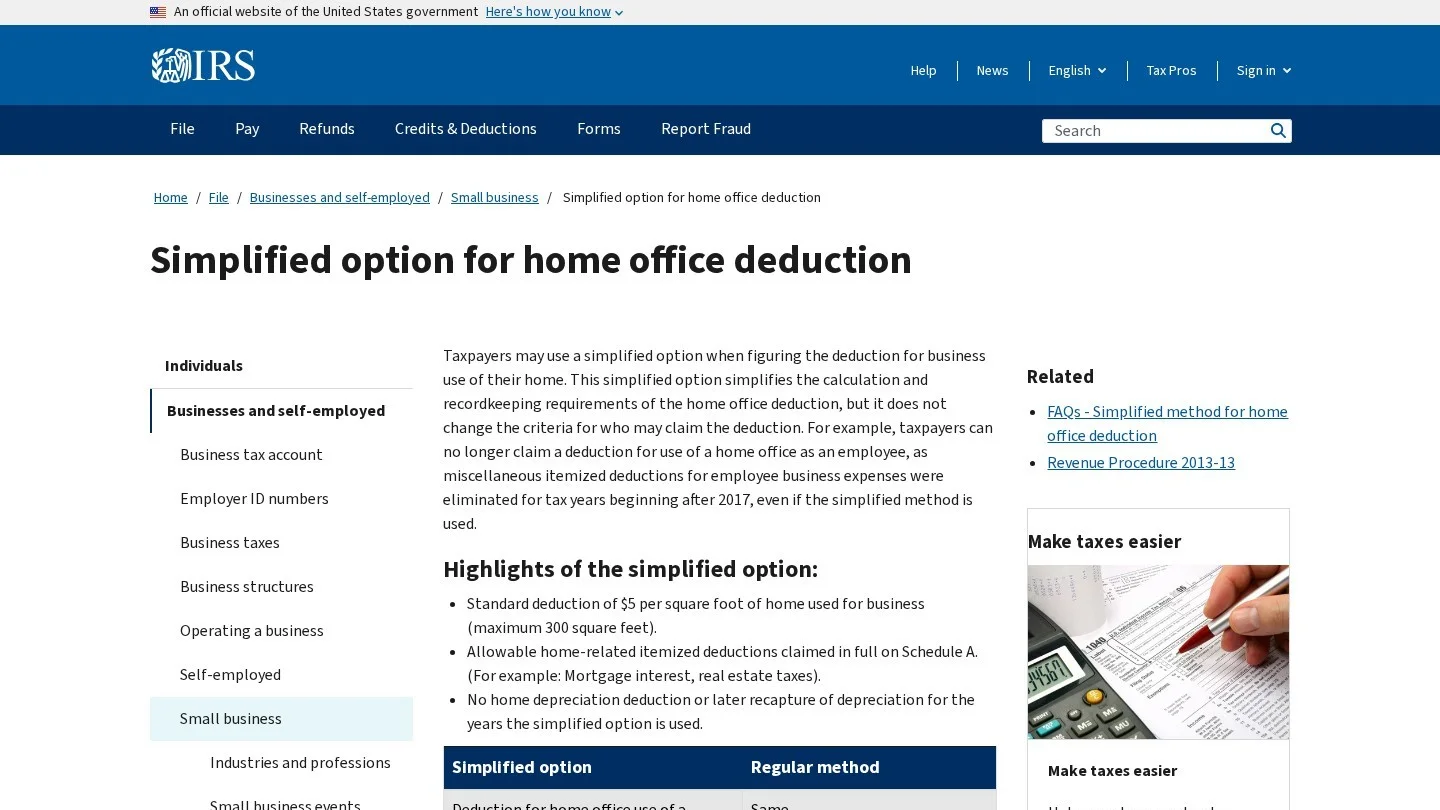
The IRS simplified home office option allows $5 per square foot, up to 300 square feet. That caps the deduction at $1,500 a year. The space must be used regularly and only for business.
For example, a 150-square-foot spare room used only for work gives 150 × $5 = $750 a year. In a monthly tracker, you can note $62.50 a month as a reminder, then claim the yearly figure on your return.
Keep the Proof the IRS Asks For
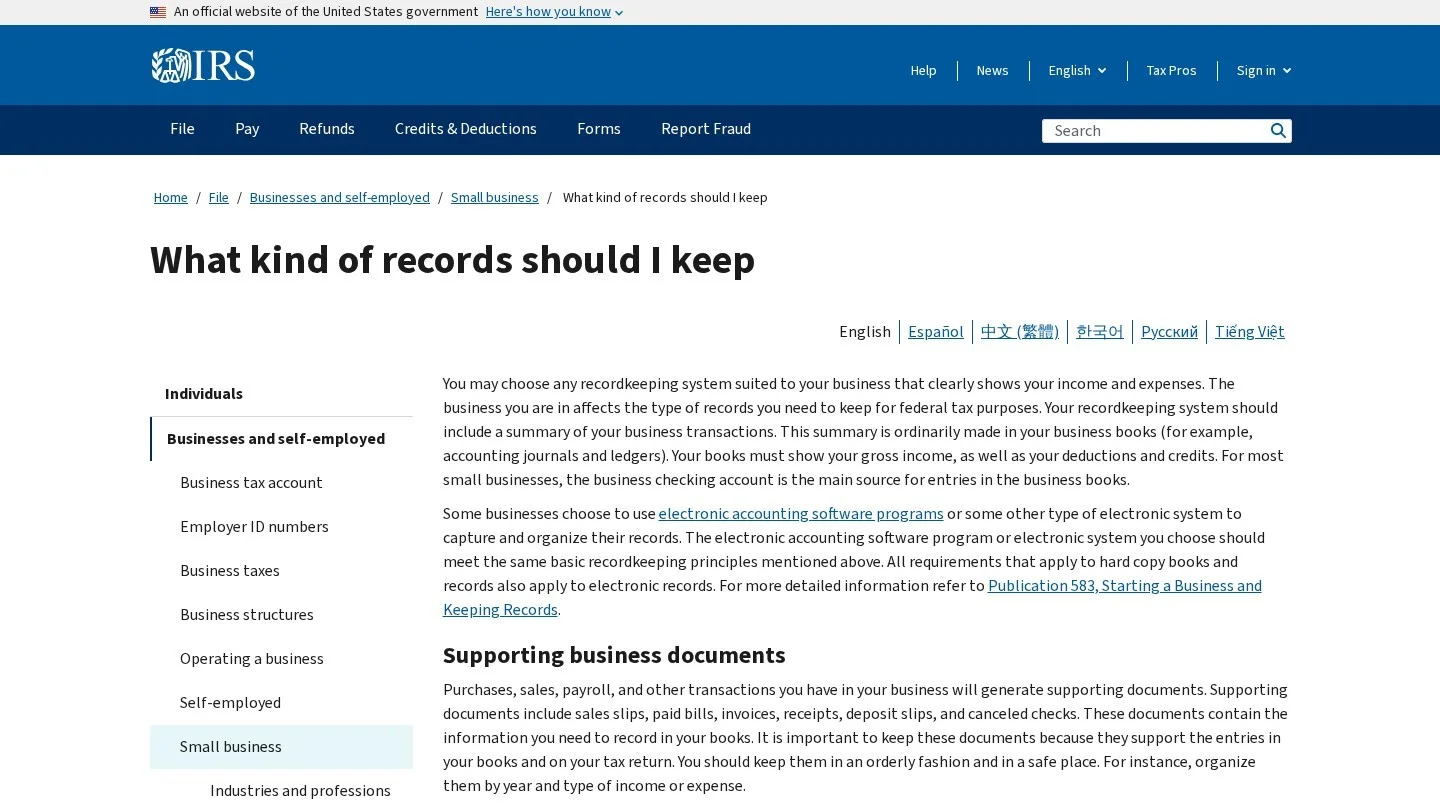
The IRS lists the supporting documents for business expenses. These include canceled checks or other proof of payment, cash register receipts, account statements, credit card receipts and invoices.
Each record should show five things:
- Payee: The business or person you paid.
- Amount: The amount you paid.
- Proof of payment: A bank, card or transfer record that shows the money left your account.
- Date: The date the cost was incurred.
- Description: What you bought, written so it is plain that it was a business cost.
Travel, gift and car costs need extra detail. The IRS points to Publication 463 for those rules, so keep the trip purpose next to every mileage entry.
Keep Records for at Least Three Years
The IRS guidance on how long to keep records sets 3 years as the general rule. The period grows to 6 years if you leave out income worth more than 25% of the gross income on your return. It grows to 7 years if you claim a bad debt deduction or a loss from worthless securities.
In practice, keep each year’s tracker, receipts and statements in one folder named by tax year. Then delete nothing until the longest period that applies has passed.
Choose an App for Your Expense Tracker
A spreadsheet works fine for a freelancer with 20 to 40 costs a month. Past that, an app that imports bank transactions saves hours.
Google Sheets
Google Sheets is free with a Google account, and it handles every step in this guide. Build the month tabs, add the formulas, and save receipts as PDFs in a Drive folder next to the sheet. The downside is manual entry, because nothing imports from your bank on its own.
Wave
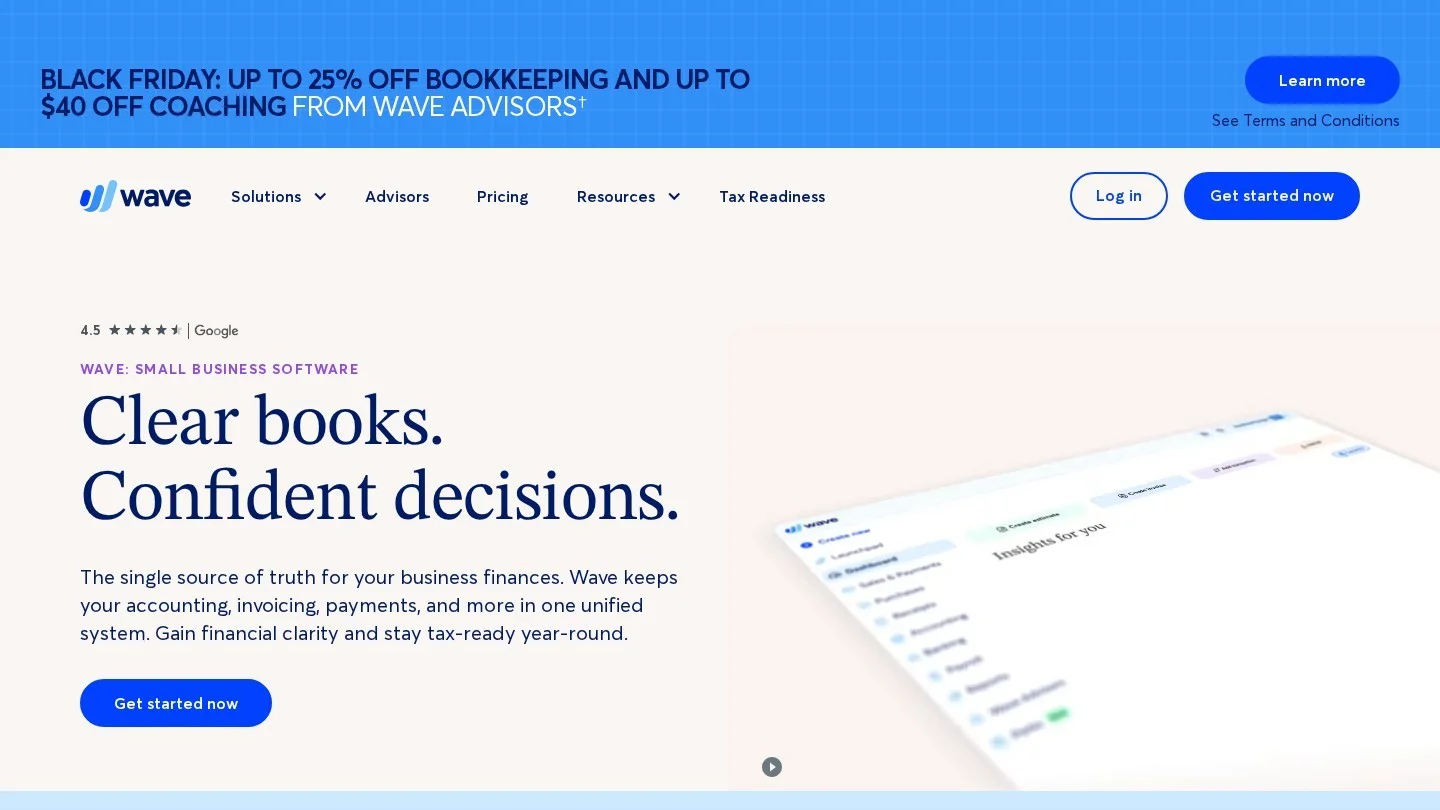
Wave is accounting software with a free plan, which makes it a natural next step from a spreadsheet. The Starter plan costs $0. The Pro plan costs $19 a month, or $190 a year.
Pro adds the features that save the most time for expense tracking:
- Bank import: Pro imports bank transactions on its own through Plaid, if your bank is supported.
- Auto-categories: Pro merges and categorizes imported transactions, so you review them instead of typing them.
- Receipt capture: Pro includes unlimited receipt capture, while Starter offers receipt scanning as a paid add-on.
Wave also processes card payments. On Starter, the fee is 2.9% + $0.60 per transaction. Log those fees in your Bank and payment fees category each month.
Accounting Apps Built for Solo Workers
Freelancers who also send invoices and want mileage tracking in one app should compare a few options. Our guide to QuickBooks Solopreneur alternatives for 1099 contractors covers them.
Put the Monthly Totals to Work
The tracker pays off twice. First, it lowers your tax bill. Second, it shows what your business costs to run each month.
Use the totals in three ways:
- Price your work: Add your average monthly costs to our freelance hourly rate calculator, so your rate covers them.
- Plan for big bills: Annual software renewals and insurance hit in one month, so set money aside with sinking funds.
- Read your profit: Income minus these totals is your profit. Our guide on reading a profit and loss statement explains the next step.
Freelance Expense Tracking Questions
How often should a freelancer update an expense tracker?
Once a month is enough for most freelancers. Pick a fixed day, download statements and match each line to a receipt.
What is the 2026 mileage rate for freelancers?
The IRS business rate is 72.5 cents a mile from 1 January to 30 June 2026, and 76 cents a mile from 1 July.
Can I deduct my home office as a freelancer?
If you use the space regularly and only for business, the IRS simplified option allows $5 per square foot, up to 300 square feet.
How long should freelancers keep receipts?
The IRS general rule is 3 years. Some cases need 6 or 7 years, so many freelancers keep everything for 7 years.
This guide explains how tracking works. It is not tax advice, so check your own situation with a tax professional.