

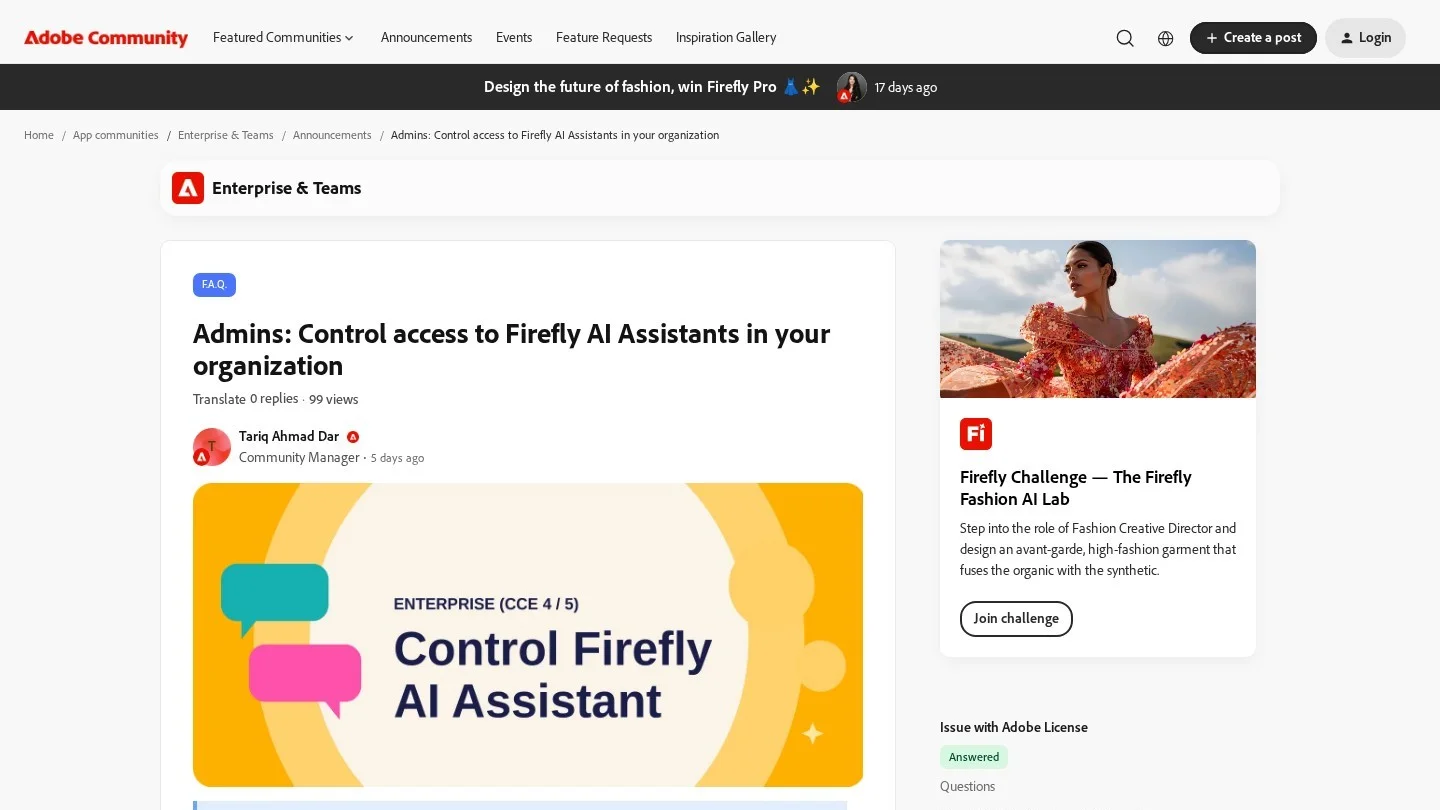
Can a company keep Photoshop and Premiere but switch off the AI agent that now sits inside them? Since Adobe’s update for enterprise admins on October 28, 2026, the answer is yes. Admins on Creative Cloud for enterprise plans listed as CCE 4 and CCE 5 now have a single setting in the Adobe Admin Console, “Access Firefly-powered AI assistants,” that blocks the assistants across the organization. The rest of each app keeps working. Adobe’s other generative AI features stay under their own controls.
What IT Teams Should Know About Adobe’s New AI Switch
- The new setting turns Firefly-powered AI assistants on or off for a whole organization from the Admin Console.
- Turning it off blocks the assistants only; standalone generative AI features are managed through model controls.
- Third-party model restrictions an admin has already set still apply when the assistants are on.
- The setting is for enterprise admins on CCE 4 and CCE 5. Adobe has not mentioned Teams or individual plans.
The Admin Console Setting Adobe Added on October 28
Adobe announced the change in its Enterprise and Teams community, in a post by community manager Tariq Ahmad Dar. The setting lives in the Adobe apps section of the Admin Console and applies to every user in the organization. When an admin turns it off, people lose access to the AI assistants, but the products themselves run as before.
Adobe draws a clear line between two kinds of AI. The assistants are agents that carry out multi-step tasks for a user. Standalone generative features, such as generating an image from a prompt, sit under a different set of switches called model controls. An admin can therefore block the agents while leaving generative fill and similar tools on, or the other way round.
The assistants are not in every app. Custom roles can manage access to Adobe Express, Firefly features and partner model options. That gives larger companies a second layer: one org-wide switch for the assistants, plus role-based access for specific tools.
| Control in Adobe Admin Console | What It Governs | Effect When Turned Off |
|---|---|---|
| Access Firefly-powered AI assistants | AI assistants across supported Adobe apps | Assistants blocked; apps keep working |
| Model controls | Standalone generative AI features | Managed separately from the assistant switch |
| Third-party model restrictions | Use of partner AI models | Still enforced when assistants are on |
| Custom roles | Access to Adobe Express, Firefly features, partner models | Limits access by role rather than for everyone |
What Adobe’s Firefly AI Assistant Does Inside Creative Cloud
Adobe first showed the assistant in April. Users describe the result they want, and the assistant runs the steps across Adobe apps. Files stay in Adobe’s own formats, so they remain editable. Adobe also added partner models, including Kling 3.0, Google’s Veo 3.1 and Runway Gen-4.5.
On June 18, 2026, Adobe put the assistant into public beta in Premiere, Photoshop, Illustrator, InDesign and Frame.io, with After Effects in private beta. The jobs it takes on are practical ones. In Premiere it sorts bins, renames clips in bulk, adds markers and builds a first cut. In Photoshop it handles background swaps, resizing for different platforms and layer clean-up. In Illustrator it can produce versioned files from a spreadsheet and run print pre-flight checks, and in InDesign it applies brand or template updates across layouts.
David Wadhwani, who runs Adobe’s Creativity and Productivity business, said at the time: “Every creative now has an agent capable of helping them execute across every app and platform where they work.”

Why Companies Wanted a Firefly Assistant Off Switch
An assistant that acts across apps raises different questions from a single generate button. What the assistant can see depends on the product and the task. Some assistants stay within the current product context, while others may use project assets or cloud-hosted content linked to the user’s work.
That detail matters for an agency bound by client confidentiality. It matters for a brand team with unreleased product photos, too. Legal and security teams often want to approve a tool before staff use it on sensitive files. A single switch lets them pause the assistants during that review without taking Photoshop away from designers.
Adobe’s own research points to the same tension. Its Creators’ Toolkit Report, a survey of more than 16,000 creators cited in the June release, found that 75% describe creative AI as integrated into or essential to their work, while 85% say the final creative decision should always stay with them.
Steps for Creative Cloud Admins Before Adobe MAX
Adobe has not published a click-by-click path, so the steps below follow the structure of its announcement. They suit any company that wants a deliberate decision on AI agents rather than a default.
- Find the switch: open the Adobe Admin Console, go to the Adobe apps section and locate “Access Firefly-powered AI assistants.”
- Decide separately on generative features: review model controls on their own, because the assistant setting does not change them.
- Check partner models: confirm your third-party model restrictions match company policy, since they carry over to the assistants.
- Use roles for exceptions: set custom roles if a pilot group should keep access to Express, Firefly features or partner models.
- Write it down: record the choice in your AI acceptable use policy so staff know what is allowed and why.
Smaller studios without an enterprise plan can still apply the same thinking through written rules and regular access reviews, as set out in our small business cybersecurity checklist. Teams that publish AI-assisted images may also want a way to check what clients send them; our list of websites that detect AI-generated images covers the options.
Adobe MAX and a New CEO Come Next
The update lands two weeks before Adobe MAX, the company’s yearly creative conference, which runs November 10 to 12. Adobe will show new creator tools there with NVIDIA and hardware partners, and having the off switch in place before a new wave of features gives admins time to set policy. Leadership is also changing. Anil Chakravarthy becomes president and CEO on December 1, 2026, with Shantanu Narayen moving to executive chair.
Giving Admins the Final Say on Firefly
This is a small update with a large audience. In our view, a clean off switch makes it easier for a cautious legal team to say “not yet” without blocking the whole product, which can speed up approval later. Separating assistants from model controls is the right design, because the risks are different.
There is room to go further. Adobe could list which assistants can reach cloud content. It could also bring the setting to Teams plans. Clear documentation on what the assistant reads would help admins switch it back on with confidence.
Admin Questions About Firefly AI Assistants
Can I Turn Off Adobe’s AI Assistant for My Organization?
Yes, on enterprise plans listed as CCE 4 and CCE 5. Use the “Access Firefly-powered AI assistants” setting in the Adobe apps section of the Admin Console.
Does Blocking the Assistant Turn Off Generative Fill and Other Firefly Features?
No. Standalone generative AI features are not affected and are managed through model controls.
Which Apps Have the Firefly AI Assistant?
Adobe put it into public beta in June 2026 in Premiere, Photoshop, Illustrator, InDesign and Frame.io, with After Effects in private beta.
Adobe Notices and Coverage Referenced
- Adobe Community: Admins, control access to Firefly AI Assistants in your organization (October 28, 2026)
- Adobe: Major expansion of creative agent across Firefly and Creative Cloud apps (June 18, 2026)
- Engadget: Adobe’s Firefly AI Assistant works across Photoshop, Premiere and other apps
- Adobe: Adobe and NVIDIA expand collaboration (October 15, 2026)
- Adobe newsroom: CEO succession announcement