Upload a picture to Google’s Gemini app, ask whether it is AI-generated, and you get a definite answer for one family of images: those made or edited with Google’s own AI, which carry an invisible SynthID watermark. For everything else, from Midjourney art to a face-swapped profile photo, you need a different kind of site. The most useful websites that detect AI generated images today fall into three groups: watermark readers (Gemini’s SynthID check), provenance readers (the Content Credentials inspect tool), and pixel classifiers such as Hive, AI or Not, Sightengine, Is It AI and Illuminarty that guess from the image itself.
We checked each tool’s own pricing, help and product pages in October 2026 and list what it examines, what is free and what the paid tiers cost. Accuracy statements are attributed to whoever made them. One well-known name, TrueMedia.org, is included because people still search for it: its original public detector closed in January 2025, and the project now runs as a beta platform at Georgetown University.
Watermarks Beat Classifier Scores, and Gemini Only Spots Google AI
- Use more than one method: a watermark or Content Credential is strong evidence when present, while a classifier score is a probability. Combine them.
- Gemini only knows Google AI: its SynthID check covers images, video and audio made with Google tools, with roughly 10 image checks per rolling 24 hours. A “no watermark” answer does not clear an image made elsewhere.
- Free tiers are small but real: AI or Not gives 20 free image checks, Is It AI 5 credits a month plus 3 checks without signup, Reality Defender 50 scans a month, and Illuminarty free classification.
- Cheapest paid checks: AI or Not Pro works out to $0.01 per image (500 checks for $5 a month). Is It AI ranges from about 4 to 7 cents per check depending on plan.
- TrueMedia.org has moved: the deepfake checker shut its original online detector in January 2025 after analyzing more than 60,000 images, videos and audio clips. It now runs as the TrueMedia Initiative at Georgetown University, with its platform available by beta access request.
AI Image Detector Websites Compared
Prices and limits are from each vendor’s site, data as of October 2026.
| Website | Method | Free use | Paid from | Also checks |
|---|---|---|---|---|
| Hive | Classifier with likely-model attribution | Hive Detect web tool, Chrome extension, X bot | Sales quote | Video, speech, music |
| AI or Not | Classifier | 20 image checks, $5 in credits, API key | $5 a month (500 image checks) | Text, video, voice, music |
| Sightengine | Pixel classifier with generator coverage list | Free account with monthly credits | Paid plans and API | AI video |
| Is It AI | Classifier plus Content Credentials reading | 3 checks without signup; 5 credits a month | $1.99 a month (30 credits) | Face swap, video, music |
| Illuminarty | Classifier, region highlighting, model ID | AI image classification | $10 a month | Text |
| Gemini (SynthID) | Invisible watermark plus C2PA | About 10 image checks per 24 hours | Included with a Google account | Video, audio |
| Content Credentials Inspect | C2PA provenance reader | Upload or paste a URL | Web tool (beta) | Video, audio, PDF |
| Winston AI | Classifier plus EXIF, IPTC and C2PA | 2,500 credits on developer signup | Pay as you go | Text |
| Reality Defender | Deepfake classifier | 50 scans a month, images and audio | $399 Business plan (billed annually) | Video, audio |
| TrueMedia.org | Multi-model detector, now at Georgetown | Beta access by request | Free (non-profit) | Text and audio |
10 Websites That Detect AI Generated Images, Checked One by One
1. Hive: Free Detection With a Guess at the Generator

Hive’s main customers are platforms such as online communities, dating apps and marketplaces, and its AI-generated content detection page offers three free ways in for individuals: Hive Detect, where you upload a file or paste a media URL; a Chrome extension that scans images, video and audio as you browse; and a bot on X for checking posts as they spread. Results come back as confidence scores and, when Hive can tell, the likely model behind the image. The same system covers video frame by frame, AI speech and AI music.
Best for: quick checks while browsing, and a hint at which generator made an image. Platform-scale API use goes through Hive’s sales team.
2. AI or Not: The Cheapest Paid Plan per Image
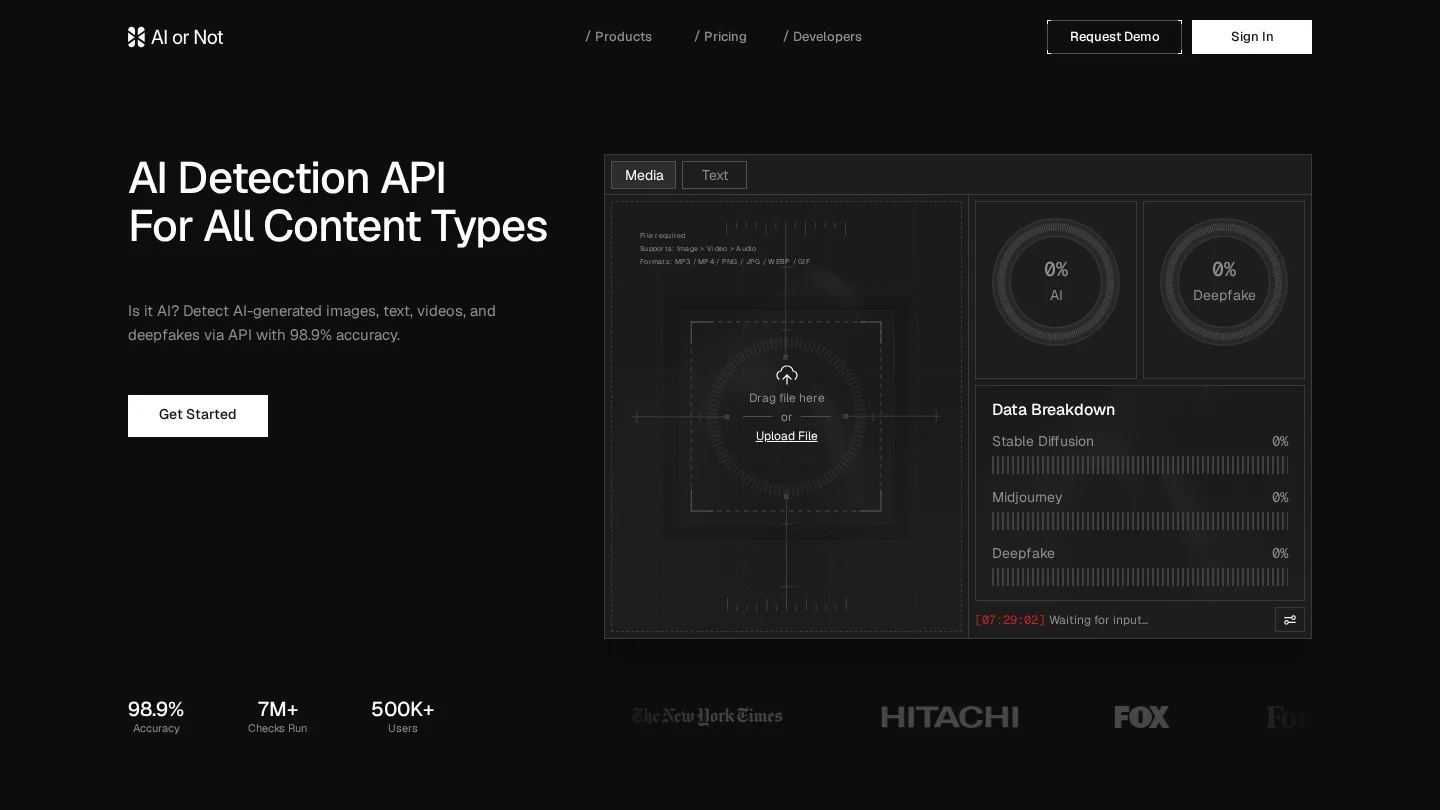
AI or Not’s pricing page lists a free plan with $5 in starting credits, 20 image checks, a million words of text detection a month and an API key. Pro costs $5 a month for $10 in rolling credits, which covers 500 image checks and 1,000 seconds of video; Business is $100 a month for 6,600 image checks, with 25% lower per-check prices on image, audio and video. Enterprise plans add private deployments and model calibration.
Best for: anyone checking dozens of images a month, and developers who want an API key on the free plan.
3. Sightengine: Detection From Pixels, Not Metadata
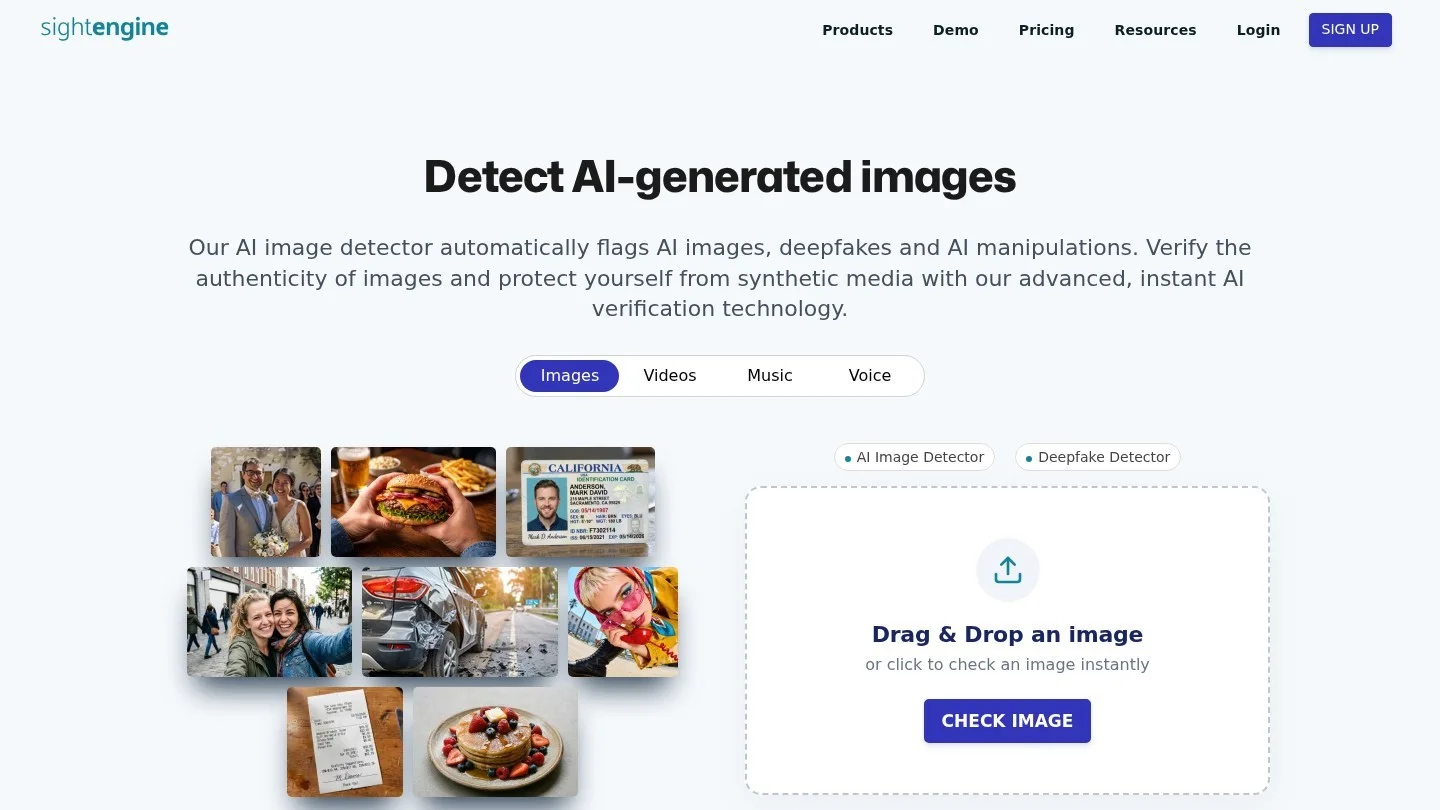
Sightengine’s AI image detector analyzes pixel content rather than file metadata, so stripping EXIF data should not change its verdict. Its generator table names Midjourney v5 to v7, DALL-E 2 and 3, Flux, GPT-4o image generation, Stable Diffusion from 1.5 to SD3, Firefly, Ideogram, Imagen, Nano Banana and StyleGAN, and a separate table covers AI video.
On accuracy, Sightengine cites a study by researchers at the University of Rochester and the University of Kansas, run on 80,000 images, in which it says its model scored the highest accuracy of the tools tested. The company also states plainly that no detector is 100% reliable. A free account needs no credit card and comes with monthly detection credits; heavier use moves to paid plans and the API, which developers call with a single model parameter.
4. Is It AI: Pay-As-You-Go Credits From $0.99
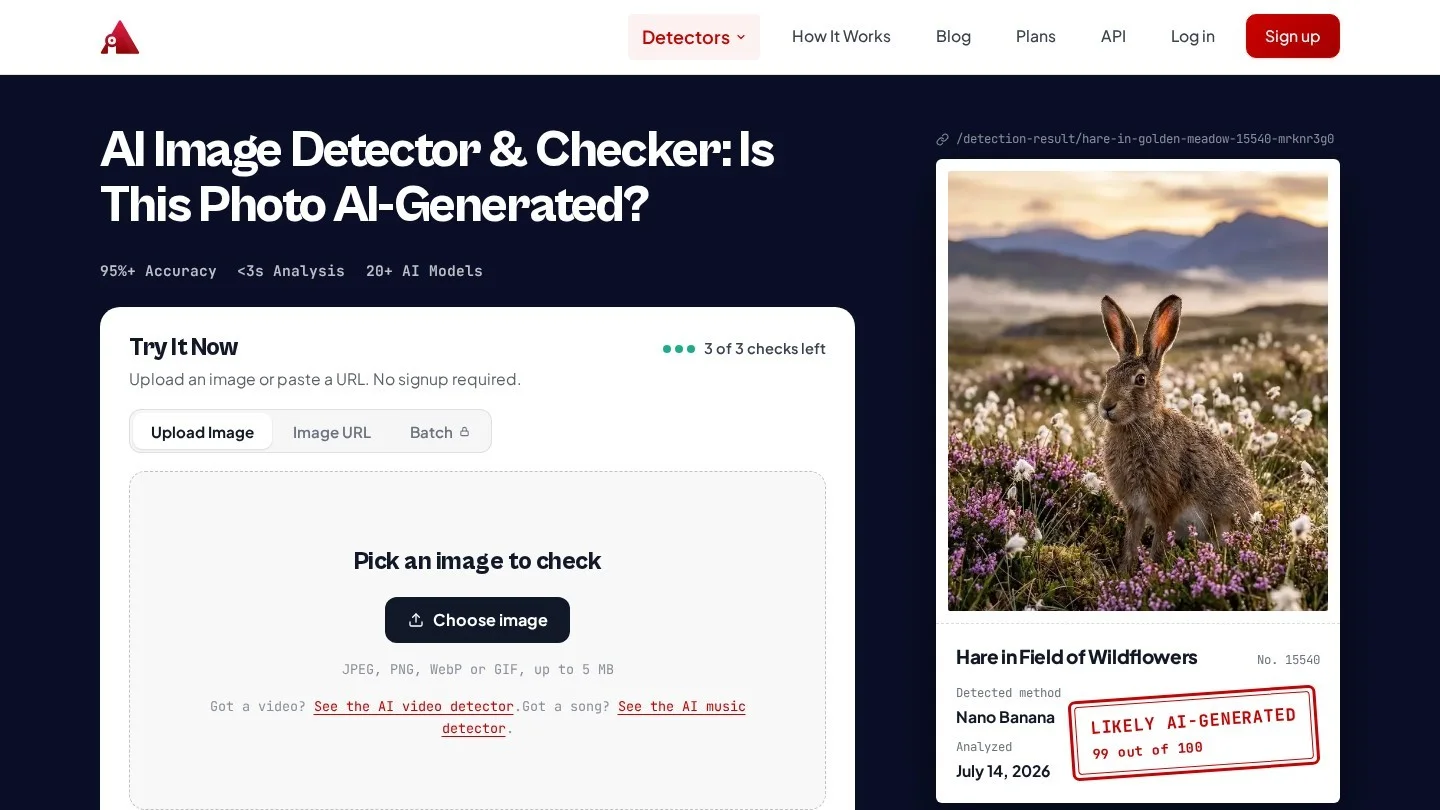
Is It AI lets you run three image checks without signing up, then gives free accounts 5 credits a month, per its plans page. One image check costs one credit, or two with the face swap check. Paid plans run from Starter at $1.99 a month (30 credits) through Basic at $7.99 (150), Growth at $46.99 (1,000) and Pro at $196.99 (5,000), and credit packs start at $0.99 for 10. Paid plans add Content Credentials reading, video checks up to 59 seconds and an Investigate online feature. The company says it detects images from Midjourney, DALL-E, Stable Diffusion and more than 20 other generators.
5. Illuminarty: Shows Which Parts of an Image Look Generated

Illuminarty gives a probability that an image is AI-generated on its free plan. The $10-a-month Basic plan adds localized detection, which highlights the regions that pushed the score up, plus model identification and an API allowance of 10,000 requests a day. Pro, at $30 a month, raises that to 40,000 requests and adds integration support. The region map is the useful part for edited photos, where only a background or a face may have been generated.
6. Google Gemini With SynthID: Definitive for Google AI Images

Google’s watermark check now lives inside the Gemini app rather than a separate public portal. According to Gemini Help, you upload one file of up to 100 MB at gemini.google.com and ask a question such as “Is this AI-generated?” Gemini looks for SynthID, an imperceptible watermark that Google’s image, video and audio models embed. Videos must be under 90 seconds and audio under an hour, and the quota is about 10 image checks in any rolling 24 hours.
- What a positive means: all or part of the image was created or edited with Google AI.
- What a negative means: only that Google AI was not used. Other generators could still have made it.
- Durability: Google says the watermark usually survives resizing, recoloring and compression, though heavy alteration can defeat it.
- Bonus check: Gemini also reads C2PA Content Credentials (version 2.2 and later) on the web and Android, with iOS listed as coming soon.
7. Content Credentials Inspect: Read the Image’s Signed History

Content Credentials are a signed record, built on the C2PA standard, that cameras, editing apps and AI generators can attach to a file. The Content Authenticity Initiative’s guide to the Inspect tool explains that you upload a file at inspect.cr, or open one by URL, and see who signed it, the app or device used, the edit actions such as cropping or resizing, and the source ingredients. If a generative AI tool created the image, an “AI-generated” note appears at the top of the content details.
It reads images in AVIF, DNG, GIF, HEIC, HEIF, JPEG, JXL, PNG, SVG, TIFF and WebP, plus several video and audio formats and PDF. Files without a manifest show “No Content Credential”, and signers that are not on the C2PA trust list are labeled “Unrecognized”.
8. Winston AI: Forensics and Metadata in One Report
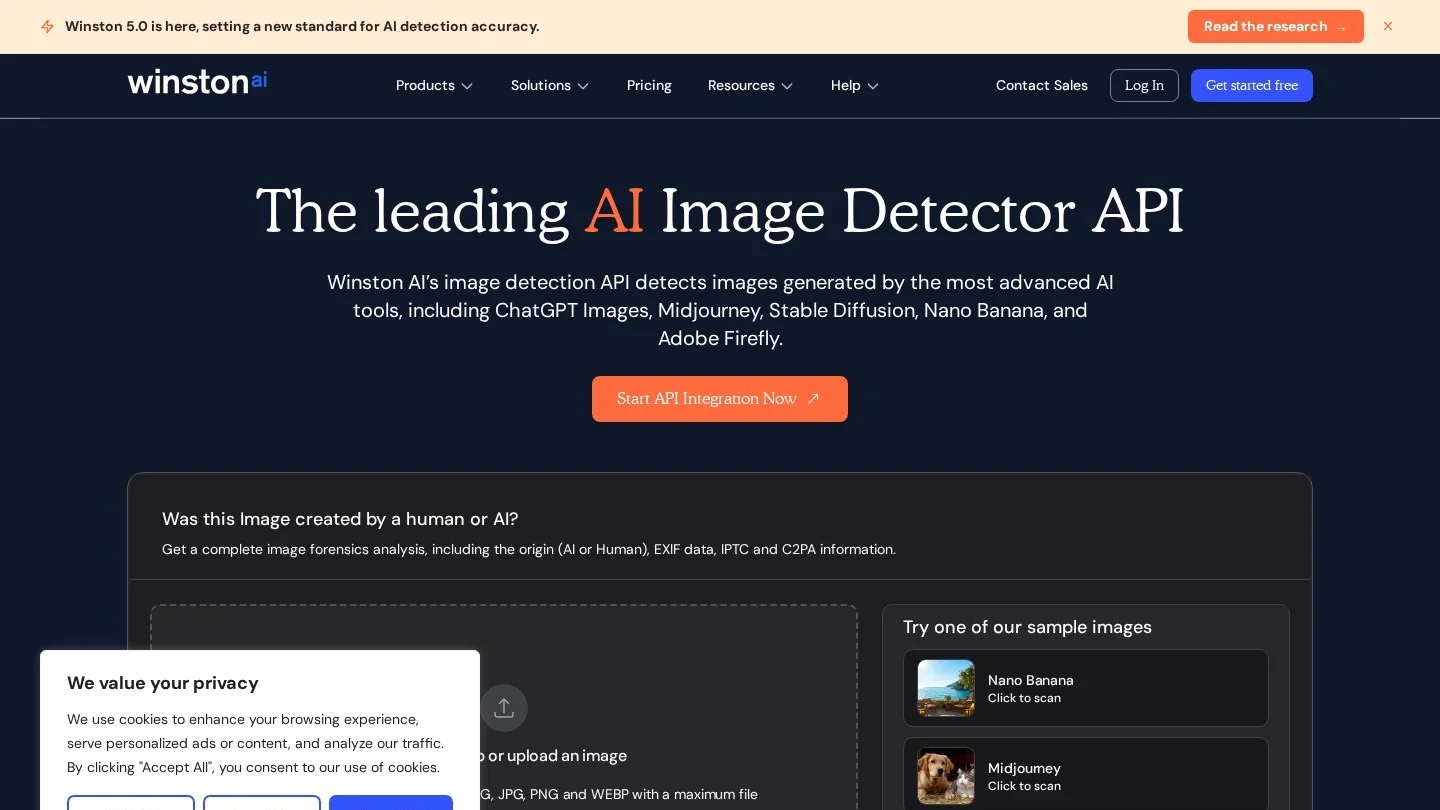
Winston AI, which also sells AI text detection, offers an image detector that reports an AI or human origin alongside the file’s EXIF, IPTC and C2PA data and any watermark signals. Its Advanced Scan adds forensic layers: color filter array pattern analysis, error level analysis, residual noise maps and edge heat maps. Named generators include ChatGPT Images, Midjourney, Stable Diffusion, Nano Banana, Adobe Firefly, Ideogram, Leonardo and Runway. It accepts JPEG, PNG and WebP up to 10 MB. API credits are pay as you go and never expire, and developer registration includes 2,500 free credits. The vendor markets it as the world’s most accurate AI detector.
9. Reality Defender: A Deepfake Specialist With a Free Tier
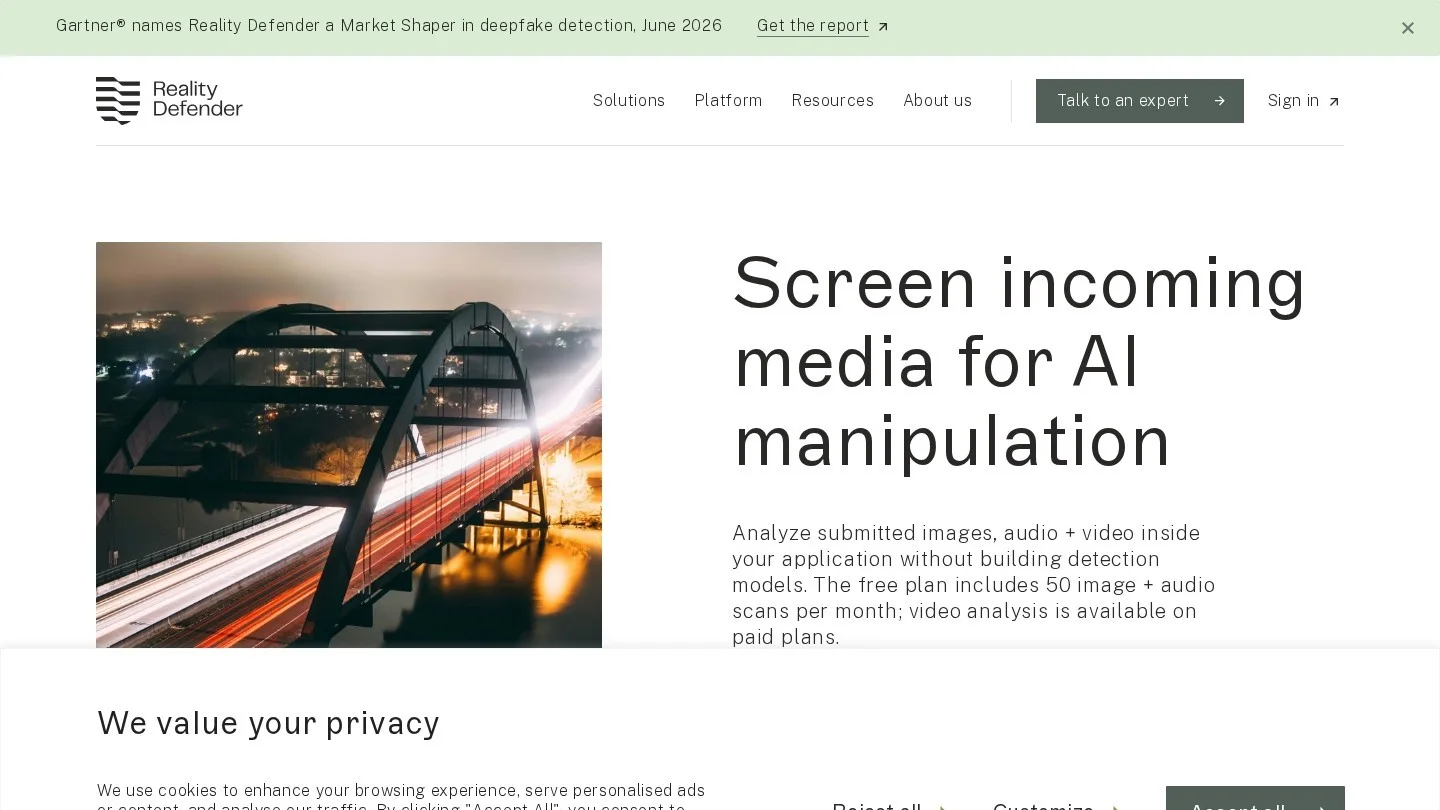
Reality Defender’s deepfake detection API, which offers custom Enterprise plans, also has a free plan: 50 scans a month for images and audio, shared across up to three seats. The Business plan, listed at $399 with annual billing, gives 1,000 scans a month and adds video. Results come back as Authentic, Suspicious or Manipulated with supporting detail, and SDKs exist for Python, TypeScript, Go, Rust and Java. It is the pick for people checking faces and voices for fraud rather than art.
10. TrueMedia.org: Relaunched as a Georgetown Beta
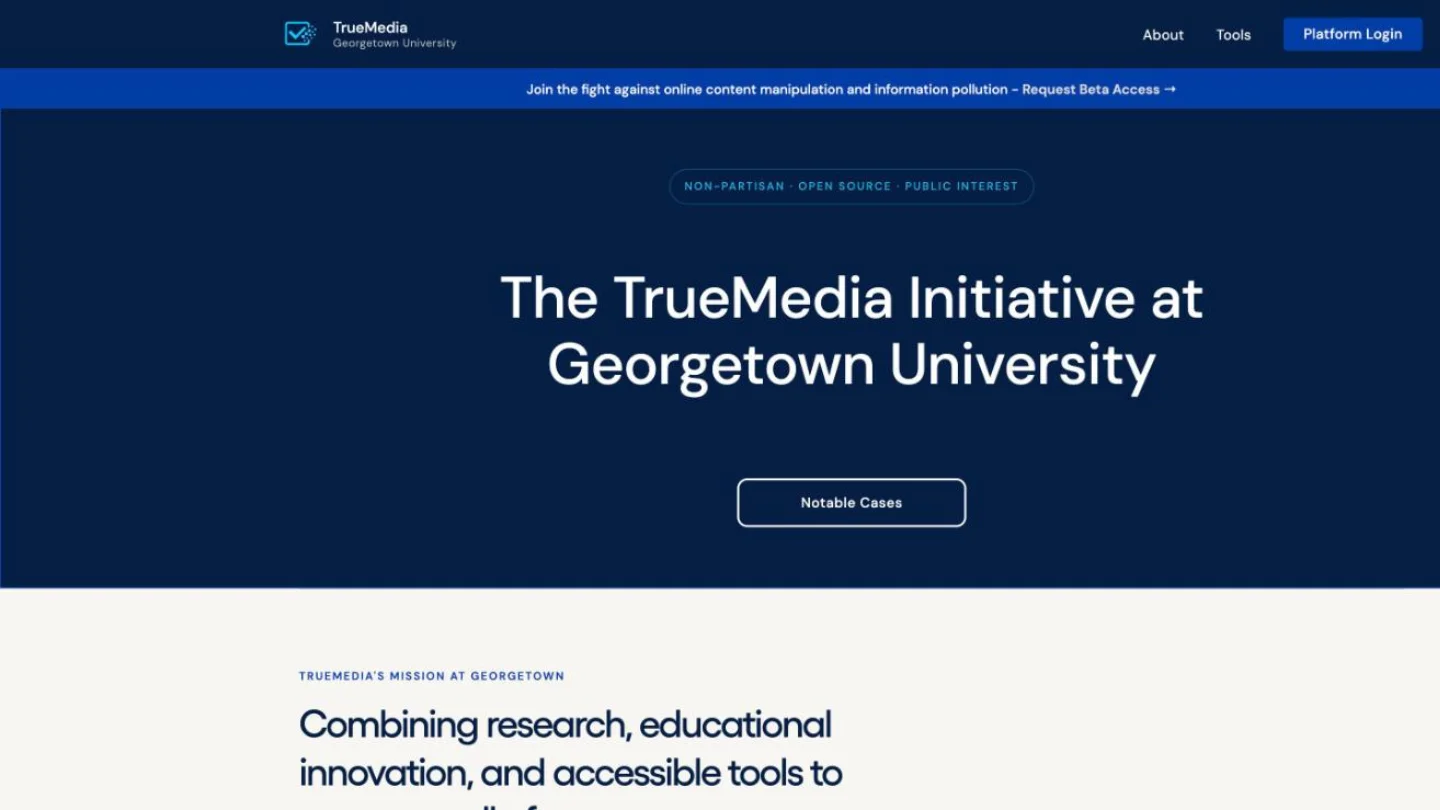
TrueMedia.org, a deepfake checker that built its profile around the 2024 elections, announced on January 7, 2025 that it would sunset its online detector, keeping access open through January 13. It had analyzed more than 60,000 images, videos and audio clips and said it would open-source its technology and make its resources available to the academic research community in 2025. The project now runs as the TrueMedia Initiative at Georgetown University, a non-partisan, open-source effort that describes its platform as a tool to help the public assess whether online text, images or audio are manipulated. Access is by beta request, as checked on October 31, 2026, so for an instant check today one of the open tools above is faster.
What a Paid AI Image Check Costs
For newsrooms, marketplaces and moderators checking images in volume, the per-check price decides the tool. We divided each monthly plan price by its image checks in Python.
| Plan | Monthly price | Image checks | Cost per check |
|---|---|---|---|
| AI or Not Pro | $5 | 500 | $0.010 |
| AI or Not Business | $100 | 6,600 | $0.015 |
| Is It AI Starter | $1.99 | 30 | $0.066 |
| Is It AI Basic | $7.99 | 150 | $0.053 |
| Is It AI Growth | $46.99 | 1,000 | $0.047 |
| Is It AI Pro | $196.99 | 5,000 | $0.039 |
AI or Not’s Pro plan comes out cheapest because its $5 fee buys $10 of credits. Business is aimed at resellers, with reseller rights up to $5,000 a month and image, audio and video checks priced 25% below Pro’s credit rates. Is It AI’s face swap check doubles the per-image cost. Illuminarty prices by daily API allowance rather than per check, which favors steady, high-volume use.
Watermarks, Content Credentials and Classifiers: How AI Image Detection Works
- Invisible watermarks (SynthID): the generator hides a signal in the pixels at creation time. Detection is close to a yes or no, but only for content from the company that added the mark.
- Provenance metadata (C2PA Content Credentials): a cryptographically signed history attached to the file. It proves where an image came from when present, but it travels as metadata, so a screenshot or a re-export by an app that does not support C2PA leaves a file with no credential.
- Classifiers (Hive, AI or Not, Sightengine, Is It AI, Illuminarty, Winston, Reality Defender): models trained on large sets of real and generated images that output a probability. They work on any image, including those from open-source models with no watermark, but they can be wrong in both directions and need retraining as new generators appear.
Businesses that publish or buy images should write these checks into their rules, for example as part of an AI acceptable use policy for a small business.
How to Check If an Image Is AI Generated, Step by Step
- Get the best copy you can. Download the original file rather than screenshotting it. If a screenshot is all you have, Google advises cropping tightly around the image and avoiding collages.
- Read the Content Credentials. Drop the file into inspect.cr. A signed “AI-generated” note, or a camera maker as signer, settles most cases. “No Content Credential” proves nothing either way.
- Ask Gemini about SynthID. Upload it at gemini.google.com and ask whether it was created or edited by Google AI. A positive is strong evidence; a negative only rules out Google tools.
- Run two classifiers that use different models. For example, Hive plus AI or Not or Sightengine. Agreement at high confidence is meaningful. A split verdict means keep digging.
- Look for local edits. If you suspect only part of a photo was changed, use Illuminarty’s region map or Winston’s error level analysis to see where the anomalies sit.
- Inspect it yourself at full size. Zoom in on hands, teeth, ears, jewelry, text on signs and labels, reflections and the line where hair meets the background. Generators still slip on fine structure and on lettering.
- Trace the source. Run a reverse image search to find the earliest posting. A real news photo usually has a photographer, an agency and other angles of the same moment.
- Record what you found. Note each tool’s verdict and score with the date. Detectors change, and a record helps if the decision is challenged.
Resizing a batch for the web with a tool such as our bulk image resizer will not usually remove a SynthID watermark, by Google’s account, but a fresh export can drop C2PA metadata, so keep originals of anything you may need to verify later.
Where AI Image Detectors Get It Wrong
- New generators: classifiers learn from known models. Sightengine and Hive both say they add coverage as new engines appear, which means a just-released model may slip through for a while.
- Heavy editing: Google warns that SynthID may not be detected after many alterations, and Gemini can return unclear results for very small edits or images with too little detail.
- Partial AI: a real photo with a generated sky or an AI-filled background can score anywhere. Region maps help more than a single number.
- Missing credentials: most images online carry no Content Credentials at all, so the absence of one is the normal case, not a warning sign.
- Overconfidence: a 98% score is a model’s estimate. Sightengine itself says no detector is fully reliable, and a single classifier verdict should not be the only basis for accusing someone.
More guides on AI tools for business sit in our AI section, including our comparison of AI tools for meeting notes.
Free Detectors, Screenshot Tricks and TrueMedia’s Shutdown
What Is the Most Accurate Website to Detect AI Images?
For images made with Google AI, Gemini’s SynthID check is the most definitive because it reads a watermark rather than guessing. For other images, Sightengine cites a University of Rochester and University of Kansas study of 80,000 images in which it says it ranked first, but results vary by generator, so run two tools.
Is There a Free AI Image Detector?
Yes. Hive Detect, Illuminarty’s classifier and the Content Credentials inspect tool are usable without paying, AI or Not includes 20 free image checks, Is It AI gives 5 credits a month, and Reality Defender offers 50 free scans a month.
Can Google Tell If an Image Was Made With AI?
Gemini can tell whether an image carries Google’s SynthID watermark and can read C2PA Content Credentials. It cannot confirm that an image without those signals is real.
Can AI Detectors Be Fooled by Screenshots or Edits?
Screenshots remove Content Credentials, and many alterations can weaken a SynthID watermark. Pixel classifiers such as Sightengine do not depend on metadata, which makes them the better fallback for screenshots.
What Happened to TrueMedia.org After It Shut Down?
It shut down its public detector in January 2025, kept access open until January 13, and said it would open-source its technology for researchers. It now runs as the TrueMedia Initiative at Georgetown University, and its platform is open by beta access request.
Detector Plans, Gemini Help and the CAI Inspect Tool
- Hive: AI-generated and deepfake content detection
- AI or Not: Pricing
- Sightengine: Detect AI-generated images
- Is It AI: Plans
- Illuminarty: Detection of AI-generated images
- Gemini Help: Verify AI-generated images, videos and audio
- Content Authenticity Initiative: Using the Inspect tool
- Winston AI: AI image detector API
- Reality Defender: RealAPI plans
- TrueMedia.org: Shutting down our deepfake detector