Act Fast When Your Password Manager Reports a Breach
If your password manager is breached, change the passwords for your email and bank accounts first. Then reset any two-factor codes or passkeys you kept in the vault. Changing your master password matters too. But it does not protect a copy of your vault that attackers already took. So the passwords inside that copy are the ones you need to replace.
We compiled this plan from two real password manager incidents, vendor help pages and government guidance on password managers. Then we ranked every account type by how much damage a stolen login could do. The order matters, because a full reset can take a weekend.

Learn From the mSecure Incident
On November 3, 2026, mSeven Software emailed current and former customers of its mSecure password manager. BleepingComputer reported that the notice mentioned “suspicious activity associated with the mSecure password management application.” The company opened an investigation and brought in outside security experts.
However, the notice left out most details. It did not name the affected systems or the number of users. It also did not confirm whether customer data was taken. Still, it told customers that protecting their data “may include changing passwords, resetting or re-enrolling two-factor authentication methods, or removing existing passkeys.”
For readers, the lesson outlasts this one case. Vendors often learn about a breach in stages. So act on the first notice, even before every fact is known.
Understand Why an Encrypted Vault Still Puts You at Risk
Most cloud password managers encrypt your vault on your device before it syncs. mSecure’s own documentation describes AES-256 encryption and a zero-knowledge design. That means the company cannot read your saved passwords.
Even so, a stolen vault is a locked box that attackers can keep forever. They can try to guess the master password offline, with no lockout and no time limit. A long, unique master password makes that very slow. A short or reused one does not.
The LastPass breach shows how this plays out. In December 2022, LastPass said an attacker had copied a backup of customer vault data. Usernames, passwords and secure notes stayed encrypted. But website URLs were stored unencrypted. LastPass also said its default settings used 100,100 rounds of a key-stretching method called PBKDF2. Users with weaker, non-default settings were told to change the passwords saved in their vaults. BleepingComputer has since linked that breach to later cryptocurrency thefts.
Reset Accounts in Order of Damage
We ranked account types by what an attacker could do with each login. Then we turned the ranking into a reset order. Work down the table, and skip any rows you never stored in the vault.
| Order | Account type | Why it comes here | What to change |
|---|---|---|---|
| 1 | Main email | It resets almost every other account | Password, 2FA method, recovery phone and email |
| 2 | Banks, cards and payment apps | Direct access to money | Password, then review recent payees and transfers |
| 3 | Crypto wallets and exchanges | Theft cannot be reversed | Move funds to a new wallet if a seed phrase was in the vault |
| 4 | Work single sign-on and admin logins | One login opens many systems | Tell your IT team, then change the password and 2FA |
| 5 | Domain, hosting and cloud accounts | Control of your website and email | Password, 2FA and API keys |
| 6 | Shopping accounts with saved cards | Fraud with stored cards | Password, then remove saved cards you do not use |
| 7 | Social media | Scams sent to your contacts | Password, 2FA and active sessions |
| 8 | Everything else | Low damage on its own | Change over the next few weeks |
Always change each password on the service’s own website or app. Never use a link from an email about the breach. Also, give every account a new random password from the manager’s generator.
Replace Two-Factor Codes and Passkeys Kept in the Vault
Many managers can store the secret behind your authenticator codes. If that secret sat in a stolen vault, the attacker could generate your codes too. So turn off two-factor on each affected account, then turn it back on to get a new secret.
Passkeys need the same care. Delete the old passkey from the account’s security settings. Then create a new one. This is the step mSeven’s notice pointed to when it mentioned removing existing passkeys.
Move Crypto If a Seed Phrase Was Stored
A recovery phrase in a secure note is the most urgent item of all. Changing a password does nothing here, because the phrase itself is the key. So create a new wallet and move the funds. Our guide to crypto address whitelisting covers a second lock that exchanges offer for withdrawals.
Change the Master Password the Right Way
Next, change your master password. Make it long and unique, and never use it anywhere else. Government guidance on password managers from New Zealand’s National Cyber Security Centre also calls for multi-factor authentication on the manager itself.
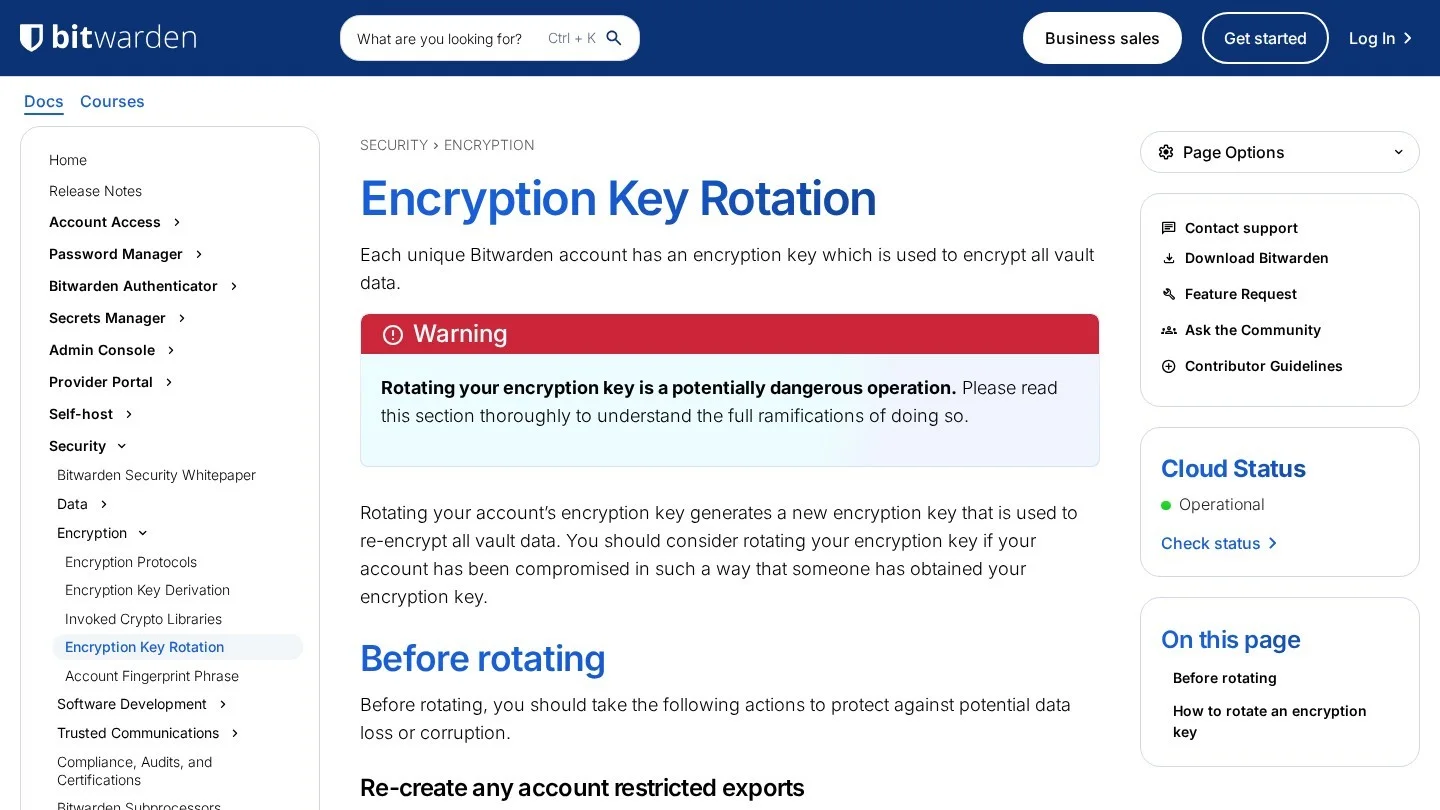
But a new master password may not change the key that encrypts your vault. For instance, Bitwarden offers a separate box to “also rotate my account’s encryption key.” Rotation creates a new key and re-encrypts all vault data. Bitwarden suggests rotating if someone may have obtained your encryption key.
Before you rotate, Bitwarden asks users to log out of every app and browser extension. It also suggests a password-protected backup export first. Otherwise, an old session can corrupt the vault.
Check Which Passwords Have Already Leaked
After the urgent resets, run a breach check across the whole vault. Several managers do this for you. For example, 1Password’s Watchtower flags reused, weak and leaked passwords. It checks leaks against the Pwned Passwords service without sending your passwords anywhere. Instead, it sends only the first five characters of a hash and compares the results on your device.
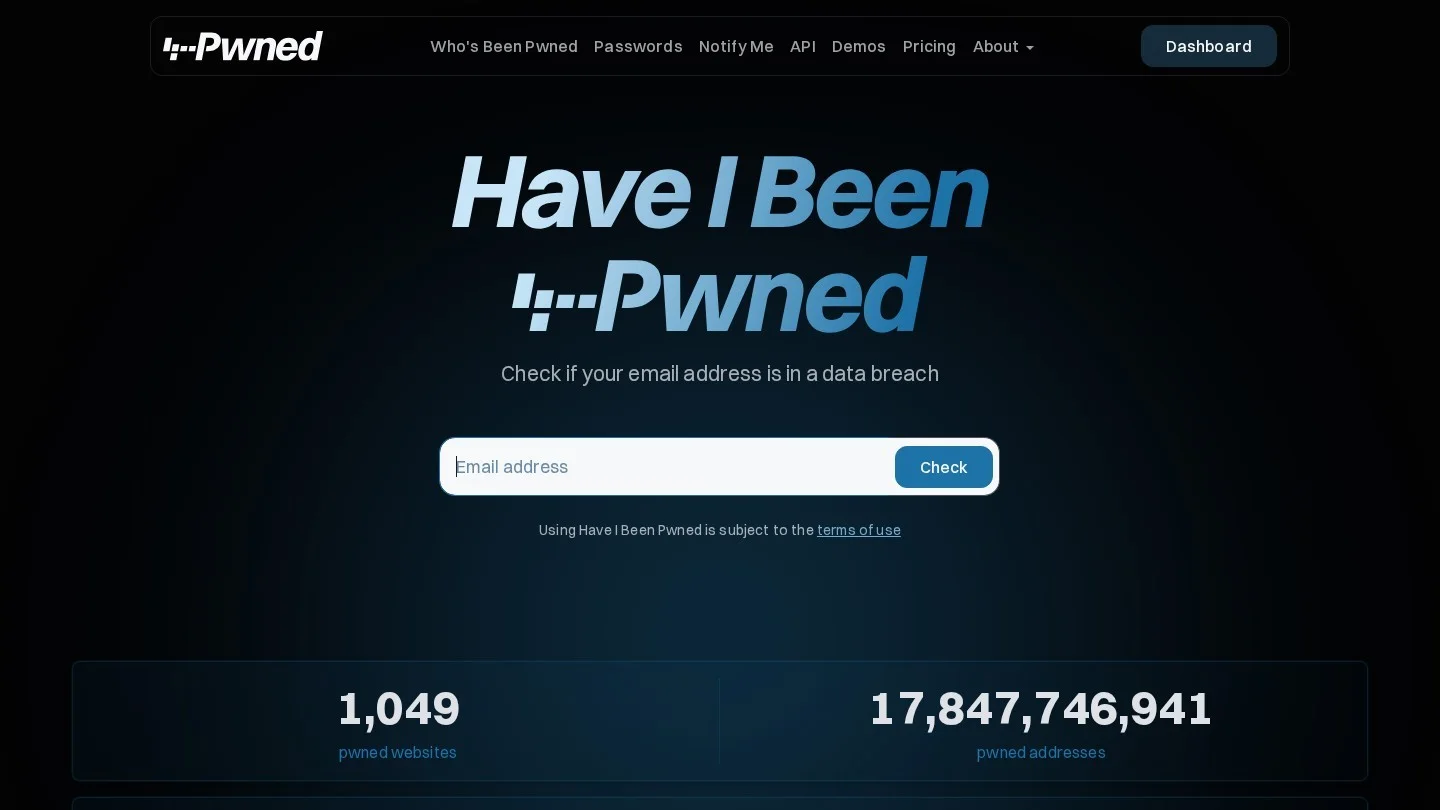
You can also search your email address on Have I Been Pwned. It lists known breaches that included that address. Then fix any account that appears there and is still on an old password.
Keep a Reset Log as You Go
Halfway through a long reset, most people forget which accounts are done. So keep a short log on paper or in a spreadsheet. Note each account, the date you changed it and whether two-factor was reset. Also note any account you closed instead.
The log matters later. For example, if the vendor shares new details a month on, you can see at a glance what is already done. And if a bank asks when you secured your account, you have the date.
Prune the Vault While You Work
A breach is also a good moment to clean up. Delete logins for services you no longer use, and close those accounts if you can. Then remove card numbers and ID scans you do not need in the vault. As a result, the next incident, if one comes, exposes less.
Watch for Phishing That Copies the Breach Notice
Breach news draws scammers, because people expect an email about it. So a fake notice can look routine. In fact, LastPass told users it never asks for the master password outside its app. It also never asks people to click links to verify data.
So follow one rule for the next few months. Open the app or type the vendor’s address yourself. Ignore any email, text or call that asks for your master password or a code. Our collection of phishing email examples shows the tricks these messages use.
Protect a Small Business Team After a Vault Breach
A business has more to rotate than one person. Shared folders often hold the logins nobody owns, such as the Wi-Fi password or the social media account. So list every shared folder first, then give each one an owner who resets it.
Next, rotate machine secrets. API keys, payment gateway keys and server passwords often live in a team vault. Then review the manager’s admin log for strange sign-ins or exports. Also remove former staff who still have access. Our small business cybersecurity checklist covers the wider controls to review once the vault is clean.
Decide Whether to Stay or Switch Managers
A breach alone is not a reason to quit a password manager. Going back to reused passwords would leave you far more exposed. Instead, judge how the vendor handled it. We would weigh four questions:
- Did the vendor say what was taken, and when?
- Does it use a zero-knowledge design, so it cannot read your vault?
- Can you require multi-factor sign-in on the vault?
- Does it publish clear steps, such as key rotation, for after an incident?
If the answers are thin, moving is reasonable. Our list of LastPass alternatives compares other managers. And if you want fewer passwords overall, our guide to passwordless authentication software covers passkey-based options for teams.
After a move, delete the old account and its cloud data. Otherwise, the old vault stays on that vendor’s servers.
Settle Lingering Worries After a Vault Breach
Should I stop using a password manager after a breach?
No. A manager with a long, unique master password is still safer than reused passwords. But change the passwords in the vault, and consider switching if the vendor shares few details.
Does changing my master password protect stolen vault data?
No. A copy taken before the change is still locked with the old master password. That is why the saved passwords themselves need changing.
Which passwords should I change first?
Change your main email first, then banks and payment apps. After that, move any crypto and reset work and admin logins.
Do I need to reset two-factor authentication?
Yes, if the vault stored your authenticator secrets or passkeys. Turn two-factor off and on again for each account to get a new secret.
How long does a full reset take?
It depends on the size of your vault. We would finish the first five rows of our table in one sitting. Then spread the rest over a few weeks.