

A client photo of a tired living room can become six restyled options in under a minute for about $20 a month, and a photorealistic presentation render that once took an overnight queue now finishes while the client is still on the call. The AI tools for interior designers that matter in 2026 fall into five jobs: restyling room photos, producing presentation renders, drawing floor plans, building mood boards, and running the business side of a project. No single product does all five well.
For most independent designers the practical stack is one photo-restyling tool (Spacely AI or REimagine Home), one serious renderer (D5 Render), and a studio platform with AI built in (DesignFiles or Houzz Pro), with Midjourney or ChatGPT for early concept boards. The 12 tools below are grouped by job, with prices taken from each vendor’s published plans or from 2026 pricing trackers where noted, data as of October 2026.
Restyling Apps for Ideas, D5 Render for Client Work, Midjourney Rules
- Photo-restyling apps such as Interior AI, REimagine Home, Spacely AI and Collov AI are fast and cheap, but they redraw the room rather than measure it. Use them for direction, not for specifications.
- D5 Render is the strongest value for client-ready renders: the Pro plan is $360 a year and includes unlimited use of its 15-plus built-in AI features, per D5’s July 2026 pricing post.
- Midjourney requires the Pro ($60 a month) or Mega plan for any company grossing over $1 million a year, and only those plans keep images private with Stealth Mode.
- Studio platforms are adding AI where it saves admin time: DesignFiles includes 48 AI render credits with paid accounts, and Houzz Pro reserves AI note-taking for its Teams plan.
- A three-tool solo e-design stack costs about $111 a month on annual billing. A two-person studio stack runs about $2,424 a year.
AI Tools for Interior Designers Compared
Prices are entry paid plans in US dollars as published by the vendor or tracked by the source linked in each section, data as of October 2026. “Credits” are the vendor’s unit for one generation or render.
| Tool | Main job | Entry paid price | Free option | Best for |
|---|---|---|---|---|
| Interior AI | Photo restyling, virtual staging | About $49/month billed annually ($99 monthly) | None | Widest set of style presets |
| REimagine Home | Photo restyling with shoppable products | $14/month (Essential, 30 credits) | 5 free designs | Iterating one render by chat |
| Spacely AI | Interior and exterior photo edits | $20/month (Personal, 500 credits) | 40 trial credits | Designers who also touch facades and gardens |
| Collov AI | Virtual staging | $19/month (Standard, 60 credits) | None meaningful | Staging work for agents and developers |
| D5 Render | Real-time photoreal rendering | $38/month or $360/year (Pro) | Community, non-commercial | Client presentation renders and walkthroughs |
| Foyr Neo | 3D design, renders, presentations | $39/month or $33/month annually (Basic) | Trial | Browser-based 3D for working designers |
| Planner 5D | Floor plans with an AI design generator | $4.99/month (Premium) | Free plan | Quick to-scale layouts |
| Homestyler | Floor plans with a shoppable 3D catalog | $4.90/month (Individual) | Free Basic plan | Low-cost space planning |
| Midjourney | Concept images and mood boards | $10/month (Basic) | None | Look-and-feel exploration |
| ChatGPT | Concept images, briefs, budgets, copy | $20/month (Plus) | Free tier | Writing and planning around the visuals |
| DesignFiles | Studio platform with AI renders | $55/month (e-Design) | Trial | E-design and full-service studios |
| Houzz Pro | Studio and project management | $99/month (Design) | Free plan | Firms that also want Houzz leads |
Room Redesign and Virtual Staging Tools
These apps take a photo of a real room and return a restyled version. They are the quickest way to show a client “what if” before anyone draws a line, and the weakest at telling you whether a sofa will actually fit.
Interior AI
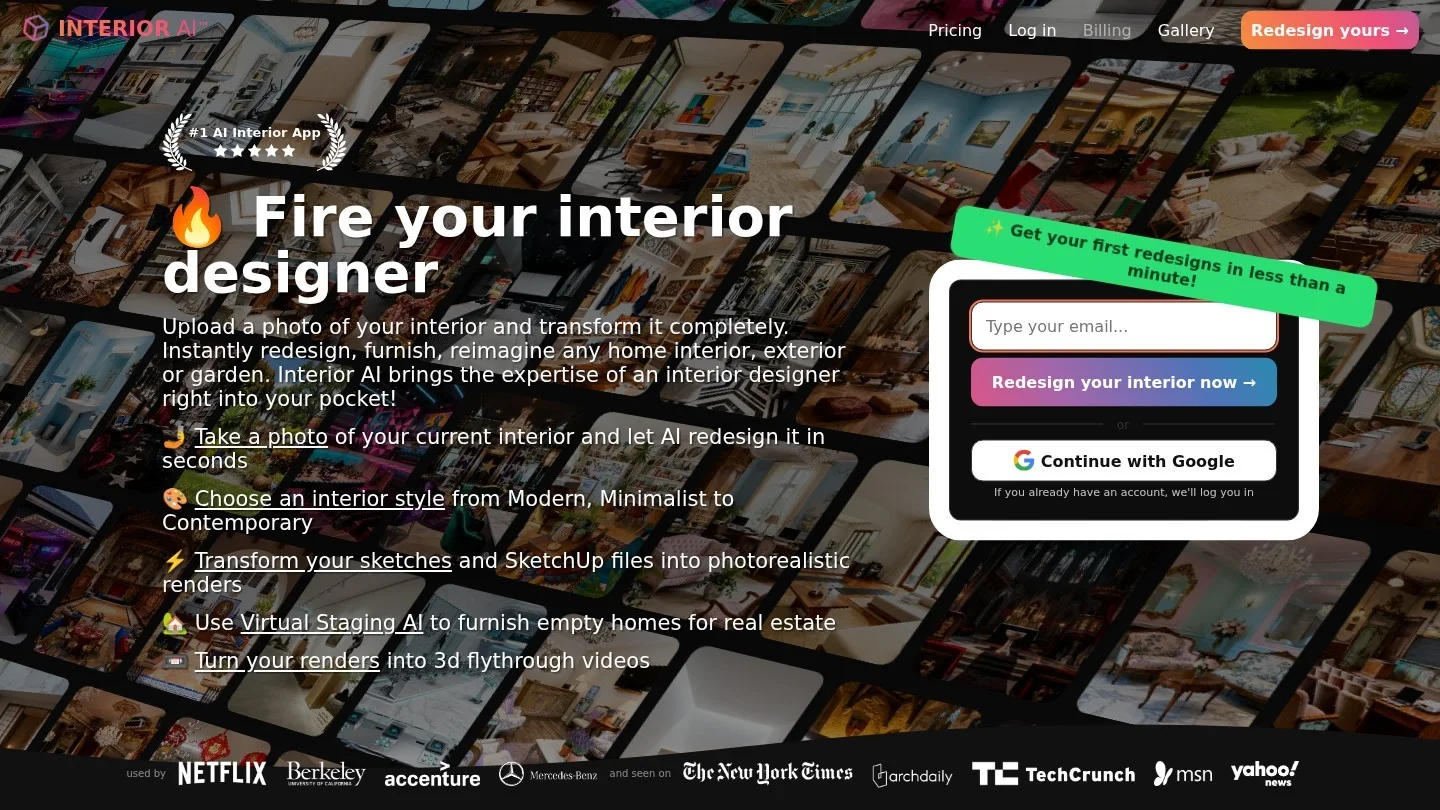
Interior AI restyles uploaded room photos across more than 40 style presets and adds virtual staging, with hyper-realistic output on its higher tiers, according to Rework’s July 2026 comparison.
- Pricing: Pro from about $49 a month on annual billing or $99 month to month, with Premium and Ultra tiers above it. The free tier has been dropped.
- Best for: Designers who want many polished style directions from one site photo.
- Limits: 3D walkthroughs sit on the pricier plans, and the top tier is hard to justify for occasional use.
REimagine Home
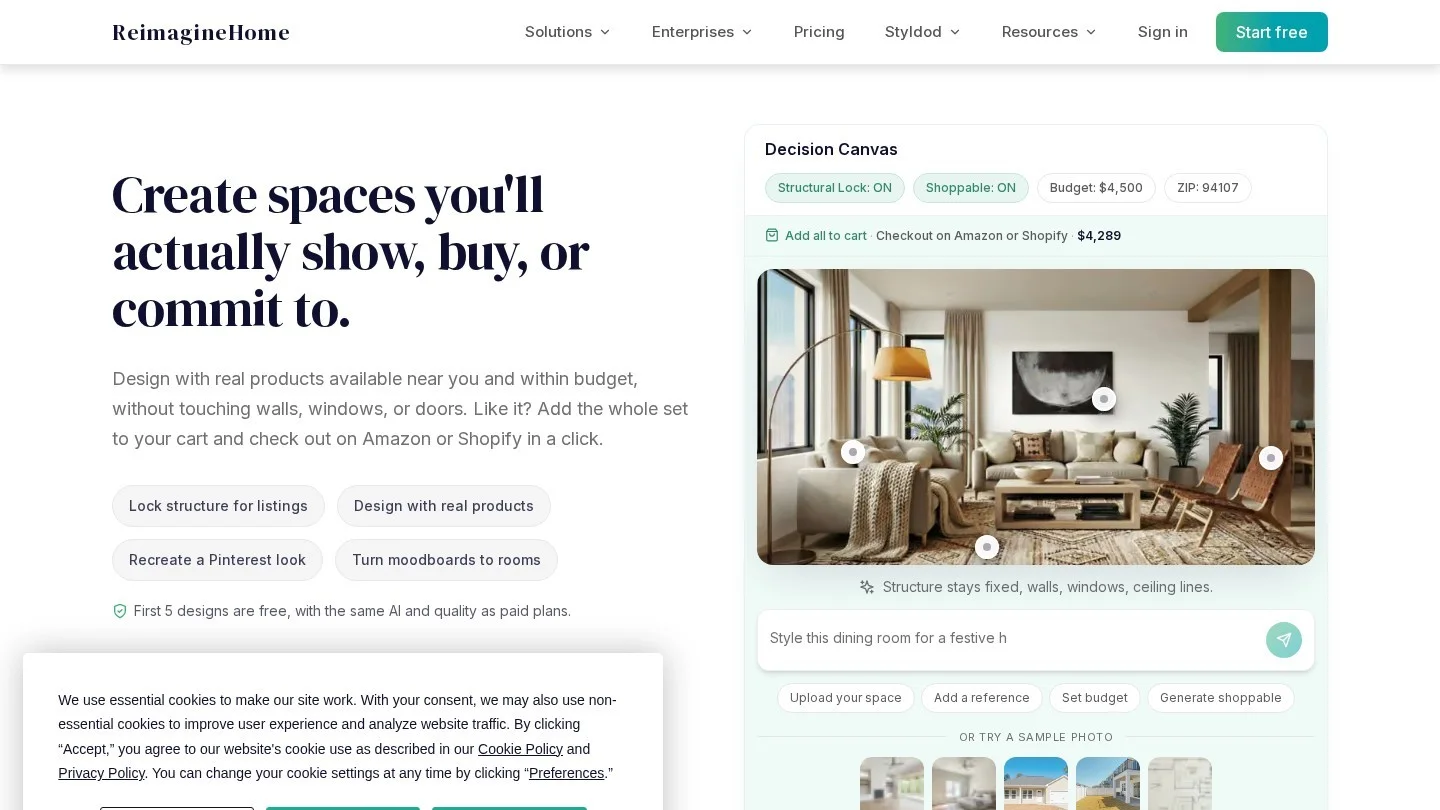
REimagine Home lets you edit the same render conversationally (“swap the rug for jute, warm the lighting”) and can place real, shoppable products in the scene, per Rework. That second feature turns a pretty picture into a starting product list.
- Pricing: $14 to $99 a month across Essential, Pro, Advanced and Agency tiers, covering 30 to 900 credits a month. Renders with real products cost 2 credits instead of 1.
- Free option: 5 free designs with no card.
- Best for: Iterating one concept with a client in the room and ending with a buyable shortlist.
- Limits: The Essential plan lacks the conversational mode, which is the main reason to choose it.
Spacely AI
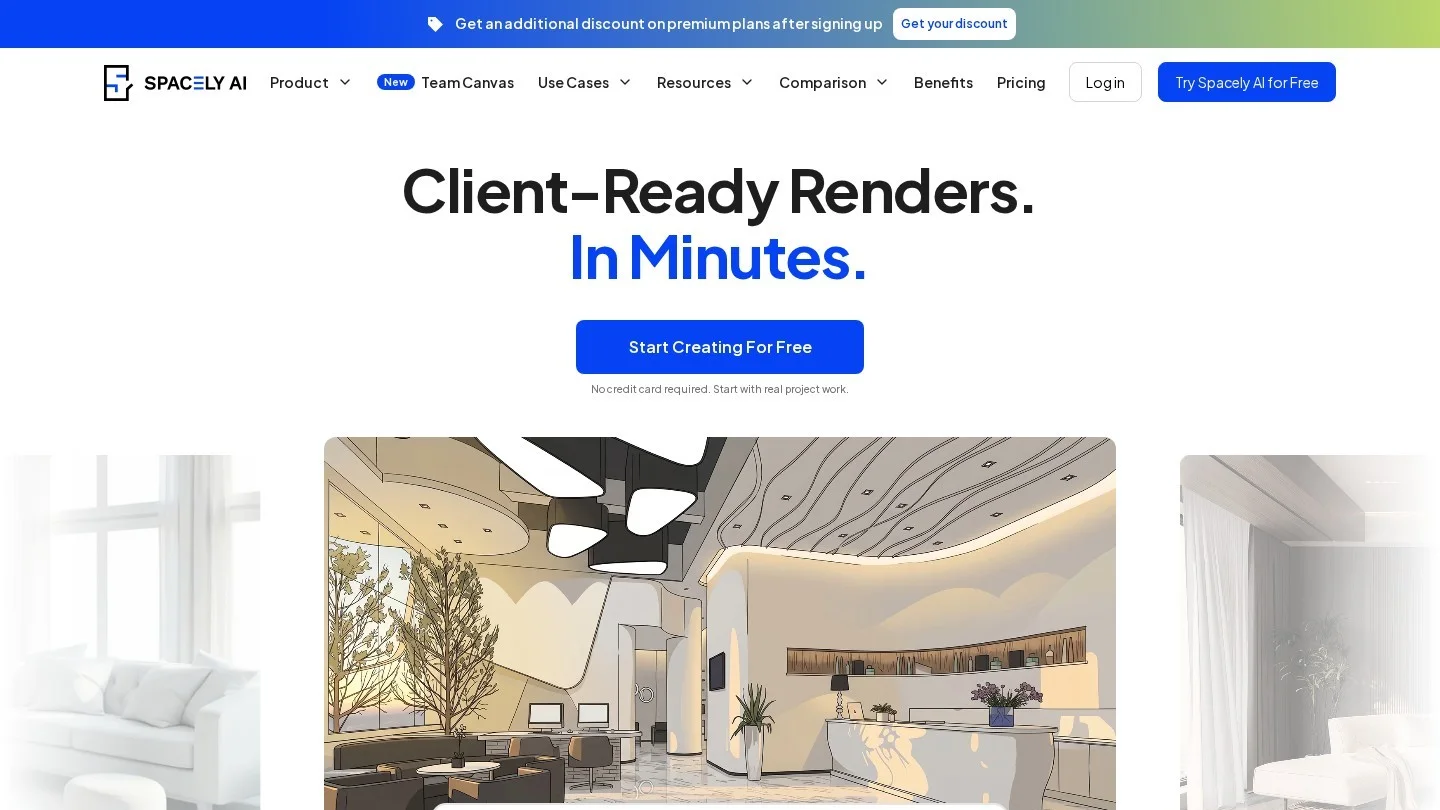
Spacely AI handles interiors and exteriors, including siding, roofing and landscaping edits, which makes it useful for designers who are often asked about the front of the house as well.
- Pricing: Personal $20 a month (500 credits), Studio $40 (1,500 credits), Agency $80 (3,500 credits), with 20% off for annual billing, as listed by Rework.
- Free option: 40 trial credits, with watermark-free downloads.
- Best for: High-volume exploration at a low cost per image.
- Limits: Personal covers one seat, and heavy iteration burns credits faster than the headline numbers suggest.
Collov AI
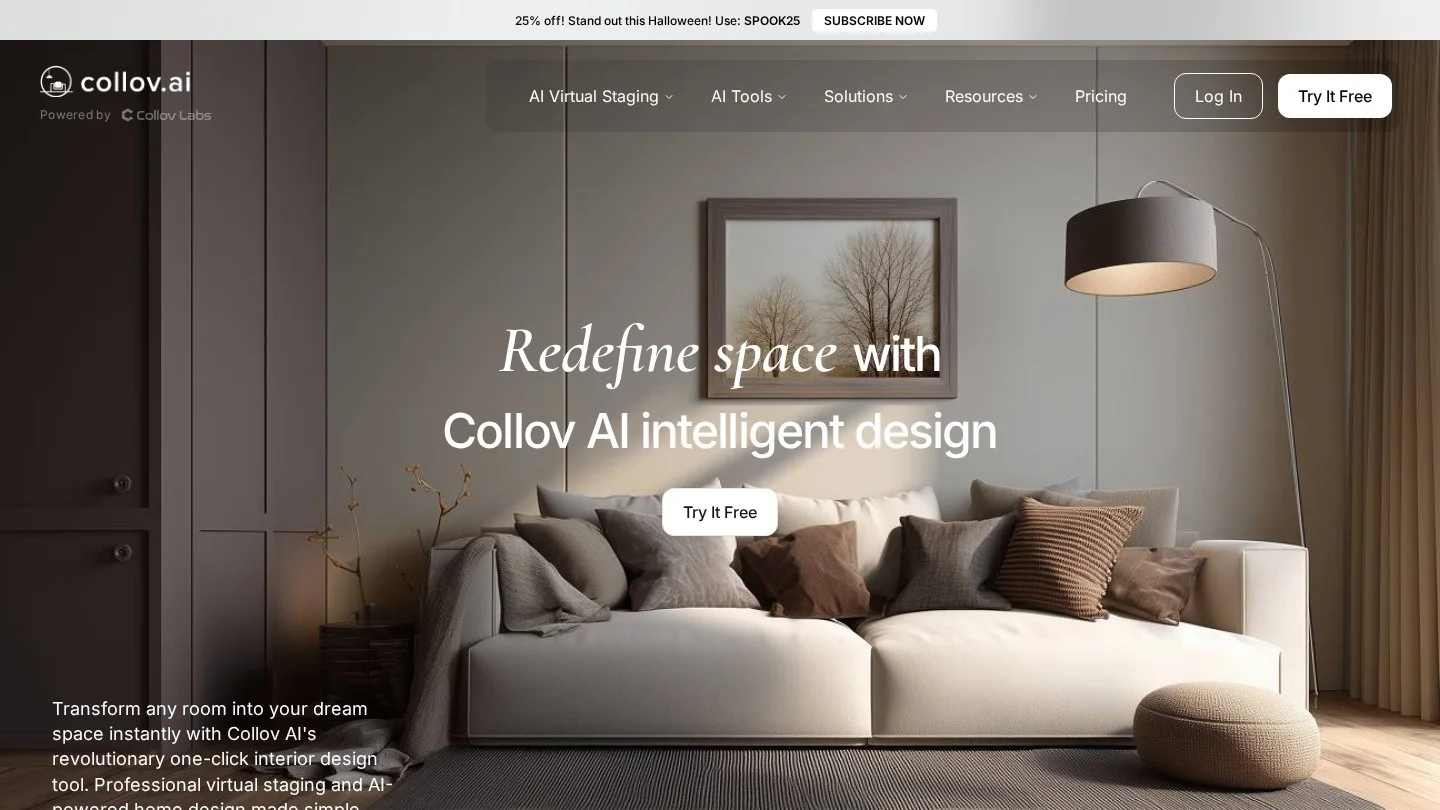
Collov AI is built around virtual staging for property listings, and every plan includes commercial and MLS licensing. For designers who stage show homes or work alongside agents, that licensing is the selling point.
- Pricing: Standard $19 a month (60 credits), Advanced $49 (150), Premium $79 (263), Enterprise $127 (526), per Rework.
- Best for: Staging empty rooms for marketing photos.
- Limits: Weaker for residential redesign clients, and the exterior tools start at Advanced.
Rendering and 3D Visualization Tools
When a client is about to approve a five-figure FF&E budget, a restyled phone photo is not enough. These tools work from a real 3D model, so dimensions, sight lines and lighting stay honest.
D5 Render
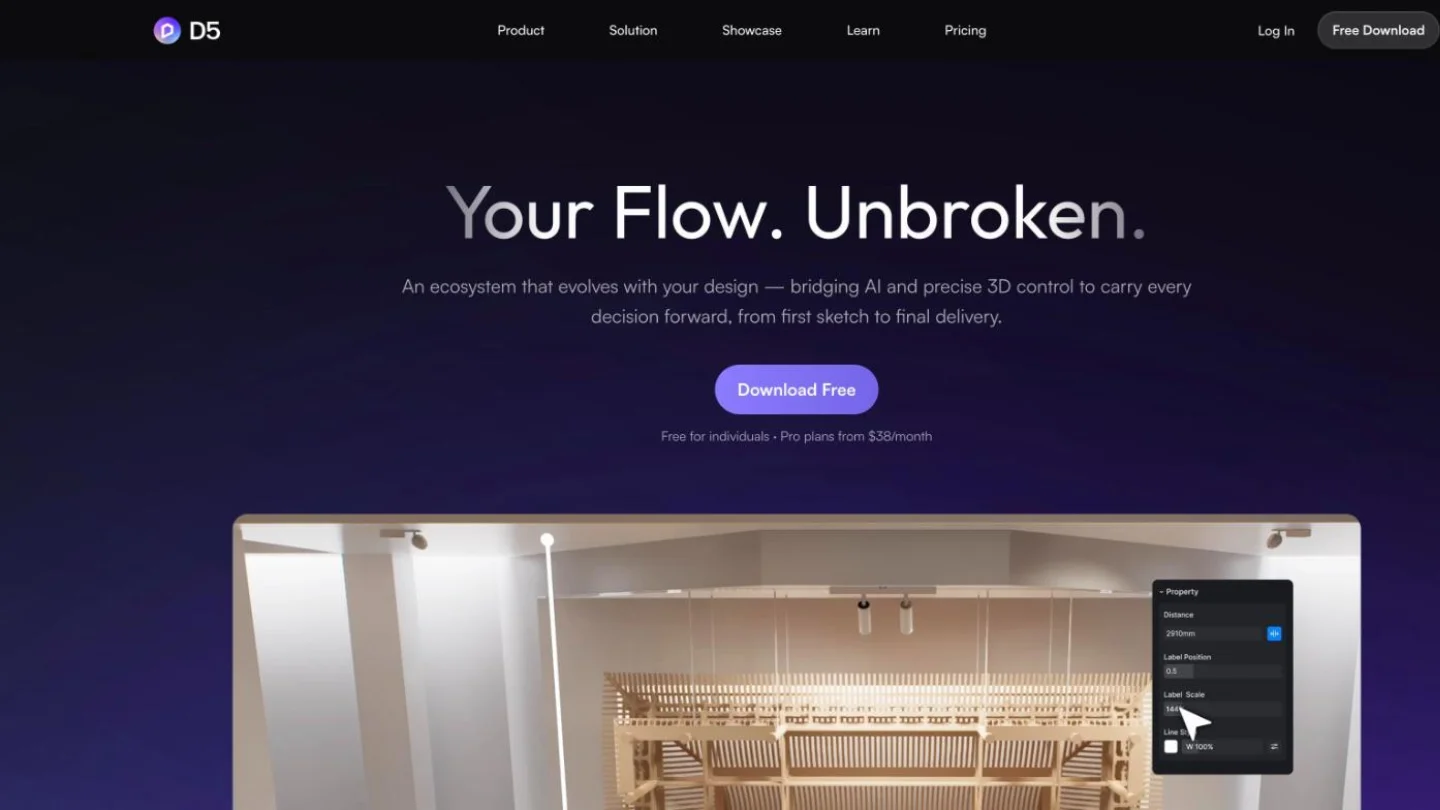
D5 Render is a real-time renderer that works with SketchUp, Revit, Rhino and other modeling tools, and its AI layer covers scene matching, material capture and planting. D5’s July 2026 pricing post names AI Scene Match, AI PBR Material Snap and SmartPlanting among more than 15 built-in AI features, plus an AI Agent.
- Pricing: Community is free for non-commercial use. Pro is $38 a month or $360 a year. Teams is $75 per seat a month or $708 per seat a year, with a two-seat minimum.
- What Pro adds: Unlimited AI Agent and AI features, 16K stills and panoramas, 4K video, 16,000-plus assets, unlimited panorama tours and 10 GB of cloud space. D5 Lite is included.
- Best for: Client-ready stills, 360-degree tours and walkthrough video.
- Limits: You still need a 3D model, and the free Community edition gets only 50 AI trial credits and one tour.
Foyr Neo
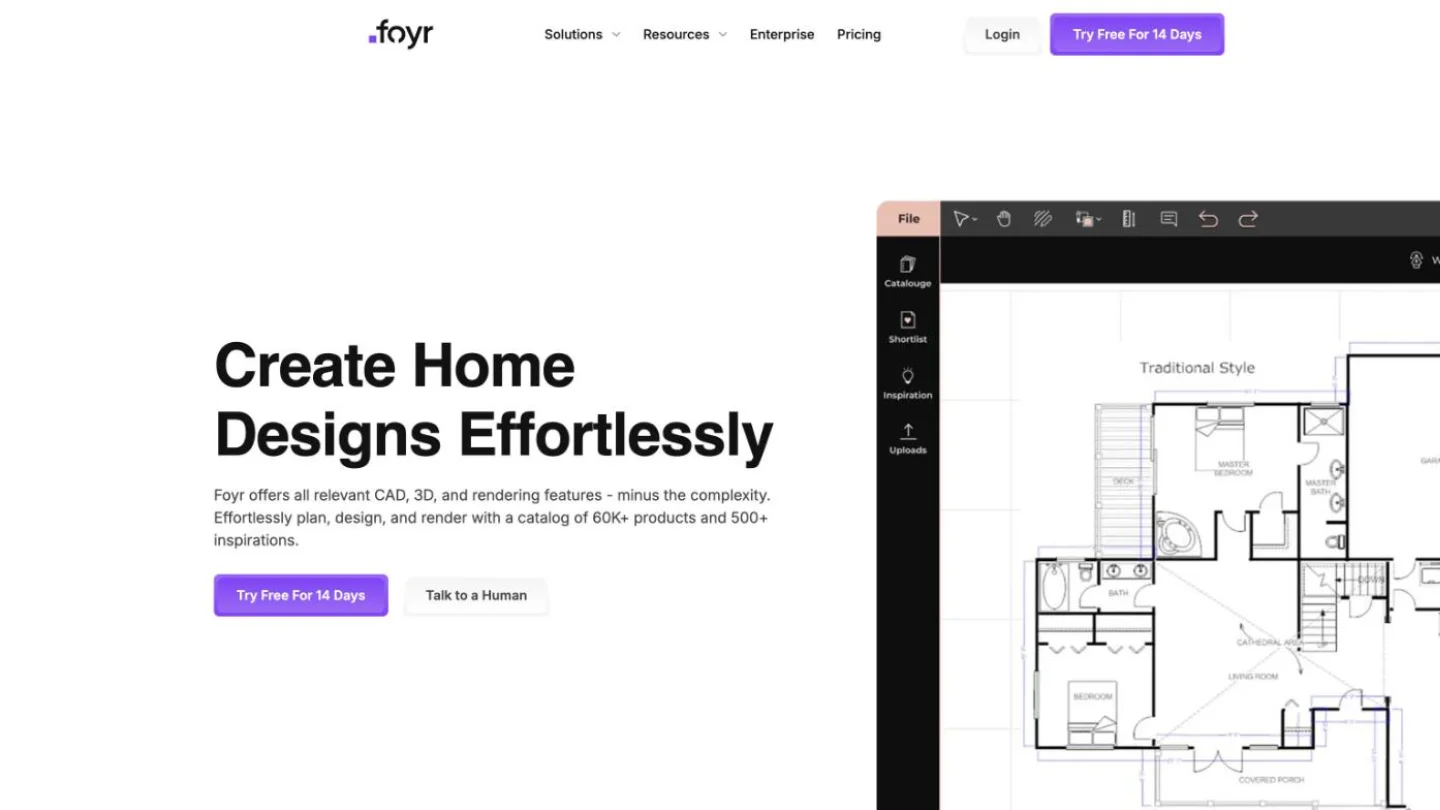
Foyr Neo is a browser-based design suite for working designers: floor plan to 3D, renders, walkthroughs and presentation boards in one place. Rework notes it also offers AR visualization and CAD-adjacent project tools.
- Pricing: Basic $39 a month or $33 a month billed annually; Standard $89 or $67; Premium $159 or $103, per PricingSaaS (captured October 5, 2026).
- Allowances: Basic includes 30 credits for one user, Standard 180 credits for two users, Premium unlimited credits for five users.
- Best for: Designers who want 3D without learning SketchUp plus a separate renderer.
- Limits: A steeper learning curve than photo apps, and overkill for a single-room preview.
Floor Plan Tools With AI Features
Space planning is where generative AI is weakest, so the useful products here pair a conventional to-scale editor with an AI layer for furnishing ideas.
Planner 5D
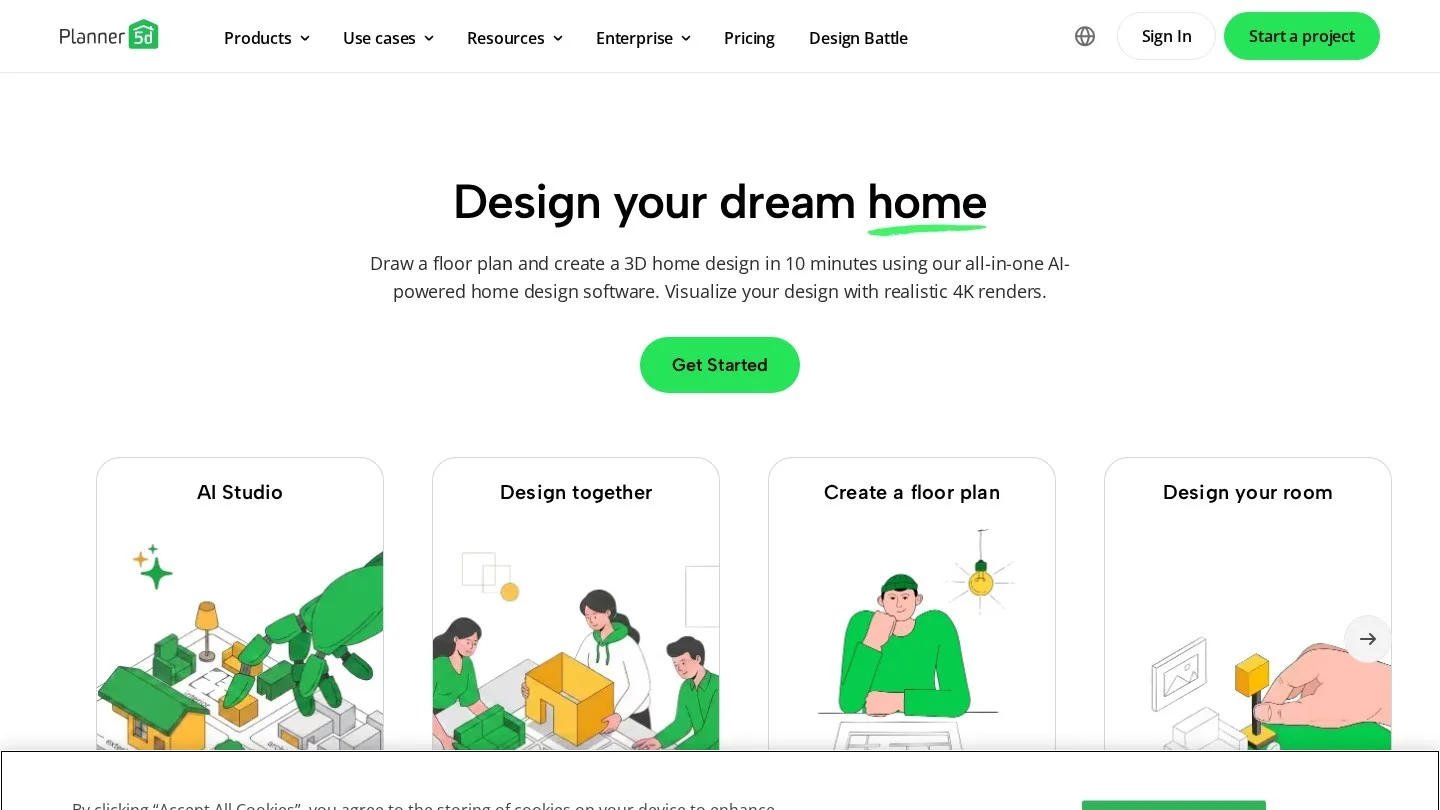
Planner 5D is a floor plan editor with an AI Design Generator on its paid tiers, per Rework. The company also positions its Professional plan against Houzz Pro for interior design pros.
- Pricing: Premium $4.99 a month ($59.99 a year); Professional $49.99 a month ($399.99 a year); Enterprise on quote.
- Free option: Unlimited projects with about half the furniture catalog.
- Best for: Fast to-scale layouts and early furniture placement.
- Limits: 360-degree walkthroughs and CAD export are Professional-only, a big jump from Premium.
Homestyler
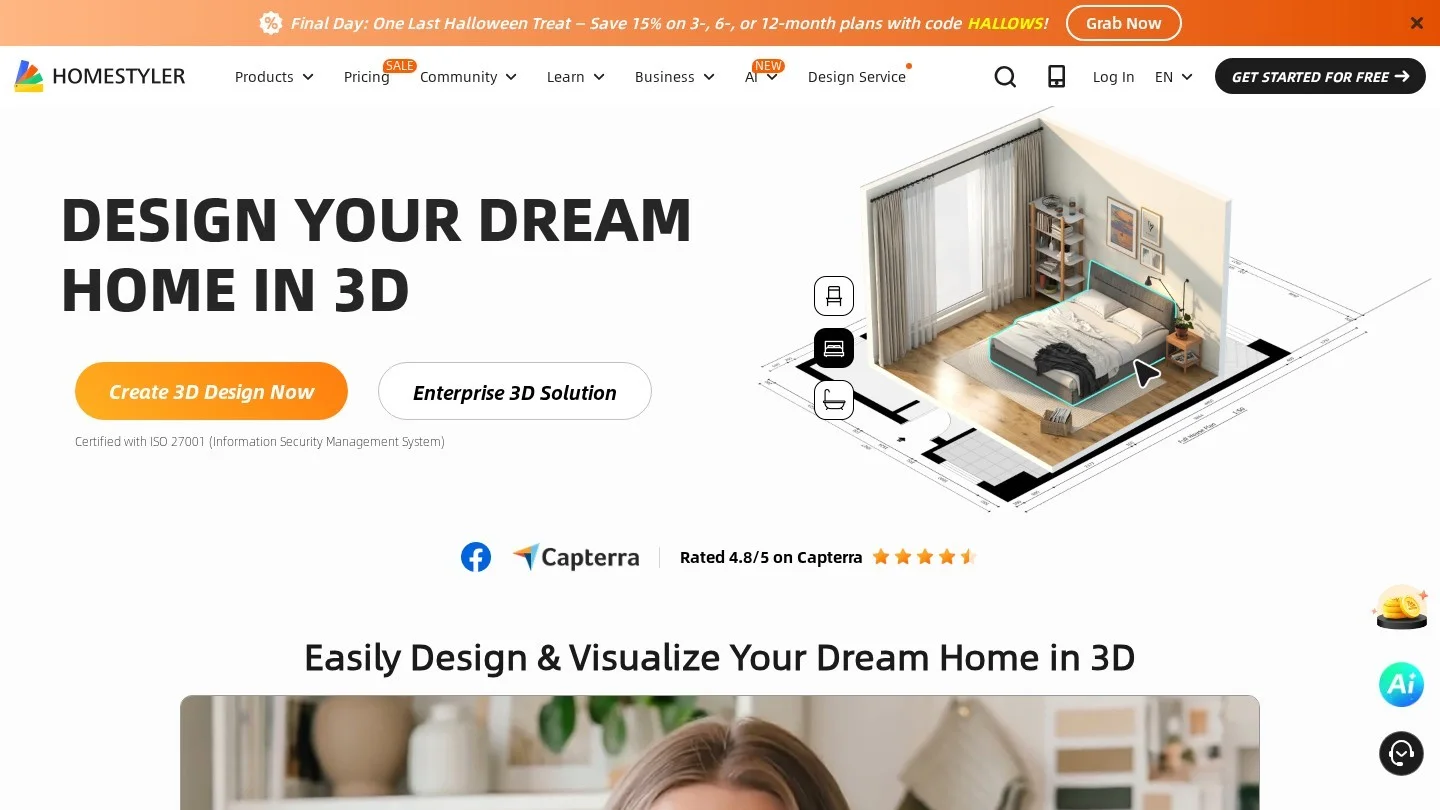
Homestyler offers 2D and 3D floor planning backed by a catalog of more than 300,000 real furniture and material items, and AI restyling on top.
- Pricing: Basic free; Individual $4.90 a month; Master $9.90; Team $19.60 per seat a month, per Rework.
- Best for: Budget space planning with real products.
- Limits: The AI restyle tools are thinner than those of dedicated apps.
Mood Board and Concept Tools
General-purpose image models are where many designers start a project, because a client who cannot describe “warm minimalism” can usually point at it.
Midjourney

Midjourney produces the most atmospheric concept imagery of any tool here, which is why it shows up on so many mood boards. It does not understand your client’s floor plan, and the furniture it draws usually cannot be bought.
- Pricing: Basic $10 a month, Standard $30, Pro $60, Mega $120. Annual billing cuts 20% (Basic $96 a year, Standard $288, Pro $576, Mega $1,152), per Midjourney’s plan comparison.
- Speed: Fast GPU time runs from 3.3 hours a month on Basic to 60 on Mega. Standard and above add unlimited Relax mode generations.
- Licensing: A company with more than $1 million in annual gross revenue must buy Pro or Mega. Only those plans include Stealth Mode, which keeps images private.
- Best for: Early concept boards and pitch decks.
ChatGPT
ChatGPT generates styled room images, but its larger value to a designer is the writing around them: project briefs, client questionnaires, budget breakdowns, procurement checklists and product descriptions.
- Pricing: Free; Plus $20 a month; Pro $200 a month, per Rework.
- Limits: Image output trails dedicated tools on realism and spatial accuracy, and Plus users are capped at roughly 50 images per three-hour window.
- Best for: Turning a discovery call into a written brief and a first-pass budget.
Before pasting client names, addresses or budgets into any chatbot, set studio rules. Our guide to writing an AI acceptable use policy for a small business covers what to allow and what to keep out.
Project Management Platforms With AI Built In
These are the tools a studio actually runs on: proposals, product specs, client approvals, purchase orders and invoices. AI arrives here as a feature, not the product.
DesignFiles
DesignFiles combines design boards, sourcing, client presentations, approvals, quotes, invoices and payments with elevations and a product library. Its AI Renders feature turns mockups or 3D renders into photorealistic images, with prompts for lighting, materials and time of day, according to the company’s September 2026 comparison.
- Pricing: e-Design $55 a month, Full Service $75, additional users $30 each, Enterprise on request.
- AI allowance: 48 AI render credits with each paid account, with more available to buy.
- Best for: E-design and residential full-service studios that want one system from concept to invoice.
- Limits: No full construction tooling, so it is not a fit for design-build firms.
Houzz Pro
Houzz Pro bundles 3D floor plans, CRM, estimates and invoices, with construction tools such as takeoffs and change orders on its Pro tier and optional marketing on Houzz itself.
- Pricing: Design $99 a month, Pro $199, Teams from $399, extra seats $50 each, and a free plan. Advertising is a separate $499-a-month package. Figures as taken from Houzz’s pricing page on September 1, 2026, by DesignFiles.
- AI features: AI note-taking, on the Teams plan only.
- Best for: Firms that do renovation as well as decoration and want Houzz leads.
- Limits: The AI feature most designers would use daily sits on the most expensive tier.
Programa ($71 a month for one seat) and Mydoma Studio (around $58 per user a month on annual billing) are popular studio platforms, but DesignFiles’ comparison lists no AI features for either, so they sit outside this list.
Interior Design Workflows That Use AI Well
Tools matter less than where you put them in the job. These workflows match the stages most residential projects already follow.
Discovery to Concept in One Afternoon
- Record or summarize the discovery call, then ask ChatGPT to turn your notes into a one-page brief: rooms, must-keep pieces, budget range, style words, constraints.
- Feed the style words into Midjourney and generate 12 to 16 images. Keep the four the client reacts to and discard the rest.
- Upload the client’s own room photos to Spacely AI or REimagine Home and restyle them in the two winning directions, so the client sees their windows and floors, not a stranger’s.
- Assemble the board in your studio platform and send it for approval.
Approved Concept to Presentation Render
- Draw the room to scale in Planner 5D, Homestyler or your CAD tool. AI photo apps cannot give you clearances.
- Build the 3D model and specify real products, then render in D5 Render or Foyr Neo, or run the mockup through DesignFiles’ AI Renders for lighting variations.
- Present stills plus a 360-degree tour. Mark AI-generated images as concepts so a client never mistakes a generated chair for a specified one.
Specification to Install
- Move approved products into DesignFiles or Houzz Pro for quotes, purchase orders and invoicing.
- Use ChatGPT to draft client update emails and installation-day checklists from the product schedule.
- On Houzz Pro Teams, let AI note-taking capture site meetings and decisions.
What an AI Design Stack Costs per Year
Two worked examples using the annual prices above. Arithmetic checked in code.
| Stack | Tools and plan | Monthly | Annual |
|---|---|---|---|
| Solo e-designer | Midjourney Standard (annual) $24 + Spacely Studio (annual) $32 + DesignFiles e-Design $55 | $111 | $1,332 |
| Two-person full-service studio | D5 Render Pro $360/year + Foyr Standard (annual, 2 users) $67/month + DesignFiles Full Service $75 plus 1 extra user $30 | $202 | $2,424 |
At a design fee of $125 an hour, the studio stack pays for itself if it saves about 19.4 billable hours a year, roughly two working days. If you are not sure what your hour is worth, run your numbers through the freelance hourly rate calculator first.
Limits of AI Interior Design Software Clients Should Hear About
- Restyled photos are not measured drawings: Photo apps redraw what they see. They will happily fit a three-seat sofa into a space that takes a loveseat.
- Generated products may not exist: Midjourney and most restyle apps invent furniture. REimagine Home’s real-product mode and Homestyler’s catalog are the exceptions in this list.
- Credits run out faster than expected: Every regeneration costs a credit, and premium modes such as REimagine Home’s product renders cost double.
- Licensing and privacy: Midjourney’s public gallery and revenue rule matter if your firm is above $1 million a year. Collov’s plans state commercial licensing outright.
- Client data: Room photos show addresses, valuables and family details. Decide which tools may receive them before a project starts.
The same pattern runs through other professions adopting AI, from the AI tools real estate agents use to AI meeting note takers: the tools save the most time on admin and first drafts, and the least on judgment. More guides sit in our AI section.
Free Tools, AI Floor Plans and Commercial Midjourney Use
What Is the Best AI Tool for Interior Designers?
There is no single best tool. For client-ready renders, D5 Render Pro at $360 a year is the strongest value. For quick photo restyling, Spacely AI and REimagine Home start at $20 and $14 a month. For running the studio, DesignFiles adds AI renders to a full project platform.
Is There a Free AI Interior Design Tool?
Yes, with limits. D5 Render Community is free for non-commercial use, Planner 5D and Homestyler have free plans, ChatGPT has a free tier, and REimagine Home gives five free designs.
Can AI Create a Floor Plan for an Interior Design Project?
AI can suggest furnishing layouts, as Planner 5D’s AI Design Generator does, but the to-scale plan still comes from a conventional editor or CAD tool. Photo-restyling apps do not produce measured plans.
Can Interior Designers Use Midjourney Images Commercially?
Yes, on a paid plan. Midjourney requires companies earning more than $1 million in gross revenue a year to subscribe to Pro or Mega, and only those plans offer Stealth Mode for private images.
Will AI Replace Interior Designers?
The tools in this list automate visualization and paperwork. Measuring, specifying, managing trades and reading a client still sit with the designer, which is where the fee is earned.