A 25-person restaurant can pay as little as $162 a month or as much as $380 a month for payroll, using nothing but the vendors’ own published price lists. The gap has little to do with paycheques. It comes from how each product handles tips, time clocks and the people on your roster who only work Saturdays. For most independent restaurants the best payroll software is the one built into, or tightly wired to, the point-of-sale system already ringing up checks: Toast Payroll on Toast, Square Payroll on Square. Restaurants on another POS, or with several locations, have stronger options in OnPay, Gusto, Homebase, 7shifts and Restaurant365.
We checked pricing and restaurant features for 12 products on each vendor’s own site in October 2026. Prices are US list prices before tax and can change; every figure links to the page it came from.
POS Payroll First, OnPay for Independents, and How Seats Are Billed
- Toast and Square restaurants should start with their own POS payroll, because tips and hours flow in without exports.
- OnPay is the strongest standalone choice on paper: tip makeup, cash tips as their own pay item and Form 8846 filing, from $49 plus $6 per person a month.
- For 25 employees, published list prices run from $162 a month (Patriot Full Service) to $380 (Gusto Plus).
- Read how each vendor counts employees. Toast bills every Active profile, even staff not paid that month; Square, Patriot and 7shifts bill only people actually paid.
- Multi-unit groups need tip data that reaches accounting. Restaurant365 and Toast both produce reports built around the FICA tip credit.
Published Prices, Tip Handling and Best Fit by Payroll Tool
Prices are monthly, US, as published in October 2026. “Quote” means the vendor sets the price in a contract rather than on a public price list.
| Software | Published price | Tip handling | Best fit |
|---|---|---|---|
| Toast Payroll | Quote: base fee plus per-employee fee | Auto pooling, FOH/BOH splits, tip makeup, FICA Tip Credit Report | Restaurants on Toast POS |
| Square Payroll | $35 + $6 per person paid | Direct-tip tracking and import from Square | Cafes and counter service on Square |
| OnPay | $49 + $6 per person | Tip makeup, cash and controlled tips, Form 8846 filing | Independents on any POS |
| Gusto | Simple $49 + $6; Plus $80 + $12 | Tip tracking and FICA credit support | Owners who want HR tools too |
| Homebase | Payroll $49 + $6 per employee; Tip Manager $25 per location | Pulls tips from POS, calculates the pool | Small teams that need scheduling first |
| 7shifts Payroll | Per employee processed, billed apart from the 7shifts plan | Tipouts and tip pooling tied to time punches | Shift-heavy full-service restaurants |
| QuickBooks Payroll | Core with Simple Start $88 + $6.50 per employee | Standard pay items | Owners already in QuickBooks |
| Patriot Payroll | Full Service $37 + $5 per worker paid | Standard pay items | Tight budgets, one state |
| Restaurant365 | Quote | Tips from Daily Sales Summary, tip credit earning lines | Multi-unit groups |
| ADP | Quote | Captures time and tips from the POS | Groups that want a large national provider |
| Paychex Flex | Quote | Tip disbursement pay option | Operators who want a named service rep |
| Push Operations | Quote | Syncs shift hours and tip data from the POS | Restaurants wanting one labour platform |
Tips, Tip Credits and Split Shifts: What Restaurant Payroll Must Handle
Generic payroll assumes a salaried office. A restaurant pays a server a reduced cash wage, adds card tips from the POS, records cash tips the server declared at the end of the shift, and then has to check whether the total cleared minimum wage. The same person might work a lunch shift behind the bar at one rate and a dinner shift on the floor at another. Five jobs separate restaurant payroll from the rest.
- The tip credit and tip makeup: the tip credit is the gap between the federal minimum wage and the lower cash wage an employer may pay a tipped worker, and ADP’s restaurant guide points out that some states set their own rules or ban the credit outright. When tips fall short, the employer tops up the difference. Toast and OnPay both calculate that makeup automatically.
- Cash versus card tips: card tips arrive with the transaction. Cash tips only exist in payroll if staff declare them. In Toast’s own documentation, undeclared cash tips cannot be tracked at all unless you switch on the setting that forces tipped employees to declare them at shift review.
- Tip pooling: a pool collects tips and redistributes them by hours, role or points. The software has to apply your rules and leave an audit trail, which is why Toast, Homebase, 7shifts and Push all sell a tip tool alongside payroll.
- Overtime across roles and locations: a cook who also works shifts at your second site still earns overtime on combined hours. Toast says its payroll calculates overtime across locations and job types for staff with several pay rates.
- The FICA tip credit: covered below, because it is real money that many small operators leave unclaimed.
How the FICA Tip Credit on Form 8846 Works
Employers pay Social Security and Medicare tax on reported tips, just as on wages. The IRS FICA tip credit gives food and beverage businesses, where tipping is customary, a federal income tax credit for much of that employer share. You claim it on Form 8846. Tips needed to bring an employee’s pay up to minimum wage do not count. The IRS’s worked example uses the $7.25 federal minimum: what remains are “creditable tips”, multiplied by the 7.65% employer rate. In that example, $310 of creditable tips produces a $23.72 credit. Multiply that across a full staff for a year and the figure gets large enough to matter.
Payroll software helps in two ways. Some providers file the form or calculate the credit for you; OnPay says it automates tax filings “including Form 8846”. Others give your accountant clean data. Restaurant365’s documentation is upfront that the employer or tax preparer calculates and files the credit, using tip and tip-credit earning lines from its payroll reports. Ask any vendor which of those two it does before you sign.
The 12 Best Payroll Software for Restaurants in 2026
The order reflects how well each product covers restaurant needs for a typical independent operator, weighted toward tip handling and POS fit, with price as the tiebreaker. Descriptions are based on each vendor’s published information.
1. Toast Payroll
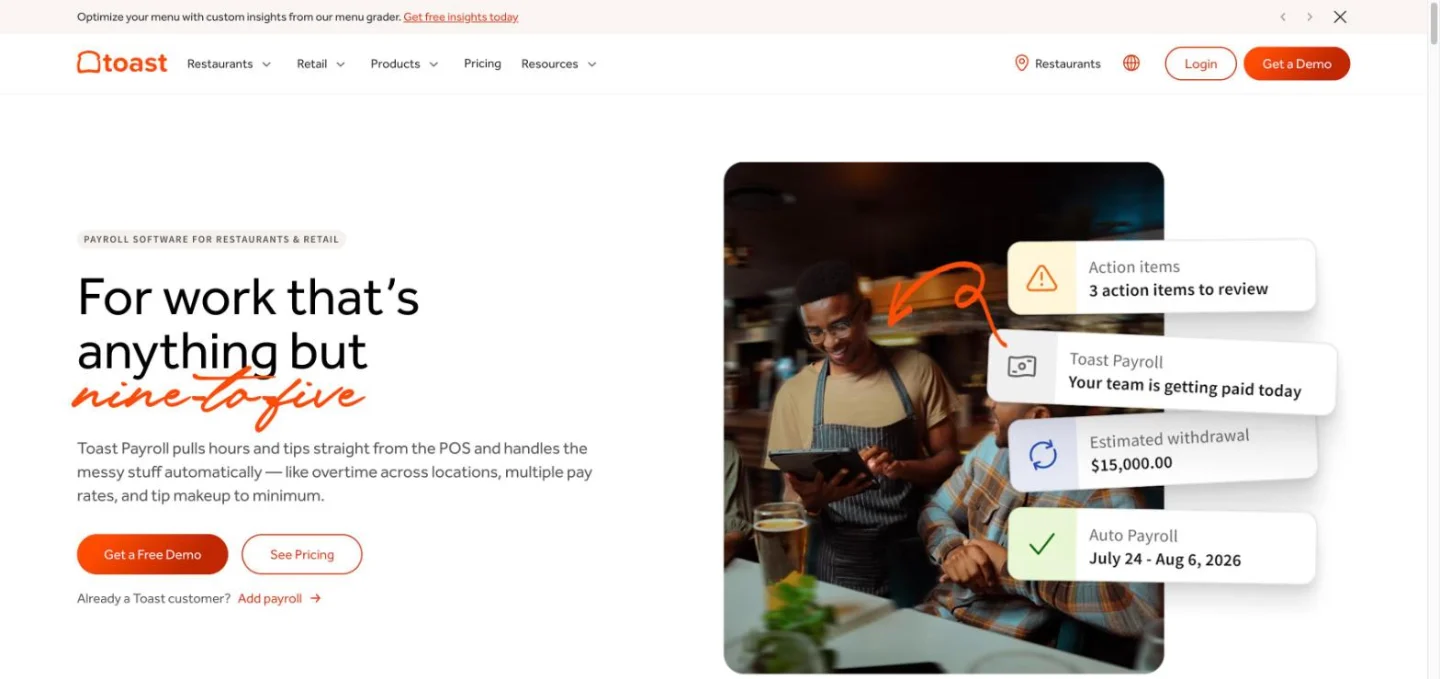
If you already run Toast POS, this is the default to beat. Hours come straight from the POS, tips are pooled automatically with custom front-of-house and back-of-house splits, and Toast can make up tips to a minimum. Toast files federal, state and local payroll taxes (local filings are not available everywhere) and says it will cover fines up to $4,000 if your first quarterly filing is not accepted, subject to its terms. A setup specialist migrates data from your old provider, and support runs seven days a week. An Auto Payroll mode flags shifts that need attention and can run the cycle on its own.
Toast’s Standard Report Library includes a FICA Tip Credit Report covering tipped wages and the credit after each run. Pricing is contract-based. Its billing page describes a monthly fee built from a base fee plus a per-employee-per-month rate, or a monthly minimum per pay group, and counts every employee whose status is Active on the first check date of the month, paid or not. Printed W-2s cost $5 a copy and a direct deposit reversal $25. Off-cycle payrolls carry no fee at present.
- Choose it if: you run Toast POS and want tips, hours and payroll in one system.
- Watch out for: seasonal staff left as Active still count toward the bill. Move them to leave of absence between seasons.
2. Square Payroll
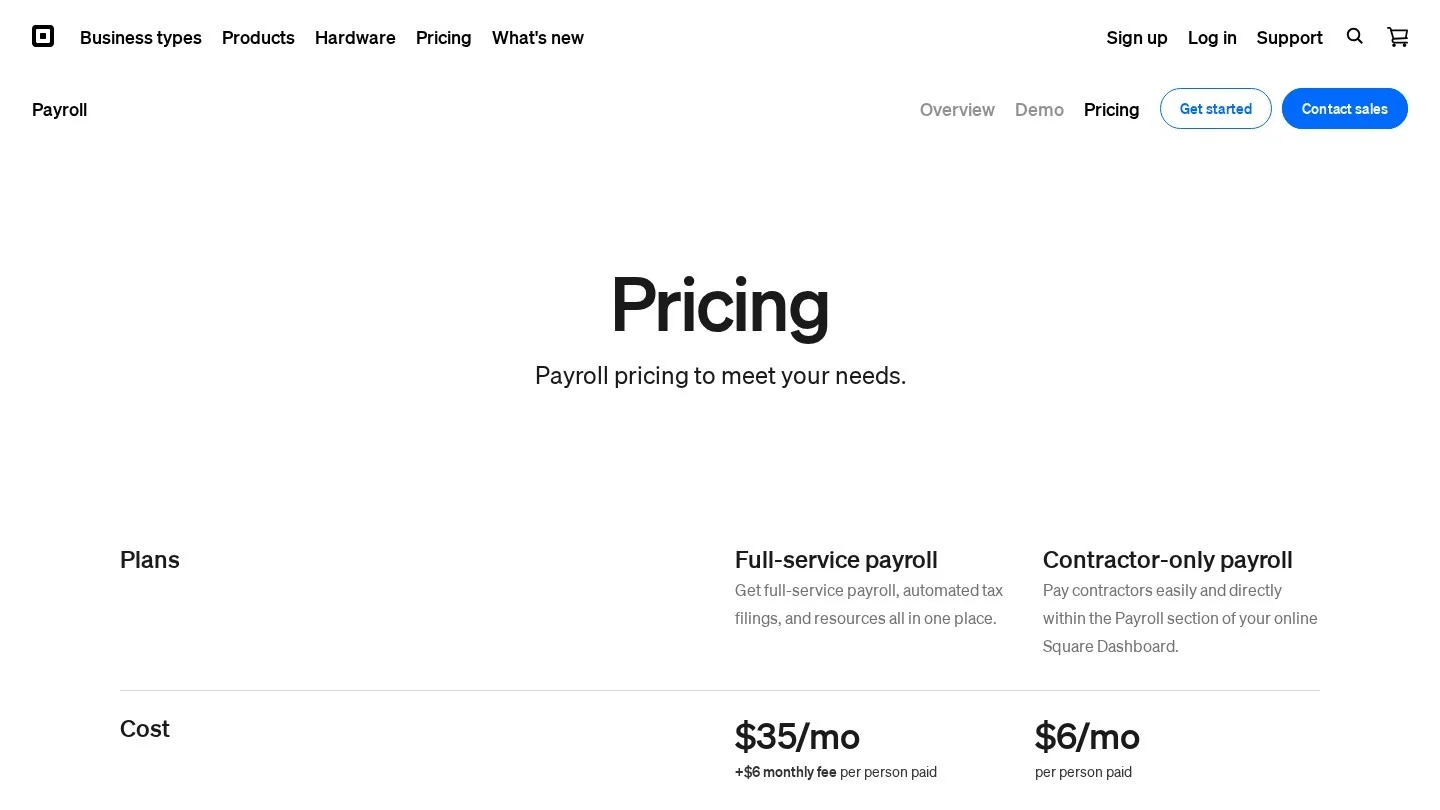
Square publishes a simple price: $35 a month plus $6 per person paid for full-service payroll, or $6 per person for contractor-only payroll. The full-service plan imports timecards, tracks and imports direct tips, calculates overtime, reports labour cost including wages and tips, and handles multistate payroll, auto payroll, off-cycle payments and multiple pay rates. Staff who use Cash App can take Instant Deposit.
For a coffee shop or quick-service counter already on Square, this is cheap and tidy. Its tip feature is built around direct tips. Restaurants that pool tips by hours or role need to confirm the workflow before switching, because pooling and tip-credit makeup do not appear on Square’s payroll pricing page.
3. OnPay
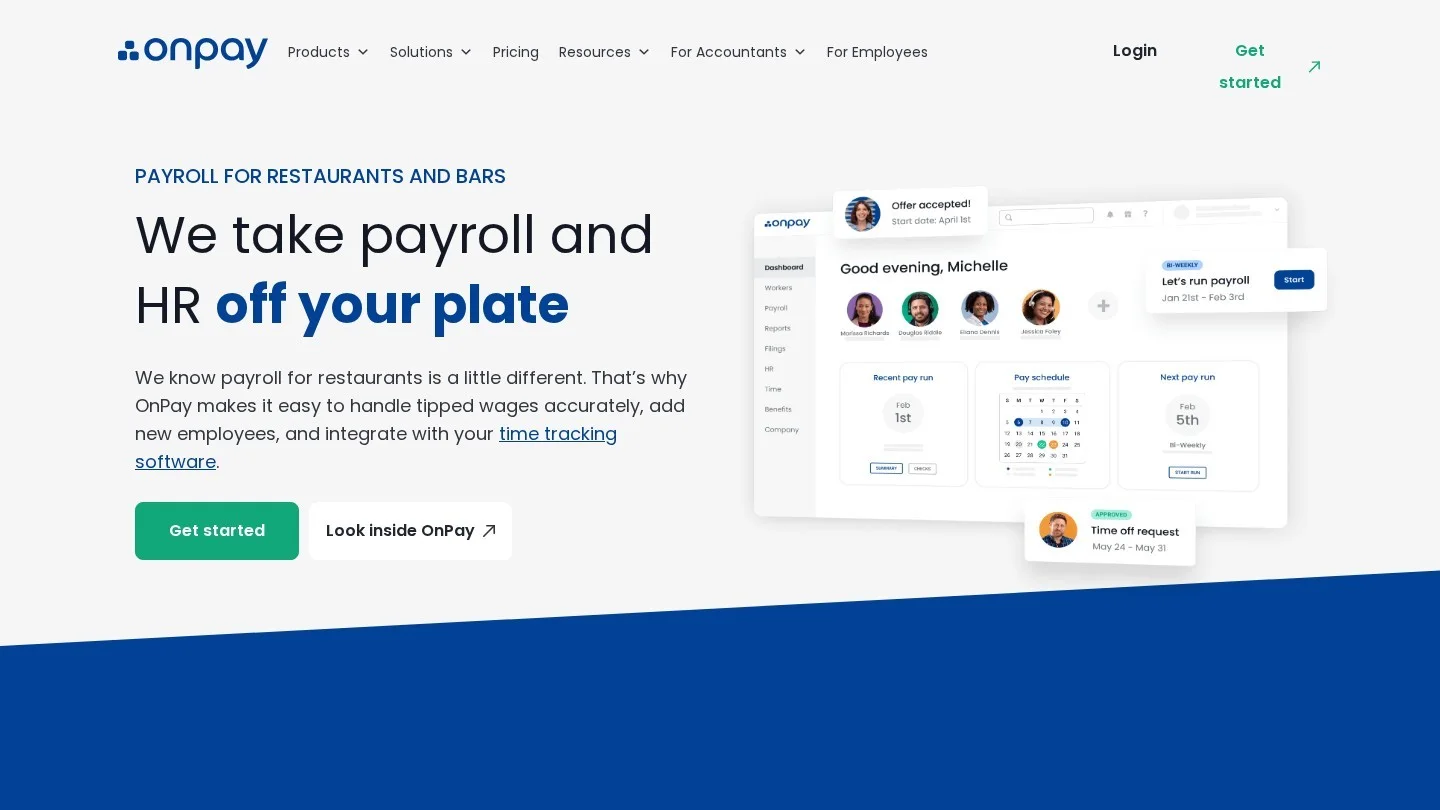
OnPay is the best standalone restaurant payroll on paper, and it costs the same as Gusto’s entry plan. Its restaurant page lists pricing from $49 a month plus $6 per person, with unlimited pay runs, all tax filings and free migration. The restaurant features go deeper than most rivals: automatic minimum-wage tip makeup, tips recorded as separate pay items (including cash and controlled tips), multiple pay rates for staff who work both kitchen and floor, and automated filing that includes Form 8846. W-2 employees and 1099 contractors can be paid in the same run, and pay-as-you-go workers’ compensation is available. For options outside the restaurant world, see our comparison of the best Gusto alternatives in the USA.
The trade-off: OnPay syncs time with one click and connects to QuickBooks and Xero, but its restaurant page does not name POS integrations. If your tips live in Clover or SpotOn, plan how card tips will reach OnPay each pay period.
4. Gusto
Gusto’s own restaurant guide lists three plans: Simple at $49 a month plus $6 per person, Plus at $80 plus $12 per person, and Premium at a custom price, with a free trial until your first payroll. For restaurants it highlights built-in tip tracking and FICA credit support, POS and time-tracking integrations, more than 300 third-party integrations, and GPS-enabled clock-ins with kiosk or mobile time clocks.
Gusto’s guide notes that its time tracking lacks built-in scheduling, so most restaurants pair it with a scheduling app. Pick Gusto when you want benefits administration, onboarding and HR in the same login as payroll. Simple is priced like OnPay; Plus nearly doubles the bill at 25 employees.
5. Homebase
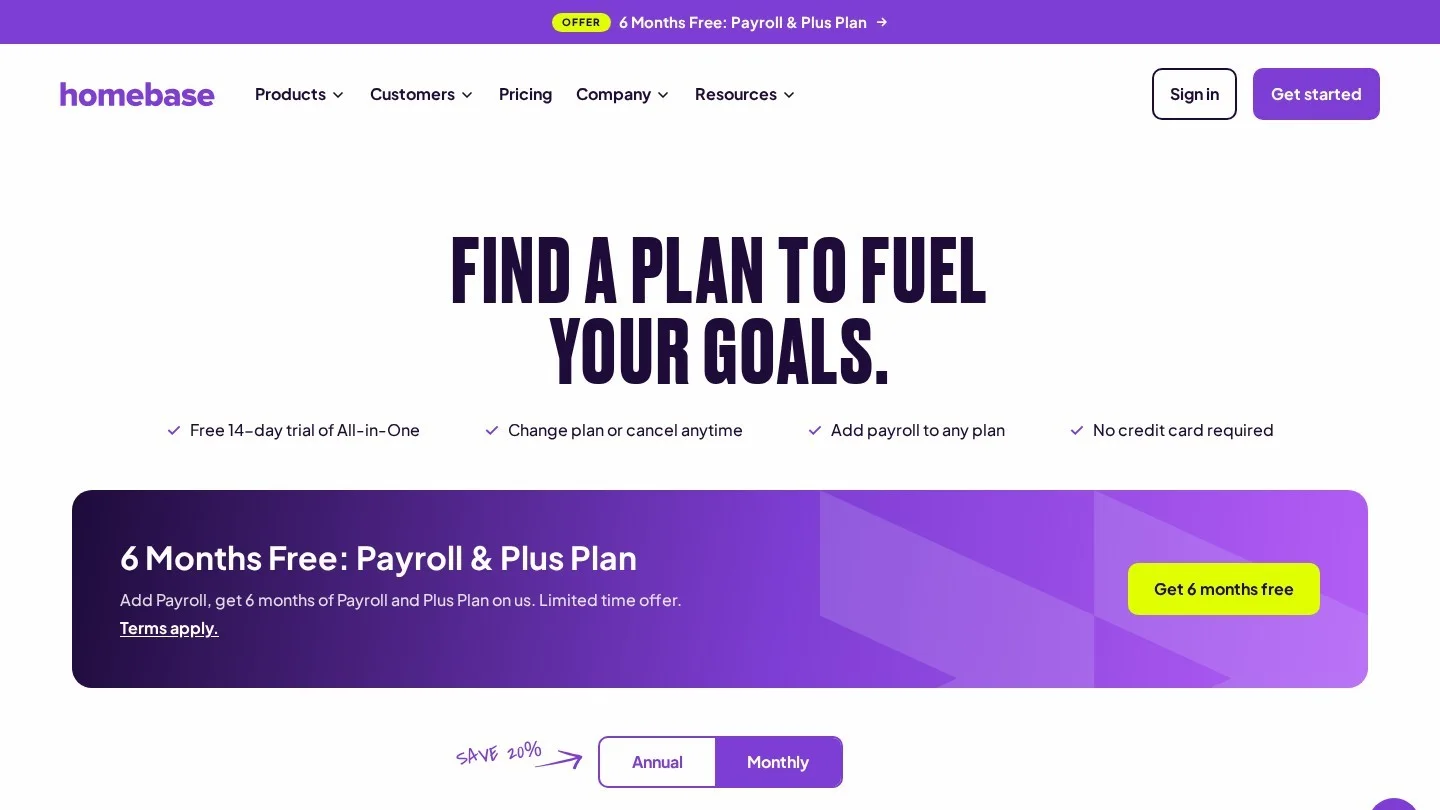
Homebase started as a free scheduling and time clock app, and that is still its strength. On its detailed pricing page, Basic is $0 for up to 10 employees at one location, Essentials $30, Plus $70 and All-in-One $120 per location per month, with annual billing saving 20%. Payroll is an add-on on any plan at $49 a month plus $6 per employee paid, free for the first six months, with a $29 rate for teams of up to five. Tip Manager costs $25 per location a month; it pulls tips from your POS, calculates the pool and adds it to timesheets.
Homebase also offers Cash Out, an early-pay benefit it describes as free to the business. A 25-person restaurant has outgrown the free Basic tier, so budget for Essentials at minimum.
6. 7shifts Payroll
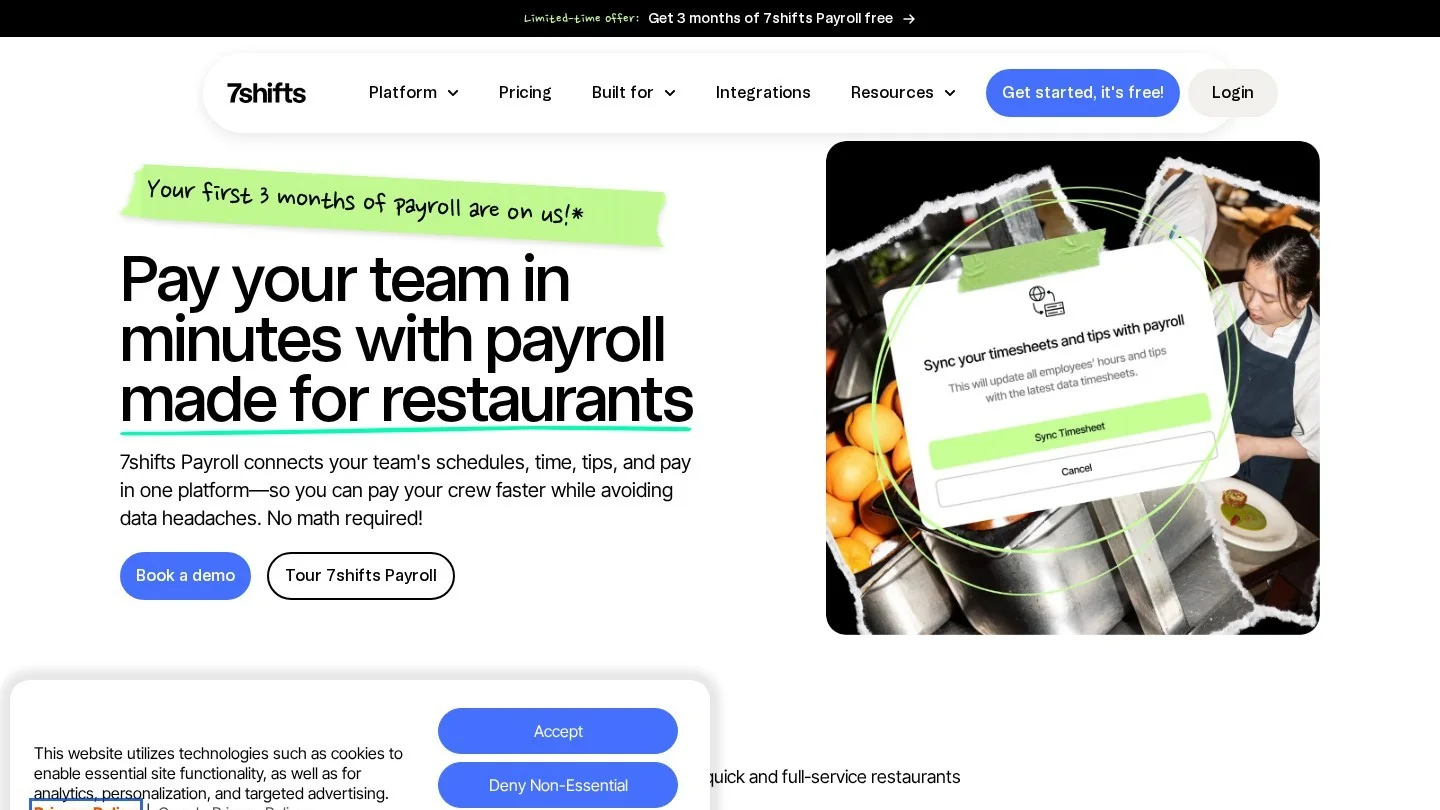
7shifts is restaurant scheduling software first. Its payroll product ties into time punching and tipouts, and the platform sells tip pooling, tip management and on-demand pay alongside it. At the time of writing, 7shifts was running a limited-time offer of three months of payroll free.
Billing is per employee. Its help centre says you pay for each employee processed in any payroll run during the month, once per employee, on a separate invoice from your main 7shifts subscription. That model suits restaurants with large seasonal rosters, because someone who worked no shifts that month costs nothing. Get the per-employee rate in writing, and add it to your scheduling plan when comparing totals.
7. Restaurant365 Payroll
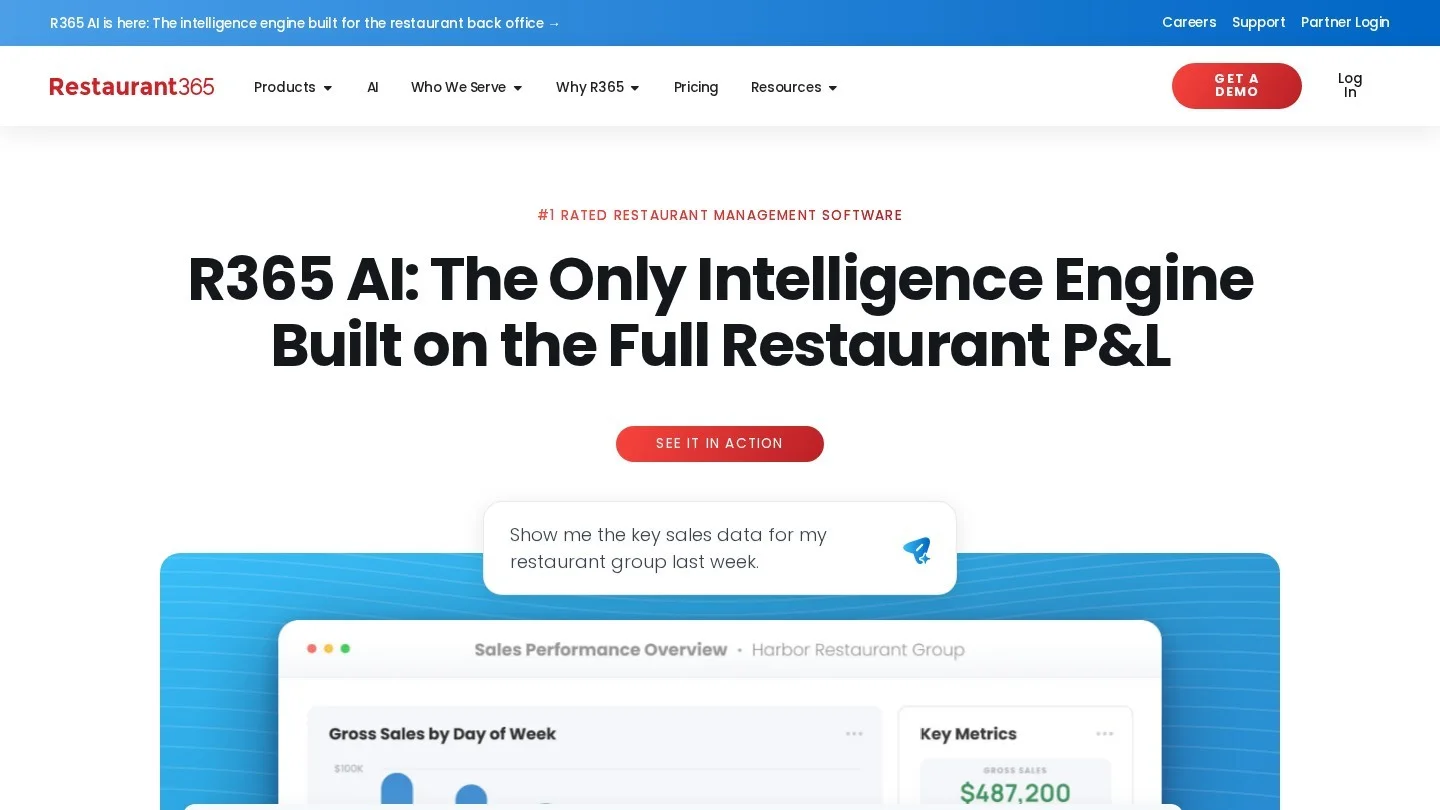
Restaurant365 is restaurant accounting and back-office software, and its payroll makes most sense for groups that already close their books there. According to R365’s documentation, payroll tip totals come from the Daily Sales Summary, tipped positions are classified with occupation codes at the job level, and the Payroll by Pay Date report breaks out tip and tip-credit earning lines next to Social Security and Medicare amounts. The same doc says Form 8027 tip data can be used to cross-check the figures.
R365 does not prepare Form 8846 for you; your accountant works from its exports. For a five-location group, that clean, location-level data is the point. For a single cafe it is more system than you need.
8. QuickBooks Payroll
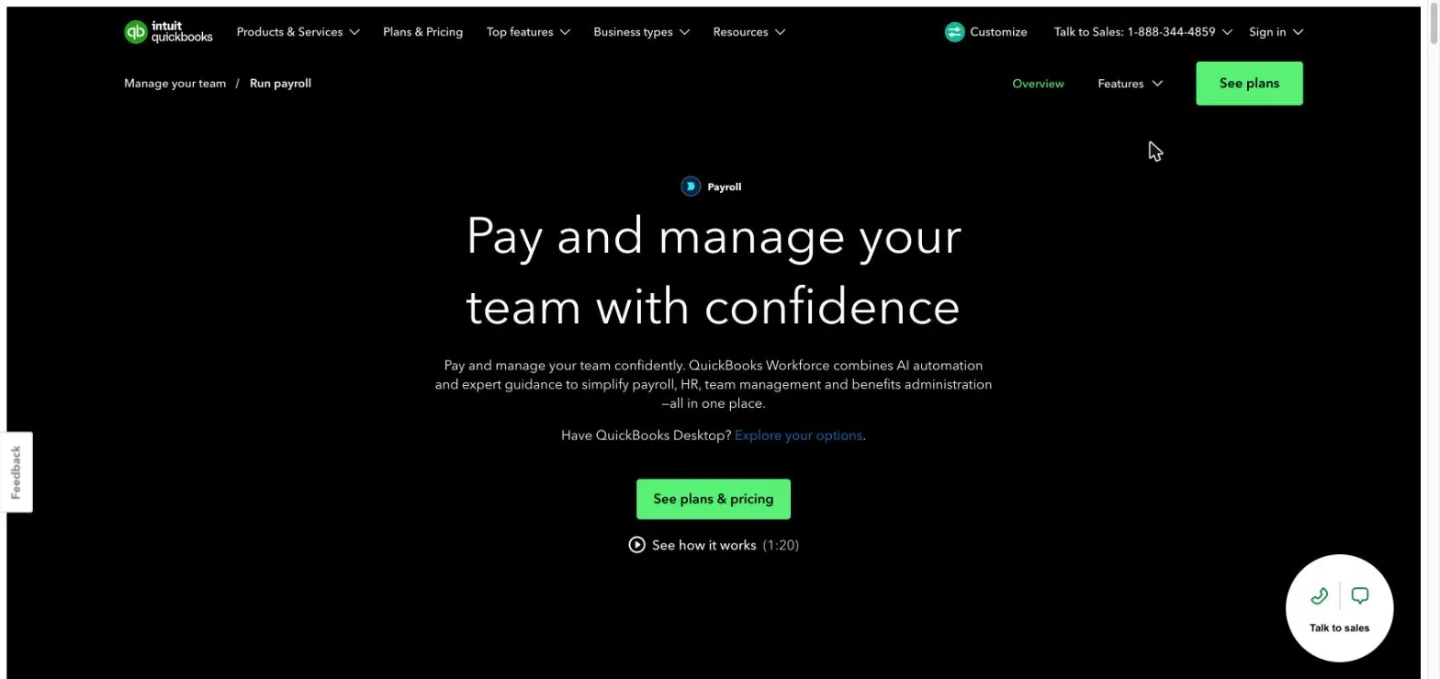
QuickBooks Payroll suits owners who already keep their books in QuickBooks Online and want one bill. The Core plus Simple Start bundle is listed at $88 a month, shown at $44 a month for the first three months under a 50% promotion, plus $6.50 per employee. Its Payroll AI collects hours from employees, flags anomalies and texts you a payroll draft to approve.
Tip pooling and tip makeup are not part of the pitch, so a QuickBooks restaurant usually calculates tips elsewhere, in the POS or a tip tool, and enters them as pay items. Toast already syncs hours, tips and labour costs into QuickBooks Online, which often makes Toast Payroll plus QuickBooks accounting the cleaner pairing.
9. Patriot Payroll
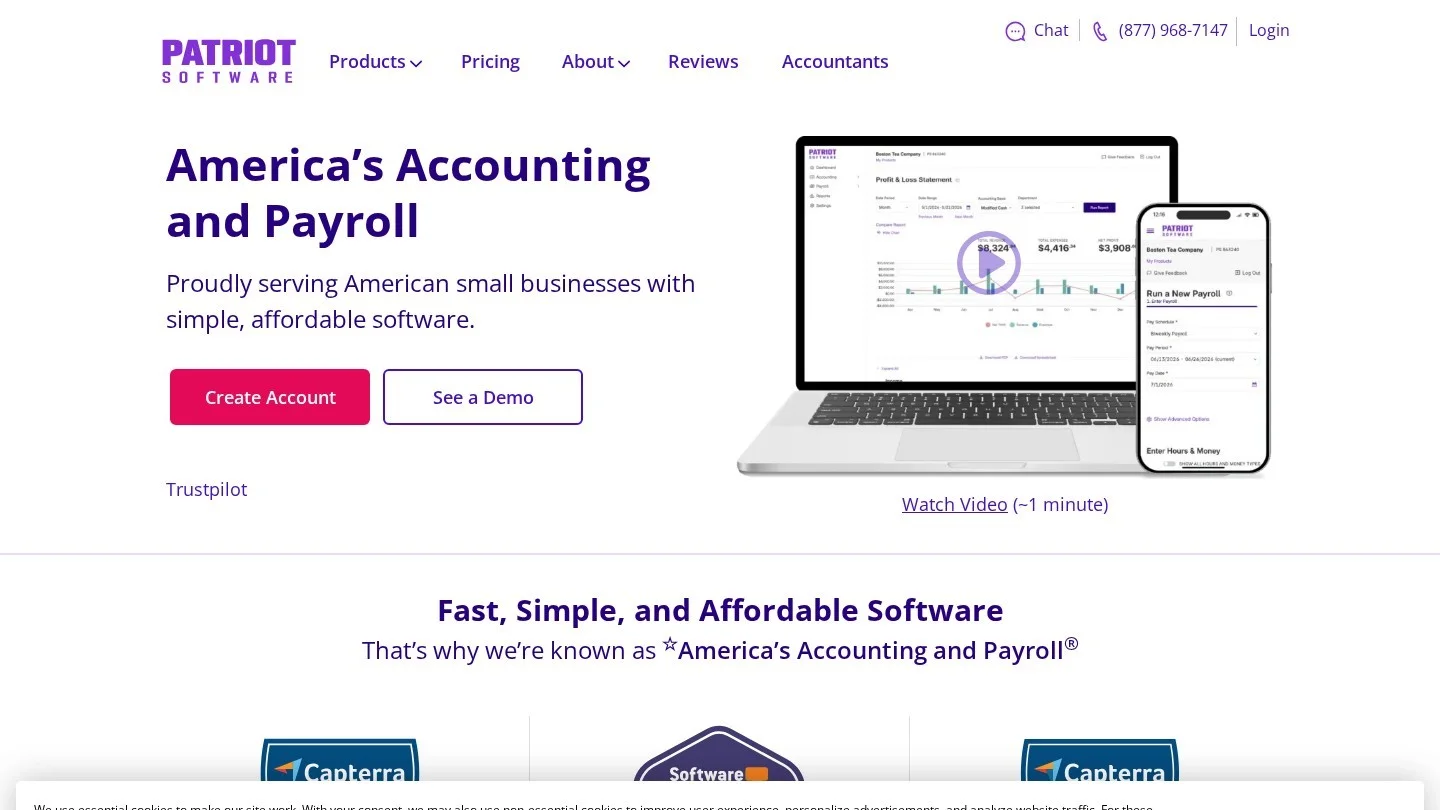
Patriot is the cheapest full-service option here with published pricing. Its billing article sets Full Service Payroll at $37 a month plus $5 per worker paid that month, with the first state included and each extra state at $12 a month. Basic Payroll is $17 plus $4 per worker. Time and Attendance adds $6 a month plus $2 per W-2 employee who uses a time card. Running payroll weekly does not multiply the per-worker fee, which is charged once a month.
Patriot has no restaurant-specific tip engine, so it fits a single-state cafe or small bar whose POS already reports tips per employee. Larger tipped teams will spend the savings on manual work.
10. ADP
ADP pitches restaurants a combined payroll and HR service that connects with your POS system to capture time and process tips. Its restaurant FAQ covers the tip credit, the employee’s monthly tip report for months with $20 or more in tips, and employer taxes on total reported tips. Pricing is set through a quote.
ADP makes sense when you expect to grow into benefits, compliance help and HR outsourcing across many states, and you would rather have one large provider than stitch together apps. Get the full fee schedule, including year-end forms and off-cycle runs, before you commit.
11. Paychex Flex

Paychex Flex comes in packages: Essentials, Select, Pro and Enterprise, plus Paychex HR Pro. The comparison page lists touchless time and attendance with scheduling, tip disbursement among employee pay options, and fast payment options including Same Day ACH and Real-Time Payments. Prices come from a sales rep.
Paychex fits restaurant groups that want a human service contact and are comfortable negotiating. As with ADP, compare a written quote at your real headcount against the published prices in this article.
12. Push Operations
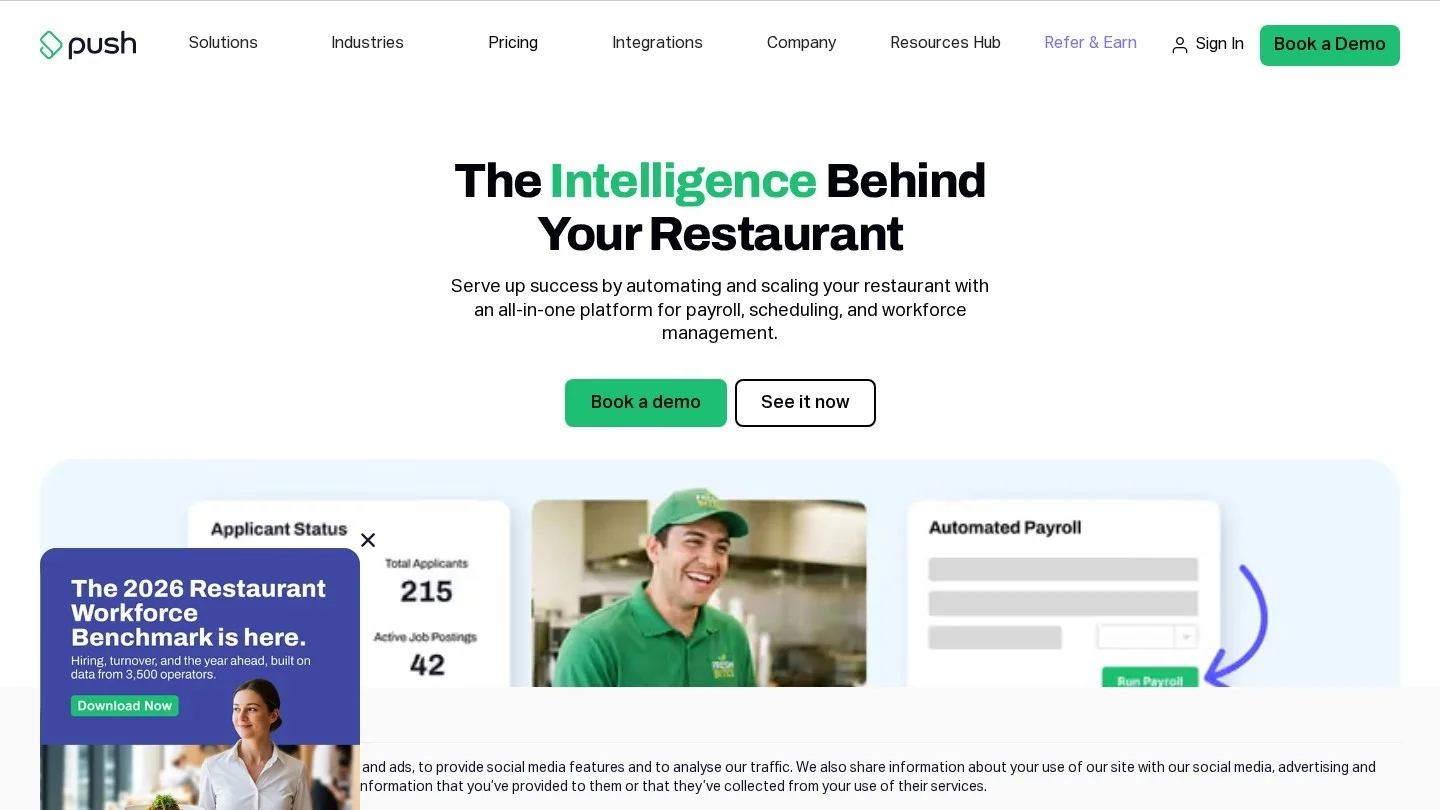
Push Operations is built only for restaurants. The company describes all-in-one restaurant workforce management covering scheduling, labour compliance and analytics, with payroll tools that sync shift hours and tip data from POS systems in real time. Pricing is by quote.
It is worth a demo for operators who want hiring, scheduling and payroll from one restaurant specialist rather than a general payroll brand. Ask which POS systems it connects to before you book a call.
What Payroll Costs a 25-Employee Restaurant
We priced a restaurant with 25 employees paid every month, one state and one location, using only published list prices. The arithmetic was run in Python. Contract-priced products (Toast, 7shifts, Restaurant365, ADP, Paychex, Push) are left out because their price depends on your quote. Homebase includes the Essentials plan, since Basic stops at 10 employees, plus Tip Manager.
| Setup | Formula | Per month | Per year |
|---|---|---|---|
| Patriot Full Service | $37 + 25 × $5 | $162.00 | $1,944 |
| Square Payroll | $35 + 25 × $6 | $185.00 | $2,220 |
| Gusto Simple | $49 + 25 × $6 | $199.00 | $2,388 |
| OnPay | $49 + 25 × $6 | $199.00 | $2,388 |
| Patriot Full Service + Time and Attendance | $37 + $6 + 25 × ($5 + $2) | $218.00 | $2,616 |
| QuickBooks Core + Simple Start (list) | $88 + 25 × $6.50 | $250.50 | $3,006 |
| Homebase Essentials + Payroll + Tip Manager | $30 + $25 + $49 + 25 × $6 | $254.00 | $3,048 |
| Gusto Plus | $80 + 25 × $12 | $380.00 | $4,560 |
Promotions change the first year. Homebase’s six free months of payroll cut its year-one cost to $1,854. QuickBooks’ three discounted months bring its first year to $2,874. Both revert to list price afterwards, so judge them on the second-year number.
Two things the table hides. First, the gap between the cheapest and dearest options is about $2,600 a year, so a product that saves your manager real hours on tips and timecards can earn back its higher price. Second, headcount rules matter as much as rates. A restaurant with 25 regulars and 10 seasonal staff on the books pays for 25 under Square, Patriot or 7shifts in a quiet month, but for every Active profile under Toast. Run your own payroll budget against sales with our break-even calculator, and use the percentage calculator to see payroll software as a share of labour cost.
Which Restaurant Payroll Software Fits Your Restaurant
- Full-service restaurant on Toast: Toast Payroll. Tip pooling, makeup, multi-role overtime and the FICA Tip Credit Report sit next to the POS that produced the data.
- Coffee shop or quick-service counter on Square: Square Payroll at $35 plus $6 per person, as long as tips are mostly direct rather than pooled.
- Independent restaurant or bar on Clover, SpotOn or another POS: OnPay, for tip makeup, cash tip pay items and Form 8846 at an entry-level price.
- Restaurant whose main headache is the schedule: 7shifts Payroll or Homebase, so schedules, punches and tip pools feed payroll without re-entry.
- Multi-unit or multi-state group: Restaurant365 if accounting runs there, otherwise ADP or Paychex on a negotiated contract.
- Owner who wants HR, benefits and onboarding together: Gusto Plus.
- Small single-state cafe watching every dollar: Patriot Full Service, if your POS already totals tips per employee.
- Food truck or trailer with a handful of staff: Homebase’s $29 small-team payroll rate or Square Payroll. Our guide to starting a mobile coffee trailer in Texas covers the rest of the setup.
Contract Questions to Settle Before Switching Payroll Providers
Most payroll regrets in restaurants come from the fine print, not the feature list. Put these in an email to the sales rep and keep the reply.
- Who counts as a billable employee: active on the roster, or paid that month? For a restaurant with a big seasonal roster, the answer changes the bill every quiet month.
- Is there a monthly minimum per pay group? Toast’s billing applies minimums per pay group, not per location, so splitting kitchen and floor into separate groups can add cost.
- Which tips the POS sends: card tips only, or declared cash tips and pooled distributions too? Test with a real week of data.
- Who handles Form 8846: does the provider calculate or file the FICA tip credit, or only export the data for your accountant?
- The fee schedule beyond the headline: printed W-2s, extra states, off-cycle runs, deposit reversals and amendments. Toast’s $250 fee per wage or name amendment is a good example of a cost that never appears on a pricing page.
- When the promotion ends: free months from Homebase and 7shifts, and QuickBooks’ discount, expire. Budget on the full price.
- Contractors: if you pay a 1099 bookkeeper or musicians, check the provider pays them in the same run, as OnPay does. Our list of QuickBooks Solopreneur alternatives for 1099 contractors covers the contractor side.
More guides on running the money side of a small business sit in our Finance section.
Restaurant Payroll Questions Owners Ask
What Is the Best Payroll Software for a Small Restaurant?
Start with the payroll built for your POS: Toast Payroll on Toast, Square Payroll on Square. On any other POS, OnPay offers the strongest tip features at $49 a month plus $6 per person.
How Much Does Restaurant Payroll Software Cost per Employee?
Published rates in October 2026 run from $5 per worker (Patriot Full Service) to $12 per person (Gusto Plus), on top of a monthly base fee of $35 to $88. Toast, ADP, Paychex, Restaurant365 and Push price by quote.
Can Payroll Software Handle Tip Pooling?
Yes, but usually through a tip module. Toast pools tips automatically with front- and back-of-house splits, Homebase’s Tip Manager costs $25 per location a month, and 7shifts sells tip pooling alongside its payroll.
Does Payroll Software File Form 8846 for the FICA Tip Credit?
Some do. OnPay says its automated filings include Form 8846. Restaurant365 provides the report data, and the employer or tax preparer files. Ask each provider which approach it takes.
How Are Cash Tips Reported in Restaurant Payroll?
Employees declare them, usually at clock-out in the POS, and the declared amount flows to payroll as taxable tips. Employees must report tips to the employer for any month with $20 or more in tips, as ADP’s restaurant FAQ explains.
This article is for information and education only and is not investment, tax or financial advice. Figures were checked on 30 October 2026; confirm current details with the official source or a registered adviser before acting.
Payroll Vendor Pricing and Tip Credit Help Articles
- Toast: Payroll product page
- Toast: Payroll invoice and billing information
- Toast: Manage and integrate tips in Toast Payroll
- Square: Payroll pricing
- OnPay: Payroll for restaurants and bars
- Gusto: Restaurant payroll software guide with plan pricing
- Homebase: Detailed pricing
- 7shifts: Restaurant payroll software
- 7shifts: How payroll is billed per employee
- Restaurant365: FICA tip credit (Form 8846) in R365
- QuickBooks: Payroll Core and Simple Start offer
- Patriot Software: Monthly cost of payroll services
- ADP: Restaurant payroll and HR software
- Paychex: Flex package comparison
- Push Operations: Restaurant payroll compliance and automation
- IRS: FICA tip credit for employers