


Anyone who has filled out a returns form knows the routine. You open a new tab, search your inbox for the order confirmation, copy a long reference number and switch back, and Google now wants Chrome to handle that step for you. On October 28, 2026, Google said that Chrome’s enhanced autofill can now suggest details pulled from Gmail, such as order numbers, tracking information and flight bookings, while you fill out web forms. The feature runs on Gemini with Personal Intelligence and is rolling out in the U.S. on desktop, Android and iOS.
Chrome’s Gmail Autofill in Four Points
- What changed: Chrome can now offer order numbers, tracking details and flight bookings found in Gmail when a form asks for them.
- Who gets it: U.S. users of Gemini in Chrome who have Personal Intelligence turned on, on desktop, Android and iOS.
- How it looks: A new “Suggested by Gemini” option appears in the normal autofill menu, only when Chrome finds a match.
- Who is left out for now: Personal Intelligence works only with personal Google accounts, so Workspace business, enterprise and education users do not get it.
What Google Added to Chrome Autofill on October 28
Chrome has filled in names, addresses and card numbers for years, but the new layer reads from a different source entirely. In the announcement, Chrome product manager Amanda Lim wrote that the feature can “automatically suggest information pulled directly from Gmail” while you complete online forms. Google named three kinds of data: order numbers, package tracking information and flight bookings.
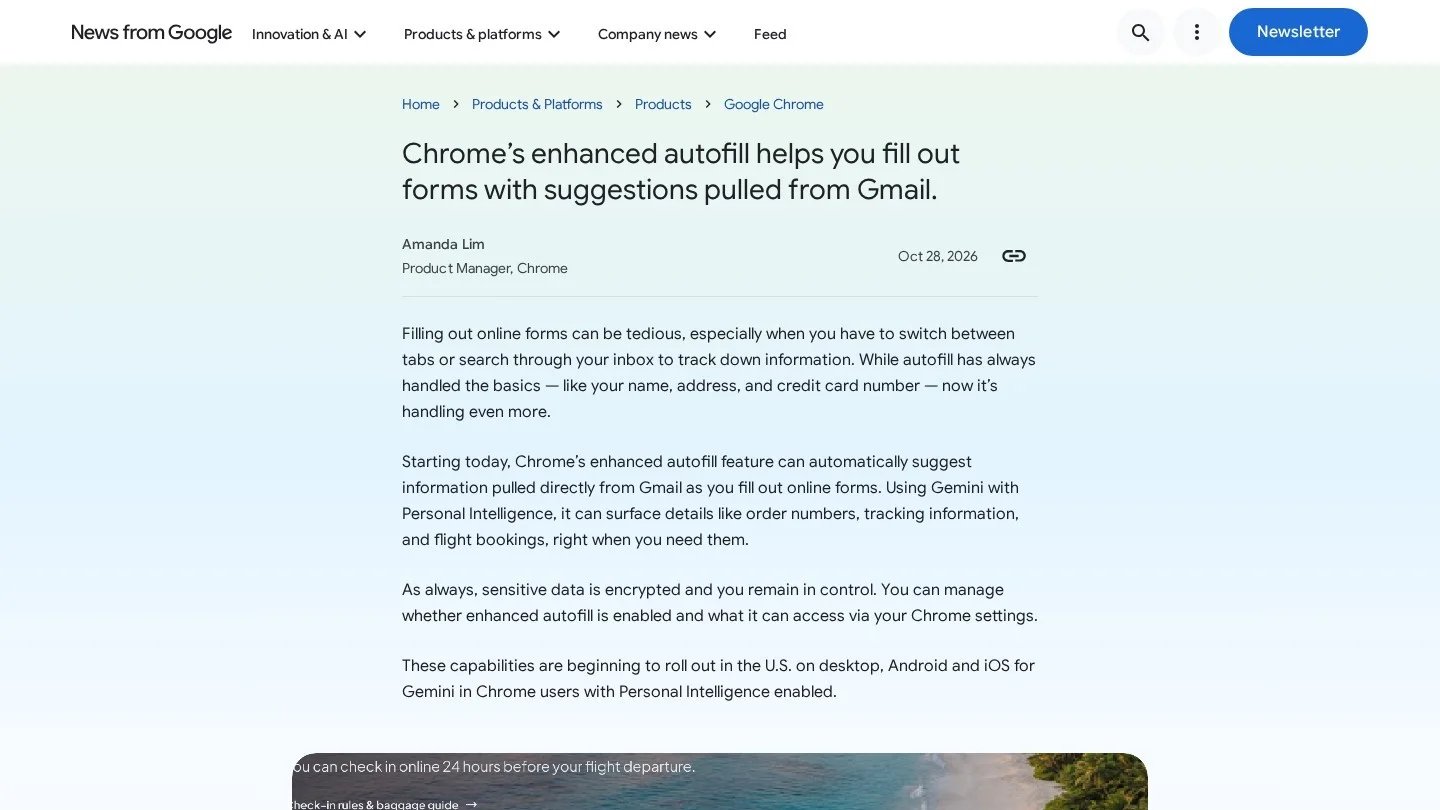
The suggestion shows up in the usual autofill dropdown under the label “Suggested by Gemini.” It appears only when Chrome has something useful to offer, so most forms will look the same as before. Google first previewed the idea in May, and this is the start of the public rollout.
The release is not tied to a single Chrome version. Google moved Chrome 156 to the stable channel for Windows, Mac and Linux on October 20, and features like this one are switched on in stages for eligible accounts. Keeping Chrome updated is still the first step if you do not see it yet.
Who Can Use Suggested by Gemini Right Now
Access depends on three conditions lining up: you need Gemini in Chrome, Personal Intelligence switched on, and an account in the United States. Users must also be at least 18.
Personal Intelligence is the Google feature that lets Gemini draw on your own apps, such as Gmail and Google Photos. In March, Google opened it to all U.S. users, including free-tier users of the Gemini app and Gemini in Chrome. It is off by default, and it works only with personal accounts. That last point matters for companies: staff signed in with a Workspace work account will not see Gmail suggestions in their work profile.
| Question | Answer From Google and Coverage |
|---|---|
| Data Chrome can suggest | Order numbers, tracking details, flight bookings from Gmail |
| Platforms | Desktop, Android and iOS |
| Country | United States, rolling out from October 28, 2026 |
| Required settings | Gemini in Chrome with Personal Intelligence turned on |
| Account type | Personal Google accounts only; Workspace accounts excluded |
| Label in the menu | “Suggested by Gemini” |
| Off switch | Chrome settings, under Autofill and passwords |
Turning Gmail Suggestions On or Off in Chrome
Users can manage whether enhanced autofill is on and what it can reach from Chrome settings. The path is Settings, then Autofill and passwords, then Enhanced autofill, where a “Find and fill with Gemini” toggle controls the Gmail lookups. You can also delete a single suggestion you do not want to see again.
- To try it: update Chrome, confirm Gemini in Chrome is available on your account, turn on Personal Intelligence, then start typing into an order or booking field.
- To limit it: open the Enhanced autofill page in Chrome settings and switch off the Gemini option, or remove single suggestions from the dropdown.
- To keep it off a shared computer: do not enable Personal Intelligence on a profile that other people use.
Privacy Questions About Letting Chrome Read Gmail
Google’s line on privacy is short: “sensitive data is encrypted and you remain in control.” The fuller picture comes from how Personal Intelligence was set up earlier this year. Google says Gemini does not train directly on your Gmail inbox or Google Photos library. Training uses the prompts people type and the model’s replies.
Some people will still be uneasy about an AI model scanning their inbox to fill a form, and Digital Trends made the same point. The design is opt-in at two levels, which helps, since both Personal Intelligence and the enhanced autofill toggle must be switched on. Anyone who wants the old behavior can keep both off and lose nothing else in Chrome.
One safety habit still applies, because autofill makes forms faster on every site, including fraudulent ones. Before you accept any suggestion, check the address bar. The warning signs in our phishing email examples apply here too, because a lookalike checkout page is often the next step after a fake shipping email.

What Gmail Autofill Means for Online Stores and Small Teams
For shoppers, the gain is small but frequent, because order lookups, return requests, airline check-in and “where is my package” support forms all ask for a number that sits in an email. When Chrome can supply that number directly, fewer people are likely to abandon the form halfway through.
Online stores can help Chrome find the right field. Clear labels such as “Order number” or “Tracking number” give autofill tools a better chance of matching data to the box. Stores should also make sure the order number in the confirmation email matches the format the support form expects, with or without a prefix.
For small businesses, the bigger question is policy. Many owners and staff use personal Chrome profiles on work laptops. If your team handles customer data, add a line about browser AI features to your AI acceptable use policy and review profile settings as part of your small business cybersecurity checklist. Teams that already store logins in a dedicated vault, as covered in our guide to LastPass alternatives, can keep using it; this change does not touch passwords.
Where Google Takes Chrome Autofill Next
Google has not given a date for other countries or languages. Google plans to extend the feature to Google Photos, which would let Chrome pull details from images in your photo library. Workspace support has not been announced.
Is Inbox-Powered Autofill Worth Turning On?
This is one of the more practical uses of Gemini in Chrome so far. It removes a tab switch that most online shoppers make often, and it does so inside a menu they already use. The limits are sensible for a first release: U.S. only, personal accounts only and two opt-in switches.
The real test will be accuracy. A wrong order number on a refund form costs the shopper time and the store a support ticket. We would like to see Google publish how Chrome picks between several matching emails, for example two recent orders from the same shop. Until then, treat each suggestion as a draft and glance at it before you press submit.
Reader Questions on Chrome’s Gemini Autofill
Is Chrome’s Gmail Autofill Available Outside the US?
Not yet. Google says the rollout began in the U.S. on October 28, 2026, and it has not named other countries.
Does Suggested by Gemini Work With a Work Gmail Account?
No. Personal Intelligence is limited to personal Google accounts, so Workspace business, enterprise and education accounts are excluded.
Does Google Train Gemini on My Gmail Inbox?
Google has said Gemini does not train directly on your Gmail inbox or Photos library. It trains on prompts and responses in Gemini and AI Mode.
Can I Keep Normal Autofill but Block Gmail Lookups?
Yes. Turn off the Gemini option on the Enhanced autofill page in Chrome settings. Names, addresses and saved cards keep working as before.
Google Posts and Reports Used for This Story
- Google: Chrome’s enhanced autofill helps you fill out forms with suggestions pulled from Gmail (October 28, 2026)
- 9to5Google: Chrome rolling out “Suggested by Gemini” autofill
- Digital Trends: Chrome can now find what you need in Gmail
- TechCrunch: Personal Intelligence expands to all U.S. users
- Chrome Releases: Stable channel update for desktop (October 20, 2026)