


A roofer sends quotes from a free Gmail address. Half of his replies come from people who already hired someone else. When he finally sets up quotes@ his own domain, and adds the authentication records he had skipped, two things change: customers reply faster, and his emails stop landing in spam folders.
An email address on your own domain, such as name@yourbusiness.com, looks more credible and keeps your address if you change providers. But since 2024, setting it up is no longer just about the address. Gmail, Yahoo and Microsoft now check whether your domain is properly authenticated before they trust your mail. This guide covers current prices, the exact records and the rules.
What It Costs Now
Microsoft raised Microsoft 365 business prices on July 1, 2026. Google Workspace prices also rose in recent years. Both providers now start at the same price.
| Plan | Price per user per month | Storage per user | Notes |
|---|---|---|---|
| Google Workspace Business Starter | $7 on a one-year plan, $8.40 flexible | 30 GB pooled | Gmail, Meet, Drive, Docs |
| Google Workspace Business Standard | $14 on a one-year plan, $16.80 flexible | 2 TB pooled | Adds meeting recording and more storage |
| Microsoft 365 Business Basic | $7, up from $6 | 1 TB OneDrive, 50 GB mailbox | Web and mobile Office apps, Teams |
| Microsoft 365 Business Standard | $14, up from $12.50 | 1 TB OneDrive, 50 GB mailbox | Adds desktop Office apps |
For a five-person team on the entry plans, either provider costs about $420 a year, or $1,260 over three years. Business Standard plans double that to about $840 a year.
Lower-cost options such as Zoho Mail and Fastmail work well for very small teams that only need email. Many domain registrars also offer free forwarding, which sends mail for your domain to an existing inbox, but replies usually still come from the old address unless you set up sending carefully.
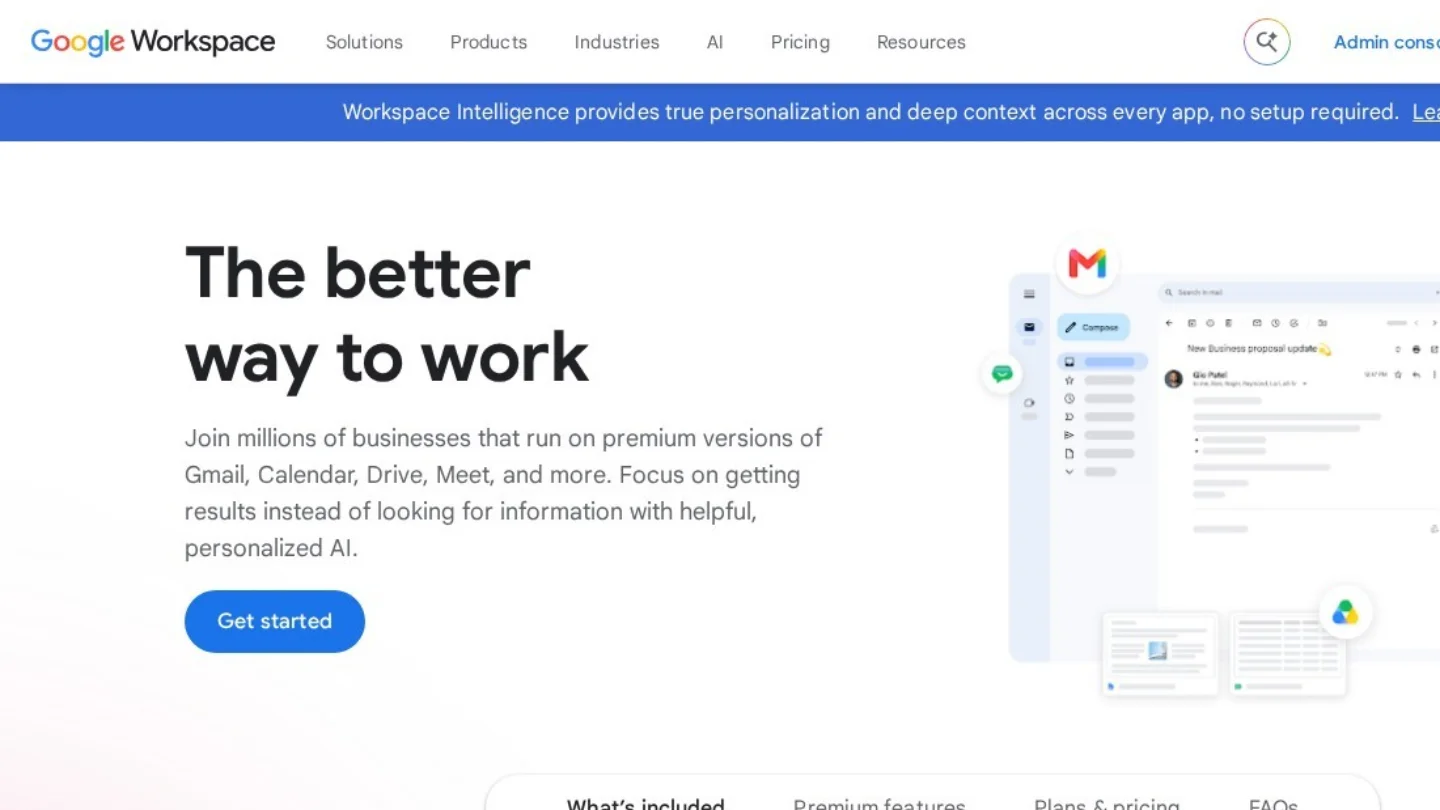
Choosing Between Google and Microsoft
| If your team… | Lean toward |
|---|---|
| Already works in Gmail and Google Docs | Google Workspace |
| Depends on desktop Word, Excel and Outlook | Microsoft 365 Business Standard |
| Works with clients who send Office files with complex formatting | Microsoft 365 |
| Wants the simplest admin console for a few users | Google Workspace |
| Uses Teams with partners or clients | Microsoft 365 |
Both include spam filtering, two-factor authentication and admin controls. The bigger factor is usually which apps your team already knows.

Setting It Up
- Own a domain. Register one with a registrar such as Cloudflare, Namecheap, Porkbun or Squarespace Domains. A .com usually costs about $10 to $20 a year.
- Sign up for the email provider and verify that you own the domain, usually by adding a TXT record it gives you.
- Add the DNS records shown in the next section at your domain registrar or DNS host.
- Create users and shared addresses, such as info@ or billing@. Use groups or shared mailboxes for shared addresses rather than paying for an extra user.
- Move old mail, using the provider’s import tool, if you are switching from another service.
- Turn on two-factor authentication for every account before you start using it.
The DNS Records, With Examples
The values shown are for an example domain, yourbusiness.com. Your provider’s setup screen gives the exact values for your account.
| Record | Purpose | Example for Google Workspace | Example for Microsoft 365 |
|---|---|---|---|
| MX | Tells the internet where to deliver your mail | smtp.google.com, priority 1 | yourbusiness-com.mail.protection.outlook.com, priority 0 |
| SPF (TXT on the root domain) | Lists the servers allowed to send as your domain | v=spf1 include:_spf.google.com ~all | v=spf1 include:spf.protection.outlook.com -all |
| DKIM (TXT or CNAME) | Adds a cryptographic signature to each message | TXT at google._domainkey, value generated in the admin console | Two CNAME records, selector1 and selector2, generated in the admin portal |
| DMARC (TXT at _dmarc) | Tells receivers what to do if SPF or DKIM fails, and sends you reports | v=DMARC1; p=none; rua=mailto:dmarc@yourbusiness.com | Same format |
One SPF record only: If you also send through a newsletter tool, CRM or invoicing app, add its “include” to the same SPF record instead of creating a second one. Two SPF records break authentication.
The Sender Rules That Decide Delivery
Gmail and Yahoo introduced stricter sender rules in 2024, and Microsoft has since adopted similar ones for Outlook.com. A rough summary:
| Requirement | Applies to |
|---|---|
| SPF or DKIM set up, with both recommended | Everyone sending to Gmail and Yahoo |
| Valid forward and reverse DNS and TLS encryption | Everyone sending to Gmail |
| Spam complaint rate kept under 0.3% | Everyone, with stricter checks for large senders |
| SPF, DKIM and DMARC all in place, with alignment | Senders of 5,000 or more messages a day to Gmail, Yahoo or Microsoft consumer addresses |
| One-click unsubscribe in marketing email | Bulk senders to Gmail and Yahoo |
A small business sending normal email will rarely reach 5,000 messages a day, but newsletters and automated notifications can. Setting up all three records from the start avoids problems later.
Dig deeper: Start DMARC at p=none to collect reports without blocking anything. After a few weeks of clean reports, move to p=quarantine and eventually p=reject. That stops scammers from sending email that pretends to come from your domain.
Security Habits Worth Building In
- Two-factor authentication for everyone, preferably with an authenticator app or security key rather than text messages.
- Separate admin accounts for whoever manages the email settings.
- Register common misspellings of your domain if it is easy to imitate, since attackers often use look-alike domains in invoice scams.
- Offboard properly: When someone leaves, convert their mailbox to a shared or archived mailbox instead of deleting it, so client emails are not lost.
Frequently Asked Questions
Can I get a business email address for free?
Some registrars and website builders include free email forwarding or a basic mailbox with a domain or hosting plan. You still need to pay for the domain itself. Paid providers add better spam filtering, storage, security and support.
Do I need a website to have a business email?
No. You need a domain name, not a website. You can register a domain, connect it to an email provider and add a website later.
How long does setup take?
The account setup takes under an hour. DNS changes usually take effect within a few minutes to a few hours, though some can take up to 48 hours to spread across the internet.
Will switching providers change my email address?
No. Your address belongs to your domain, so you can move from one provider to another by changing the DNS records and importing your old mail. That portability is one of the main reasons to use your own domain.