
Payload Ranks First for Nx Workspaces, With Sanity Close Behind
The best CMS for an Nx workspace is Payload, as long as one of your apps runs Next.js. You generate a Next.js app with Nx and install Payload into it. Then the admin panel, the API and the database code become one Nx project. So the project graph, the cache and nx affected all treat the CMS like any other app.
Sanity comes second. Its Studio is a plain React app with its own package.json. So Nx picks it up as a project once it sits in your workspaces folder. After that, its type generator can write into a shared lib that every app imports.
We researched six CMS options against the parts of Nx that shape a CMS setup. Those are the project graph, apps and libs, targetDefaults and cache inputs in nx.json, generators and affected runs. Then we wrote the config each one needs. Every command and file name comes from the official Nx and CMS docs.
Where Each CMS Lands in the Nx Project Graph
Nx finds projects in two ways. It reads project.json files, and it reads package.json files listed in your package manager’s workspaces. Then it infers links between projects from imports, installed packages and TypeScript config. So the real question for each CMS is this. Does it become a node in that graph, or does it stay outside?
| CMS | Node in the Nx graph? | Typical location | Where shared types go | Frameworks that can read it |
|---|---|---|---|---|
| Payload | Yes, a Next.js app | apps/cms | typescript.outputFile pointed at a lib | Its own Next.js app in process; any app over REST or GraphQL |
| Sanity | Yes, the Studio app | apps/studio | TypeGen generates path pointed at a lib | Any app through @sanity/client |
| Keystatic | Lives inside a site app | apps/site | Read through the app’s own config | Next.js, Astro or Remix |
| Strapi | Yes, a Node.js app | apps/strapi | Hand-written types in a lib | Any app through @strapi/client |
| Directus | No, it runs outside the repo | Docker or Directus Cloud | A Schema interface in a lib | Any app through @directus/sdk |
| Contentful | No, vendor cloud | Contentful’s servers | Generated skeleton types in a lib | Any app through the contentful SDK |
As a result, a CMS that is a node gets cached builds, affected runs and lint rules for free. A CMS outside the graph needs one extra step. You give its client and types a lib of their own, because that lib is the only part Nx can see.
Six CMS Options for Nx Apps and Libs, Ranked
1. Payload Installed Into an Nx-Generated Next.js App
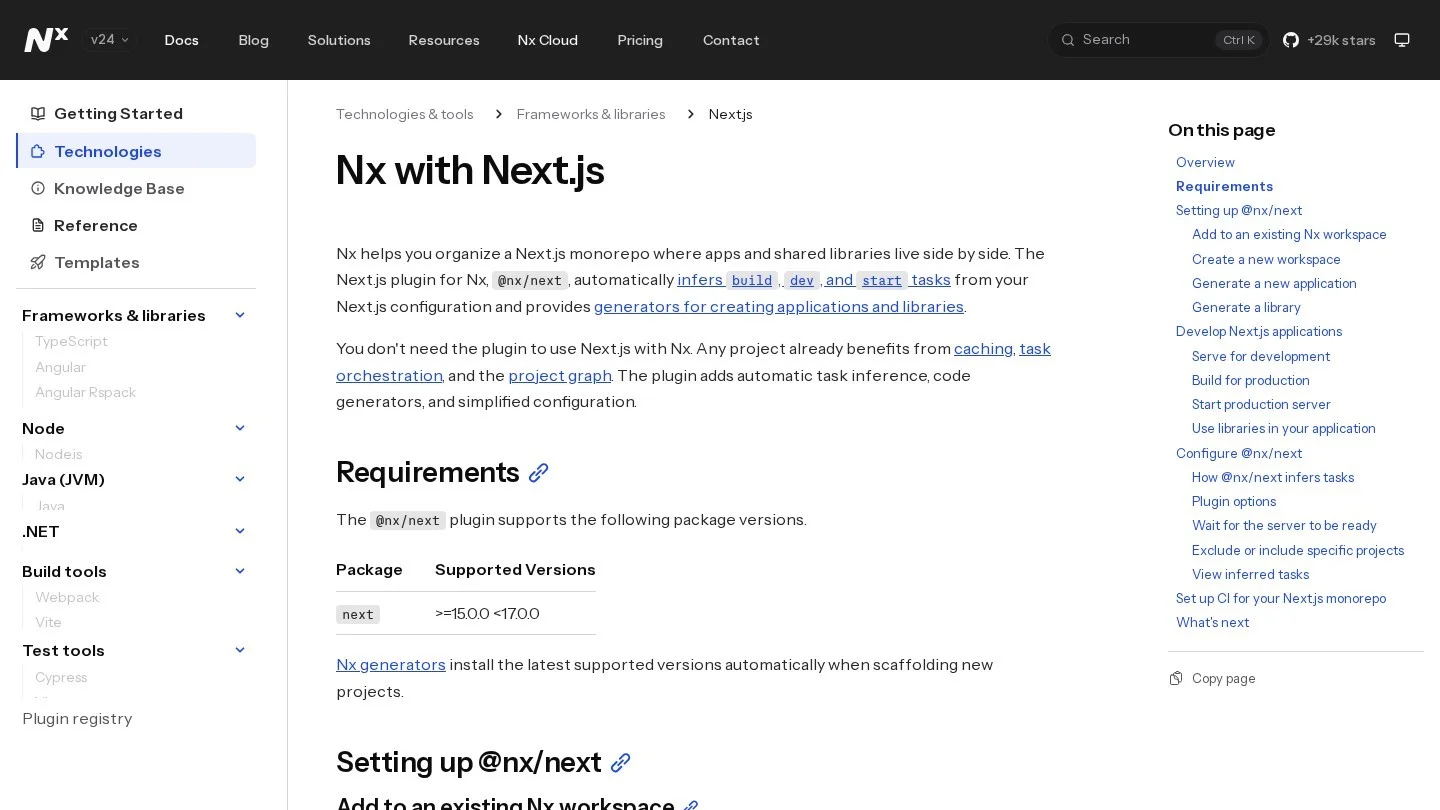
Payload installs straight into the app folder of a Next.js project. First, create that project with Nx: nx g @nx/next:app apps/cms. The generator turns on the App Router and a src folder by default, which is the layout Payload expects. Next, run pnpm i payload @payloadcms/next and one database adapter for MongoDB, Postgres or SQLite.
Then copy the (payload) route group from Payload’s Blank Template into apps/cms/src/app. Wrap the Next.js config with withPayload and add an @payload-config path to the app’s tsconfig.json. Because Payload is ESM only, the app also needs "type": "module" or a .mjs config file.
Nx needs no extra setup after that. The @nx/next plugin creates build, dev and start tasks for any project with a next.config file. So nx dev cms starts the admin panel, and nx build cms is cached like any other build.
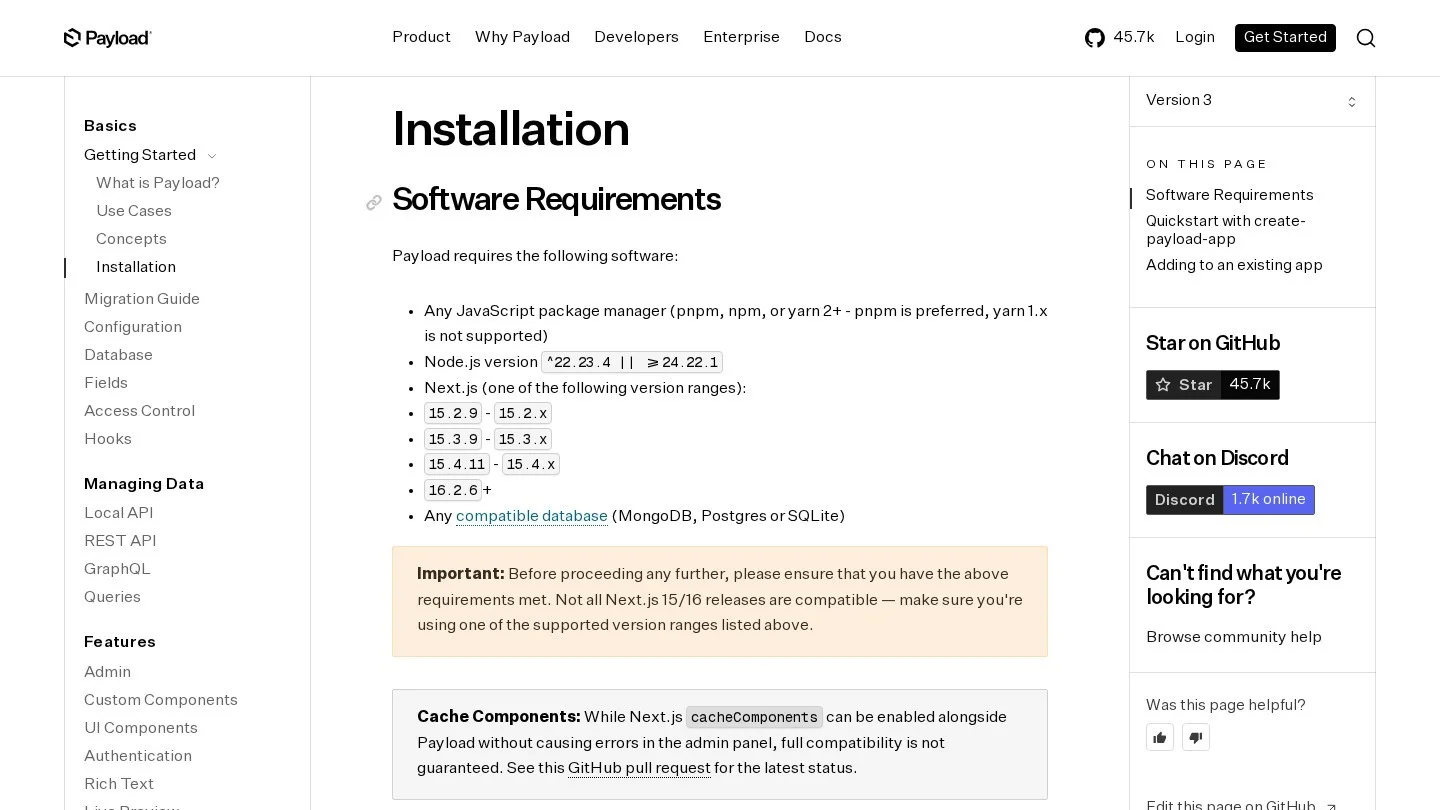
However, check versions first. Payload 3 lists Node.js ^22.23.4 || >=24.22.1. It also lists set Next.js ranges, such as 15.4.11 to 15.4.x, or 16.2.6 and later. Nx workspaces often keep one Next.js version at the root, so every Next.js app moves with Payload when you upgrade.
2. Sanity Studio Picked Up as a Workspace Project
Sanity keeps content in its hosted Content Lake. The Studio, though, is a React app you own. Put it in apps/studio, list that folder in your workspaces, and Nx treats its package.json scripts as tasks.
Types come from two commands. sanity schema extract writes schema.json. Then sanity typegen generate scans your GROQ queries and writes a types file. A sanity-typegen.json file in the Studio folder tells it where to look and where to write.
// apps/studio/sanity-typegen.json
{
  "path": "../../libs/content/src/**/*.{ts,tsx}",
  "schema": "schema.json",
  "generates": "../../libs/content/src/sanity.types.ts"
}
In this layout, the GROQ queries live in libs/content too. So one lib holds the queries and the types that match them. Any app, whether it runs Next.js, Angular or a Node.js API, imports both from the same place.
3. Keystatic With Paths Relative to the App
Keystatic saves content as files in Git. That makes it the one option where an editor’s change is also a code change. So Nx sees the edit, the build hash changes, and nx affected picks up the site.
Two monorepo rules apply. First, collection paths are relative to the app, so write content/posts/* and leave out apps/site/. Second, GitHub and Cloud modes need pathPrefix set to the app’s folder. Still, Keystatic only runs inside Next.js, Astro or Remix apps, so it rules itself out for Angular or Vue apps in the same workspace.
4. Strapi Running Under Its Own Project Name
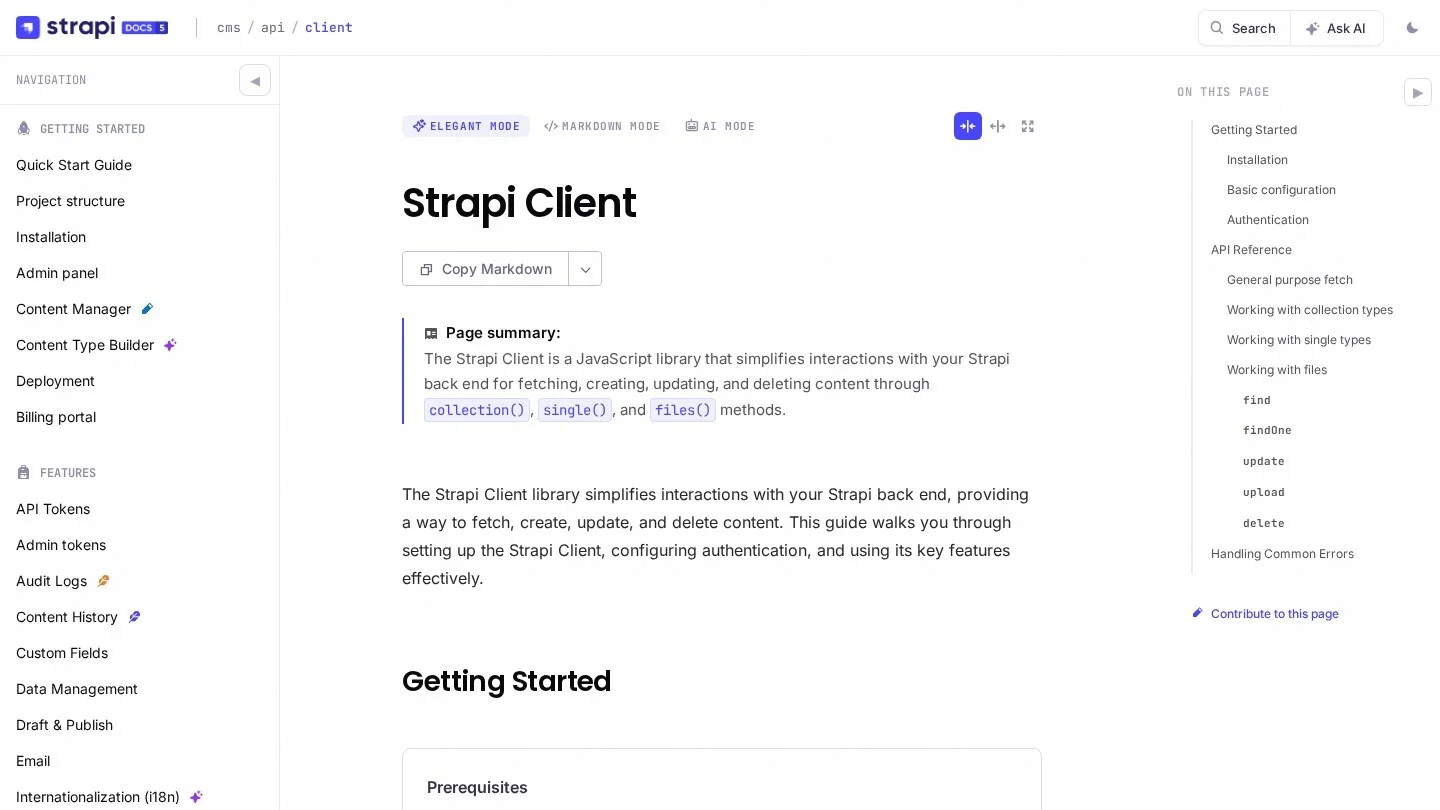
Strapi is a Node.js server, so it gets its own app folder, such as apps/strapi. Its develop and build scripts become Nx tasks through its package.json. For reads, the official @strapi/client package gives you collection('articles').find(), single() for single types, and a files API.
// libs/strapi-client/src/index.ts
import { strapi } from '@strapi/client';

export const cms = strapi({
  baseURL: process.env.STRAPI_URL + '/api',
  auth: process.env.STRAPI_TOKEN,
});

export const getArticles = () =>
  cms.collection('articles').find({ locale: 'en', sort: 'title' });
Types are the weak spot, though. Strapi’s generated types stay inside the Strapi project. So most Nx teams write a few response types by hand in the client lib and keep them short.
5. Directus Reached Through a Typed Client Lib
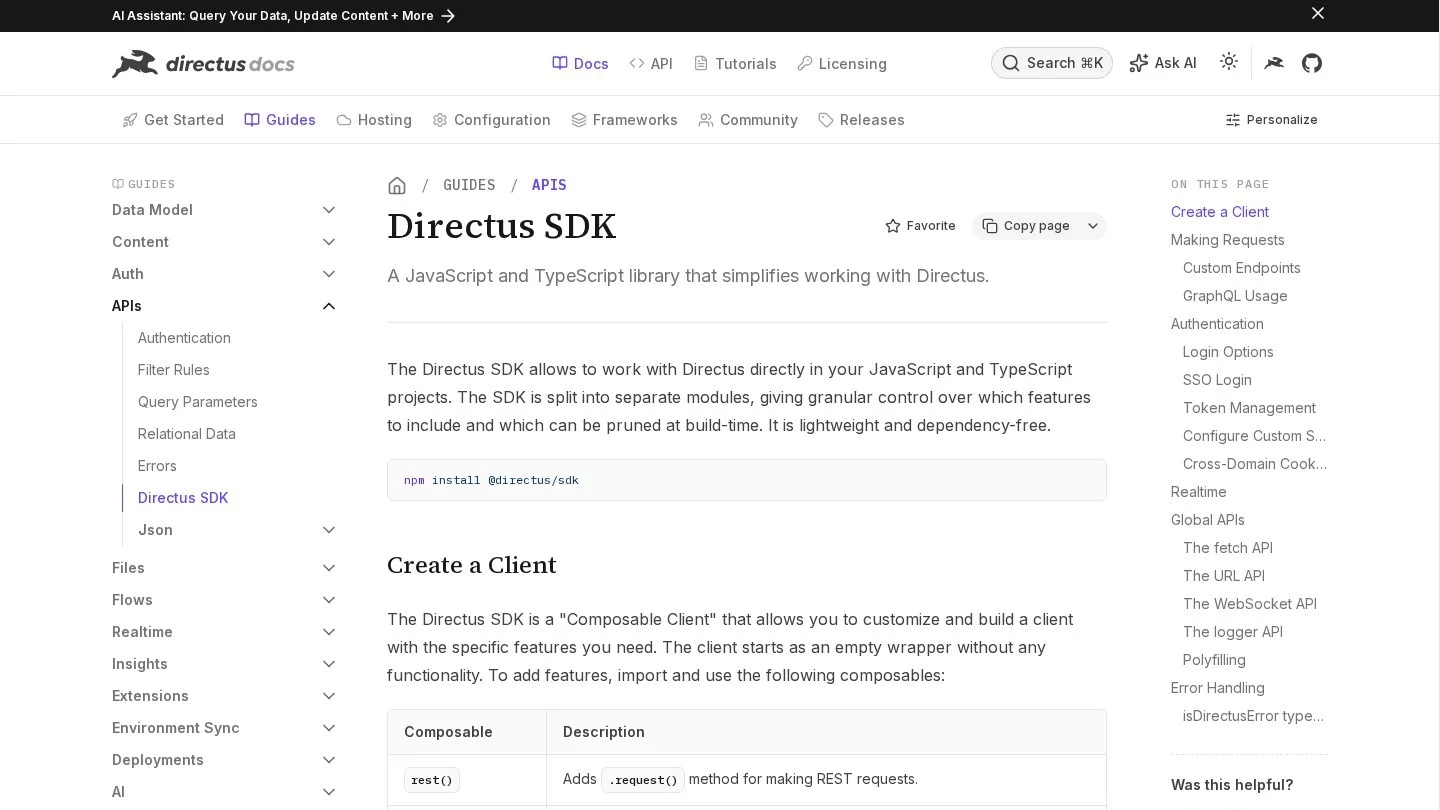
Directus puts an API and an admin app on top of your SQL database. It runs in Docker or on Directus Cloud, so nothing about it lives in the Nx graph. Instead, the repo holds @directus/sdk and a Schema interface you write, with one property per collection.
Put both in a lib made with nx g @nx/js:lib libs/directus --bundler=none. Every app then calls directus.request(readItems('posts')) with the same types. Also, the SDK’s staticToken() and authentication() helpers cover server tokens and user logins.
6. Contentful Types Written Into a Shared Lib
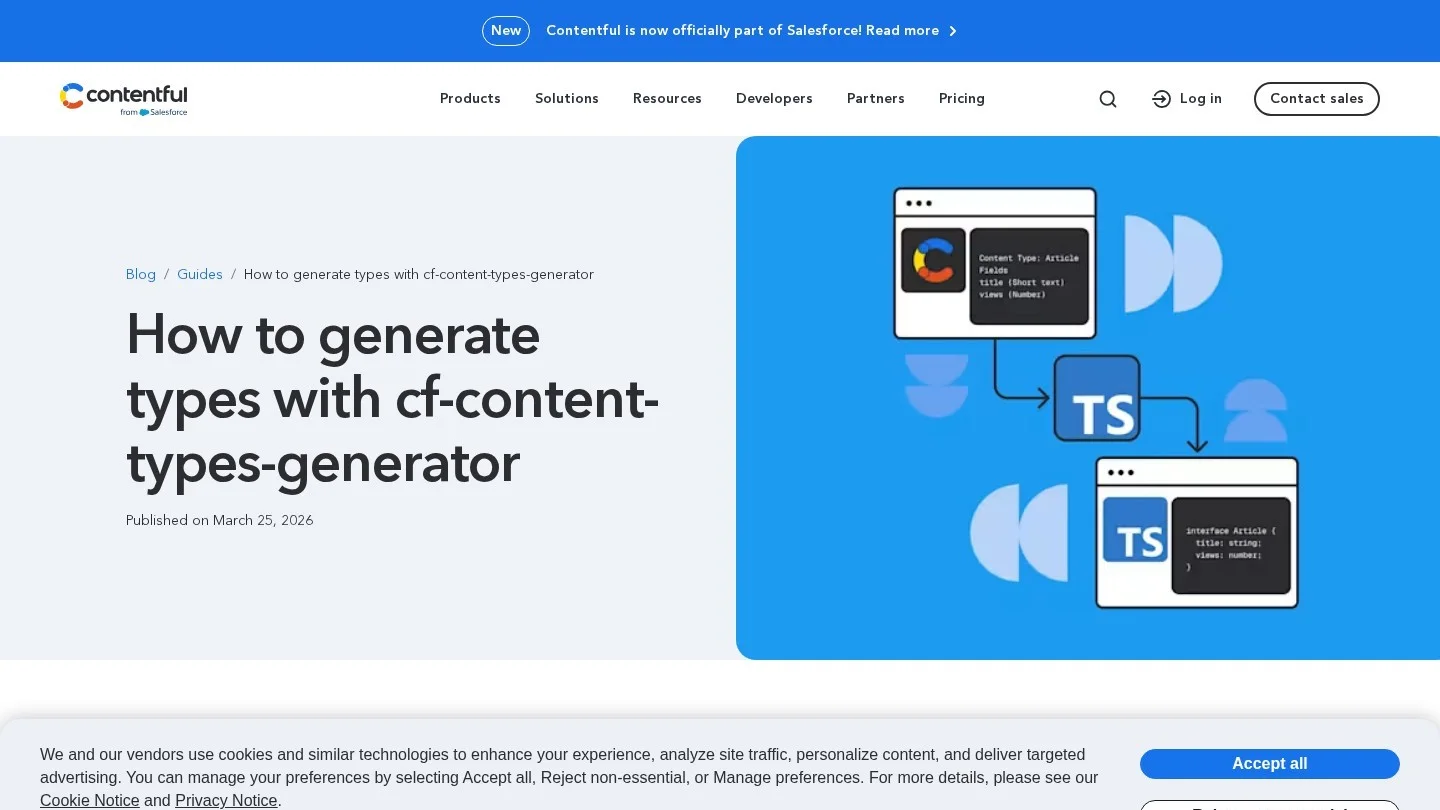
Contentful is fully hosted. Salesforce agreed to buy it in January 2026. The official type tool is cf-content-types-generator. It writes entry skeletons for the JS library from version 10 on.
For Nx, aim its -o flag at a lib, such as libs/contentful/src/types. Then add -X for v10 skeletons and -g for type guards. Each skeleton looks like EntrySkeletonType<TypeArticleFields, "article">, and the SDK uses it to type both the response and your query filters.
Generate the Apps and Libs Before Adding Any CMS
First, lay out the workspace with Nx generators. Then add the CMS. Our reasoning is plain: generators wire up tsconfig, lint and inferred tasks, and a hand-made folder misses some of that.
# apps
nx g @nx/next:app apps/cms          # Payload goes here
nx g @nx/next:app apps/web          # public site

# libs
nx g @nx/js:lib libs/cms-types --bundler=none
nx g @nx/next:lib libs/cms-ui       # shared React blocks

# check what Nx inferred
nx show project cms
nx graph --focus=web
Pick --bundler=none for the types lib. That makes it non-buildable, so apps compile its source directly and nothing waits on a lib build. For a Next.js lib, Nx adds a second entry point, src/server.ts, for React Server Components. Put any server-only CMS fetches there, and keep src/index.ts for code the browser may load.
New Nx workspaces link projects through package manager workspaces by default. So an app lists the lib in devDependencies as "@my-org/cms-types": "workspace:*" with pnpm, or "*" with npm. After that, nx sync keeps the TypeScript project references in each tsconfig up to date.
Next, add tags. A project’s tags feed the module boundary lint rule, so you can tag CMS libs as scope:content. Then the rule can stop a public site from importing admin code by mistake. For more on how this layout compares with a Turborepo setup, read our CMS picks for Turborepo monorepos.

Turn CMS Type Generation Into a Cached Nx Target
Make type generation an Nx task. Then Nx caches it, runs it in the right order and shows it in the task graph. For Payload, set typescript.outputFile in the config to a full path inside the types lib. By default, the file is payload-types.ts next to the config.
// apps/cms/src/payload.config.ts (excerpt)
import path from 'path';
import { fileURLToPath } from 'url';

const dirname = path.dirname(fileURLToPath(import.meta.url));

export default buildConfig({
  // ...collections, db, secret
  typescript: {
    outputFile: path.resolve(dirname, '../../../libs/cms-types/src/payload-types.ts'),
  },
});
Then add a target in the app’s project.json. It runs the Payload command, lists the files that shape the types as inputs, and names the generated file as its output. Payload’s docs also mention PAYLOAD_CONFIG_PATH for src layouts, where the CLI may not find the config on its own.
// apps/cms/project.json
{
  "name": "cms",
  "tags": ["scope:content"],
  "targets": {
    "generate-types": {
      "command": "PAYLOAD_CONFIG_PATH=src/payload.config.ts payload generate:types",
      "options": { "cwd": "apps/cms" },
      "cache": true,
      "inputs": ["{projectRoot}/src/payload.config.ts", "{projectRoot}/src/collections/**/*"],
      "outputs": ["{workspaceRoot}/libs/cms-types/src/payload-types.ts"]
    }
  }
}
Also, the types lib does not import the CMS app, so Nx cannot see the link on its own. Add "implicitDependencies": ["cms"] to libs/cms-types/project.json. As a result, a change to a Payload collection now flows through to every app that imports the types.
One more Payload option matters here. Its declare setting is on by default. Payload’s docs say to turn it off for types shared with projects that do not install Payload. An Angular app reading the REST API is one example.
Put CMS Variables Into nx.json as Env Inputs
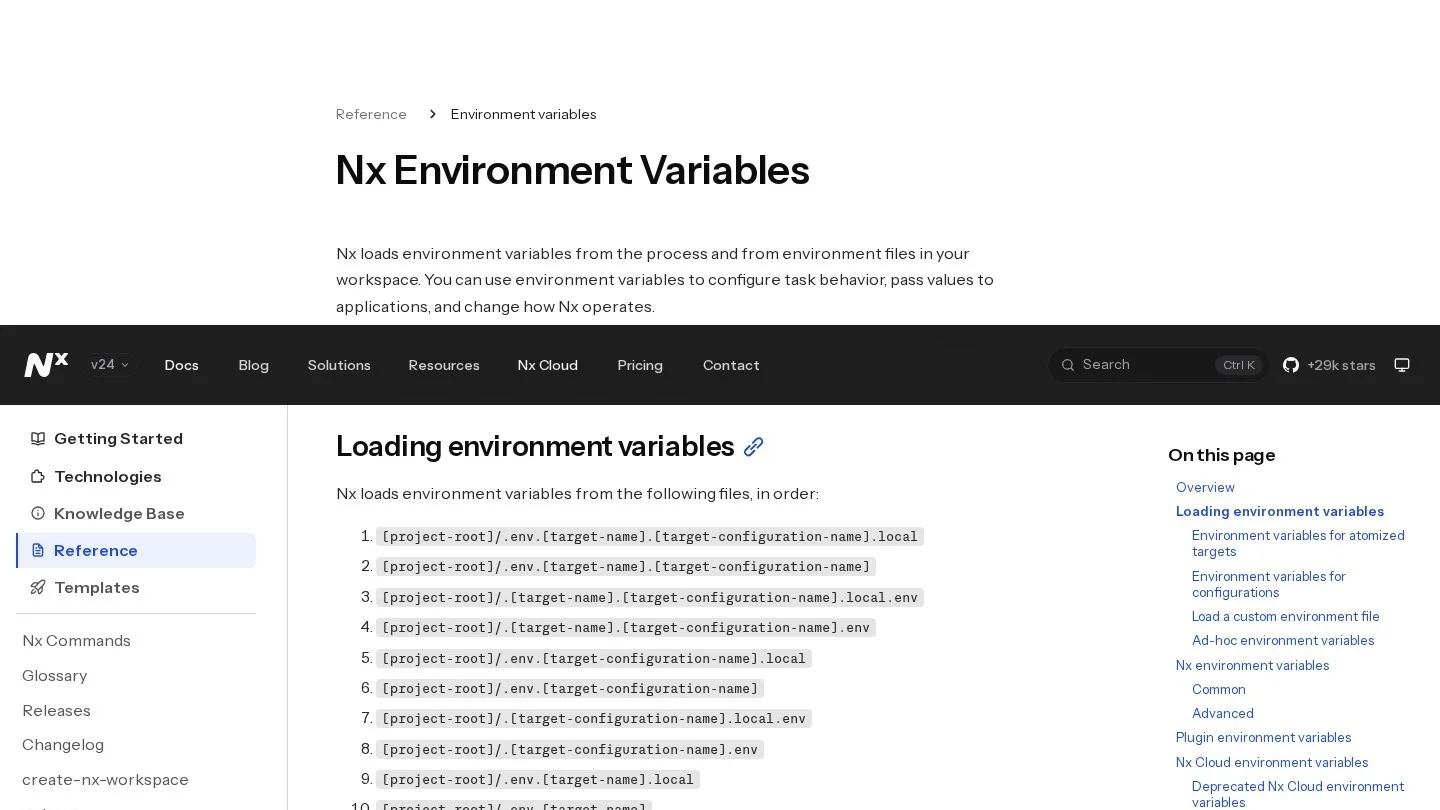
Nx loads .env files for you. It checks the project folder first and then the workspace root. It also reads target and configuration files, such as .env.build or .env.build.production, and .local files win over plain ones. However, the first value loaded wins, and Nx never overwrites a variable already set in the shell.
Loading a variable is not the same as hashing it, though. Nx hashes an env value only when a task lists it as { "env": "NAME" } in its inputs. Also, Nx leaves gitignored files out of inputs, and most .env files are gitignored. So if you switch a Sanity dataset from staging to production, Nx may replay the old staging build from cache.
The fix is a named input for CMS settings, added to build in targetDefaults. The variable names in this example are ours. Use whatever your apps read.
// nx.json (excerpt)
{
  "namedInputs": {
    "default": ["{projectRoot}/**/*", "sharedGlobals"],
    "production": ["default", "!{projectRoot}/**/*.spec.ts"],
    "sharedGlobals": [],
    "cmsSettings": [
      { "env": "CMS_API_URL" },
      { "env": "SANITY_DATASET" },
      { "env": "CONTENTFUL_ENVIRONMENT" }
    ]
  },
  "targetDefaults": {
    "build": {
      "cache": true,
      "dependsOn": ["^build"],
      "inputs": ["production", "^production", "cmsSettings"]
    }
  }
}
Keep app-specific files, such as apps/web/.env, in the app folder. Then put shared values in the root .env. Also note that setting NX_LOAD_DOT_ENV_FILES=false turns off all of this loading, which some CI setups do on purpose.
Make a Published Edit Invalidate the Build Cache
Nx hashes files, env values and command output. It has no idea when an editor clicks Publish in a hosted CMS. So for Payload, Sanity, Strapi, Directus and Contentful, a static build can come back from cache with old content inside it.
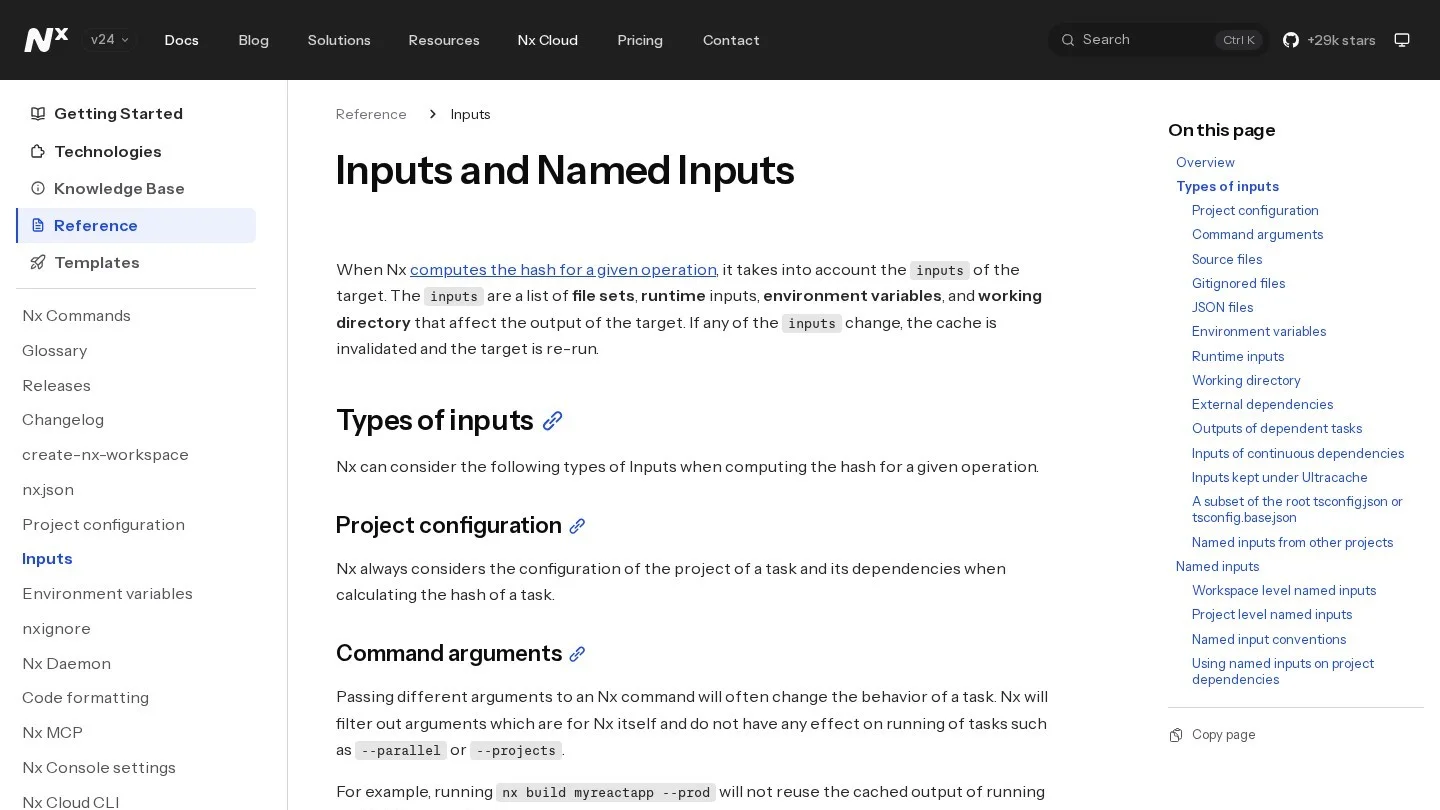
Nx offers an input type that solves this in a neat way. A runtime input hashes the output of a shell command. So we wrote a tiny script that prints the time of the latest edit. When an editor publishes, the output changes and the cache misses. This example reads Payload’s REST API, which sorts with -updatedAt.
// tools/cms-stamp.mjs
const url = `${process.env.CMS_API_URL}/api/posts?limit=1&sort=-updatedAt`;
const res = await fetch(url);
const { docs } = await res.json();
console.log(docs[0]?.updatedAt ?? 'no-posts');

// nx.json, inside namedInputs.cmsSettings
{ "runtime": "node tools/cms-stamp.mjs" }
Still, this adds a network call each time Nx hashes the task. If the CMS is down, the hash step fails too. For that reason, we use the stamp only on static builds. For pages rendered on request or revalidated by a webhook, the build holds no content, so the cache is safe as it is. Our guide to headless CMS on the Next.js App Router covers that webhook pattern.
| Content source | Does an edit change the Nx hash on its own? | What we would add |
|---|---|---|
| Keystatic (files in Git) | Yes | Nothing |
Payload in apps/cms | Only schema edits; content goes to the database | Runtime stamp, or render on request |
| Sanity, Contentful | No | Runtime stamp, or webhook revalidation |
| Strapi, Directus | No | Runtime stamp against their REST API |
Check What an Affected Run Rebuilds After a Schema Change
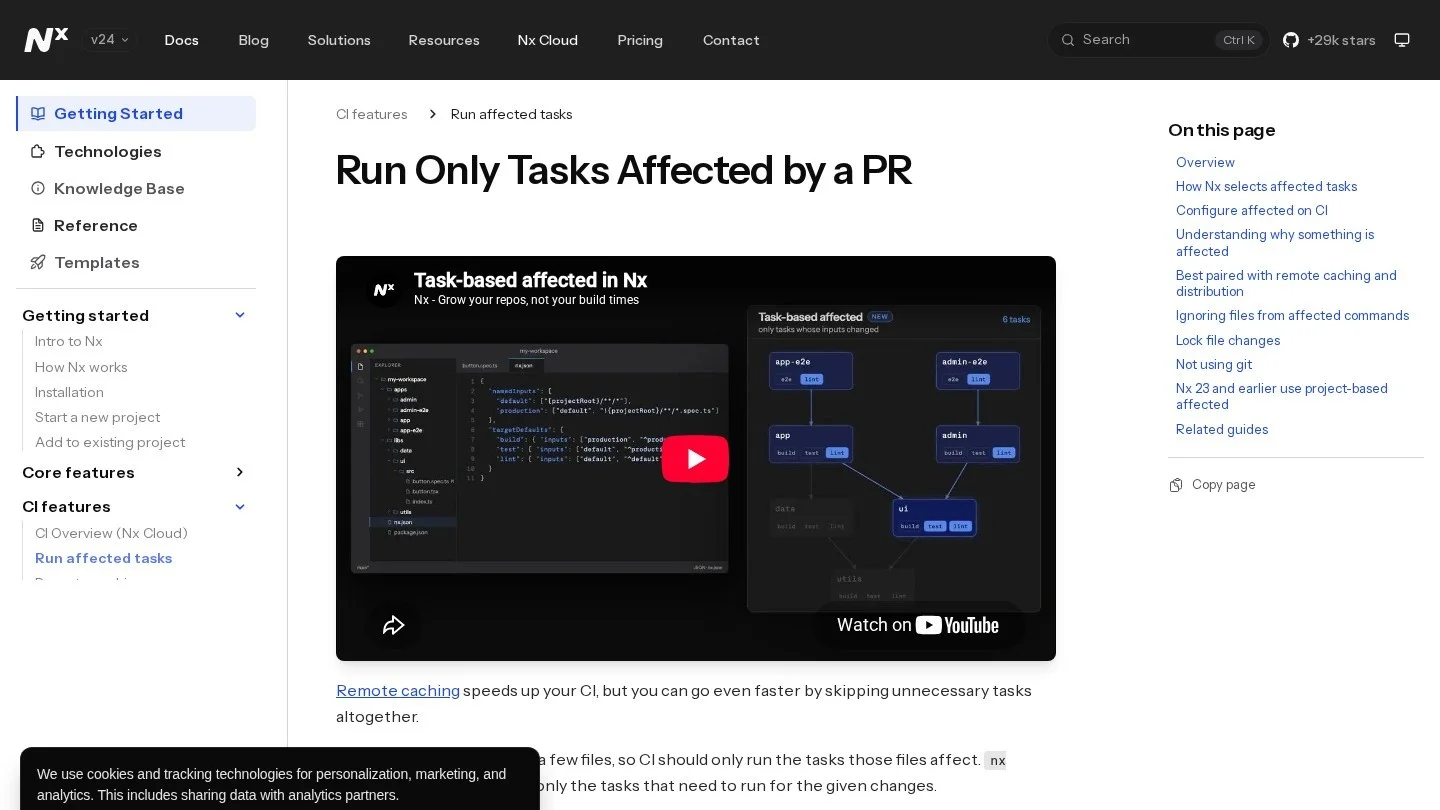
The current Nx docs pick affected tasks by inputs. Nx asks Git which files changed. Then it selects every task whose inputs match one of those files, plus tasks that read their outputs. Older workspaces can keep the project-based mode with "affected": { "legacy": true }.
To see this in practice, we traced one pull request through the layout from earlier. It has apps/cms (Payload), apps/web (Next.js), an Angular apps/portal, and libs/cms-types. Both sites import the types lib. The pull request adds a field to the Posts collection and commits the regenerated types.
| Changed file | Tasks Nx selects | Why |
|---|---|---|
apps/cms/src/collections/Posts.ts | cms:generate-types, cms:build, then web:build and portal:build | The file is in the cms tasks’ inputs, and the implicit dependency carries it to the sites |
libs/cms-types/src/payload-types.ts | web:build, portal:build | Their ^production input covers the lib’s files |
Nothing in apps/web or apps/portal | No other tasks | No input matched |
So four tasks run, and every other task in the repo is skipped. Before you merge, run nx affected -t build --graph to see the list, or nx affected -t build --explain to print the reasons. In CI, pass --base=origin/main and a head SHA, and fetch full Git history.
However, the sites can still build against stale types if nobody regenerates them. That is why we run nx run cms:generate-types in CI before the affected builds, and fail the job if Git shows a diff. Also, a lock file change affects every task by default. Setting projectsAffectedByDependencyUpdates to "auto" limits that to projects whose packages really changed. So a CMS SDK upgrade in one app no longer rebuilds the whole repo.
Serve Angular, React and Node Apps From One Content Source
Nx workspaces often mix frameworks, and that changes the choice more than in a single-stack repo. For example, a team might run a Next.js site, an Angular portal and a NestJS API side by side. In that case, the CMS has to serve all three.
- Only Next.js apps: pick Payload. You get the CMS as one more Nx project, and pages inside the Payload app read data in process with no API hop.
- Next.js plus Angular or Vue: pick Sanity, or Payload over REST. Both serve every app from one client lib. Our CMS picks for Angular apps go deeper on the Angular side.
- Developers write the content: pick Keystatic, since edits are commits and affected runs just work.
- You already have a SQL database: pick Directus, and keep its
Schematype in one lib. - A large content team already uses Contentful: keep it, and generate skeleton types into a lib.

For a React app outside Next.js, our checklist on choosing a CMS for a React website still applies inside Nx. Also, teams whose workspace grew from a T3 app can read our T3 Stack CMS notes on keeping Payload and Prisma apart. Teams on Wasp can compare our CMS options for Wasp apps.
Nx Developers’ Questions About Adding a Headless CMS
Does Nx Load .env Files for CMS Tokens Without Extra Setup?
Yes. Nx reads .env files from the project folder and the workspace root before it runs a task. But it does not hash those values. So list each variable that changes your build output as an env input.
Can an Angular App and a Next.js App in Nx Read the Same CMS?
Yes, if the CMS has a framework-free client. Sanity, Strapi, Directus and Contentful all ship plain JavaScript SDKs, and Payload has REST and GraphQL APIs. So put the client and types in one lib and import it from both apps.
Should the CMS Client Lib Be Buildable?
Usually not. A lib made with --bundler=none is compiled by each app, so there is no extra build step. Make it buildable only if you publish it to npm or a plain Node.js script must import compiled code.
Why Did My Affected Run Skip the Site After an Editor Published?
Because a publish in a hosted CMS changes no file in Git. Nx only sees file changes, so nothing is affected. Use a runtime input, a scheduled build, or on-request rendering for content edits.
Nx and CMS Pages We Read for This Ranking
- Nx: Inputs and Named Inputs
- Nx: nx.json Reference
- Nx: Define Environment Variables
- Nx: Run Only Tasks Affected by a PR
- Nx: Explore Your Workspace Graph
- Nx: The @nx/next Plugin
- Nx: @nx/next Generators
- Nx: @nx/js Generators
- Nx: TypeScript Project Linking
- Nx Devkit: ProjectConfiguration
- Payload: Installation
- Payload: Generating TypeScript Interfaces
- Sanity: Sanity TypeGen
- Keystatic: Using in a Monorepo
- Strapi: Strapi Client
- Directus: Directus SDK
- Contentful: Generate TypeScript Types From a Content Model
- Salesforce: Agreement to Acquire Contentful