Payload Is the Best CMS for a Turborepo Monorepo, and Sanity Is the Best Hosted One
The best CMS for a Turborepo monorepo is Payload, as long as your site runs on Next.js. It installs inside the Next.js app itself, so the admin, the API and the site ship as one workspace. If your team wants a hosted content store, pick Sanity. Its Studio runs as its own app in apps/studio, and its type generator can write types into a shared package.
We compiled this ranking from the official docs of each CMS and of Turborepo. For each tool, we mapped where its code lives in an apps/ and packages/ layout. Then we checked how its types reach other workspaces and which secrets turbo.json must declare. Finally, we noted what breaks the build cache.
Framework choice still shapes the short list. For example, a monorepo with two SvelteKit apps has no use for a CMS that only lives inside Next.js. So read the table first, then jump to the tools that match your stack.
How Seven CMS Options Map to Apps and Packages
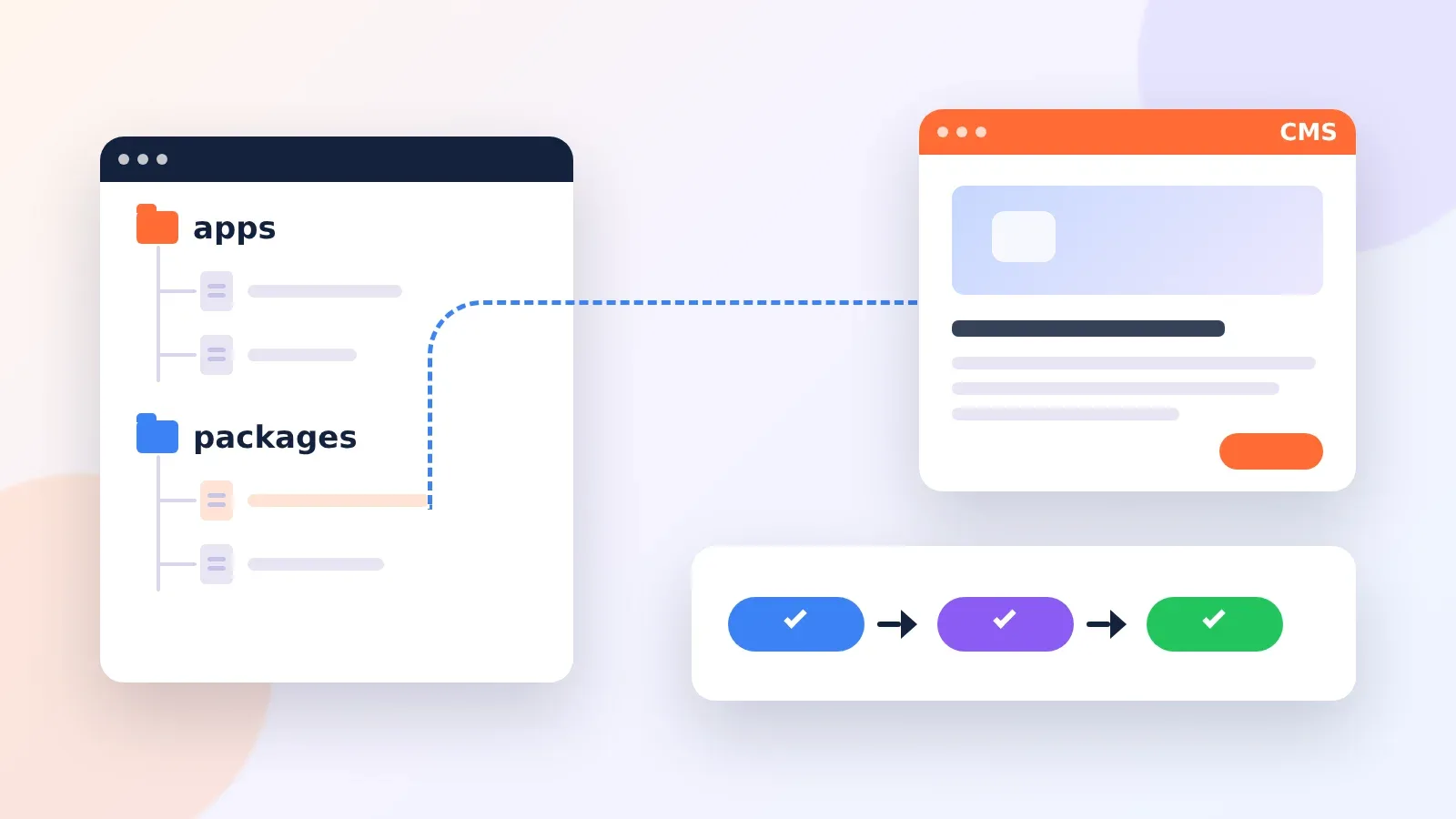
Turborepo splits a repo into apps that deploy and packages that other workspaces import. In fact, every CMS we looked at lands in one of three spots. Some live inside an app. Some run as their own app. Others stay outside the repo and arrive as an SDK package.
| CMS | Where it sits in the repo | Where content is stored | How other workspaces get types |
|---|---|---|---|
| Payload | Inside a Next.js app, in a (payload) route group | Your MongoDB, Postgres or SQLite database | typescript.outputFile can point at a shared package |
| Sanity | Studio as its own app, such as apps/studio | Sanity’s hosted Content Lake | TypeGen writes to any path you set in generates |
| Keystatic | Inside a Next.js, Astro or Remix app | Files in the repo (local or GitHub mode) | Types come from the config through the Reader API |
| TinaCMS | A tina/ folder in the app | Markdown or JSON files in Git | Generated client in tina/__generated__ |
| Directus | Outside the repo (Docker or Cloud) | Your SQL database | A schema interface you write by hand |
| Strapi | Its own app, such as apps/cms | Your SQL database | Generated into Strapi’s types folder only |
| Contentful and Storyblok | Outside the repo, reached by SDK | Vendor cloud | CLI generators write to a folder you choose |
A typical layout looks like the tree here. Payload or Keystatic would sit inside apps/web. Sanity Studio or Strapi would take apps/studio or apps/cms. Meanwhile, the shared client and generated types go in packages/cms.
my-repo/
├─ apps/
│  ├─ web/          # Next.js site (Payload or Keystatic can live here)
│  ├─ docs/         # a second site that reads the same content
│  └─ studio/       # Sanity Studio or a Strapi project
├─ packages/
│  ├─ cms/          # shared client, queries and generated types
│  └─ typescript-config/
├─ turbo.json
└─ pnpm-workspace.yaml
Seven CMS Choices Ranked for Turborepo
1. Payload Inside a Next.js App
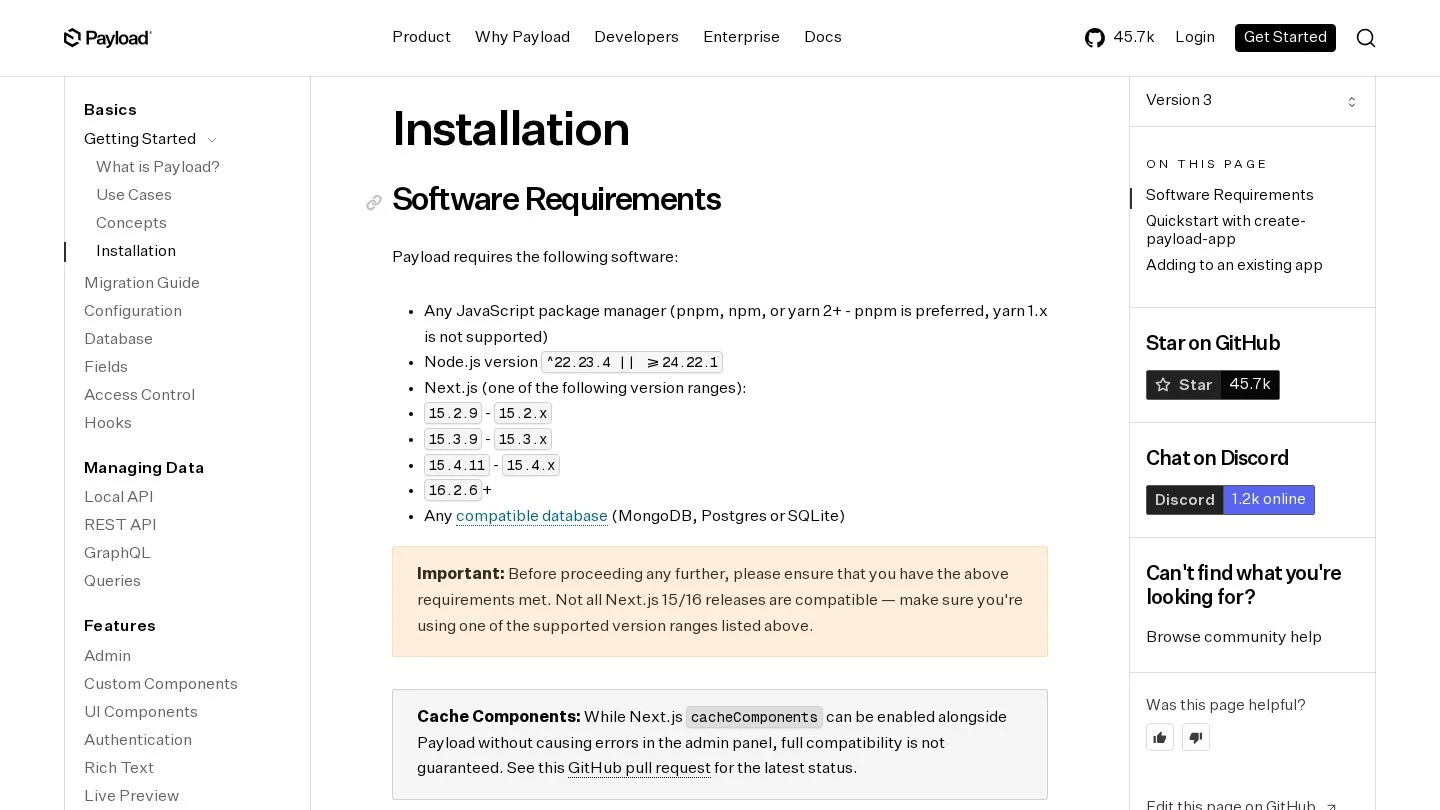
Payload ranks first because it adds no extra service to the repo. You install payload and @payloadcms/next, then copy the (payload) route group from the Blank Template into the app folder. Your own pages move into a second route group, such as (my-app). After that, wrap next.config with withPayload and add an @payload-config path to tsconfig.
In a monorepo, that whole setup stays inside apps/web. So turbo build builds the site and the admin in one task. Also, the Payload config has a typescript.outputFile option that takes a full, absolute path. Point it at packages/cms, and a second app can import the same collection types.
However, version pins need care. The stable release lists exact Next.js ranges, such as 15.4.11 to 15.4.x or 16.2.6 and later. It also needs Node.js 22.23.4 or later on the 22 line, or 24.22.1 and later. For that reason, keep one Next.js version across the repo with a pnpm catalog or a root override. Otherwise, a second app may pull a release Payload does not support.
Payload 4 is in beta, too. Its install page asks for Node.js 24.22.1, Next.js 16.4.0 and TypeScript 6.0.3 or later. Plan that jump for every app in the repo at once.
2. Sanity Studio as Its Own Workspace
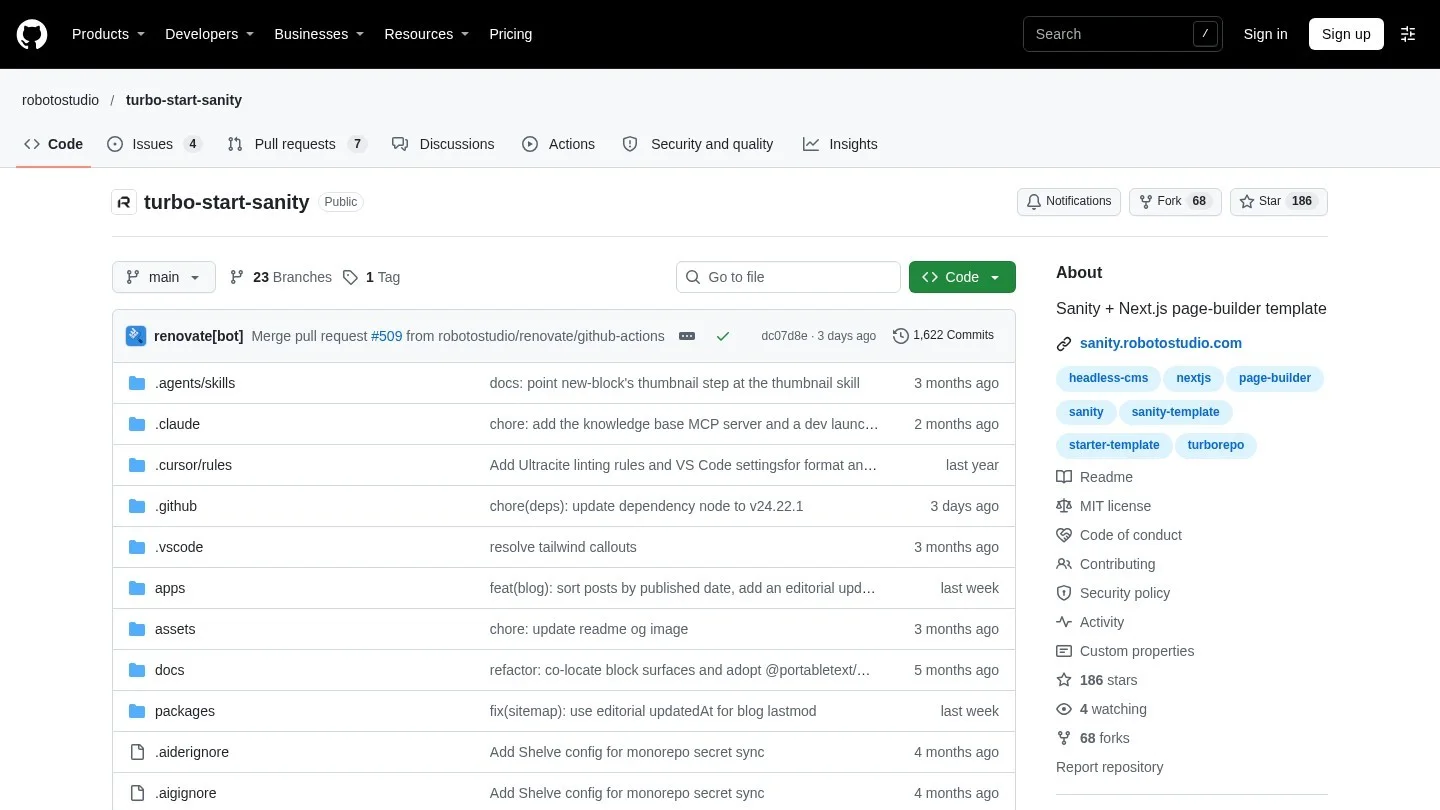
Sanity slots into a monorepo more neatly than any other hosted CMS. The Studio is a React app with its own sanity.cli.ts, so it slots into apps/studio next to your sites. Then TypeGen reads the Studio schema and scans GROQ queries in other folders.
For example, the typegen settings go in sanity.cli.ts. The path glob points at the front end’s source. Then generates writes the types file into another folder. In a Turborepo, aim that file at packages/cms.
// apps/studio/sanity.cli.ts
import { defineCliConfig } from 'sanity/cli'

export default defineCliConfig({
  schemaExtraction: { enabled: true },
  typegen: {
    path: '../web/src/**/*.{ts,tsx,js,jsx}',
    schema: 'schema.json',
    generates: '../../packages/cms/src/sanity.types.ts',
  },
})
A real example is Turbo Start Sanity, a template from Roboto Studio listed in Sanity’s template gallery. It runs Sanity Studio 6 in apps/studio and a Next.js 16 site in apps/web. Its packages/sanity holds the shared client, the GROQ queries and the generated types. Also, the README sets a strict order after schema edits: run pnpm --filter studio extract first, then pnpm type.
As for cost, the Free plan gives 20 user seats and 10,000 documents. Growth costs $15 per seat a month, with 50 seats and 25,000 documents.
3. Keystatic for Content Kept in Git
Keystatic stores content as files in your repo. So a content edit changes tracked files, and Turborepo sees the change in its hash. That makes Keystatic the safest pick for cached static builds.
Keystatic follows two rules in a monorepo. First, collection paths are relative to the app’s root. Second, GitHub or Cloud mode needs a pathPrefix with the app’s folder. In fact, Keystatic’s own repo works this way, with its docs site in apps/docs.
// apps/docs/keystatic.config.ts
const storage: Config['storage'] =
  process.env.NODE_ENV === 'production'
    ? { kind: 'github', pathPrefix: 'apps/docs', repo: 'thinkmill/keystatic' }
    : { kind: 'local' }
Reading content uses createReader(process.cwd(), keystaticConfig). That call is server only. Turborepo runs each task from the package’s own folder, so process.cwd() resolves to the app, which matches the relative collection paths.
4. Directus Next to the Repo
Directus wraps a SQL database with an API and an admin app. You run it in Docker or on Directus Cloud, so the repo only holds the SDK and a schema type. Version 19.1.0 of @directus/sdk takes that schema as a generic.
// packages/cms/src/directus.ts
import { createDirectus, rest, readItems } from '@directus/sdk'
import type { MySchema } from './schema'

export const directus = createDirectus<MySchema>(process.env.DIRECTUS_URL!)
  .with(rest())

export const getArticles = () => directus.request(readItems('articles'))
Still, you write MySchema yourself, one property per collection. Keep it in packages/cms and every app gets the same types. On licensing, Directus now uses the Monospace Sustainable Core License 1.0. Groups under $5 million in yearly revenue and with fewer than 50 staff can self-host free under its Open Innovation Grant.
5. Strapi as a Separate App
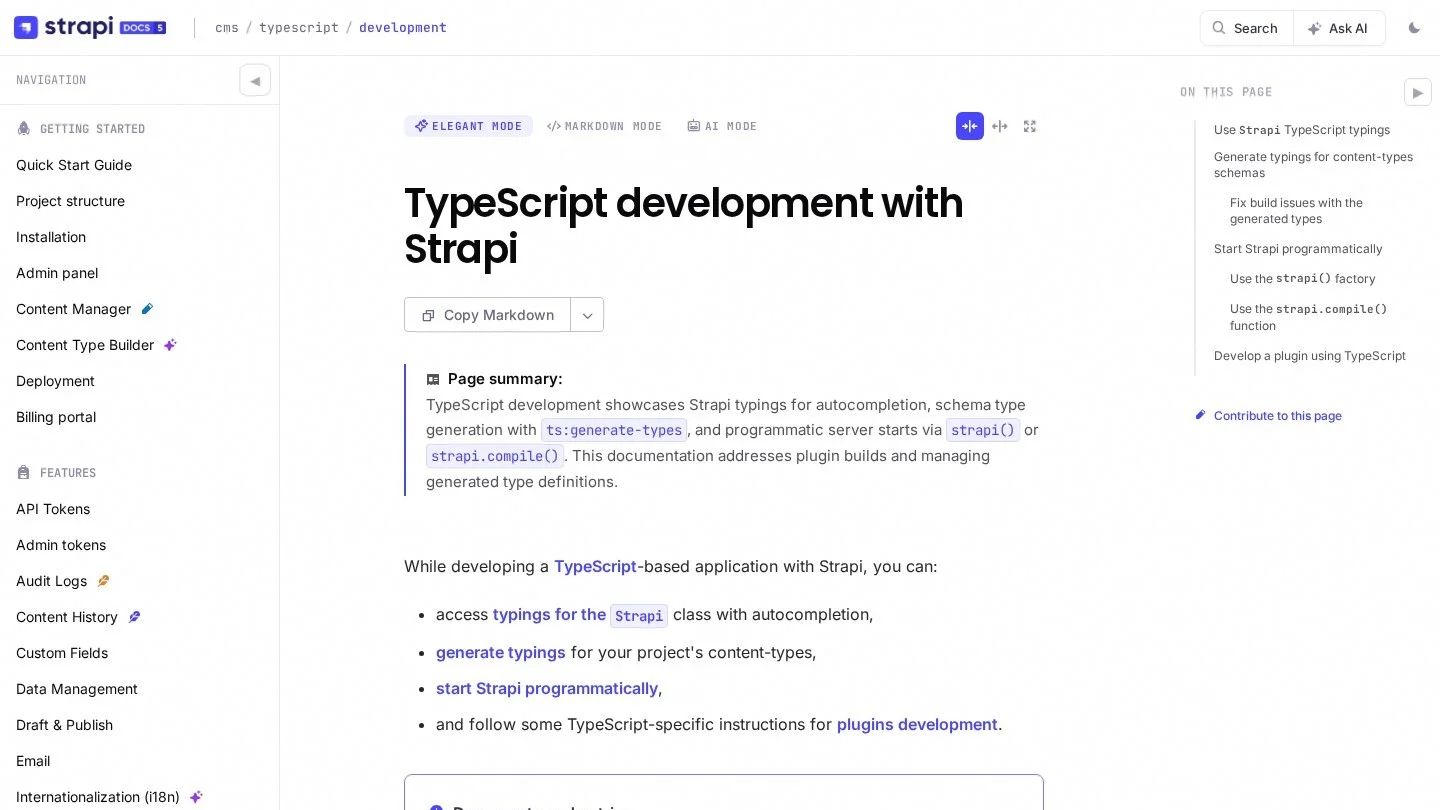
Strapi is a Node.js server, so it lives as its own app, such as apps/cms. Then turbo dev can start it next to the site. The with key in turbo.json makes the two start together.
Types are the weak spot in a monorepo, though. The command strapi ts:generate-types writes into a types folder at the Strapi root. But there is no official way yet to use those types in a front end. Also, @strapi/types is marked internal and may change without notice. So most teams write a small set of response types by hand in packages/cms.
6. TinaCMS With a Shared Content Folder
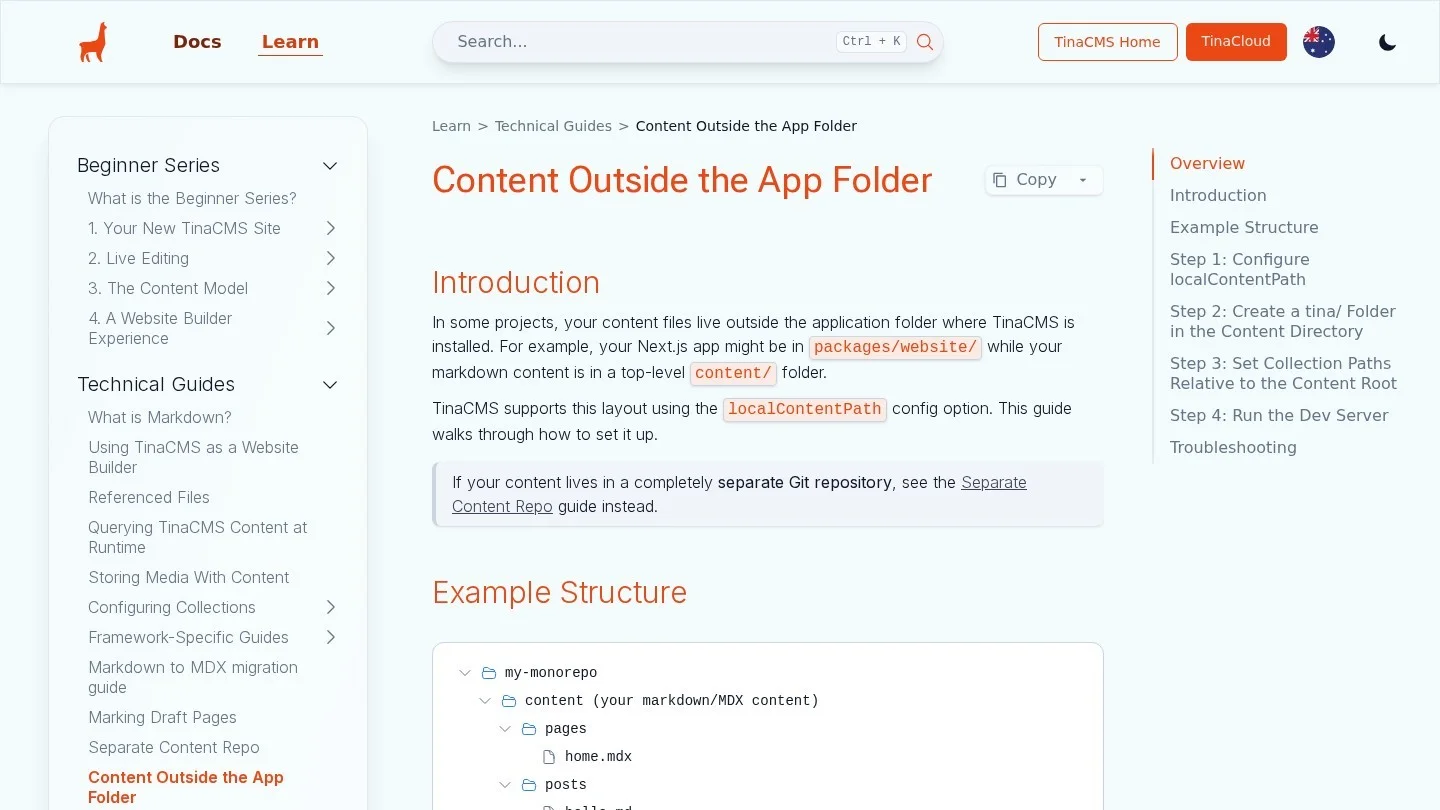
TinaCMS edits Markdown and JSON in Git through a tina/ folder. That folder holds config.ts, a generated client in __generated__, and tina-lock.json. Commit the lock file, but keep __generated__ out of Git.
For a monorepo, Tina’s guide covers content that sits outside the app. You set localContentPath in tina/config.ts, and that path is relative to the tina/ folder. Then the content root also needs its own tina/ folder, or the CLI fails. As a result, two apps can share one content/ workspace.
Tina’s Free plan covers two users. Team costs $24 per project a month billed yearly, or $29 billed monthly, with three users included.
7. Contentful and Storyblok Through SDK Packages
Contentful and Storyblok live in the vendor’s cloud. So the monorepo work is a single package that wraps the SDK and holds the types. This is the same pattern next-forge, Vercel’s Turborepo starter, uses with a dedicated CMS package for BaseHub.
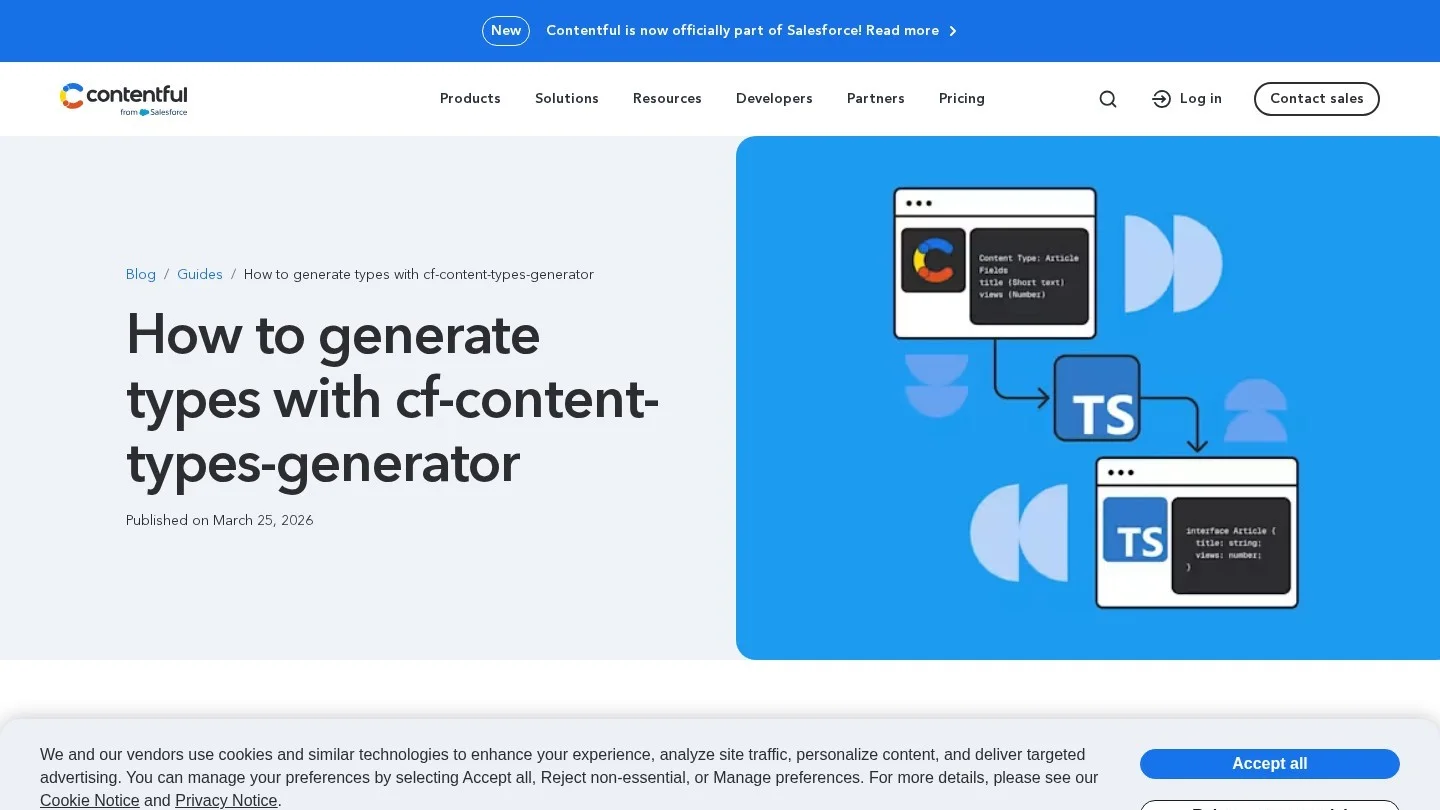
For Contentful, the official type tool is cf-content-types-generator. It builds types for the JS library v10 and later. Its -o flag sets the output folder, so point it at packages/cms/src/contentful-types. Similarly, Storyblok’s CLI has a types generate command for component types.
// packages/cms/package.json (scripts)
"generate:types": "cf-content-types-generator -s $CONTENTFUL_SPACE_ID -t $CONTENTFUL_MANAGEMENT_TOKEN -o src/contentful-types -d -r -g -X"
Declare CMS Secrets in turbo.json Before the First Build
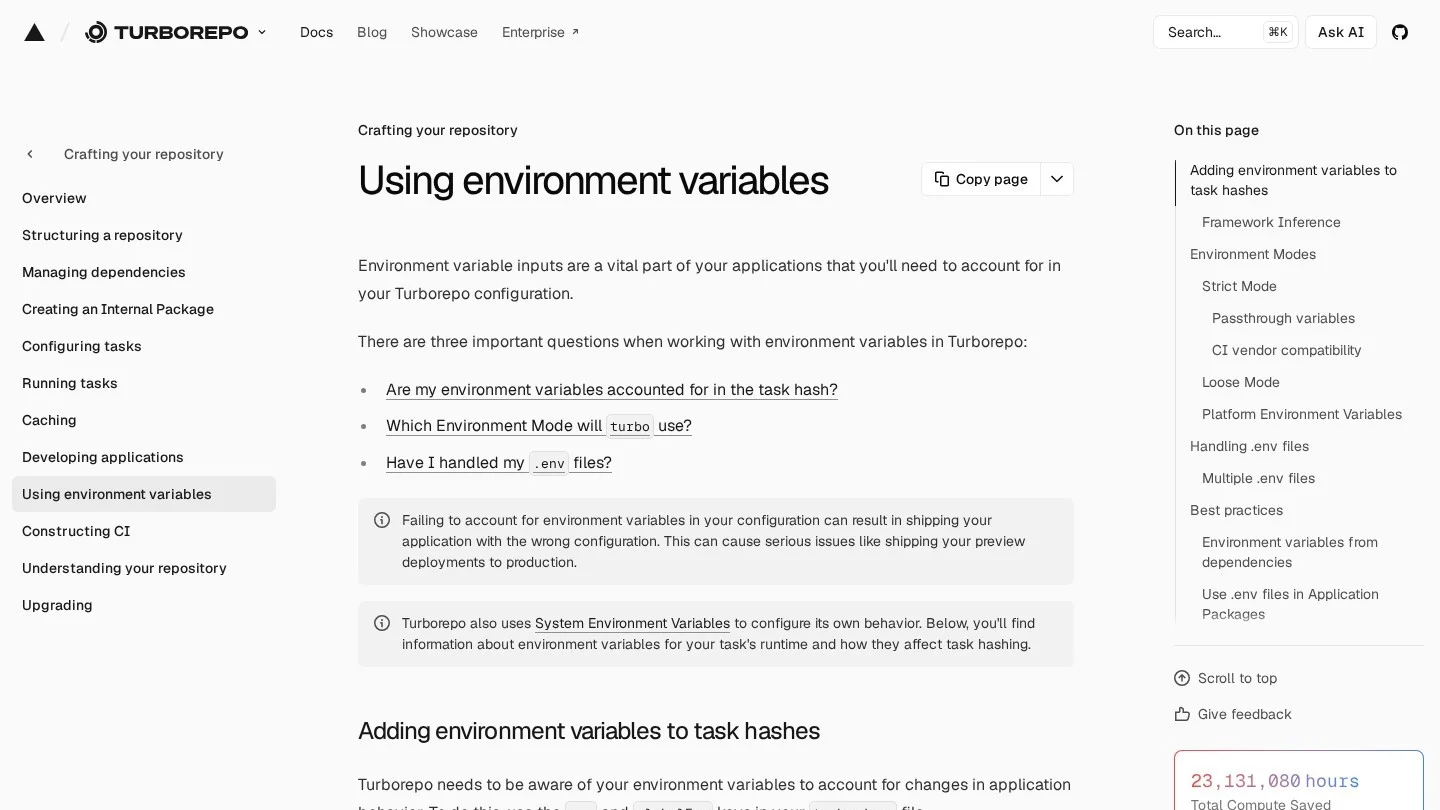
Most first builds fail here. Turborepo runs in Strict Mode by default. In that mode, a task only sees the variables listed under env or globalEnv. So a CMS token missing from turbo.json never reaches the build, even though it sits in .env.
There is one shortcut. For Next.js apps, Turborepo adds NEXT_PUBLIC_* on its own. So a Sanity project ID under that prefix works without a listing. Server tokens, database URLs and Payload’s secret still need a line each.
Also, Turborepo does not load .env files. Your framework does. But Turborepo still needs those files in the hash, so add them to inputs. Also keep each .env file in the app that uses it.
{
  "$schema": "https://turborepo.dev/schema.json",
  "tasks": {
    "build": {
      "dependsOn": ["^build"],
      "inputs": ["$TURBO_DEFAULT$", ".env*"],
      "env": ["PAYLOAD_SECRET", "DATABASE_URI", "SANITY_API_READ_TOKEN"],
      "outputs": [".next/**", "!.next/cache/**"]
    },
    "dev": {
      "with": ["studio#dev"],
      "persistent": true,
      "cache": false
    },
    "check-types": { "dependsOn": ["^check-types"] }
  }
}
Next, add eslint-config-turbo to catch variables your code reads but turbo.json leaves out. Then a missing token shows up in lint, before it costs you a broken deploy.
Share Generated Content Types Through One Package
First, put every CMS client, query and generated type in one internal package. We call it packages/cms here. Name it with a @repo/ scope, and add it to each pnpm app with workspace:*.
The fastest setup is a Just-in-Time package. Its exports field points straight at TypeScript source, and the app’s bundler compiles it. Next.js handles that well. However, Turborepo lists three limits. There is no build to cache, TypeScript paths can break, and type errors spread to every app that imports it.
// packages/cms/package.json
{
  "name": "@repo/cms",
  "exports": {
    "./client": "./src/client.ts",
    "./types": "./src/sanity.types.ts"
  },
  "scripts": { "check-types": "tsc --noEmit" }
}
Also, inside the package, use Node.js subpath imports in place of paths. Sometimes a plain Node script must import the package. In that case, switch to a compiled package with tsc and a dist output.
Keep Cached Builds From Serving Old Content
Our research turned up a trap that few CMS guides mention. Turborepo hashes files and listed variables. It does not know when an editor publishes in a hosted CMS. So if nothing in Git changed, turbo build can replay a cached .next folder with yesterday’s content baked in.
Git-based tools avoid this by design. A Keystatic or Tina edit is a commit, and the commit changes the hash. For API-based tools, though, you need a plan. You can render CMS pages on request or with on-demand revalidation, so the build output holds no content. Or you can pass --force on the production build to skip the cache for that app.
| Content source | Does an edit change the Turborepo hash? | What to do in production |
|---|---|---|
| Keystatic, TinaCMS (files in Git) | Yes, the files change | Cache builds as normal |
| Payload (same app) | No, the edit lands in the database | Render content pages on request or revalidate on save |
| Sanity, Contentful, Storyblok | No | Revalidate from a webhook, or force the deploy build |
| Directus, Strapi | No | Same as hosted tools |
For Next.js sites, our guide to headless CMS platforms on the App Router walks through the webhook and revalidateTag pattern in detail.
Ship One App at a Time by Pruning the Repo
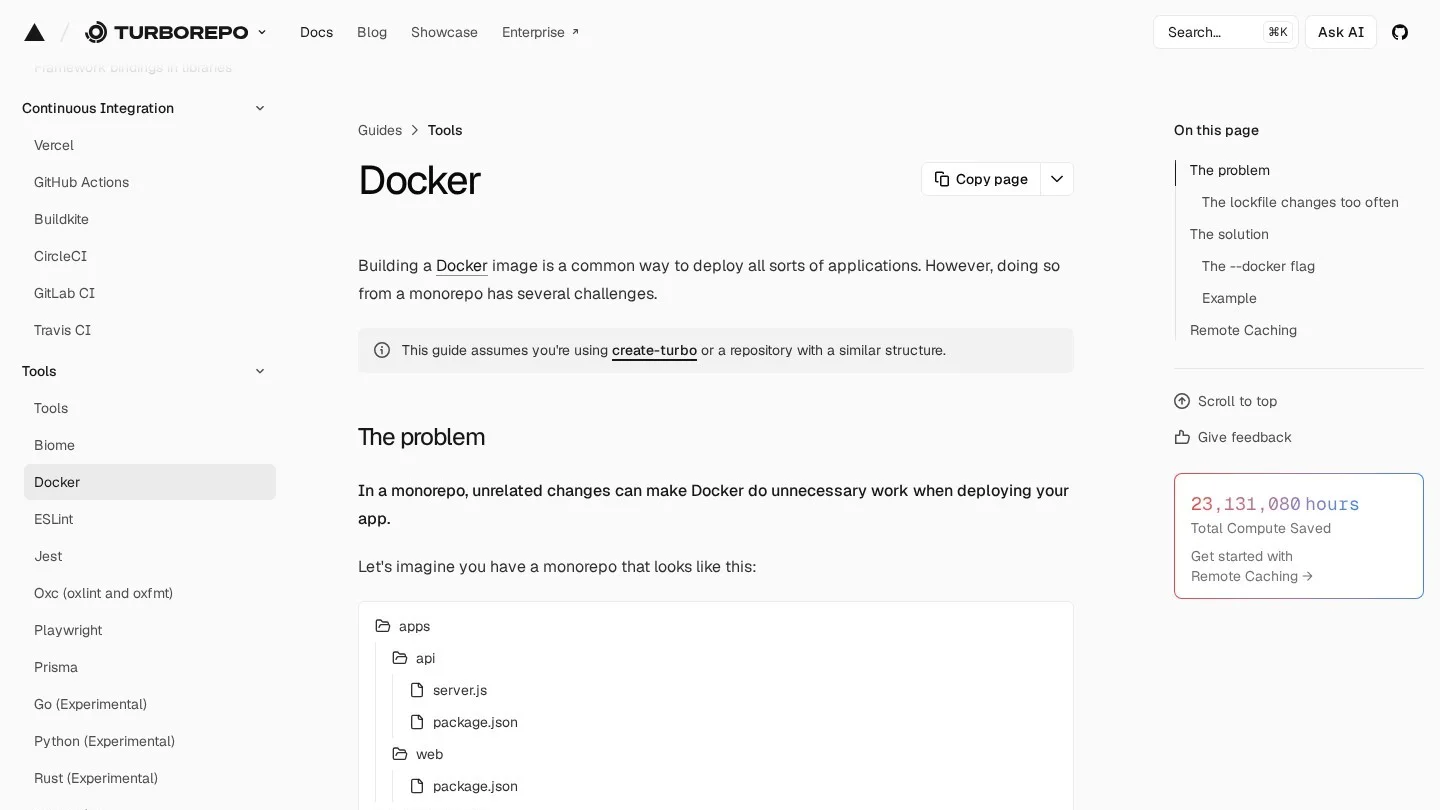
A self-hosted Strapi or Payload app should not pull the whole repo into its Docker image. Run turbo prune web --docker first. It writes a cut-down copy to out/ with only the workspaces that app needs, plus a trimmed lockfile.
Then copy out/json and install packages before you copy out/full. Because of that order, Docker reuses the install layer when only source files change. After that, run turbo build in the builder stage. The official example Dockerfile ends with a non-root user and the Next.js standalone output.
Also, a separate Sanity Studio deploys on its own path. Turbo Start Sanity, for instance, ships its Studio through a GitHub Action, apart from the web app.
What Three Editors Cost on Each CMS
To compare, we priced a common case: one marketing site, three editors, a year of use. The figures are software fees at list price in US dollars. Hosting for self-run tools is extra and depends on your provider.
| CMS | Plan for three editors | Yearly software cost | How we got it |
|---|---|---|---|
| Payload | Open source, self-hosted | $0 | No license fee; you pay for the database and host |
| Keystatic | Open source, local or GitHub mode | $0 | Content lives in your repo |
| Strapi | Self-hosted open-source edition | $0 | You run the server |
| Directus | Self-hosted under the Open Innovation Grant | $0 | Only for groups under $5M revenue and 50 staff |
| Sanity | Free (up to 20 seats, 10,000 documents) | $0 | Growth would be 3 × $15 × 12 = $540 |
| TinaCMS | Team (Free covers only two users) | $290 | $24 a month × 12, billed yearly |
| Directus Cloud | Core | $1,068 | $89 a month × 12, billed yearly |
So the free tools cost time instead. Someone has to run the database, apply updates and watch backups. For a small studio, price that work in hours before you choose. Our React CMS buying guide compares costs at 3, 10 and 25 editors for hosted tools.
Pick by the Frameworks Inside Your Monorepo
Your apps decide more than your content does. If every app is Next.js, Payload keeps the stack in one language and one deploy. On the other hand, a repo that mixes Next.js with SvelteKit or Vue needs a CMS that serves all of them over an API. Sanity, Directus and Storyblok all do that.
- All Next.js, one team of developers: Payload in
apps/web, types sent topackages/cms. - Several frameworks, hosted content: Sanity Studio in
apps/studio, with TypeGen output shared. - Docs sites and blogs edited by developers: Keystatic or Tina, with content in Git so cached builds stay current.
- An existing SQL database: Directus beside the repo, with a hand-written schema package.
- Marketers who build pages visually: Storyblok through one SDK package.
For mixed repos, we have framework-specific notes too. Read our guides to headless CMS platforms for SvelteKit, CMS options for Vue.js and wiring a headless CMS into Nuxt.
Payload, Sanity and Keystatic Setup Problems in a Turborepo
Can Payload Run in Its Own App and Serve Other Apps?
Yes. Put Payload in a Next.js app such as apps/cms, and other apps read its REST or GraphQL API. Still, you lose same-process data access in those other apps. So keep Payload inside the main site’s app when you can.
Why Is My CMS Token Undefined Only When I Run Turbo?
Strict Mode filters it out. Add the name to env on the task, or to globalEnv. For a one-off test, --env-mode=loose passes every variable through. But loose mode lets wrong cache hits slip through, so keep it out of CI.
Where Should Sanity Studio Live in a Turborepo?
Give it its own app, such as apps/studio, with its own sanity.cli.ts. Then set TypeGen’s generates path to a shared package. You can also embed the Studio in a Next.js route. But a separate app keeps Studio releases apart from site deploys.
Does Keystatic Work When the App Is Not at the Repo Root?
Yes. Write collection paths relative to the app folder. Then, in GitHub or Cloud mode, set pathPrefix to that folder, such as apps/docs. Local mode needs no prefix.
Official Docs We Read to Rank Monorepo CMS Tools
- Turborepo: using environment variables
- Turborepo: turbo.json configuration reference
- Turborepo: internal packages
- Turborepo: TypeScript guide
- Turborepo: Docker guide
- Payload: installation
- Payload 4 beta: installation
- Payload: the Payload config
- Sanity Learn: TypeGen for multiple-folder projects
- Sanity: typegen CLI reference
- Sanity templates: Turbo Start Sanity
- Sanity pricing
- Keystatic: using in a monorepo
- Keystatic: Reader API
- TinaCMS: content outside the app folder
- TinaCMS: the tina folder
- TinaCloud pricing
- Directus SDK on npm
- Directus repository and license
- Directus pricing
- Strapi: TypeScript development
- Contentful: generating TypeScript types
- Storyblok CLI: types generate
- next-forge: CMS package