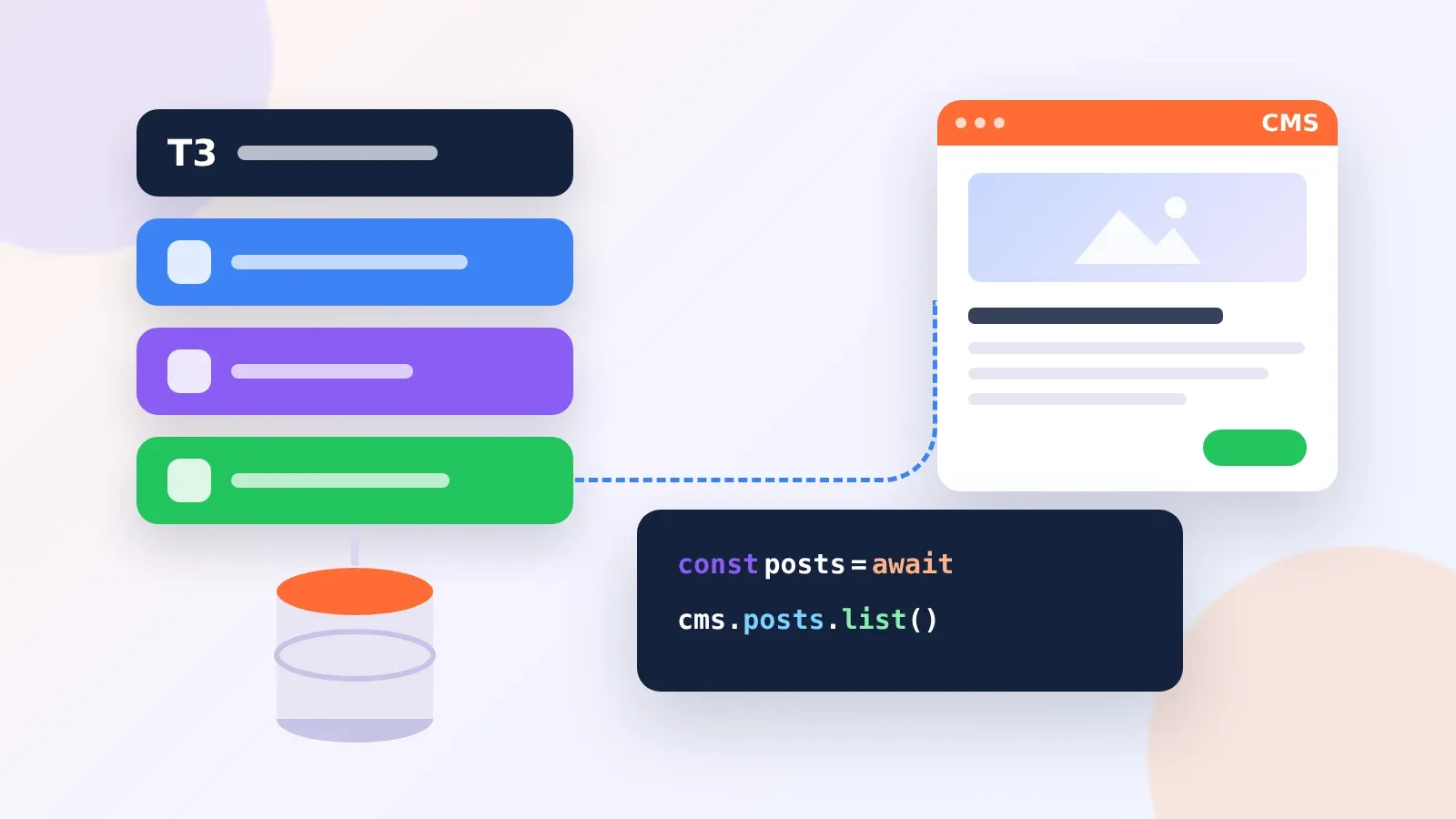
SvelteKit Loads Content on the Server, and the CMS Choice Follows From That
A SvelteKit page gets its data from a load function, and a +page.server.ts file keeps that function and its API tokens on the server. Add export const prerender = true and the page is built to static HTML at build time. Those two features shape which headless CMS works well with SvelteKit more than any marketing page does.
Five of the vendors we compared publish Svelte or SvelteKit packages: Storyblok, Prismic, Sanity, DatoCMS and Builder.io. Strapi and Directus need no package at all, because a load function can call their REST APIs with SvelteKit’s own fetch. We compared all seven on their Svelte tooling, free-plan limits and paid entry prices, then worked out how many API calls a typical SvelteKit site really uses.

Svelte Packages From Each CMS Vendor
| CMS | Package | Svelte 5 status in vendor docs | Preview or live editing |
|---|---|---|---|
| Storyblok | @storyblok/svelte 6.x | Requires Svelte 5.0 or later | Storyblok Bridge in onMount |
| Prismic | @prismicio/svelte with @prismicio/client | Guide uses Svelte 5 syntax ($props) | PrismicPreview in root layout |
| Sanity | @sanity/sveltekit | Visual editing guide for SvelteKit | handlePreviewMode in hooks.server.ts |
| DatoCMS | @datocms/svelte | Official SvelteKit Starter Kit | querySubscription store |
| Builder.io | @builder.io/sdk-svelte (Gen 2) | Listed for Svelte | Visual editor |
| Strapi | None needed, REST or GraphQL | Works with any version | Your own preview route |
| Directus | @directus/sdk or REST | Works with any version | Your own preview route |
Seven CMS Platforms Worth Shortlisting for SvelteKit
Storyblok in SvelteKit

Storyblok version 6 of @storyblok/svelte requires Svelte 5.0 or later and a Node.js LTS release, with 22.x recommended. You call storyblokInit once with your access token, the apiPlugin and a map of block components. Inside a page, the load function reads the API client from the parent layout and fetches a story:
// src/routes/+page.js
export async function load({ parent }) {
  const { storyblokAPI } = await parent();
  const response = await storyblokAPI.get('cdn/stories/home');
  return { story: response.data.story };
}
The page then renders the story with <StoryblokComponent blok={data.story.content} />. To make blocks clickable in the Visual Editor, start the bridge inside onMount with useStoryblokBridge. Set the region option as well, unless your space was created in the EU region.
The free Starter plan gives one seat (two at most), 100,000 API requests, 100 GB of traffic and 20,000 stories a month. Growth is $99 a month, or $90.75 billed yearly, with five seats.
Prismic in SvelteKit
Prismic has the most scripted SvelteKit setup in this group. You create a project with npx sv create, then run npx prismic init, which creates the repository, installs packages and writes the preview routes for you. A dynamic page then looks like this once setup has finished:
// src/routes/[uid]/+page.server.ts
import type { PageServerLoad } from './$types';
import { createClient } from '$lib/prismicio';

export const load: PageServerLoad = async ({ params, fetch, cookies }) => {
  const client = createClient({ fetch, cookies });
  const page = await client.getByUID('page', params.uid);
  return { page };
};
Pages render slices with <SliceZone> from @prismicio/svelte, and <PrismicPreview> from @prismicio/svelte/kit goes in the root layout. Passing SvelteKit’s fetch and cookies into the client is what lets previews work on the server.
Prismic’s Free plan is the most generous on API traffic in this list: 4 million calls and 100 GB of CDN bandwidth a month, unlimited documents, and one user. Paid plans are per repository, billed yearly, starting with Starter at $10 a month for three users.
Sanity in SvelteKit
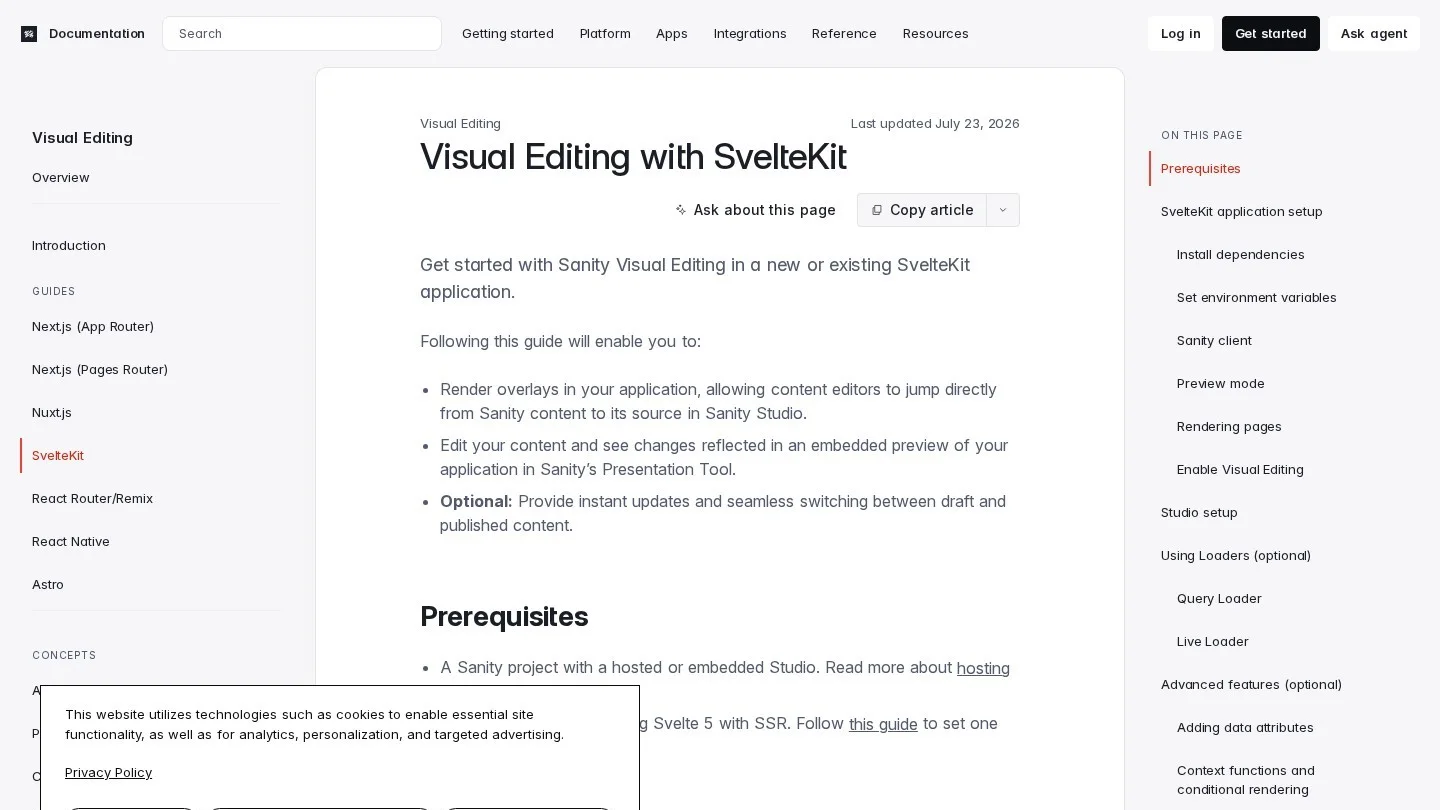
Sanity ships @sanity/sveltekit for SvelteKit projects, and preview mode is added in src/hooks.server.ts through a handlePreviewMode handle, which adds a sanity object to locals. Each load function reads the client and preview state from there and asks for stega-encoded results only when previewing, so overlays appear for editors and never for visitors.
// src/hooks.server.ts
export const handle = sequence(
  handlePreviewMode({
    client: serverClient,
    preview: { redirect }
  })
)
Sanity’s Free plan allows 20 seats, 10,000 documents, 250,000 API requests and 1 million API CDN requests a month. That seat count suits volunteer and community sites where many people contribute a few posts each. Growth costs $15 per seat a month and adds more roles.
DatoCMS in SvelteKit
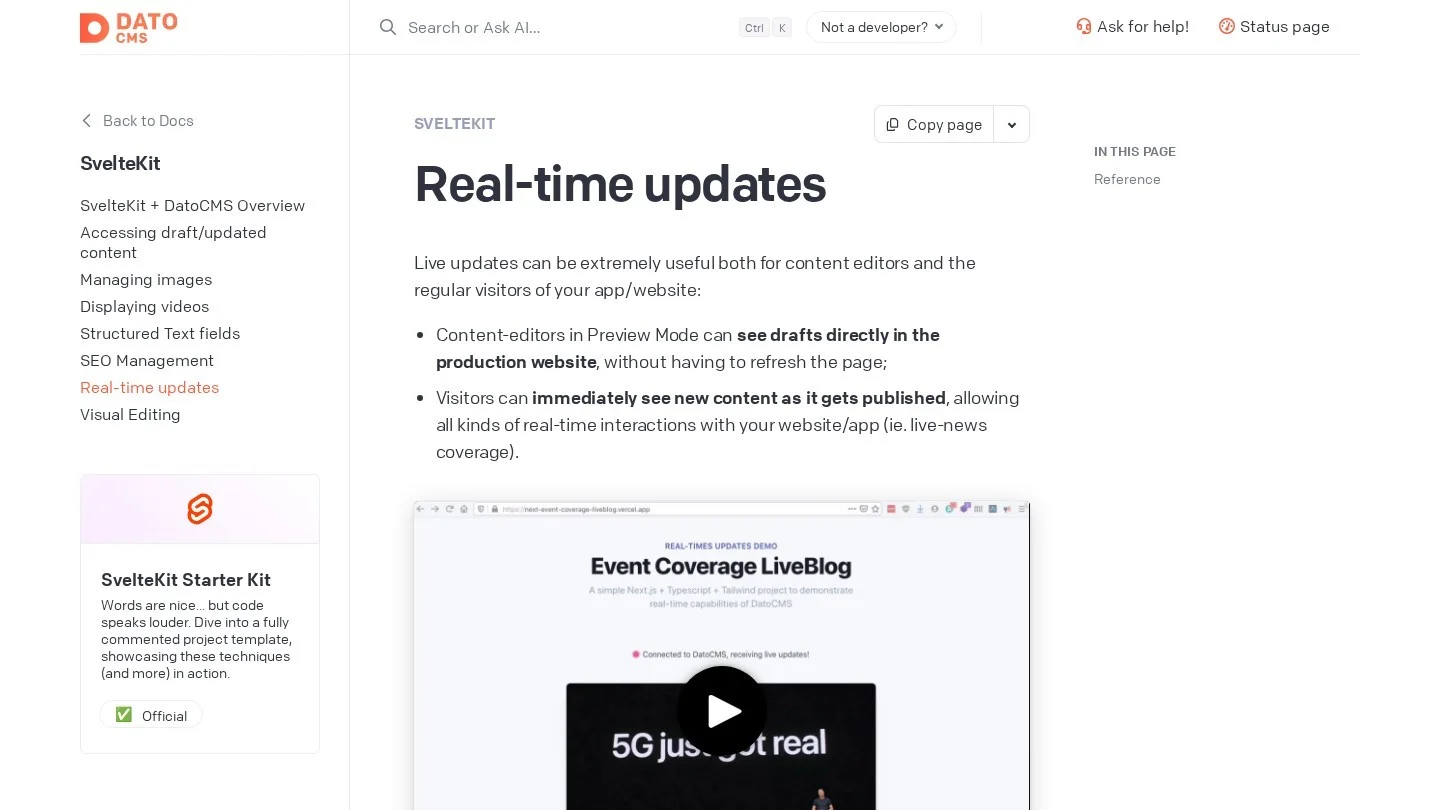
DatoCMS publishes @datocms/svelte, whose querySubscription store pushes content changes to the page in real time, and an official SvelteKit Starter Kit on its marketplace. It is GraphQL-only on the delivery side, which pairs well with typed queries in TypeScript.
The free plan fits a prototype: 300 records, 100k API calls and 10 GB of traffic a month, with no overages. Professional is €149 a month billed yearly, or €199 billed monthly, with 10 collaborators and 100k records.
Builder.io in SvelteKit
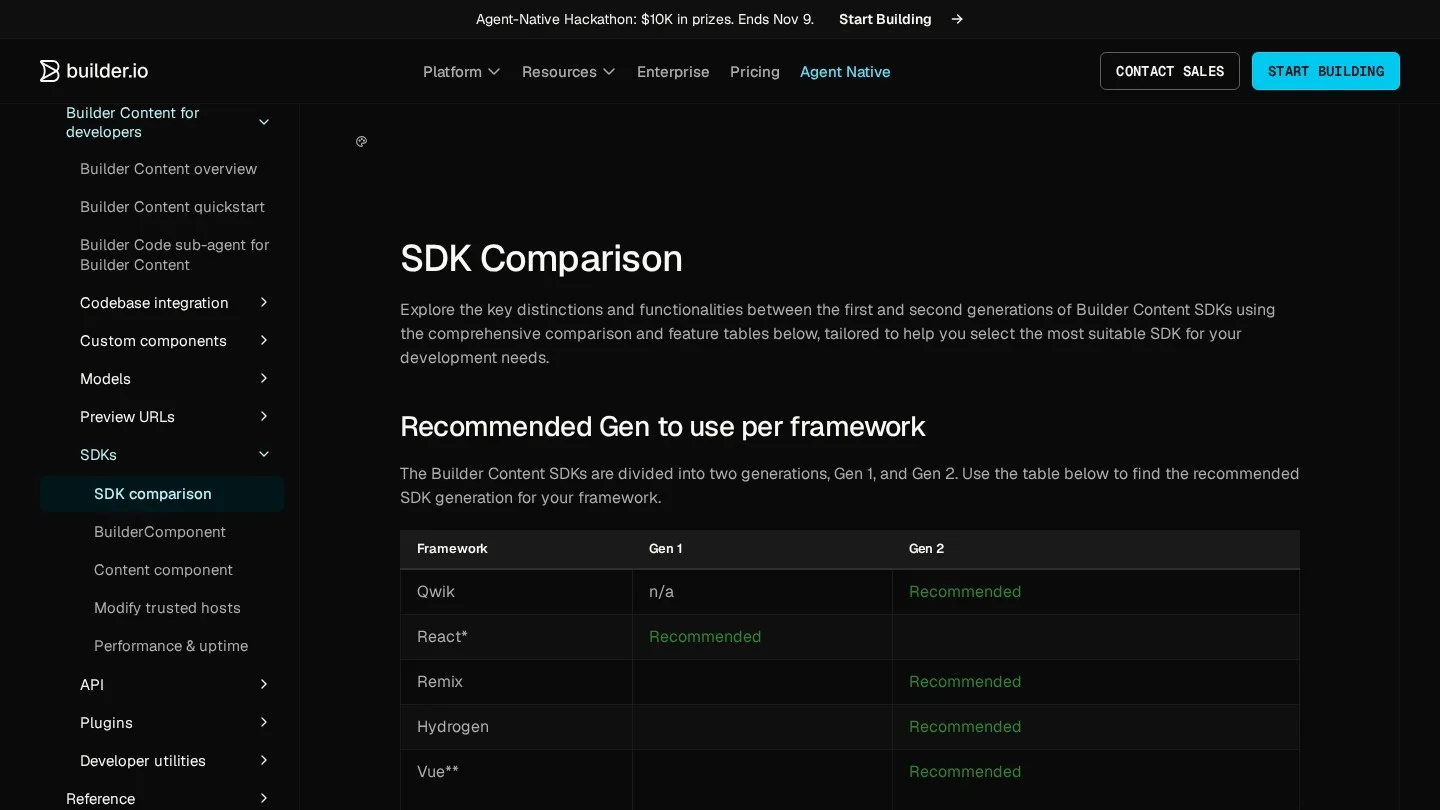
Builder.io lists @builder.io/sdk-svelte among its Gen 2 SDKs. You register Svelte components, and marketers place them on pages in its drag-and-drop editor. The Free plan covers one user with 60 credits a month, Pro is $24 per user a month, and Team is $40.
Strapi in SvelteKit
Strapi is MIT-licensed and free to self-host, and it needs no Svelte package. Its REST endpoints drop straight into a server load function with no extra library. Use SvelteKit’s fetch argument instead of the global one, since it forwards cookies correctly and lets SvelteKit inline the response for hydration.
// src/routes/blog/[slug]/+page.server.ts
import { STRAPI_URL, STRAPI_TOKEN } from '$env/static/private';

export async function load({ params, fetch }) {
  const res = await fetch(
    `${STRAPI_URL}/api/posts?filters[slug][$eq]=${params.slug}`,
    { headers: { Authorization: `Bearer ${STRAPI_TOKEN}` } }
  );
  const { data } = await res.json();
  return { post: data[0] };
}
Because the token comes from $env/static/private, SvelteKit refuses to bundle it into client code. Strapi Cloud starts at $35 a month per project with 100,000 API requests if you would rather not host it.
Directus in SvelteKit
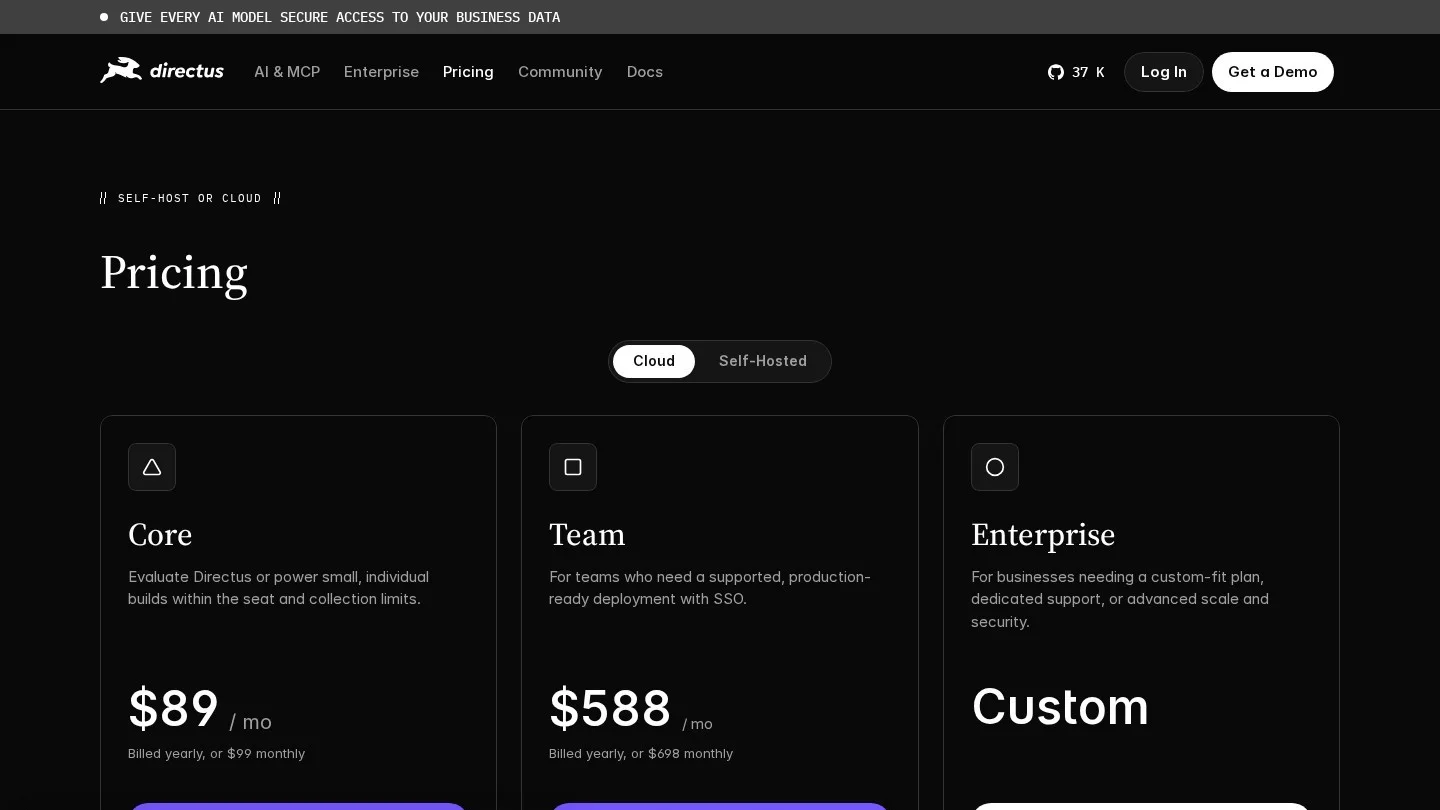
Directus fits SvelteKit apps that already sit on a SQL database. It adds an admin app and REST and GraphQL APIs on top of the existing tables, and @directus/sdk gives you typed helpers such as readItems. Self-hosting is free for organisations under $5 million in yearly revenue with fewer than 50 employees. Directus Cloud Core is $89 a month billed yearly, with three seats.
How Many API Calls a SvelteKit Site Uses
Free plans cap API traffic, so the rendering mode you pick decides if you stay on the free tier. We modelled one example site: 200 pages, rebuilt 60 times a month, and 150,000 page views a month. These are assumptions for illustration, chosen to look like a busy small-business site.
A fully prerendered build fetches each page once per build, so it uses about 200 x 60 = 12,000 calls a month. A server-rendered site with no caching makes at least one call per page view, so the same site uses about 150,000 calls a month.
| Free plan limit | Prerendered (12,000 calls) | Uncached SSR (150,000 calls) |
|---|---|---|
| Storyblok Starter, 100,000 API requests | 12% of the cap | 150%, over the cap |
| DatoCMS Free, 100k API calls | 12% of the cap | 150%, over the cap |
| Sanity Free, 250,000 API requests | 4.8% of the cap | 60% of the cap |
| Prismic Free, 4 million API calls | 0.3% of the cap | 4% of the cap |
The lesson for SvelteKit is to prerender what you can and to put a CDN cache in front of the pages you still render on the server. A page that changes once a week has no reason to hit the CMS on every visit.
SvelteKit gives you three levers, and the first, export const prerender = true, builds the page at deploy time. For dynamic routes, an entries function lists the slugs to build:
// src/routes/blog/[slug]/+page.server.ts
export const prerender = true;

export async function entries() {
  const posts = await getAllPostSlugs();
  return posts.map((slug) => ({ slug }));
}
The third option, prerender = 'auto', prerenders the page while keeping it in the server manifest, so slugs that did not exist at build time can still be rendered on request. For a blog fed by a CMS, that is often the best fit: old posts are static, and a post published five minutes ago still works.
Mapping CMS Content Types to SvelteKit Routes
SvelteKit’s file-based routing makes content modelling concrete, because every content type you create in the CMS ends up as a folder under src/routes. A post type with a slug field maps to src/routes/blog/[slug], and a page type with a UID maps to src/routes/[uid], which is the pattern the Prismic guide uses.
Prismic’s setup command also shows how previews fit into routing. Running npx prismic init creates an optional [[preview=preview]] route segment with a matching param matcher in src/params/preview.ts, so the same page files serve both published and preview URLs without duplicate routes.
Locales are the next decision, and they are limited by plan. Storyblok Starter and Prismic Free include two locales, Prismic Starter includes three, and DatoCMS includes five on both its free and Professional plans. If you publish in more languages than your plan allows, the CMS bill rises before your traffic does, so count languages before you pick a plan.
In SvelteKit, an optional parameter such as src/routes/[[lang]]/blog/[slug] serves the default language without a prefix and other languages under /fr or /de. Pass params.lang to the CMS client in your load function, and keep the language list in one shared file so the router, the sitemap and the CMS queries stay in step.
Rebuilds, Webhooks and Adapters for CMS Content
The adapter you deploy with decides how content changes reach the live site, so pick it at the same time as the CMS. With adapter-static, every page is plain HTML built in advance, which means each publish in the CMS has to trigger a new build through your host’s deploy hook before readers see the change.
Server adapters, such as the Node adapter or a serverless platform adapter, keep a runtime available, and that runtime is what lets prerender = 'auto' render a brand-new slug on request. It is also what CMS preview routes need, because a route such as Prismic’s src/routes/api/preview/+server.ts runs code when an editor clicks the preview button, which a purely static deploy cannot do.
A common split for content sites is to prerender every public page, keep a server runtime for previews and new slugs, and send one publish webhook from the CMS to the host’s deploy hook. Editors then see drafts instantly through preview, and readers get fresh static pages a few minutes after each publish, with almost no API traffic in between.
Page Options That Interact With CMS Content
Two more SvelteKit page options matter for content sites, starting with csr. Setting csr = false ships no JavaScript to the browser, which suits pure article pages. Leave it on for pages that use a CMS live preview, since the preview bridge runs in the browser.
SvelteKit also removes trailing slashes by default, so /about/ redirects to /about. If the CMS stores links with trailing slashes, set trailingSlash to match, or editors will create redirect chains without noticing.
A Shortlist by Project Type
- Marketing site with page-building editors: Storyblok or Prismic, since both offer visual editing with official Svelte packages.
- Community or nonprofit site with many contributors: Sanity, since the Free plan allows 20 seats.
- High-traffic site on a free plan: Prismic, with 4 million API calls a month before you pay.
- App with an existing database: Directus, which adds an admin app and APIs to the tables you already have.
- Full control and no vendor account: Strapi, self-hosted on your own server under the MIT license.
- Real-time content, such as live event pages: DatoCMS with
querySubscription, or Sanity.
Images often eat the traffic allowance before API calls do, so resize photos before upload with our bulk image resizer, and run long articles through the word counter if your CMS fields have length limits. When the site goes live, a launch on Product Hunt is a common first traffic test, and our Product Hunt launch guide walks through it.
If you are still comparing frameworks before committing, our pieces on CMS platforms for the Next.js App Router and integrating a headless CMS into Nuxt use the same vendor data.
SvelteKit CMS Questions We Hear Most
Does Svelte 5 Break Older CMS Integrations?
Some of them do, because Storyblok’s version 6 SDK requires Svelte 5, and Prismic’s SvelteKit guide is written in Svelte 5 syntax. Projects still on Svelte 4 should pin the older SDK versions until they migrate.
Can a Headless CMS Site Run on the SvelteKit Static Adapter?
Yes, as long as every page is prerendered, although each content change then needs a new build, which most hosts can trigger from a CMS publish webhook.
Where Should I Keep CMS API Tokens in SvelteKit?
In $env/static/private or $env/dynamic/private, read only from +page.server.ts, +layout.server.ts or hooks. SvelteKit blocks private env imports from client code, so a token cannot leak through a careless import.
Which Free CMS Plan Suits a Personal SvelteKit Blog?
Prismic Free covers one user with 4 million API calls, and Sanity Free covers up to 20 seats. A self-hosted Strapi instance has no plan limits at all, only the limits of the server you run it on.
Svelte, SvelteKit and CMS Pages We Opened
- SvelteKit page options documentation
- Storyblok Svelte SDK version 6
- Storyblok pricing
- Prismic SvelteKit documentation
- Prismic plans and pricing
- Sanity visual editing with SvelteKit
- Sanity pricing
- DatoCMS real-time updates for Svelte
- DatoCMS pricing
- Builder.io SDK comparison
- Builder.io pricing
- Strapi self-hosting and license
- Strapi Cloud pricing
- Directus pricing