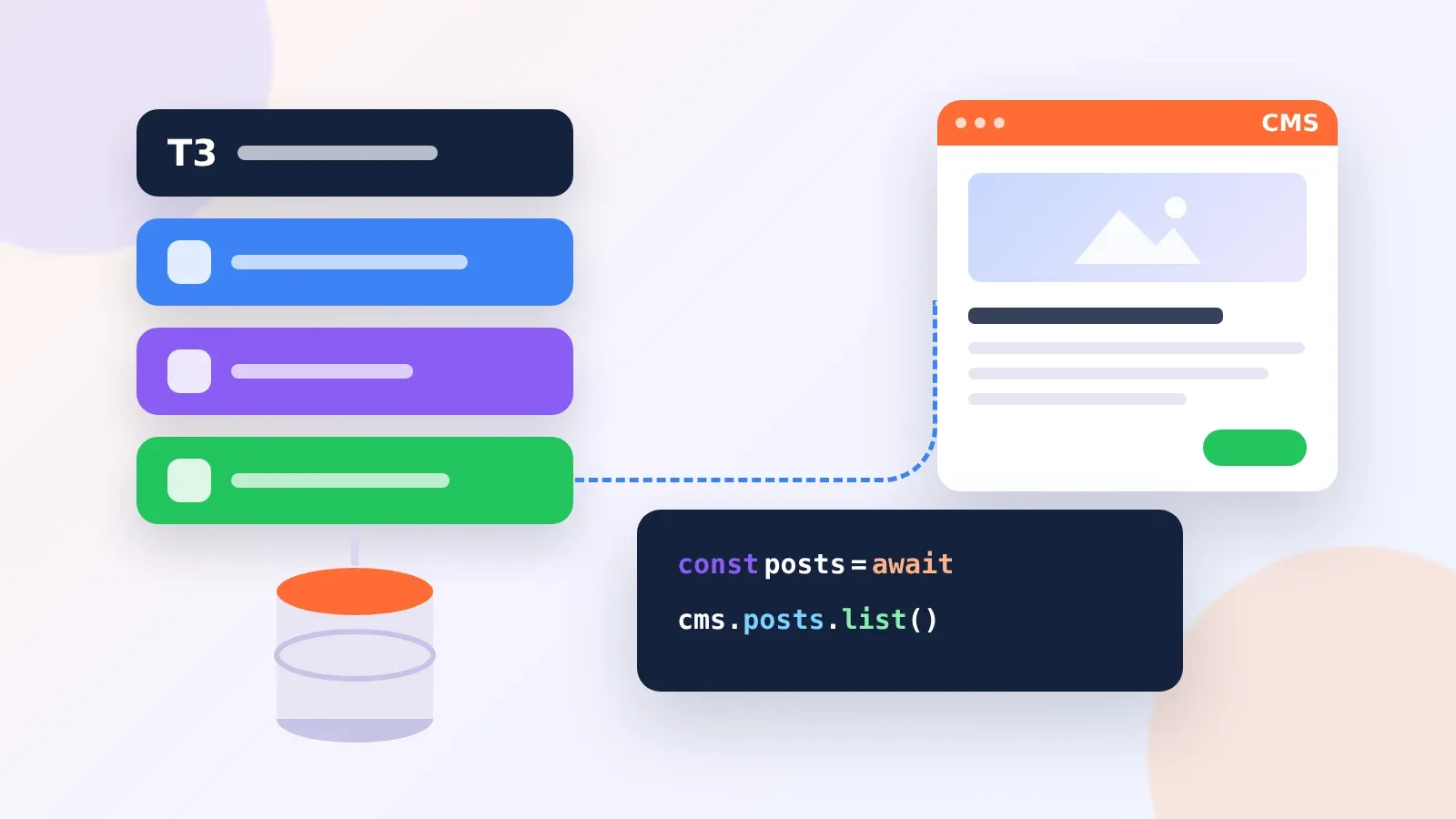
The Short Version of a Nuxt CMS Integration
Most headless CMS vendors give Nuxt a module, and the integration follows the same path each time. You install the module, add credentials to nuxt.config.ts, fetch content with useAsyncData or the module’s own composable, render it with components, then set route rules so pages are cached. Preview for editors comes last, once the public pages work.
The details change by vendor, so this guide works through the real module names, config keys and composables for Storyblok, Sanity, Prismic, Strapi, Directus and Nuxt Content with Nuxt Studio. Code follows each vendor’s published Nuxt docs, trimmed to the lines that matter.

Nuxt Modules and Packages for Six Content Sources
| Content source | Package | Install command | Fetch with |
|---|---|---|---|
| Storyblok | @storyblok/nuxt 10.x (needs Nuxt 4) | npm install @storyblok/nuxt@latest | useAsyncStoryblok |
| Sanity | @nuxtjs/sanity | npx nuxi@latest module add sanity | useSanityQuery |
| Prismic | @nuxtjs/prismic with @prismicio/client 7 and @prismicio/vue 6 | npx prismic init | usePrismic inside useAsyncData |
| Strapi | @nuxtjs/strapi (Strapi v5 by default, v4 and v3 supported) | npm install @nuxtjs/strapi | useStrapi().find |
| Directus | @directus/sdk in a Nuxt plugin | npm install @directus/sdk | $directus.request inside useAsyncData |
| Nuxt Content and Nuxt Studio | nuxt-studio (MIT) on top of Nuxt Content | npx nuxt module add nuxt-studio | Nuxt Content queries |
Pick the row before writing any code, since it decides the rest of the work. Hosted platforms such as Storyblok, Sanity and Prismic bill by seats or plan, while Strapi and Directus can run on your own server. Nuxt Content keeps Markdown in your Git repository, and Nuxt Studio, now a free MIT-licensed module, gives non-developers a visual editor for those files.
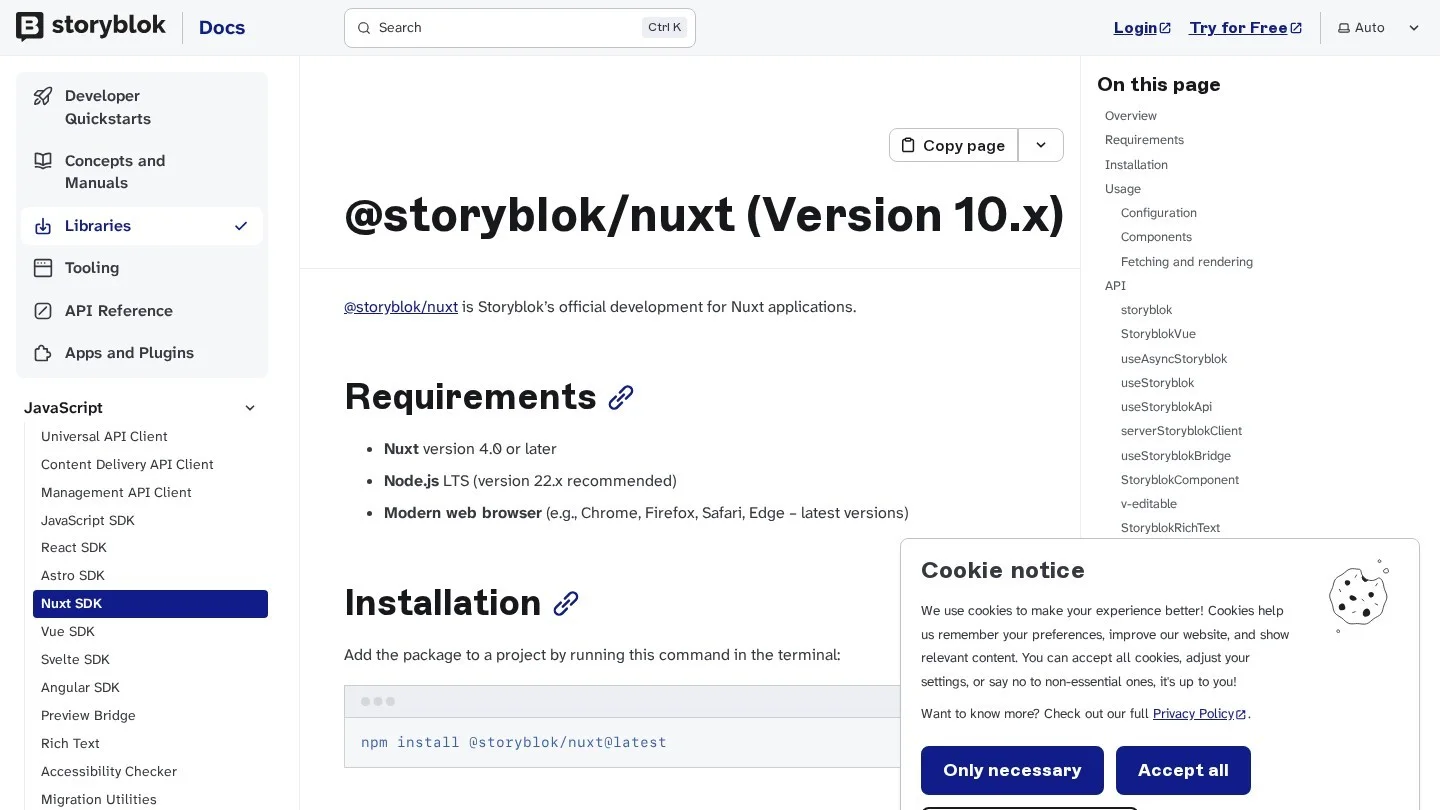
Installing the Module and Adding Credentials
Storyblok’s module takes its options in the modules array, and the region is required unless your space was created in the EU, and it is the most common cause of empty responses on a first run.
// nuxt.config.ts
export default defineNuxtConfig({
  modules: [
    ['@storyblok/nuxt', {
      accessToken: process.env.STORYBLOK_TOKEN,
      apiOptions: { region: 'us' },
    }],
  ],
})
Sanity’s module reads a top-level sanity key, and the project ID and dataset come from your Sanity project settings:
// nuxt.config.ts
export default defineNuxtConfig({
  modules: ['@nuxtjs/sanity'],
  sanity: {
    projectId: 'myProject',
    dataset: 'production',
    apiVersion: '2021-10-18',
  },
})
Prismic does most of the setup for you, since running npx prismic init inside a fresh Nuxt app creates the Prismic repository, installs the packages and writes the config. Pass --repo your-domain instead if the repository already exists in your Prismic account.
Directus has no Nuxt module, so a small plugin creates the client and shares it with the rest of the app:
// plugins/directus.js
import { createDirectus, rest, readItem, readItems } from '@directus/sdk';

const directus = createDirectus('https://directus.example.com').with(rest());

export default defineNuxtPlugin(() => {
  return {
    provide: { directus, readItem, readItems },
  };
});
Keep tokens out of the repository by putting them in .env and read them through runtimeConfig, so private keys stay on the server and only values under public reach the browser.
Fetching Content Inside Nuxt Pages
Each module wraps Nuxt’s data fetching so the request runs once on the server and the result travels to the browser with the page. Storyblok’s composable fetches a story and turns on the Visual Editor bridge in one call:
<script setup>
const { story } = await useAsyncStoryblok('home', {
  api: { version: 'draft' },
});
</script>

<template>
  <StoryblokComponent v-if="story" :blok="story.content" />
</template>
Sanity uses GROQ queries, and passing a ref or computed value as a parameter makes the query run again when that value changes, which is handy for filters and tabs:
<script setup>
const query = groq`*[_type == "article" && topic == $topic]`
const { data, refresh } = useSanityQuery(query, { topic: 'News' })
</script>
Prismic’s guide uses plain useAsyncData with the client from usePrismic(). Give every page a unique key, here the page UID, or Nuxt may serve one page’s data on another route:
<script setup lang="ts">
import { components } from '~/slices';

const prismic = usePrismic();
const route = useRoute();
const { data: page } = await useAsyncData(route.params.uid as string, () =>
  prismic.client.getByUID('page', route.params.uid as string),
);
</script>

<template>
  <SliceZone :slices="page?.data.slices ?? []" :components="components" />
</template>
Strapi’s module exposes typed helpers through useStrapi(), and you wrap the call in useAsyncData so it runs during server rendering:
<script setup lang="ts">
const { find } = useStrapi()
const { data: restaurants } = await useAsyncData('restaurants', () =>
  find<Restaurant>('restaurants')
)
</script>
With Directus, pull the helpers from useNuxtApp() and pass a request to $directus.request(). When you adapt Directus examples, check that any [0] index applies to the returned data and not to the request call itself.
<script setup>
const { $directus, $readItems } = useNuxtApp()
const { data: posts } = await useAsyncData('posts', () =>
  $directus.request($readItems('posts', { sort: ['-publish_date'] }))
)
</script>
Turning On Previews for Editors
Previews are where the modules save the most time, although each one handles drafts a little differently.
- Storyblok: The bridge is on by default in
useAsyncStoryblok. If you leave out thebridgeoption, it takesresolveRelationsandresolveLinksfrom your API settings. Add your local or staging URL as a preview URL in the Storyblok space. - Sanity: Add a
visualEditingblock undersanitywith a server-side readtokenand thestudioUrl. The token stays on the server, and Presentation must be installed in Sanity Studio,@sanity/clientmust be installed, and the module’sminimalclient must be turned off. - Prismic: The module registers a
/previewroute, which you then register withnpx prismic preview add http://localhost:3000/preview --name Development, then add the production URL after you deploy. For live slice previews, point the Page Builder atpages/slice-simulator.vuewithnpx prismic preview set-simulator. - Nuxt Studio: Configure
studio.repositoryinnuxt.config.tswith the provider (GitHub or GitLab), owner, repo and branch. You also need a sign-in provider for editors: GitHub OAuth, GitLab OAuth, Google OAuth or a custom flow. - Strapi and Directus: Build a preview page that requests draft items with a server-side token. Keep that page behind a secret query parameter or a sign-in screen.
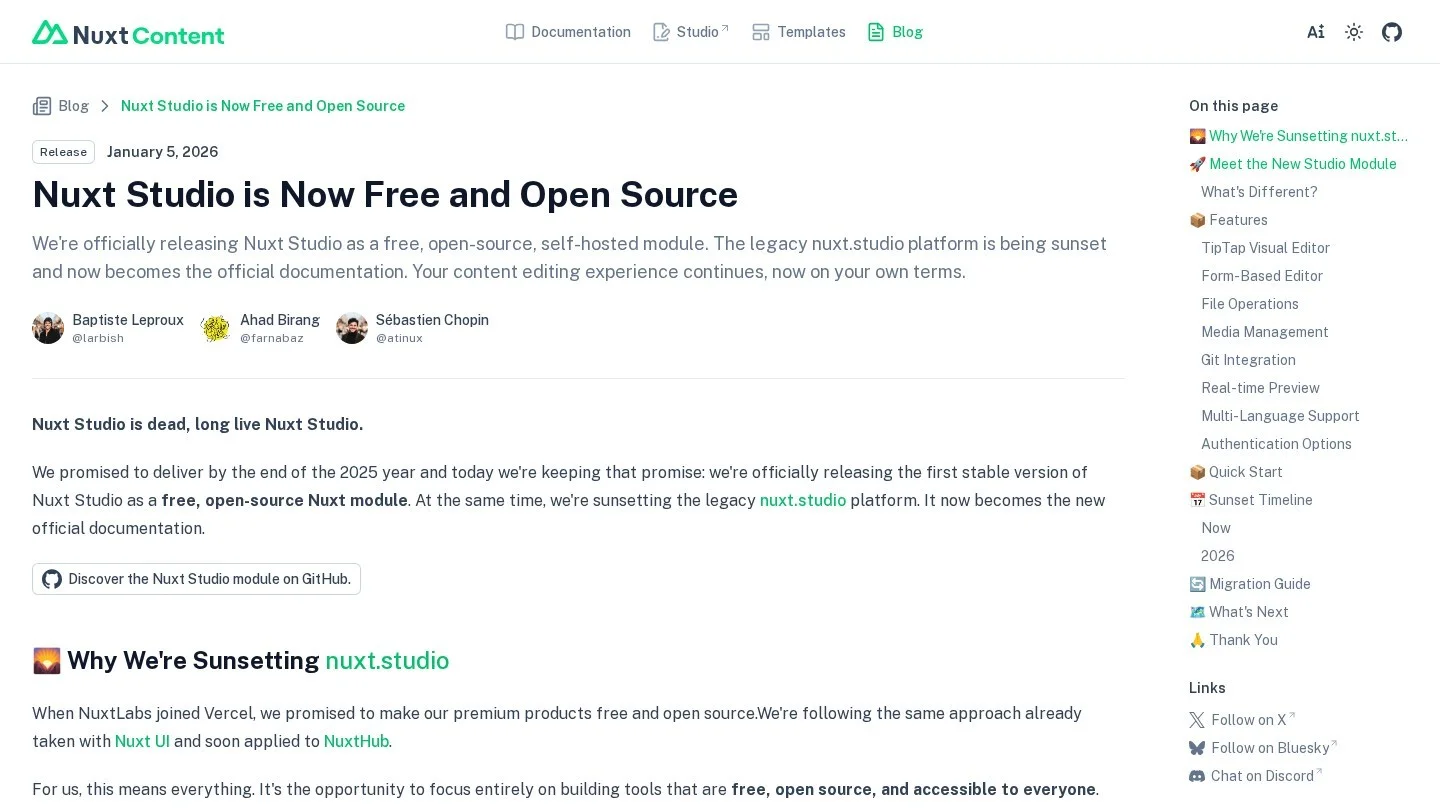
Nuxt Studio deserves a note of its own, because it used to be a paid hosted platform at nuxt.studio. It has been rebuilt as a self-hosted module under the MIT license, existing subscriptions were cancelled, and content stays in your Git repository. For small teams on Nuxt Content, that removes the last cost from a Git-based setup.
Caching CMS Pages With Nuxt Route Rules
Without caching, every visit to a CMS page calls the CMS API. Nuxt’s routeRules let you pick a rendering mode per path:
// nuxt.config.ts
export default defineNuxtConfig({
  routeRules: {
    '/': { prerender: true },
    '/blog': { isr: 3600 },
    '/blog/**': { isr: true },
    '/admin/**': { ssr: false },
  },
})
In this setup the home page is built once at deploy time. The blog index is generated on demand and refreshed in the background, with CDN caching for 3,600 seconds. Each post is generated once and cached until the next deployment, and the admin area renders only in the browser.
That isr: true rule has a consequence for editors, since a post fixed in the CMS stays stale on the live site until you deploy again. Connect the CMS publish webhook to your host’s deploy hook, or use a number such as isr: 600 for pages that editors update often.
For a fully static site, nuxt generate works like nuxt build with nitro.static set to true. Add crawlLinks: true under the prerender key so Nuxt follows links and builds every CMS page it can reach.
Problems That Show Up in the First Hour
| Symptom | Likely cause | Fix |
|---|---|---|
| Storyblok returns nothing or a 401 | Space is outside the EU and region is missing | Set apiOptions.region in the module options |
| One page shows another page’s content | Two useAsyncData calls share a key | Use a unique key per page, such as the slug or UID |
| Sanity visual editing overlays never appear | minimal client still on, or Presentation not installed in Studio | Turn off minimal, install @sanity/client and Presentation |
| Prismic preview link opens a 404 | Preview URL not registered | Run npx prismic preview add with your local and production URLs |
| Strapi calls hit the wrong API shape | Module set to the wrong Strapi version | Set the version option to match your server (v5 is the default) |
| Edits never reach a live post | Route uses isr: true with no redeploy | Add a deploy hook or a numeric isr value |
What Each Content Source Costs a Nuxt Team
Module support is free for every option on this page, so the bill comes from the CMS plan or your hosting. These are the entry prices from each vendor’s pricing page, and they show why a small team and a large team often land on different rows of the module table.
| Content source | Free option | First paid plan |
|---|---|---|
| Storyblok | Starter: 1 seat (up to 2), 100,000 API requests a month | Growth: $99 a month, or $90.75 billed yearly, 5 seats |
| Sanity | Free: up to 20 seats, 10k documents, 2 roles | Growth: $15 per seat a month |
| Prismic | Free: 1 user, 4 million API calls a month | Starter: $10 a month per repository billed yearly, 3 users |
| Strapi | Self-hosted under the MIT license | Strapi Cloud Starter: $35 a month per project |
| Directus | Self-hosted free under $5M revenue and 50 staff | Cloud Core: $89 a month billed yearly, 3 seats |
| Nuxt Content and Nuxt Studio | Free and MIT-licensed | None |
For a five-person content team, Prismic Small at $25 a month billed yearly costs a third of Sanity Growth at $75 a month (five seats at $15), while Storyblok Growth at $90.75 a month billed yearly includes five seats and the Visual Editor. A solo developer writing Markdown pays nothing beyond hosting with Nuxt Content.
A Pre-Launch Test Plan for the Integration
Run these checks on a staging deploy before the first editor logs in, since each one catches a problem that is far harder to fix once real content exists.
- Publish a test entry in the CMS and time how long it takes to appear on the live staging page, then confirm the delay matches your route rules.
- Open a draft through the preview link while signed out, and confirm the page refuses to show unpublished content.
- View the page source of a server-rendered page and search for your API tokens, which must never appear in the HTML or the Nuxt payload.
- Delete an entry in the CMS and check that its route returns a proper 404 page and never a blank one.
- Add a second locale if the site will have one, and confirm the module fetches the right language for each route.
- Turn off JavaScript in the browser and reload a content page, which should still show the full text if server rendering works.
Picking the Content Source Before You Start
Six questions decide which row of the first table fits your project.
- If editors need to click on the page to change it, Storyblok and Prismic offer that kind of visual editing inside Nuxt today.
- If everyone who edits content is comfortable with Git, Nuxt Content with Nuxt Studio costs nothing beyond hosting.
- If content must stay on your own servers, Strapi is MIT-licensed, and Directus is free to self-host for organisations under $5 million in revenue with fewer than 50 staff.
- If content will feed apps besides this site, Sanity’s structured documents and GROQ queries suit content that is reused across several channels.
- Count the editors who will log in, since Sanity charges $15 per seat a month on Growth while Storyblok’s Growth plan includes five seats for $99 a month.
- Estimate API traffic as well, because Prismic’s Free plan includes 4 million API calls a month and Storyblok’s Starter plan includes 100,000.
Our list of the best content management systems for Vue.js developers covers the same vendors for Vue apps without Nuxt, and our guide to SvelteKit CMS platforms shows how API call counts change with prerendering.
Agencies quoting this work can price the hours with our freelance rate calculator and send the bill with the free invoice generator. If editors will publish long posts, the word counter helps them keep to field limits set in the CMS.
Nuxt CMS Integration Questions
Do I Need a Module to Use a Headless CMS With Nuxt?
No, because any CMS with an HTTP API works through useFetch or useAsyncData, as the Directus plugin above shows. Modules mainly save time on previews, image helpers and ready-made components.
Does @storyblok/nuxt Work With Nuxt 3?
Version 10.x of @storyblok/nuxt requires Nuxt 4.0 or later, so Nuxt 3 projects need an earlier major version of the module.
Is Nuxt Studio Still Paid?
No. Nuxt Studio is now a free, MIT-licensed module that runs on your own infrastructure next to your Nuxt Content site. The old hosted platform was retired, and its paid subscriptions were cancelled when the module launched.
Should CMS Pages Use ISR or Prerendering in Nuxt?
Prerender pages that change only with deploys, such as the home page. Use ISR with a time value for pages editors update often, so changes appear without a rebuild.
Nuxt and CMS Documentation Behind These Steps
- Storyblok Nuxt SDK documentation
- Sanity Nuxt module configuration
- Sanity Nuxt module visual editing
- Prismic Nuxt documentation
- Nuxt Strapi module usage
- Directus data fetching with Nuxt
- Directus pricing and self-hosting terms
- Nuxt Studio open-source announcement
- Nuxt prerendering documentation
- Nuxt rendering modes
- Sanity pricing
- Storyblok pricing
- Prismic plans and pricing
- Strapi self-hosting and license