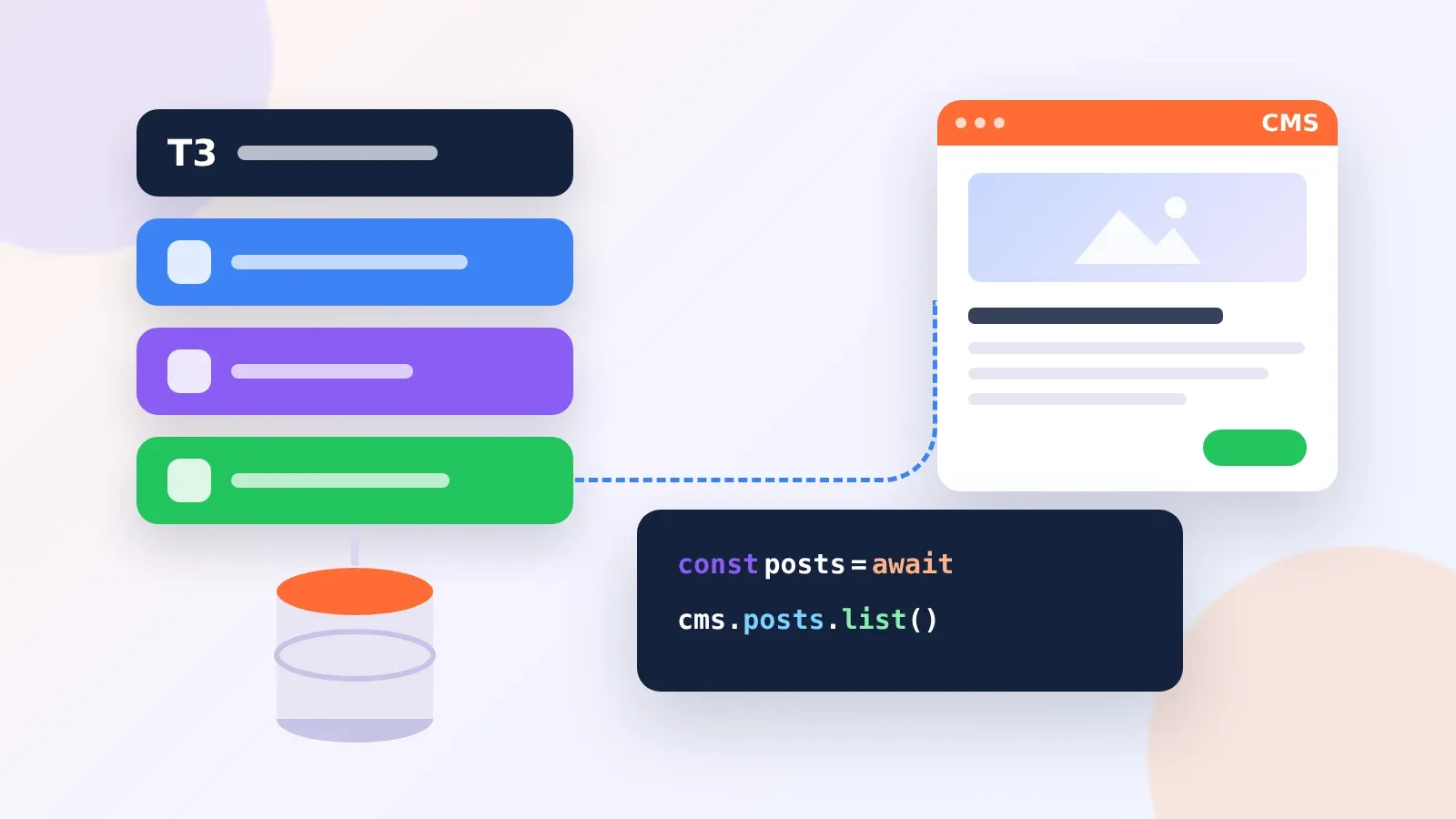
Payload Wins for T3 Apps That Already Run Postgres
The best CMS for a T3 Stack project is Payload. It installs inside your Next.js app, runs on Postgres through Drizzle, and gives you a Local API you can call from a tRPC procedure. So your content, your Prisma or Drizzle data and your NextAuth session all live in one TypeScript codebase.
Still, Payload is not the only good answer. If editors want a hosted studio, pick Sanity and query it with GROQ. If developers write the content, Keystatic keeps it as files in Git. We researched each option against the parts of a T3 app: Next.js, tRPC, Prisma or Drizzle, NextAuth.js and the typed env.js file. Then we wrote down where each one clashes with T3 and how to fix it.
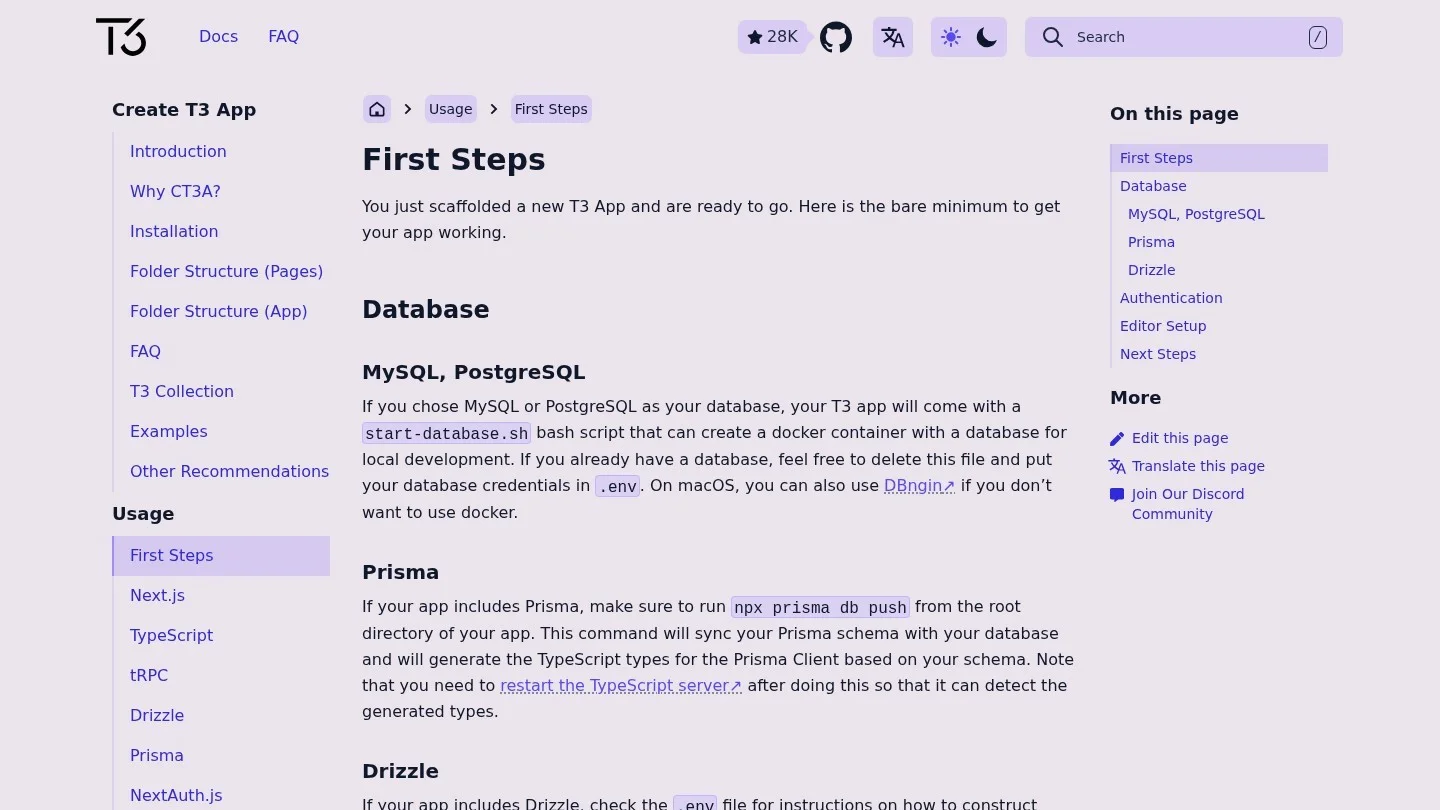
For context, a fresh create-t3-app project offers Prisma or Drizzle as the ORM and NextAuth.js for login. New projects on Postgres or MySQL come with a start-database.sh script that starts the database in Docker. That database matters for the CMS choice, because two of our picks want to share it.
How Each CMS Meets tRPC, Prisma and Drizzle
First, we sorted the options by where the content lives. That one fact decides how much a CMS touches your T3 code. Some share your database. Others sit in a vendor cloud, and a few keep content as files.
| CMS | Where content lives | How a T3 page reads it | Touches your ORM’s database? | Editor login |
|---|---|---|---|---|
| Payload | Your Postgres, MongoDB or SQLite | Local API in a server component or tRPC procedure | Yes, unless you give it its own database or schema | Payload users, or a custom strategy |
| Sanity | Sanity’s hosted Content Lake | GROQ through next-sanity | No | Sanity accounts |
| Keystatic | Files in your repo | Reader API on the server | No | None locally; GitHub in GitHub mode |
| TinaCMS | Markdown or JSON in Git | Generated GraphQL client | No (self-hosted uses Redis or MongoDB for its index) | TinaCloud, or Auth.js when self-hosted |
| Content Collections | MDX files in your repo | Typed import at build time | No | No editor UI |
As the table shows, only Payload competes with Prisma or Drizzle for the same tables. In fact, that is the one T3-specific trap in this whole list, so we gave it its own section after the ranking.
Five CMS Picks for a Next.js, tRPC and Prisma App
1. Payload With Its Local API Behind tRPC
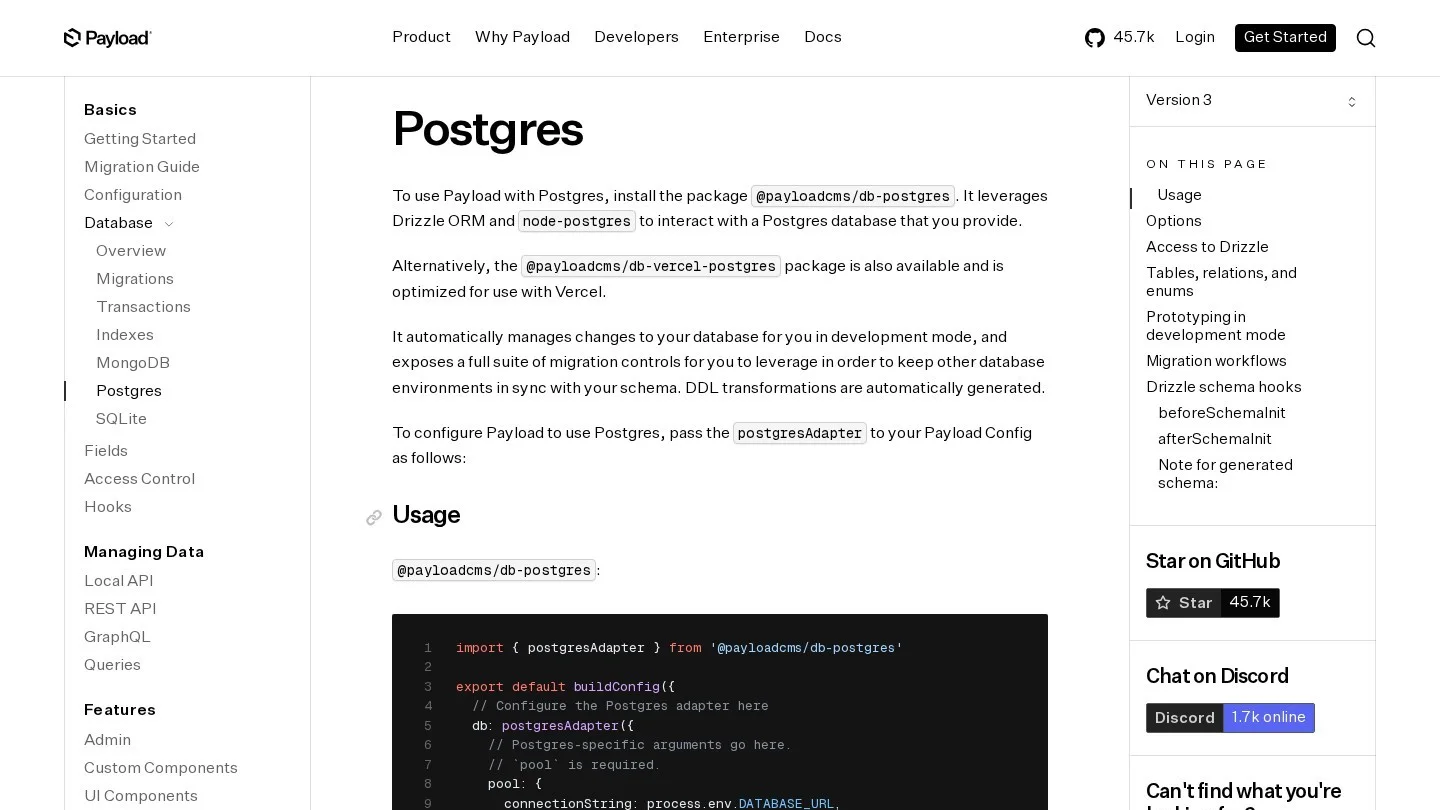
Payload is a TypeScript CMS that runs inside a Next.js app. Its Postgres adapter, @payloadcms/db-postgres, is built on Drizzle and node-postgres. There is also @payloadcms/db-vercel-postgres for Vercel hosting. So a T3 app on Postgres needs no second database engine.
Next, reads happen in process. You call getPayload({ config }) and then payload.find(). There is no HTTP hop, so a tRPC procedure can return CMS data next to your own Prisma rows in one response. Also, after you run npx payload generate:db-schema, the adapter exposes Drizzle itself as payload.db.drizzle. That is handy for a T3 app that already speaks Drizzle.
However, watch one default. In Payload 3, every Local API call skips access control, because overrideAccess is true unless you set it. The Payload 4 beta docs flip that, so calls respect access rules by default. Until you upgrade, pass overrideAccess: false in any procedure that serves the public.
// src/server/api/routers/cms.ts
import { z } from "zod";
import { getPayload } from "payload";
import config from "@payload-config";
import { createTRPCRouter, publicProcedure } from "~/server/api/trpc";

export const cmsRouter = createTRPCRouter({
  postBySlug: publicProcedure
    .input(z.object({ slug: z.string() }))
    .query(async ({ input }) => {
      const payload = await getPayload({ config });
      const res = await payload.find({
        collection: "posts",
        where: { slug: { equals: input.slug } },
        limit: 1,
        overrideAccess: false,
      });
      return res.docs[0] ?? null;
    }),
});
Before you install, check versions. Payload pins exact Next.js ranges and a minimum Node.js release, so a T3 app on an older Next.js may need an upgrade first. Our notes on running Payload in a Turborepo list those ranges and the (payload) route group setup.
2. Sanity With GROQ Queries and Generated Types
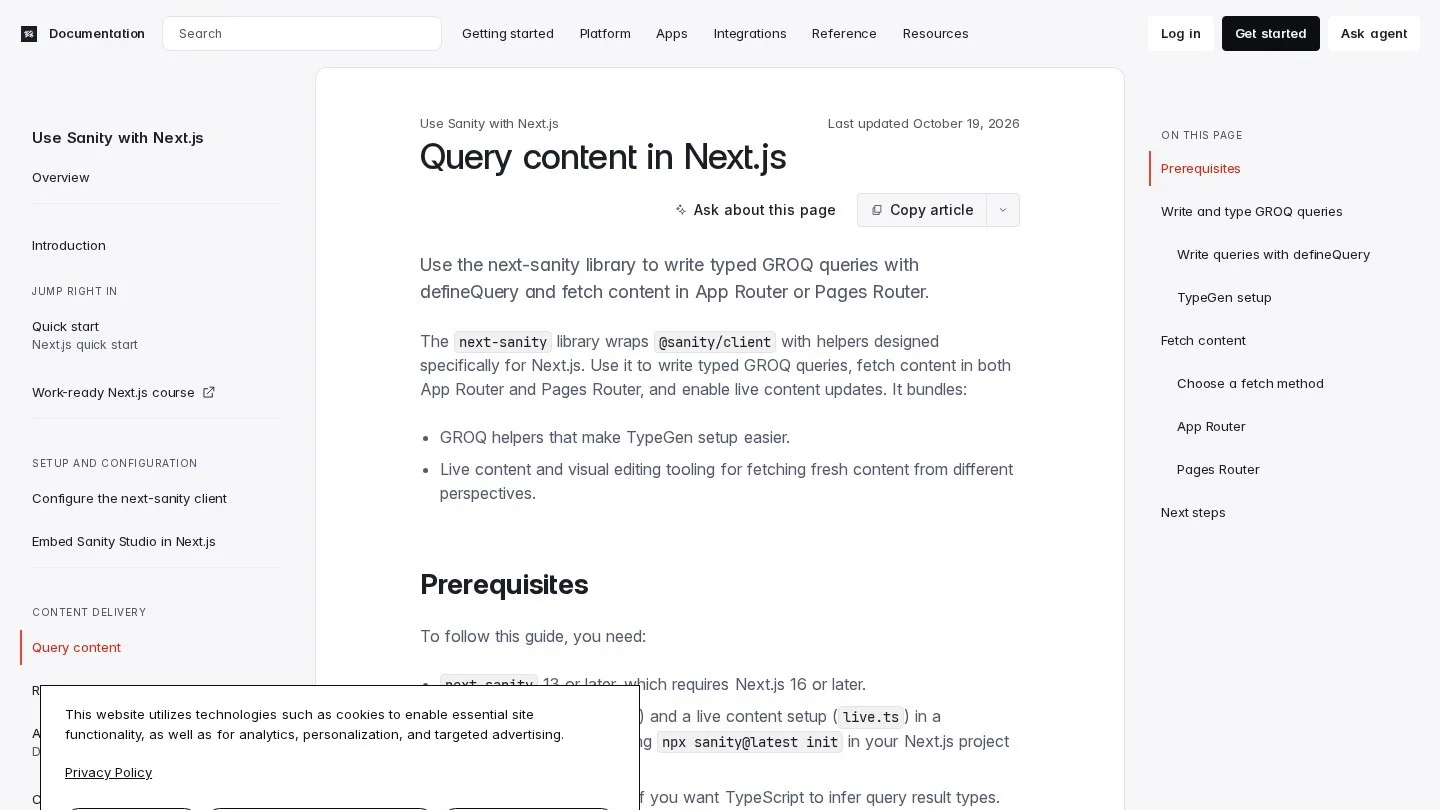
Sanity keeps content in its own cloud, so it never touches your Prisma or Drizzle schema. You query it with GROQ through the next-sanity package. Wrap each query in defineQuery, and TypeScript infers the result type once you run Sanity TypeGen.
export const POSTS_QUERY = defineQuery(
  `*[_type == "post" && defined(slug.current)][0...12]{
    _id, title, slug
  }`
)
Then the type step runs in two commands. First, npx sanity@latest schema extract reads your schema. Next, npx sanity@latest typegen generate writes the types. As a result, GROQ results are typed end to end, much like a tRPC call.
Mind the version floor, though. next-sanity 13 and later need Next.js 16 or later. Also, its live helpers, defineLive and SanityLive, work on the App Router only. On a Pages Router T3 app with ISR, set useCdn: false on the client you fetch with.
On cost, the Free plan covers 20 user seats and 10,000 documents. After that, Growth costs $15 per seat a month.
3. Keystatic for Content Written by Developers

Keystatic saves content as files in your repo, such as Markdoc, YAML or JSON. So it adds no database, no tables and no service. For a T3 SaaS with a blog and a docs section, that is often all you need.
Setup takes three files. First, keystatic.config.ts defines collections such as posts. Second, app/keystatic/[[...params]]/page.tsx renders the admin UI with makePage. Third, app/api/keystatic/[...params]/route.ts exports the handler from makeRouteHandler. After that, server code reads content with the Reader API.
// src/server/keystatic.ts
import { createReader } from '@keystatic/core/reader';
import keystaticConfig from '../../keystatic.config';

export const reader = createReader(process.cwd(), keystaticConfig);

// in a server component
const posts = await reader.collections.posts.all();
Because the reader touches the file system, keep it in server code. A tRPC procedure works too, since tRPC runs on the server. But a server component can call the reader with no router at all.
4. TinaCMS With Auth.js on a Self-Hosted Backend
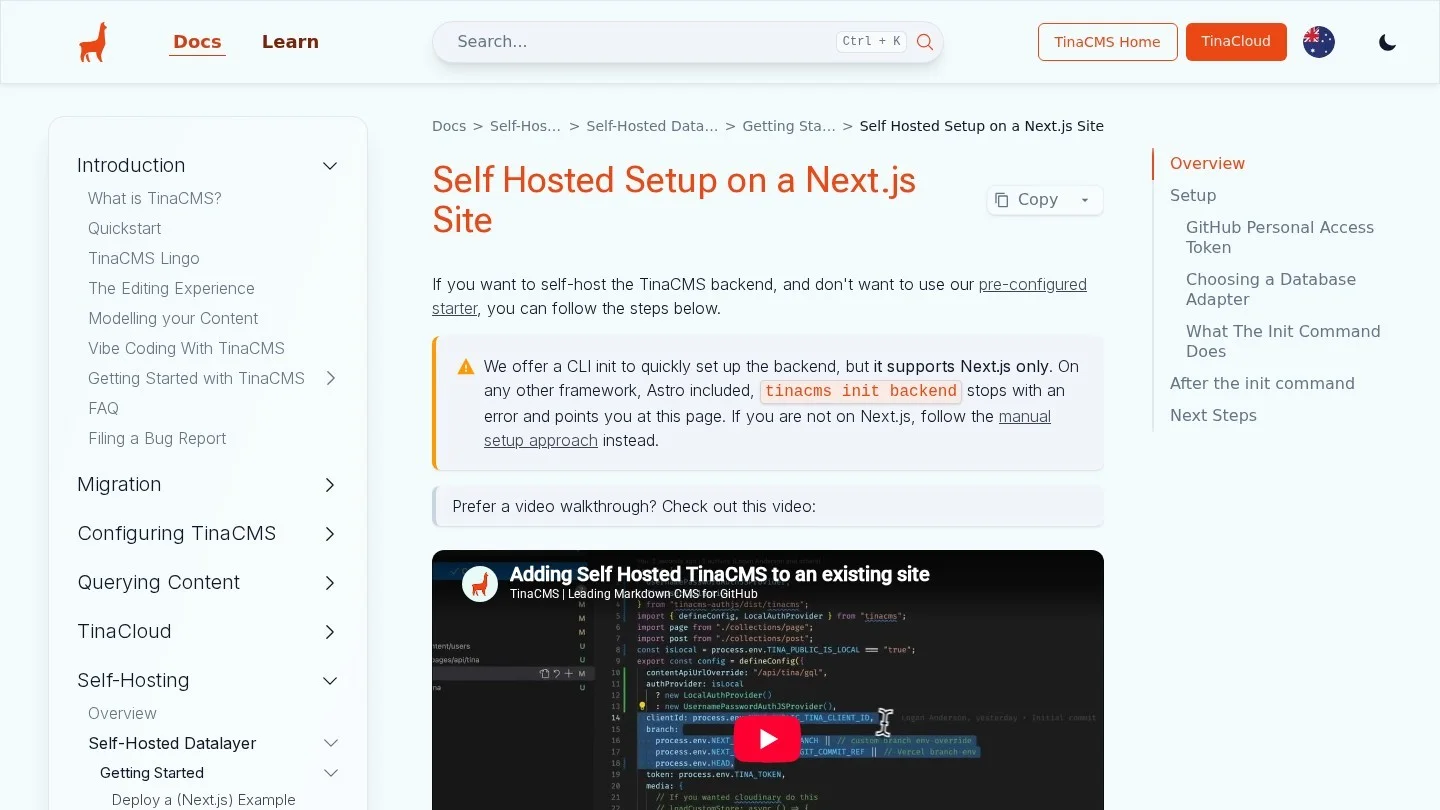
TinaCMS also edits Markdown and JSON in Git. But it adds visual editing on the live page. The hosted path uses TinaCloud. Its Free plan covers two users, and Team costs $24 per project a month billed yearly.
The self-hosted path is the more T3-shaped one. Tina’s init step sets up a GitHub git provider, a database adapter and an Auth.js auth provider. For the database, you choose Redis through Vercel KV or MongoDB. It also adds a tina/[...routes] API route for GraphQL and auth requests. So a T3 team that already knows Auth.js will recognize the login flow.
Even so, note the extra pieces. Self-hosted Tina needs a GitHub token with read and write access to Contents, plus a Redis or MongoDB store. That is more to run than Keystatic, so pick Tina when editors need the visual editor.
5. Content Collections for MDX Without an Editor
Content Collections turns MDX files into typed data at build time. It has no admin screen. You install @content-collections/core and @content-collections/next, define a collection with a Zod schema, then wrap next.config with withContentCollections. For a developer blog inside a T3 app, it is the lightest option on this list.
In fact, it is the most common landing spot for teams leaving Contentlayer. Dub, the open-source link platform built on Next.js, moved its blog and docs from Contentlayer to Content Collections. Dub says it switched for Zod schemas, App Router support and active upkeep. We cover the Contentlayer story in a later section.
Stop Payload and Your ORM From Fighting Over Tables
Our original research revealed one problem that T3 guides skip. Both Payload and your ORM want to manage the schema of the same Postgres database. Payload uses Drizzle’s push in development by default, which syncs its config to the database. Meanwhile, pnpm db:push in a T3 app runs drizzle-kit push or prisma db push against your own schema. By default, drizzle-kit push manages every table in the database. So each tool sees the other’s tables as unknown.
You have three ways out. We ranked them from least to most work.
Give Payload Its Own Database
First, the cleanest fix is a second database on the same server. Payload’s templates read DATABASE_URI, while T3 reads DATABASE_URL. Point them at two different databases, and neither tool sees the other. The cost is that you cannot join CMS rows to app rows in SQL. In practice, a tRPC procedure that queries both is usually enough.
Put Payload in Its Own Postgres Schema
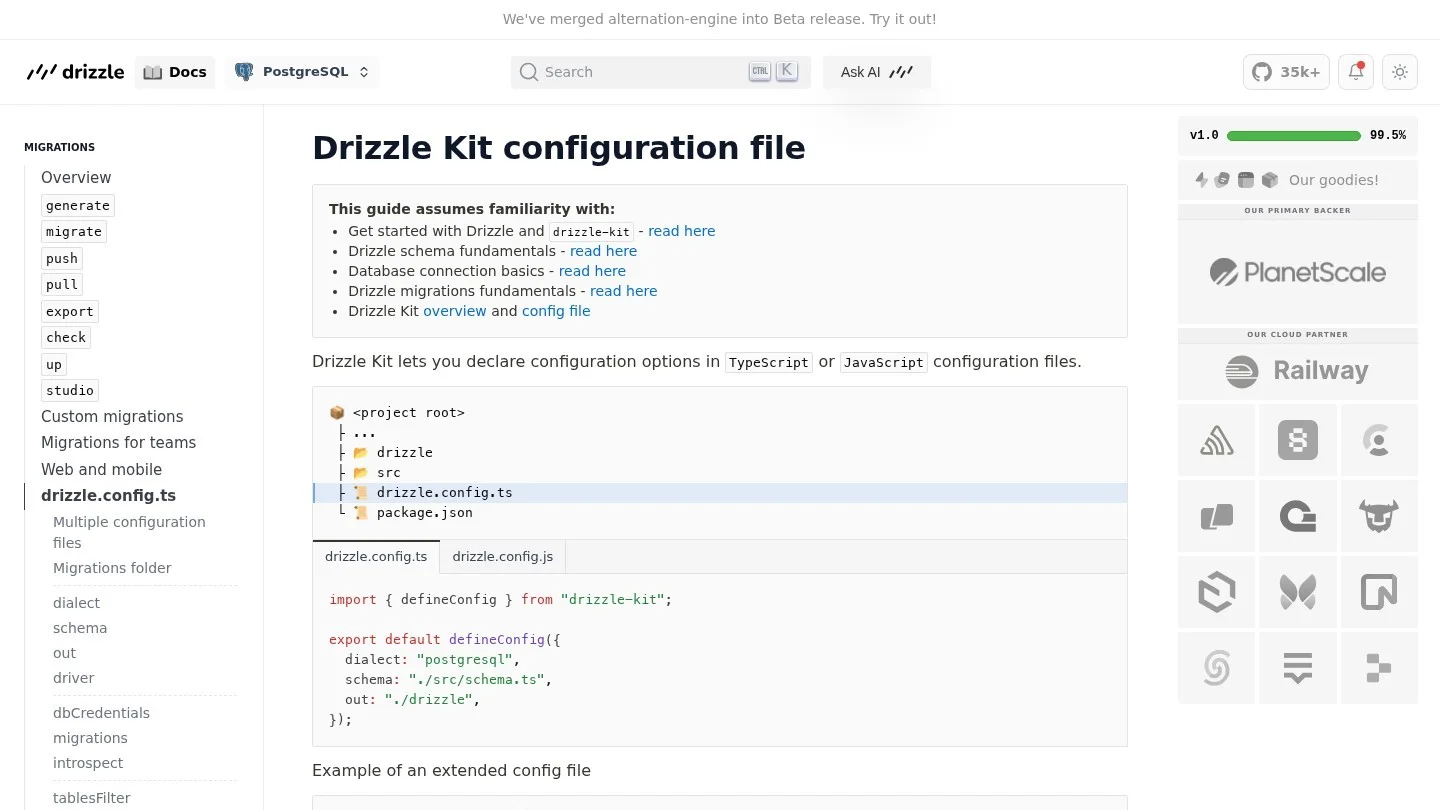
Second, keep one database but split it by schema. Payload’s Postgres adapter has a schemaName option, which defaults to public. Payload marks it experimental, so test it before production. Then tell drizzle-kit to manage only public with schemaFilter.
// payload.config.ts
db: postgresAdapter({
  pool: { connectionString: process.env.DATABASE_URI },
  schemaName: "payload",
}),

// drizzle.config.ts (T3 app)
export default defineConfig({
  dialect: "postgresql",
  schema: "./src/server/db/schema.ts",
  schemaFilter: ["public"],
});
Drizzle Kit also has tablesFilter, which takes globs such as "project1_*". That works when your app tables share a prefix.
Tell Prisma Which Schemas It Owns

Third, Prisma teams list their schemas in the datasource block. Prisma ORM 7 supports schemas = ["base", "shop"], and each model takes an @@schema attribute. Also, Prisma Config has a tables.external setting for tables that another tool manages. Use it if Payload must share a schema with Prisma.
Finally, pick one migration style per tool. Never mix Payload’s dev push with manual migrate commands. So once you go to production, set push: false and run Payload migrations from CI, next to your Prisma or Drizzle migrations.
Use tRPC for CMS Data Only Where the Browser Asks for It
A common T3 instinct is to route every read through tRPC. For CMS content, we think that is often wasted work. A server component can call payload.find(), the Keystatic reader or a GROQ query directly. Then the HTML ships with the content, and no client bundle needs the router.
On the other hand, tRPC earns its place in three cases. For example, a client component may filter or paginate posts as the user types. Or a page may mix CMS content with Prisma data, such as a lesson body plus the user’s progress. Also, gated content belongs behind a protectedProcedure, so the session check and the CMS query sit in one place.
- Marketing pages and blog posts: read in a server component, then revalidate on publish.
- Search, filters and infinite lists: a
publicProcedurethat wraps the CMS query. - Paid lessons or member docs: a
protectedProcedurethat checks the session, then reads the CMS.
For the revalidation side, our guide to headless CMS setups on the Next.js App Router shows the webhook and revalidateTag wiring.
Validate CMS Tokens With the T3 Env Schema

T3 validates environment variables with Zod in src/env.js. So a new CMS token in .env is not enough. You add a validator under server or client, then map the value in runtimeEnv. Also, reading a server variable from client code throws a runtime error, which protects tokens such as a Sanity read token.
// src/env.js
export const env = createEnv({
  server: {
    DATABASE_URL: z.string().url(),
    DATABASE_URI: z.string().url(),       // Payload, if it has its own database
    PAYLOAD_SECRET: z.string().min(1),
    SANITY_API_READ_TOKEN: z.string().optional(),
  },
  client: {
    NEXT_PUBLIC_SANITY_PROJECT_ID: z.string(),
  },
  runtimeEnv: {
    DATABASE_URL: process.env.DATABASE_URL,
    DATABASE_URI: process.env.DATABASE_URI,
    PAYLOAD_SECRET: process.env.PAYLOAD_SECRET,
    SANITY_API_READ_TOKEN: process.env.SANITY_API_READ_TOKEN,
    NEXT_PUBLIC_SANITY_PROJECT_ID: process.env.NEXT_PUBLIC_SANITY_PROJECT_ID,
  },
});
Next, copy the same names into .env.example. Then the next developer sees every CMS variable the app expects.
Decide Who Signs In: App Users or CMS Editors
A T3 app already has NextAuth.js. So the next question is whether editors use that login too. In most projects, we would keep them apart. Editors are a handful of staff, and app users may number in the thousands.
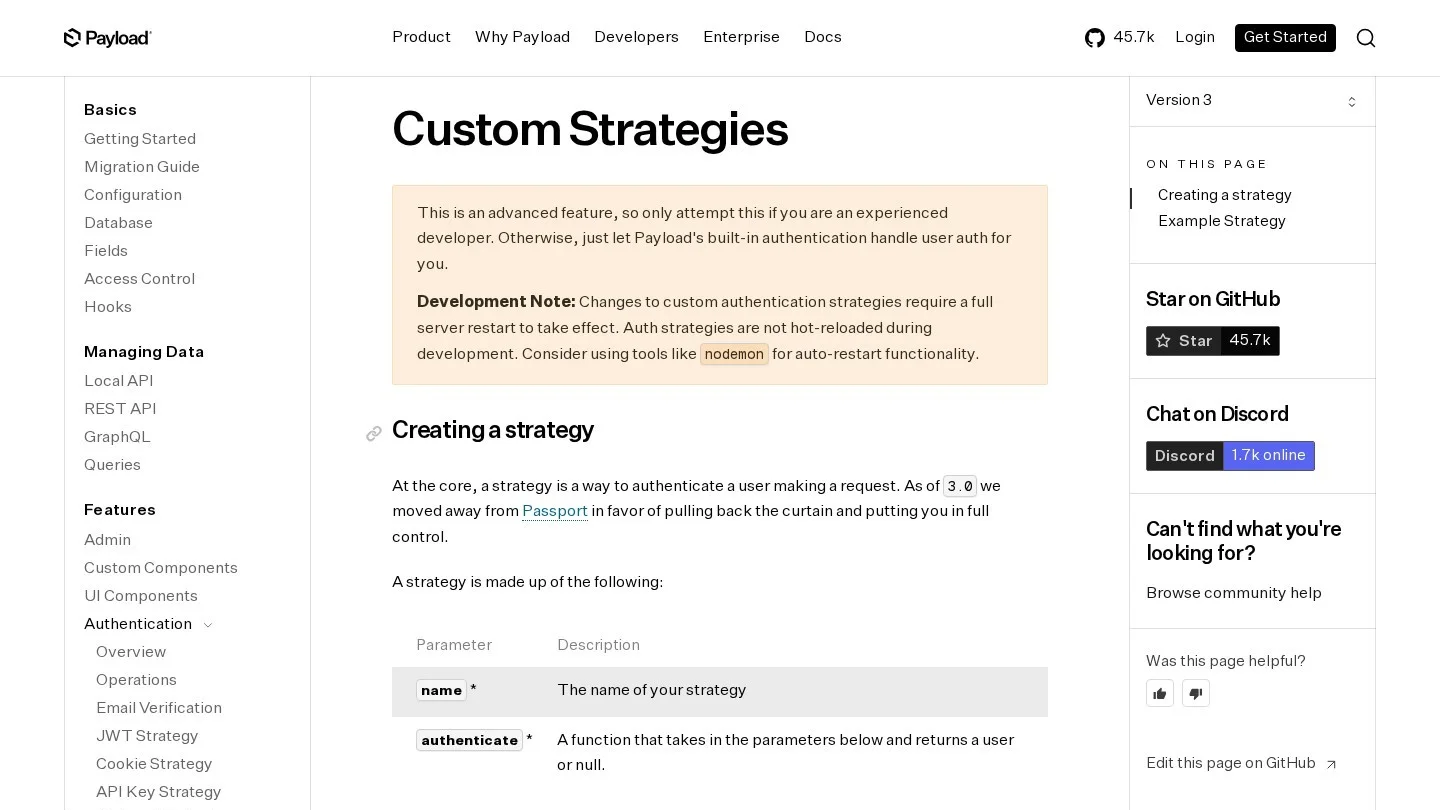
Still, Payload lets you merge them. Its auth.strategies option takes an authenticate function that receives the request headers and the Payload instance. It returns a Payload user, or null. With disableLocalStrategy: true, Payload’s own email login turns off. So you could read the NextAuth session there and map it to a Payload user.
The others decide for you. Sanity editors sign in with Sanity accounts. Keystatic in GitHub mode uses GitHub, and in local mode it has no login at all. Self-hosted Tina uses Auth.js, the same library family as NextAuth. If you are rethinking app login as well, our review of passwordless authentication software compares hosted options.
What Happened to Contentlayer and Where to Move
Contentlayer was once the default way to add MDX to a Next.js app. Then its sponsor, Stackbit, was bought by Netlify, and the sponsorship paused. After that, maintainer time shrank to a day or two a month. Since then, the project has been widely treated as unmaintained.
As a result, a community fork named Contentlayer2 appeared, and the maintainers pointed users to it. Other ways out include Content Collections, Velite and plain Next.js MDX. So for a new T3 project, we would skip both Contentlayer and the fork. Content Collections covers the same job with active releases.
| If your T3 app uses | Move to | Why |
|---|---|---|
| Contentlayer for a blog only | Content Collections | Same idea: typed MDX at build time, with Zod schemas |
| Contentlayer, and editors now want a UI | Keystatic or TinaCMS | Files stay in Git, and editors get a screen |
| Contentlayer plus a growing content team | Payload or Sanity | Drafts, roles and media handling |
Matching a CMS to the T3 Project You Are Building
We compiled these picks from the patterns in each tool’s docs. Also, the people who edit matter as much as the code. Our React CMS buying guide goes deeper on editor types, if your team is mixed.
- SaaS dashboard with a marketing site on Postgres: Payload in the same Next.js app, with its own database or schema.
- Content team of five or more: Sanity, with GROQ types from TypeGen.
- Developer blog or changelog: Keystatic, or Content Collections if nobody needs an admin screen.
- Landing pages that marketers tweak on the page: TinaCMS with visual editing.
- Course or member content behind login: Payload, read through a
protectedProcedure.

Some T3 teams outgrow one app. For them, the official create-t3-turbo starter splits the stack into packages. It has a tRPC v11 router in api, Better Auth in auth, and Drizzle with Supabase in db. Its apps are Expo, Next.js and TanStack Start. In that layout, the CMS client belongs in its own package, so the mobile app can share it. Our Turborepo CMS ranking covers that setup step by step.
Questions T3 Developers Ask About Adding a CMS
Can Payload Share the Same Database as Prisma in a T3 App?
Yes, but split it first. Put Payload in its own Postgres schema with schemaName, and list only your schemas in Prisma’s schemas field. Otherwise, use two databases on one server. That second path needs no experimental option.
Do I Need tRPC to Fetch CMS Content in a T3 App?
No. Server components can query the CMS directly. Use tRPC when a client component needs the data, or when the read depends on the user’s session.
Is Contentlayer Still Safe for a New Next.js Project?
We would not pick it. The original project lost its sponsor, and the community now maintains a fork. For typed MDX, Content Collections is the closer match today.
Can Editors Log In With NextAuth.js?
With Payload, yes, through a custom auth strategy that reads the session. With self-hosted Tina, login already runs on Auth.js. Sanity and Keystatic use their own sign-in.
Docs and Repos Behind This T3 CMS Ranking
- Create T3 App: first steps
- Create T3 App: usage docs
- Create T3 App: environment variables
- Create T3 App: Drizzle
- Create T3 App: tRPC
- create-t3-turbo repository
- Payload: Postgres adapter
- Payload 3: Local API
- Payload 4 beta: Local API
- Payload: custom auth strategies
- Sanity: querying content in Next.js
- Sanity pricing
- Keystatic: adding Keystatic to Next.js
- TinaCMS: self-hosted setup on a Next.js site
- TinaCloud pricing
- Drizzle Kit: configuration reference
- Prisma: multiple database schemas
- Contentlayer: state of the project issue
- Dub: moving to Content Collections