
The CMS We Would Put Next to a Wasp App
The best CMS for most Wasp apps is Payload, run as its own small Next.js service and read from a Wasp query. For a SaaS with a short blog, though, you may not need a separate CMS at all. MDX files or a Post model in schema.prisma will often do the job.
We researched six setups against the parts of a Wasp project: the main.wasp.ts spec, Prisma entities, queries and actions, custom API routes, auth and the new prerender option. Then we compiled where each CMS lives, what it costs and how its content reaches a Wasp page. Our ranking puts Payload first, Strapi second and Sanity third. After those come Directus, file-based content with Keystatic or MDX, and Wasp’s own entities.
| Rank | Option | Where it runs | Where content lives | How a Wasp page gets it |
|---|---|---|---|---|
| 1 | Payload | Separate Next.js app | Its own Postgres, MongoDB or SQLite | Wasp query calls the REST API or @payloadcms/sdk |
| 2 | Strapi 5 | Separate Node.js server | Its own SQL database | Wasp query calls @strapi/client |
| 3 | Sanity | Hosted by Sanity | Sanity’s Content Lake | GROQ from the server or the browser |
| 4 | Directus | Separate service | Any SQL database you point it at | Wasp query calls @directus/sdk |
| 5 | Keystatic or MDX | Inside the repo | Markdown, MDX or JSON files | Imported at build time |
| 6 | Wasp entities | Your Wasp server | Your app’s Postgres | Automatic CRUD or your own query |
Why Wasp Changes the Usual CMS Advice
Most CMS guides assume Next.js. A Wasp app is different. Its client is a React single-page app, and its server is a Node.js app that Wasp packages as a Docker image. So a CMS that installs “inside your Next.js app” cannot sit inside a Wasp project the same way.
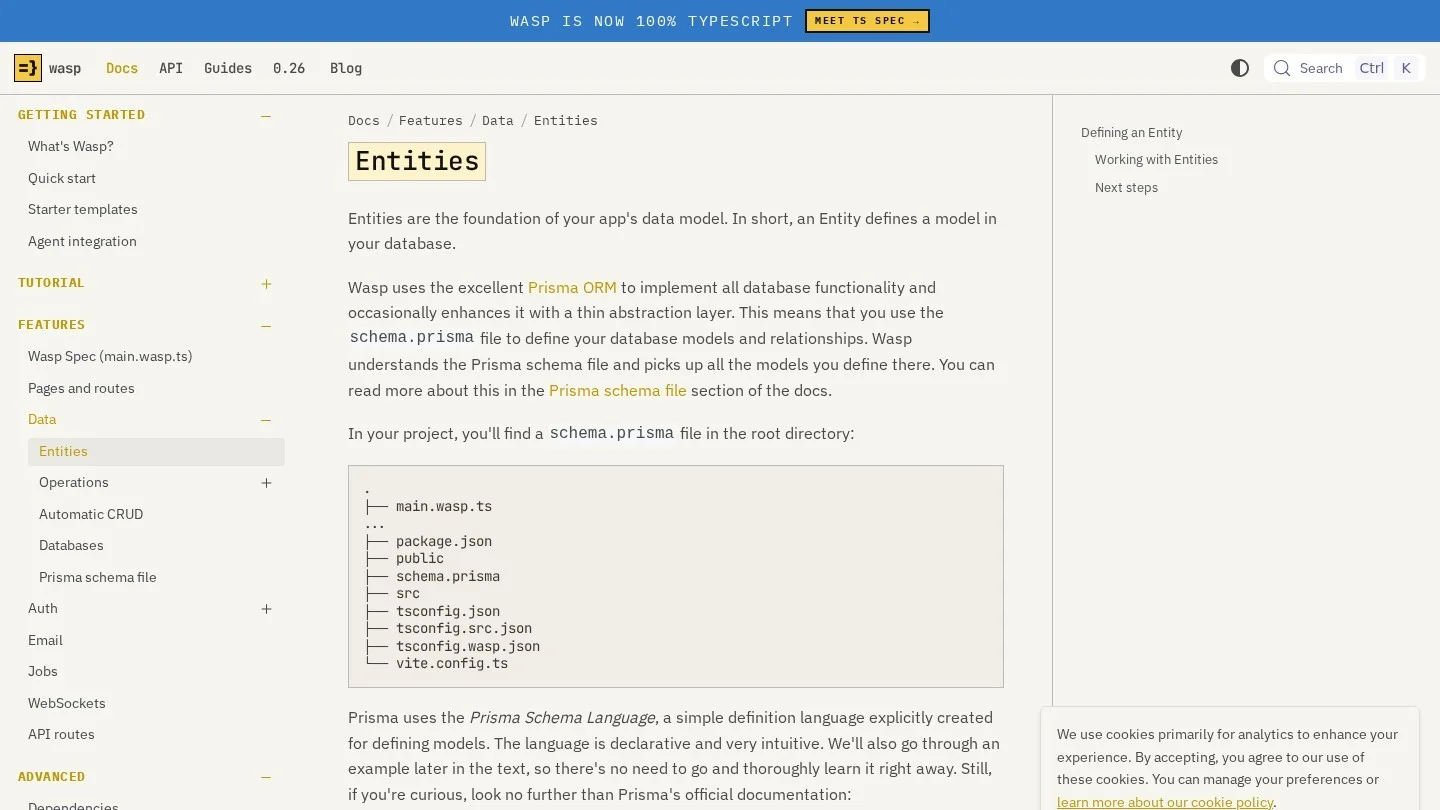
Also, Wasp defines its data in schema.prisma. Every Prisma model there becomes a Wasp entity, and wasp db migrate-dev writes the migrations. That matters because any CMS that shares your database will meet Prisma’s migrations head on. For that reason, we kept every external CMS on its own database in our picks.
Then there is search. Because Wasp apps are single-page apps, some search engines and AI crawlers see a blank page until JavaScript loads. Wasp 0.23 added static prerendering to fix that for public routes. In fact, a blog only earns traffic once that switch is on, so we cover it in its own section.
Payload, Strapi, Sanity and Three Lighter Options in Order
1. Payload as a Small Next.js Service Beside Wasp
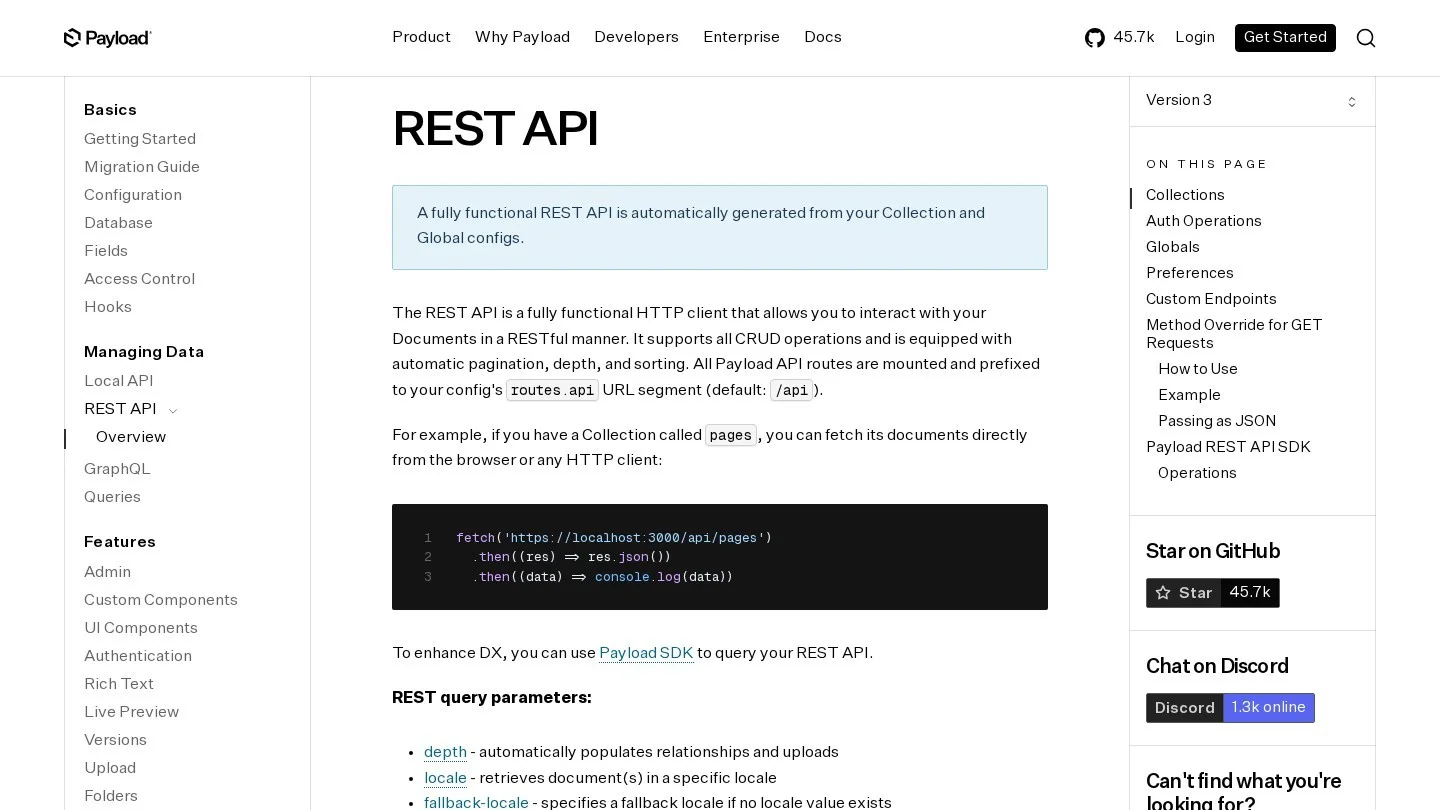
Payload is a TypeScript CMS whose admin panel is built on Next.js. So in a Wasp project, it runs as a second app, for example at cms.yourapp.com. Each collection gets a REST endpoint at /api/{collection-slug}. For instance, a posts collection answers at /api/posts, with where, depth and limit as query options.
Next, there is a typed client. The @payloadcms/sdk package takes a baseURL and gives you sdk.find() and sdk.findByID(). Payload marks the SDK as beta, so pin its version. Also, set Payload’s cors option to your Wasp client URL if the browser will call it directly.
We ranked Payload first for one reason. Its data model is code, written in TypeScript, much like a Wasp spec. As a result, a Wasp developer can version the CMS schema in the same pull request as the app change. If you have used Payload with Next.js before, our notes on headless CMS setups for the App Router cover the Next.js side.
2. Strapi 5 on Its Own Node Server
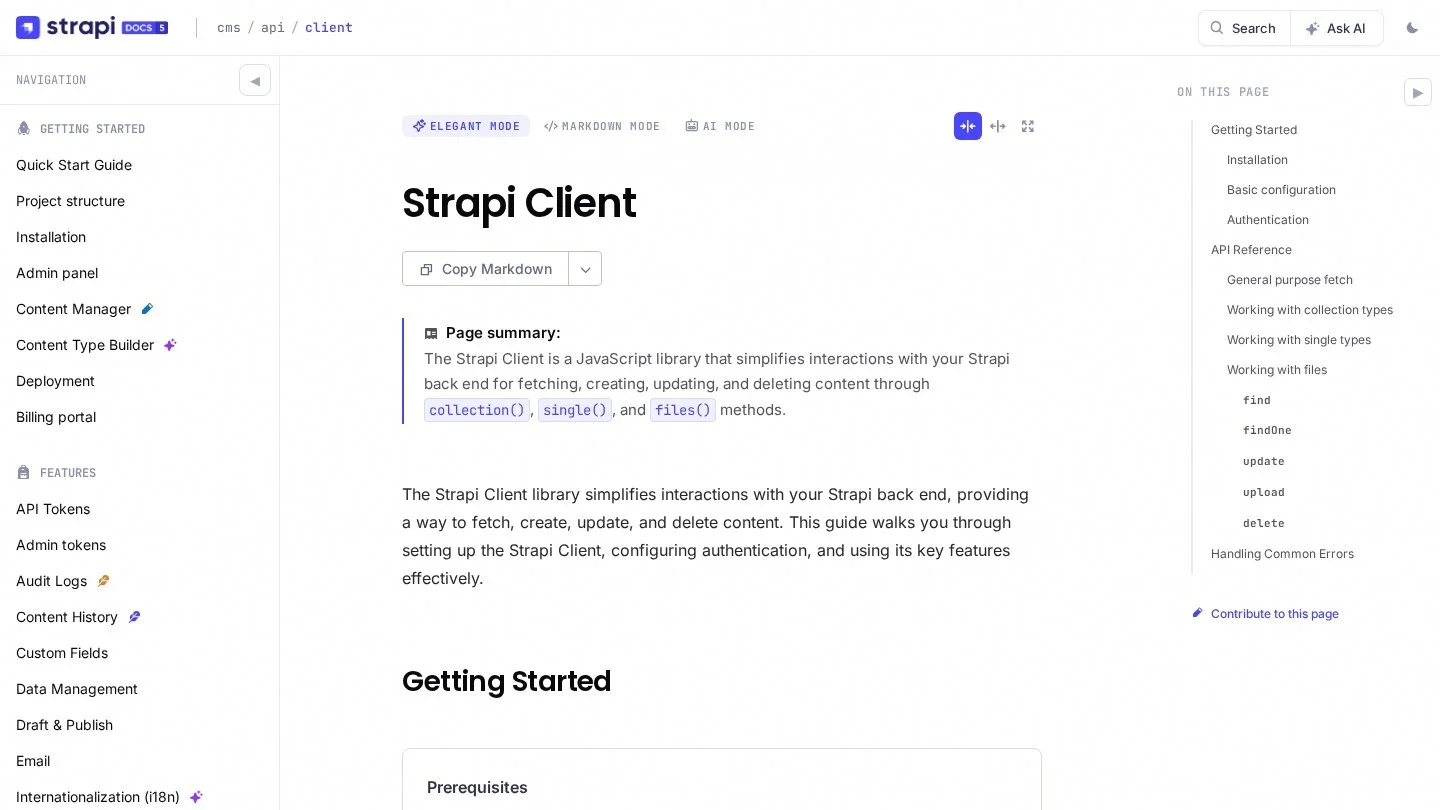
Strapi is the closest match for teams who think in Node and Express. It runs as its own server on port 1337 by default. Then the @strapi/client package connects with a baseURL and an API token. After that, client.collection('articles').find() returns entries, with locale and sort options.
Keep the token on the Wasp server. A Wasp query can hold it in .env.server and return only the fields a page needs. On the hosted side, Strapi Cloud’s Starter plan includes 100,000 API requests a month, Pro has 1,000,000 and Business has 10,000,000. Extra requests cost $1.50 per 25,000. Because every request counts, a server-side cache in your Wasp query saves money.
3. Sanity’s Hosted Studio and GROQ Queries
Sanity needs no server from you at all. Content sits in Sanity’s cloud, and you query it with GROQ. So it is the lightest choice for a solo founder. You ship the Wasp app on Fly.io or Railway, and editors work in Sanity’s studio.
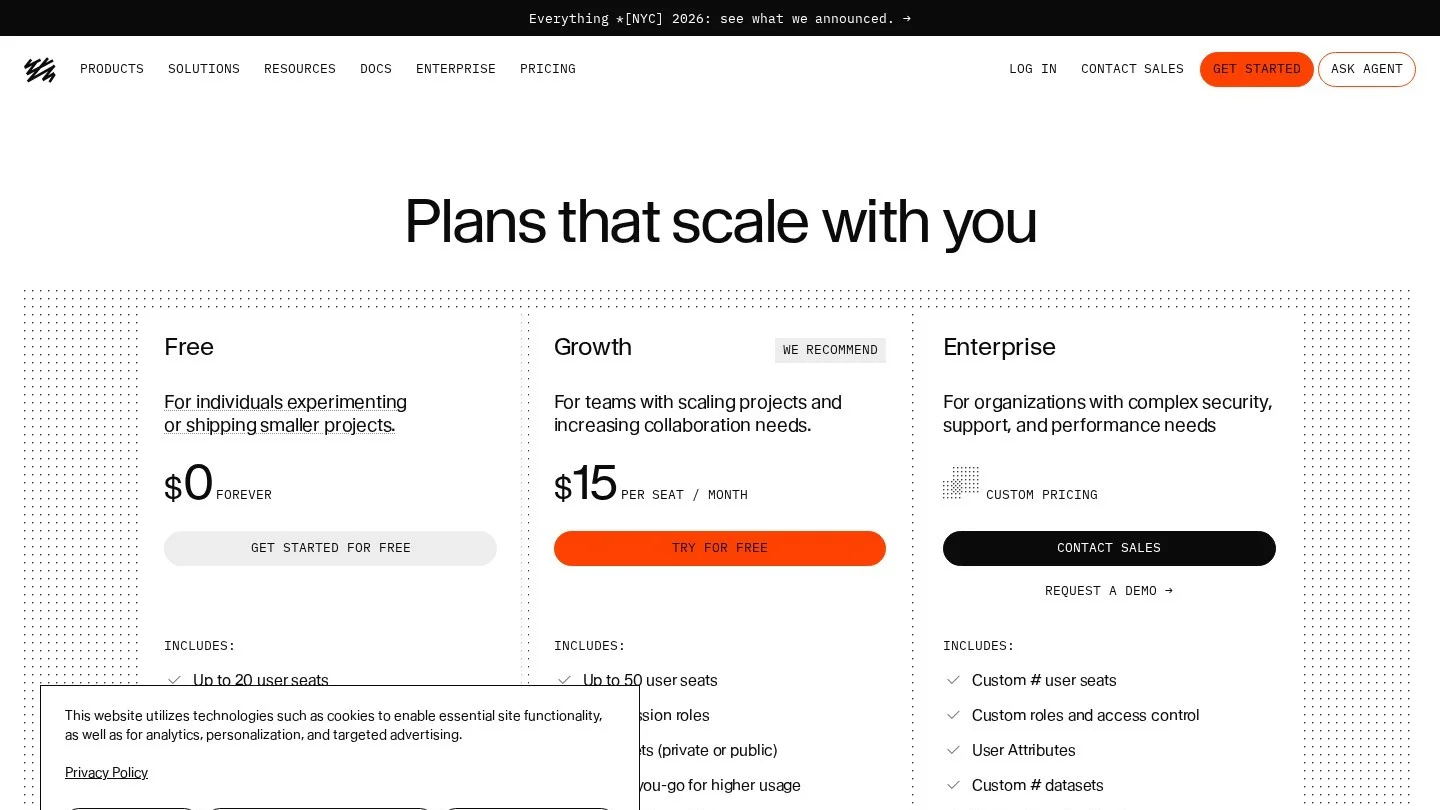
The Free plan covers up to 20 user seats, 10,000 documents and 250,000 API requests a month. It also includes 1 million CDN requests and two public datasets. After that, Growth costs $15 per seat a month, for up to 50 seats. Even so, public datasets matter here. Anything you put in a public dataset can be read by anyone, so keep drafts and private notes out of it.
4. Directus Over a Separate SQL Database
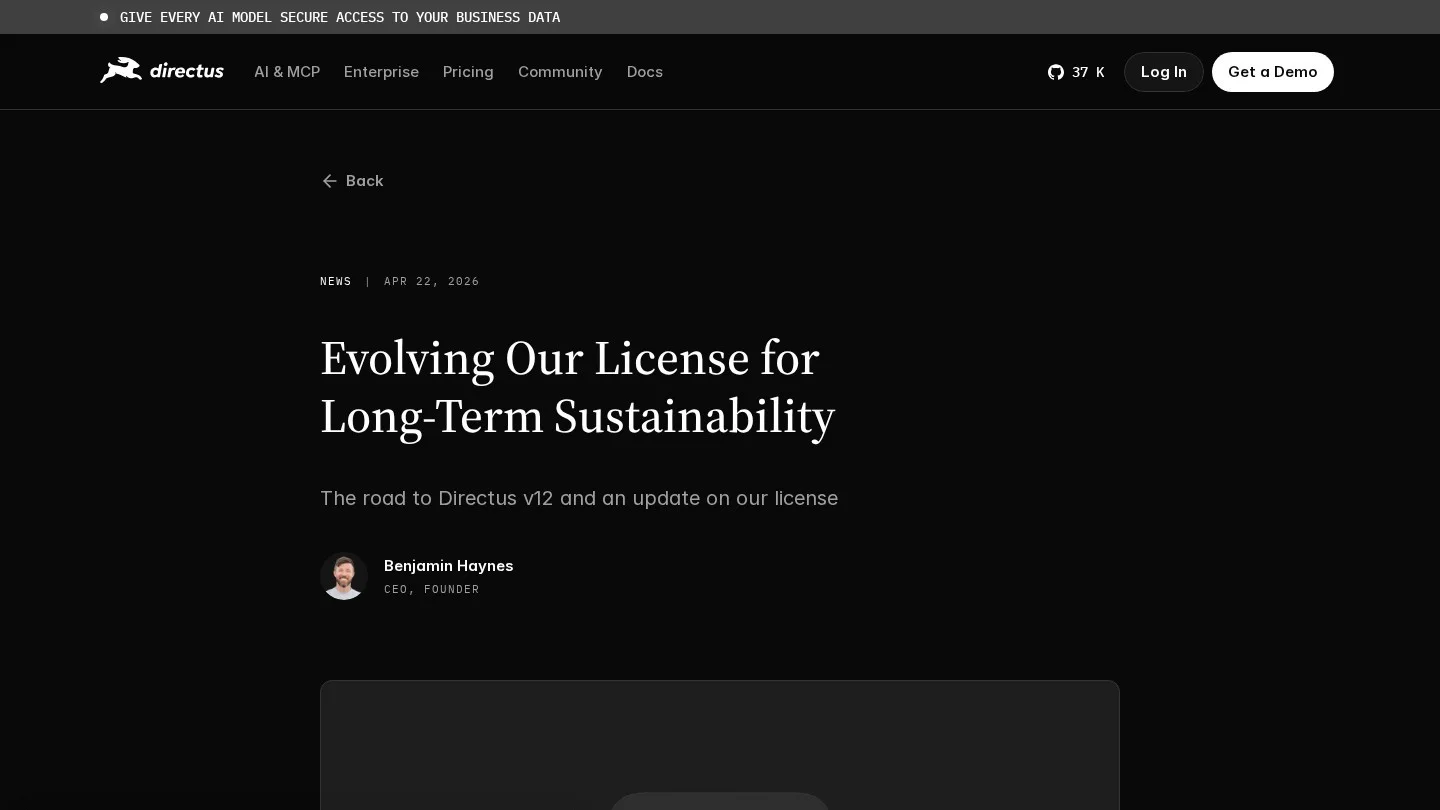
Directus wraps a SQL database with an admin app and an API. So it works well when the content team wants a spreadsheet-like editor. Point it at its own Postgres database, and read it from a Wasp query with @directus/sdk.
However, read the license first. In April 2026, Directus replaced its Business Source License with the Monospace Sustainable Core License for version 12. Its Innovation Grant gives the full platform free to people and companies under $5 million in yearly revenue and under 50 staff. Above that, the free Core tier still applies, and paid tiers add features such as SCIM. Also, each version turns into GPLv3 after four years.
5. Keystatic or Plain MDX Files in the Repo
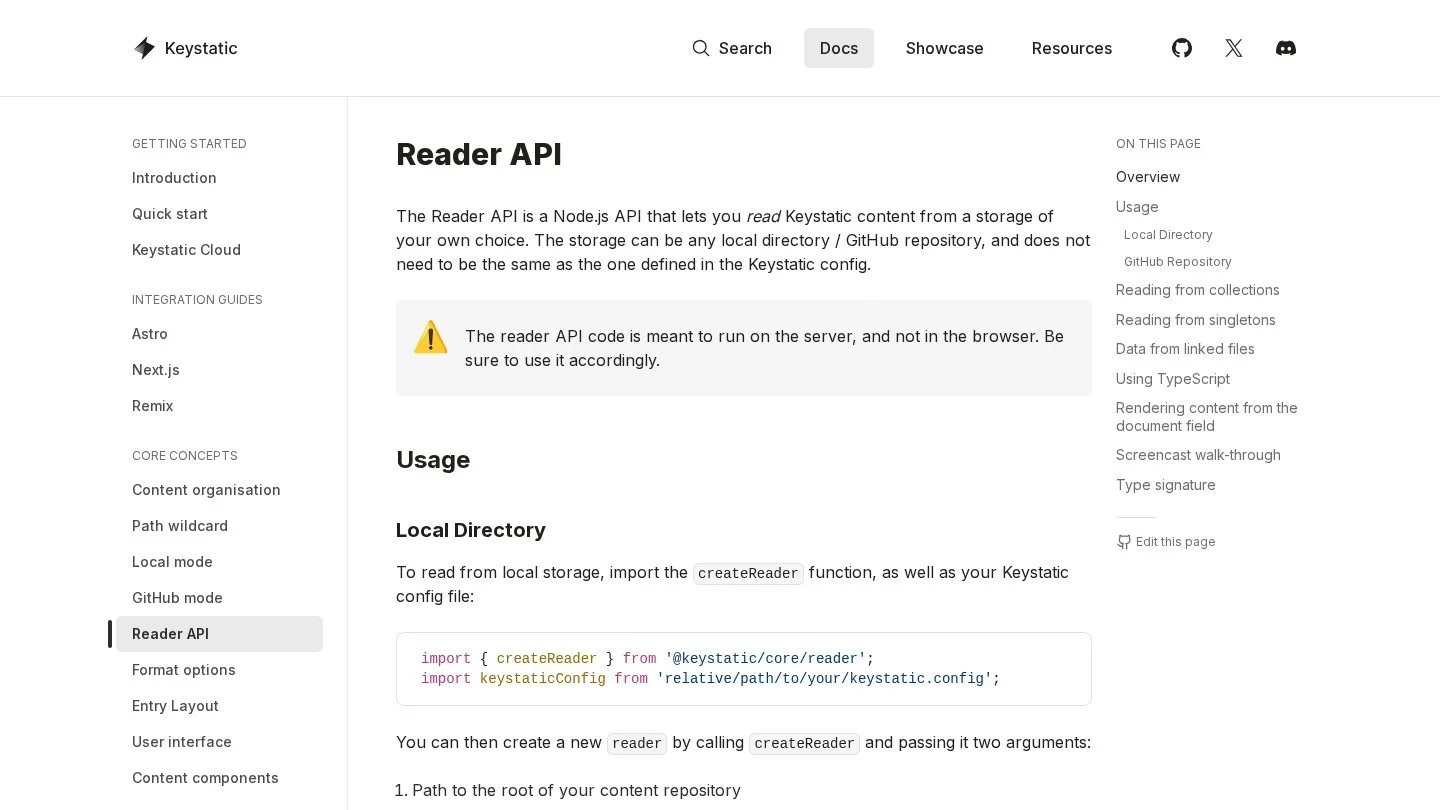
File-based content adds no service and no database. For a developer-written changelog, that is often enough. Still, Wasp needs one workaround here. Keystatic ships integrations for Next.js, Astro and Remix, and none for a plain Vite single-page app. So its admin screen needs one of those frameworks.
Even so, its Reader API is a Node.js API that reads content from the file system. That means a Wasp server query can call createReader from @keystatic/core/reader. Developers then edit the files by hand or in a Keystatic admin hosted in a small Astro app.
Plain MDX is even lighter. Wasp lets you own vite.config.ts, as long as its wasp() plugin comes first. Also, @mdx-js/rollup must run in Vite’s pre phase when the React plugin is present. So the config looks like this:
// vite.config.ts
import { wasp } from "wasp/client/vite"
import mdx from "@mdx-js/rollup"
import { defineConfig } from "vite"

export default defineConfig({
  plugins: [
    wasp(),
    { enforce: "pre", ...mdx() },
  ],
})
After that, a page component can import ./posts/launch.mdx like any React component. Because the post is part of the bundle, it is known at build time. In fact, that makes MDX the cleanest partner for Wasp’s prerender option.
6. A Post Entity and Wasp’s Automatic CRUD
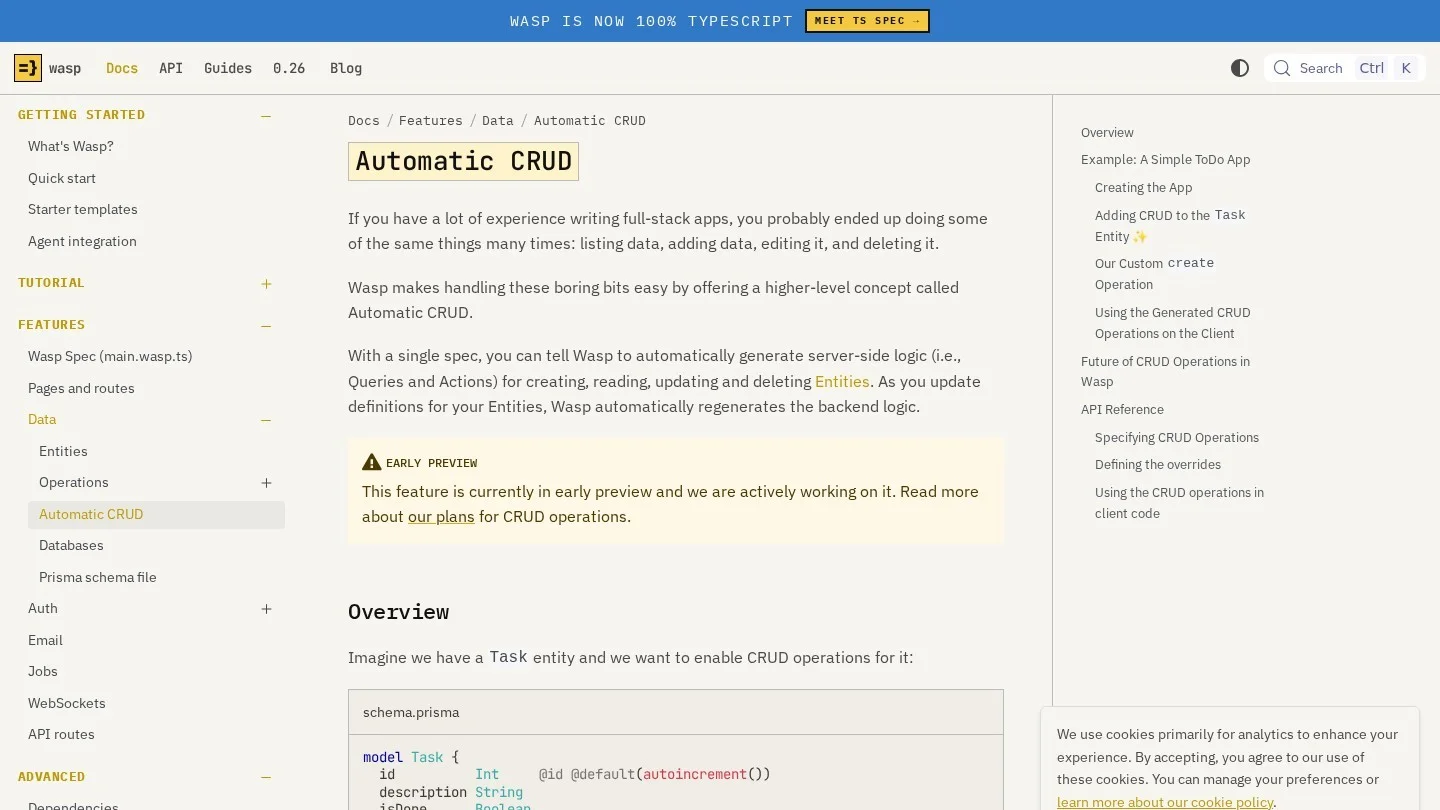
Finally, Wasp can be its own CMS. You add a Post model to schema.prisma, run a migration, and declare CRUD operations for it. For example, Brick, a UK app built with Wasp, builds websites for property operators. Its site editor uses section forms and a live preview, and all of it runs inside a Wasp app.
// schema.prisma
model Post {
  id        Int      @id @default(autoincrement())
  slug      String   @unique
  title     String
  body      String
  published Boolean  @default(false)
  updatedAt DateTime @updatedAt
}

// main.wasp.ts (inside the spec)
crud("Posts", "Post", {
  getAll: { isPublic: true, overrideFn: getPublishedPosts },
  get: { isPublic: true },
  create: {},
  update: {},
}),
Watch two things, though. Automatic CRUD is in early preview, and it has no authorization or input checks yet. So a public getAll would also list drafts. That is why the example overrides it with a function that filters on published. In the same way, create and update only require a login by default. So check for an admin user in an override before anyone can write.

Hosting, Seats and License Costs for Each Option
We compiled the published plans and licenses into one table. Next, we priced a common case: three editors on a Wasp SaaS blog.
| Option | License or plan | Published limits | Cost for 3 editors |
|---|---|---|---|
| Payload | Open source | Self-hosted, limits set by your server | $0 license, plus hosting |
| Strapi 5 | Open source, or Strapi Cloud | Cloud Starter: 100,000 API requests a month | $0 self-hosted, plus hosting |
| Sanity | Free or Growth | Free: 20 seats, 10,000 documents | $0 on Free; $45 a month on Growth |
| Directus | Sustainable Core License | Full platform free under $5M revenue and 50 staff | $0 for a small company, plus hosting |
| Keystatic or MDX | Open source | Files in Git | $0 |
| Wasp entities | Part of your app | Your Postgres | $0 extra |
Our math for Sanity is short. Three seats at $15 come to $45 a month, or $540 a year. But a team of three is well within the Free plan’s 20 seats. So Growth only pays off once you need its extra features or pass the Free plan’s limits.
On the other hand, the self-hosted options move the cost to hosting. A Wasp app already runs a Node server and a Postgres database. Adding Payload, Strapi or Directus means one more service and usually one more database to back up. If you are still choosing how to price the SaaS itself, our guide to SaaS pricing models covers the plan side.
Route CMS Reads Through a Wasp Query
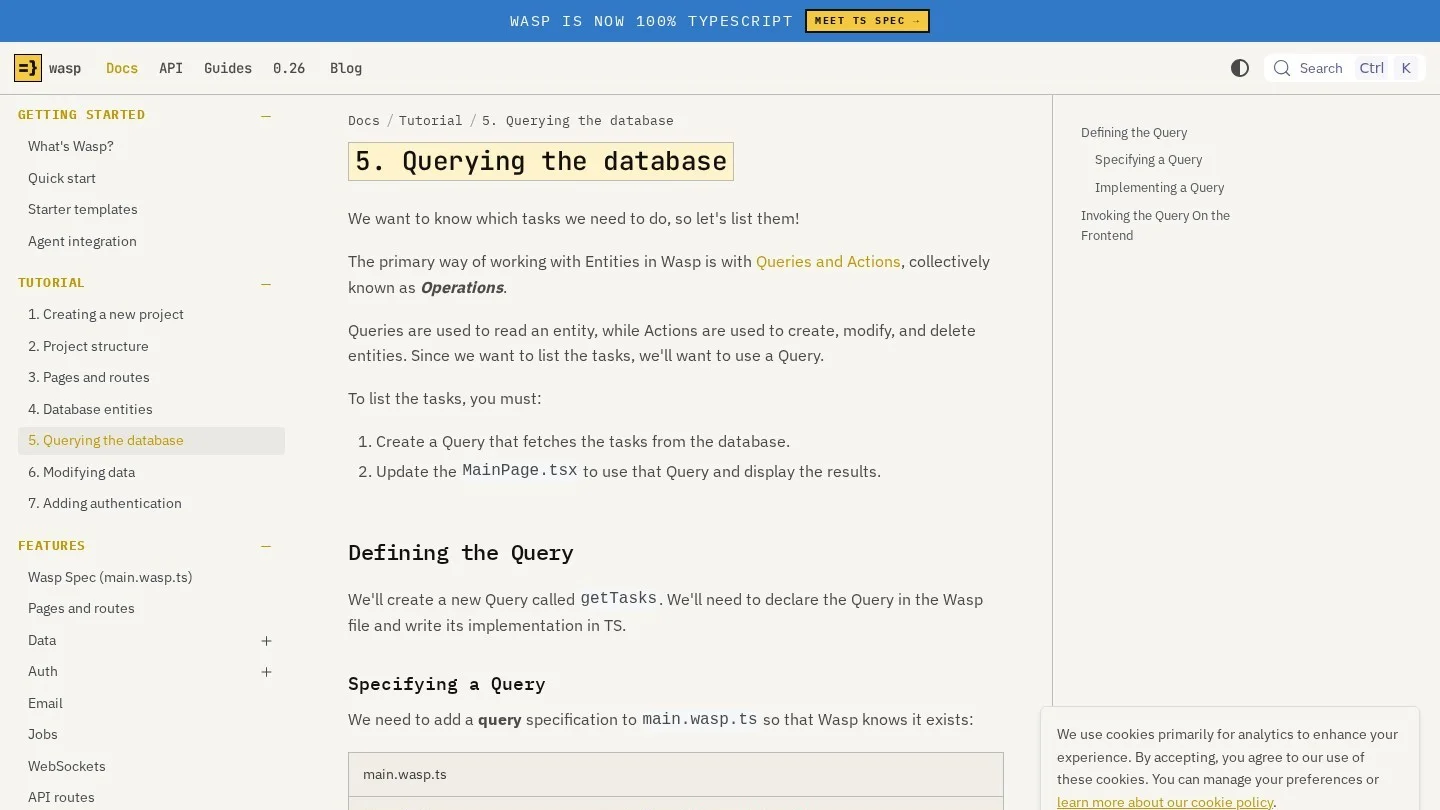
Put every external CMS call behind a Wasp query. First, the token stays in .env.server. Second, the page gets useQuery, which is built on react-query, so loading states and caching come with it. Third, you can swap CMS vendors later without touching React code.
// main.wasp.ts (inside the spec)
import { getCmsPosts } from "./src/cms/queries" with { type: "ref" }
query(getCmsPosts),

// src/cms/queries.ts
import type { GetCmsPosts } from "wasp/server/operations"
import { env } from "wasp/server"

type CmsPost = { id: string; title: string; slug: string }

export const getCmsPosts: GetCmsPosts<void, CmsPost[]> = async () => {
  const res = await fetch(`${env.PAYLOAD_URL}/api/posts?limit=20&depth=0`)
  const data = await res.json()
  return data.docs
}

// src/blog/BlogPage.tsx
import { getCmsPosts, useQuery } from "wasp/client/operations"
const { data: posts, isLoading } = useQuery(getCmsPosts)
For Strapi or Directus, only the inside of getCmsPosts changes. Also, add PAYLOAD_URL to Wasp’s Zod env schema in src/env.ts. Then a missing variable fails at startup, before anyone opens a page.
Receive Publish Webhooks on a Custom API Route
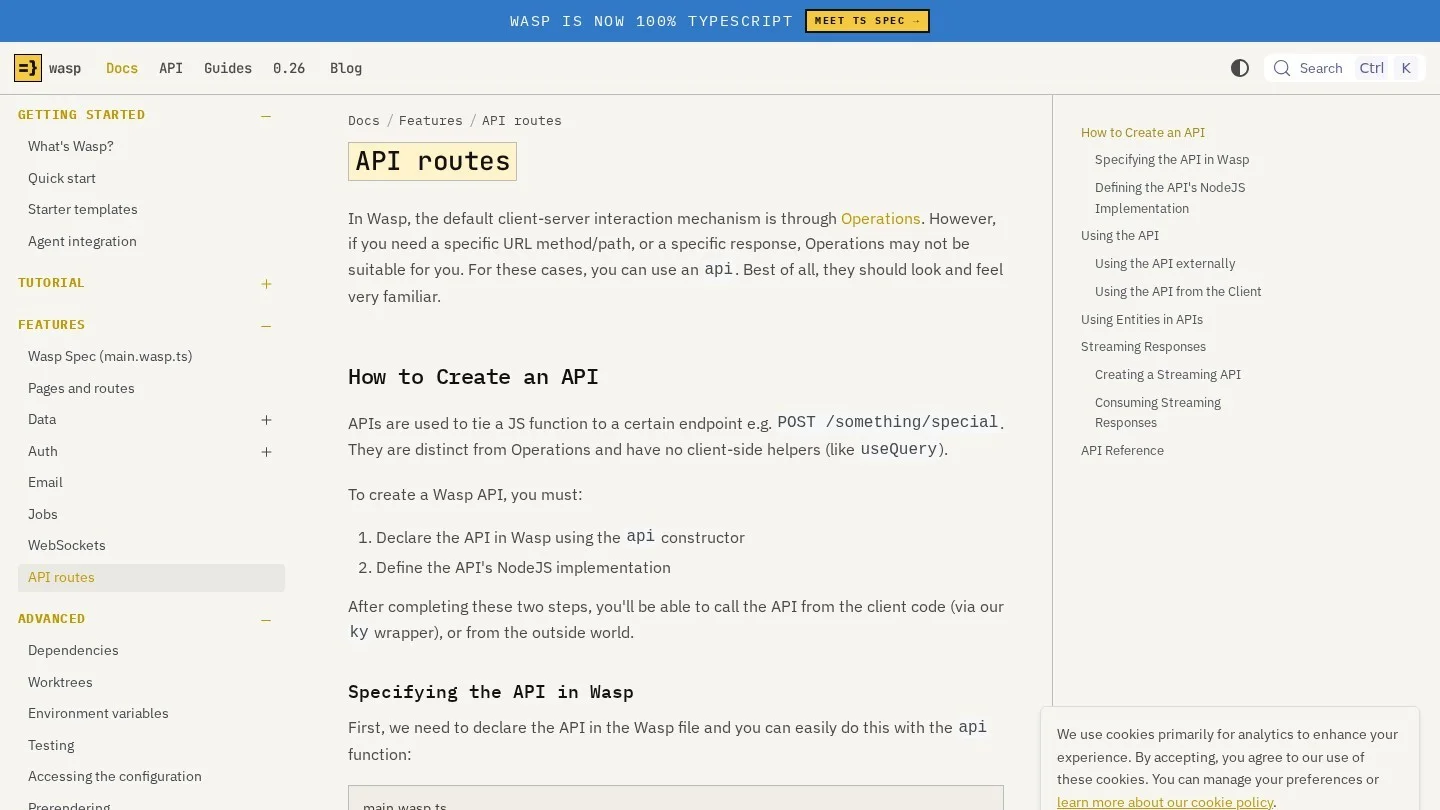
Every CMS on our list can call a URL when an editor publishes. Payload has hooks, Sanity and Strapi have webhooks, and Directus has Flows. So you need an endpoint on the Wasp server to receive that call. Wasp’s api declaration gives you a plain Express handler with req, res and a Wasp context.
// main.wasp.ts (inside the spec)
import { cmsWebhook } from "./src/cms/webhook" with { type: "ref" }
api("POST", "/cms/webhook", cmsWebhook),

// src/cms/webhook.ts
import { env } from "wasp/server"

export const cmsWebhook = async (req, res, context) => {
  if (req.headers["x-webhook-secret"] !== env.CMS_WEBHOOK_SECRET) {
    return res.status(401).end()
  }
  // clear your server cache or start a client rebuild here
  res.json({ ok: true })
}
Note one difference from operations. Custom APIs skip the default middleware that queries and actions use, so CORS is off for them. A server-to-server webhook does not need CORS. But if the browser must call the route, wrap it in an apiNamespace with a middlewareConfigFn.
Prerender Blog Routes So Crawlers Read the Text
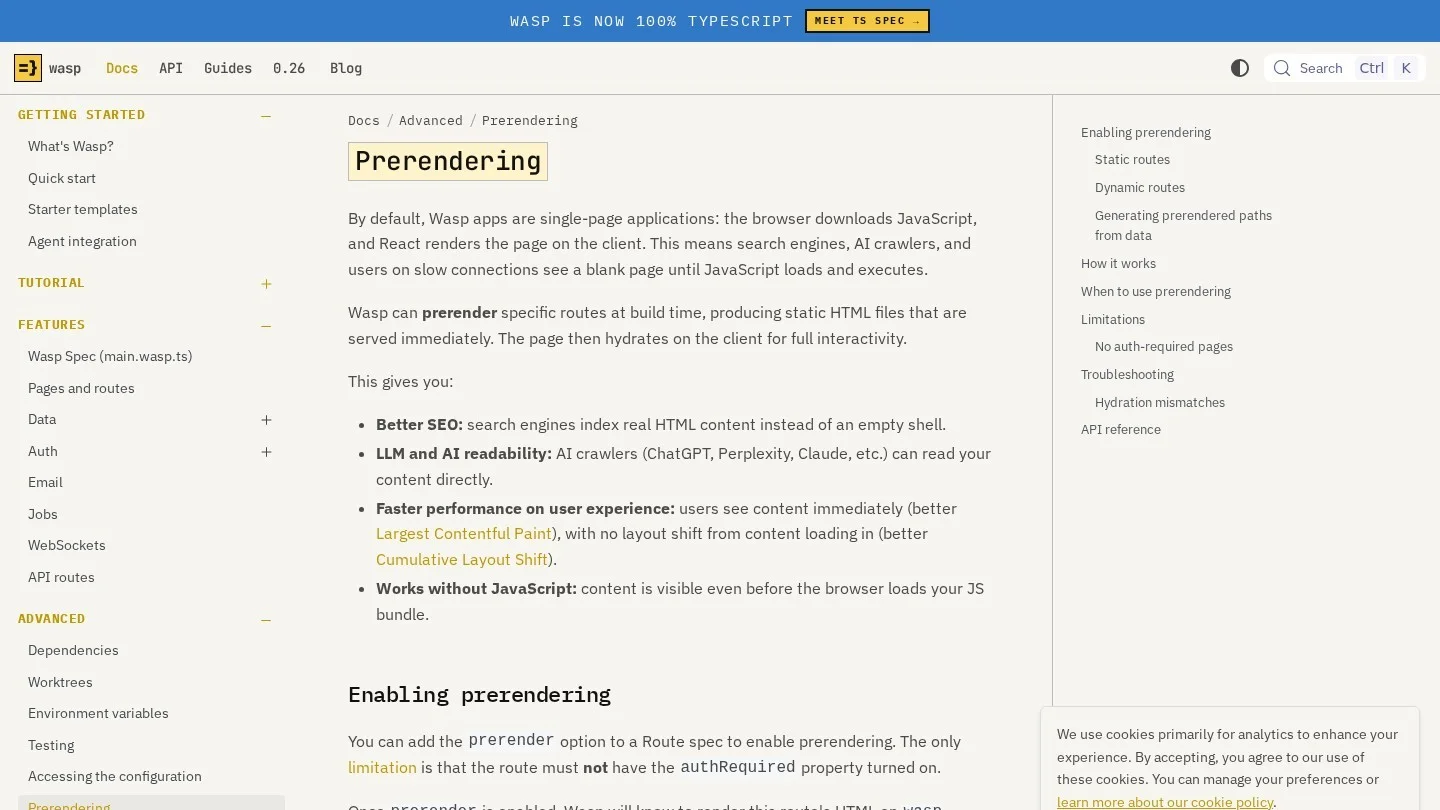
Add prerender to every public content route. At wasp build, Wasp renders the page to HTML, and React then hydrates it in the browser. Routes without the flag still ship as the plain single-page app.
For a blog, the route is dynamic, such as /blog/:slug. In that case, you pass an array of real paths. Because spec files run as Node.js scripts, the array can come from a fetch to your CMS during the build.
// main.wasp.ts
const res = await fetch(`${process.env.PAYLOAD_URL}/api/posts?limit=100&depth=0`)
const { docs } = await res.json()
const blogPaths = docs.map((p: { slug: string }) => `/blog/${p.slug}`)

// inside the spec
route("BlogPostRoute", "/blog/:slug", page(BlogPostPage), {
  prerender: blogPaths,
}),
Keep three limits in mind. First, a route with authRequired cannot be prerendered, and Wasp stops the build if you try. Second, slugs missing from the array still work, but they render in the browser. Third, the HTML is fixed at build time. So a new post needs a new build, which is where the webhook from the last section earns its keep.
Also, avoid browser-only values during render, such as localStorage, because they cause hydration mismatches.
Keep CMS Keys Out of REACT_APP_ Variables
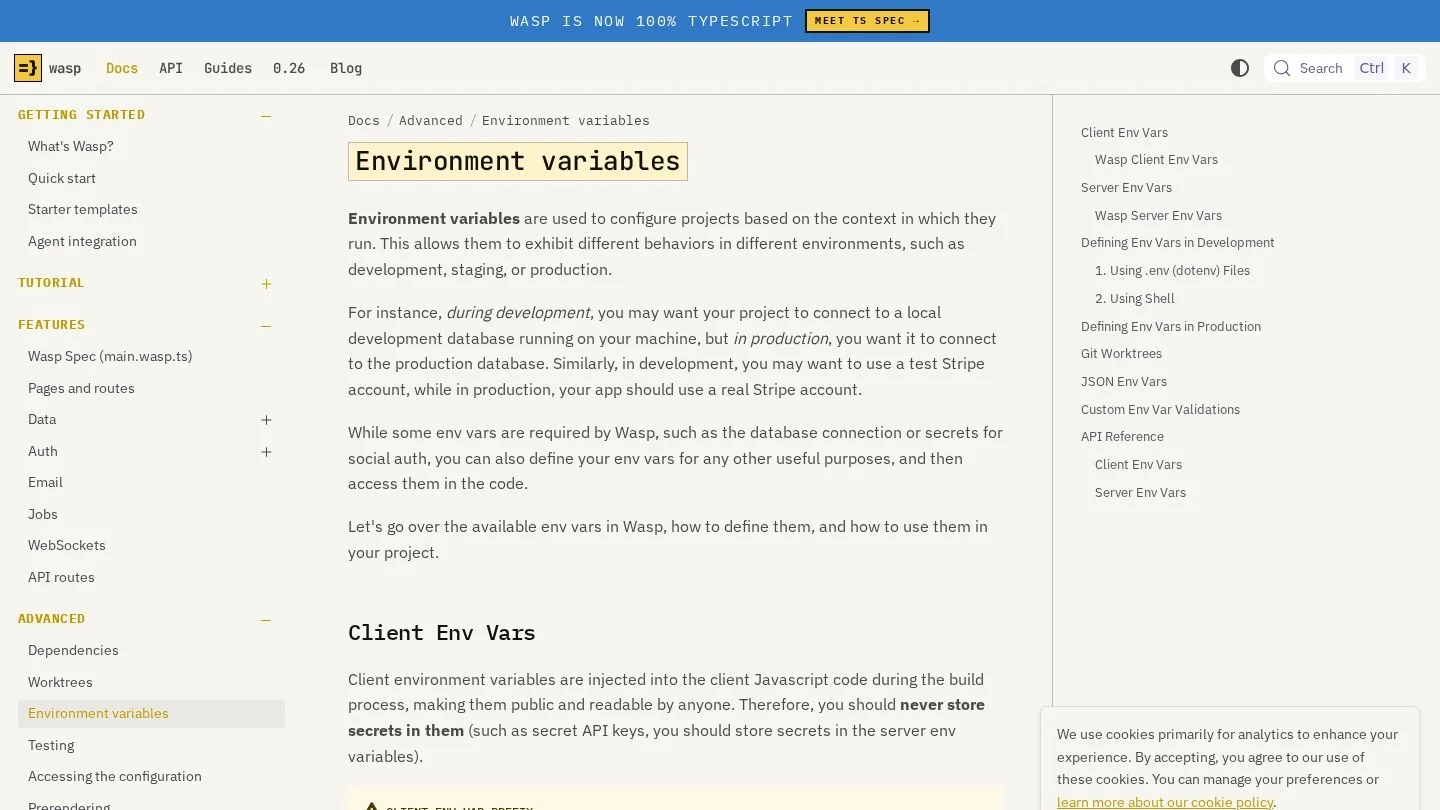
Wasp only injects client variables that begin with REACT_APP_, and it treats them as public. So a Sanity project ID or a Payload URL can go in .env.client. However, an API token, a webhook secret or a Strapi key belongs in .env.server, which you never commit.
Then, at deploy time, the server needs Wasp’s own required variables too. Those are DATABASE_URL, WASP_WEB_CLIENT_URL, WASP_SERVER_URL and a JWT_SECRET of at least 32 characters. Add your CMS variables next to them on Fly.io, Railway or whichever host you use.
On login, Wasp’s auth covers email, username and password, Google, GitHub, Keycloak, Slack and Discord. Still, we would not reuse it for CMS editors. Payload, Strapi, Sanity and Directus each ship their own editor accounts and roles. If you want passwordless login for the app itself, our review of passwordless authentication tools compares hosted options.
Copy the Open SaaS Split: App in Wasp, Blog in Astro
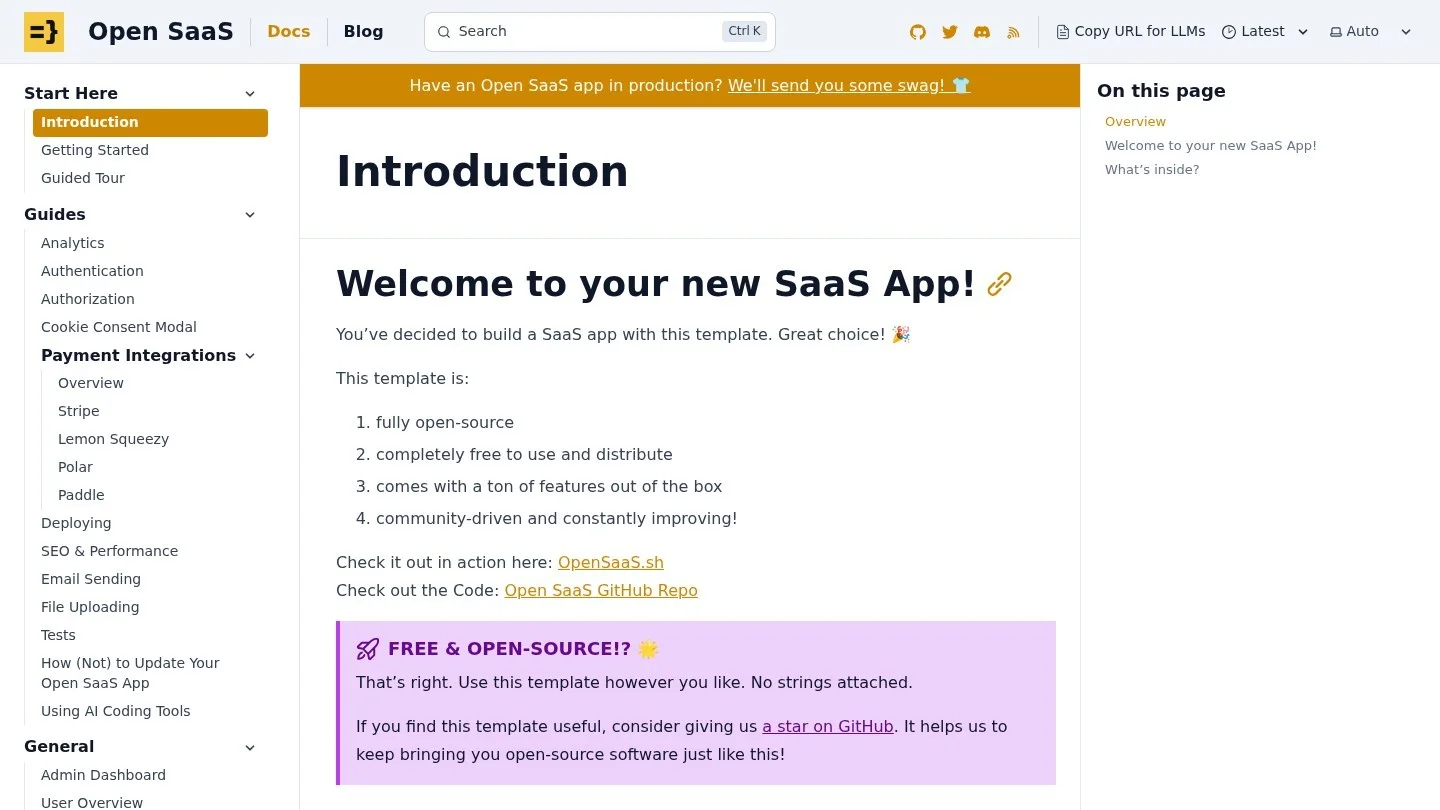
Wasp’s own free SaaS template, Open SaaS, already answers the blog question one way. The repo has an app folder with the Wasp project and a separate blog folder. That folder holds an Astro Starlight site for both the blog and the docs. So docs.opensaas.sh is itself a working example of the pattern.
The workflow is plain. You run npm install and npm run dev inside blog, and the site opens on port 4321. Then npm run build writes to blog/dist, which the template deploys to Netlify. Also, if you do not want a blog, you can delete the folder.
We like this split for content-heavy products. Astro sends plain HTML, so the blog never depends on the prerender list. Besides, Keystatic has an Astro integration, so editors can get an admin screen on the blog side. The trade-off is two deploys and two designs to keep in sync.

Our Picks for a SaaS Blog, a Docs Site and a Content-Heavy App
We matched each setup to the kinds of Wasp projects we researched. Also, the people who write matter as much as the stack. Our React CMS buying guide goes deeper on editor types.
- Founder-written changelog or launch notes: MDX files with the Vite plugin, prerendered.
- Marketing blog plus product docs: the Open SaaS split, with Astro Starlight in a
blogfolder. - Blog with two or three non-technical writers: Sanity on the Free plan, read through a Wasp query.
- Content that drives product features, such as course lessons: Payload or Strapi on its own server.
- Users who create pages inside your product: a Wasp entity with overridden CRUD, the way Brick does it.
- A team that wants a spreadsheet-style editor over SQL: Directus, if you are under the Innovation Grant limits.
Some teams later move to a monorepo with several frontends. In that case, our rankings for CMS options in an Nx workspace and for Turborepo monorepos cover shared content packages. For a Next.js app with tRPC, our T3 Stack CMS picks are the closer match.
What Wasp Users Ask Before Adding Content Pages
Can Payload Run Inside a Wasp App?
No. Payload’s admin panel is built on Next.js, and a Wasp client is a Vite single-page app. So run Payload as a separate service and read it from a Wasp query.
Is a Wasp Blog Visible to Google?
It is once you prerender the routes. Since Wasp 0.23, a route with prerender ships as HTML from the build. Without it, crawlers that skip JavaScript may see a blank page.
Can I Use Prisma Studio as an Admin Panel for Posts?
Yes, for developers. wasp db studio opens Prisma Studio on your entities, so you can edit a Post row by hand. But it is a database tool, so give non-technical writers a real editor.
Should the Browser Call the CMS Directly?
Only for public, read-only data, such as a public Sanity dataset. For anything that needs a token, go through a Wasp query, because client variables are readable by anyone.
Does Automatic CRUD Work for a Production Blog?
It can, with overrides. The feature is in early preview and has no built-in authorization yet. So override getAll to hide drafts, and check for an admin in create and update.
Wasp, Payload, Strapi, Sanity and Directus Reference Pages
- Wasp: entities
- Wasp: Automatic CRUD
- Wasp tutorial: querying the database
- Wasp: custom HTTP API endpoints
- Wasp: prerendering
- Wasp blog: static prerendering in Wasp 0.23
- Wasp: env variables
- Wasp: custom Vite config
- Wasp: auth overview
- Wasp: deploying to a PaaS
- Wasp blog: Made with Wasp, volume 2
- Open SaaS documentation
- Payload: REST API and SDK
- Payload: config options including cors
- Strapi 5: client library
- Strapi Cloud: usage and billing
- Sanity: plan comparison
- Directus: version 12 license change
- Keystatic: Reader API
- MDX: getting started with Vite