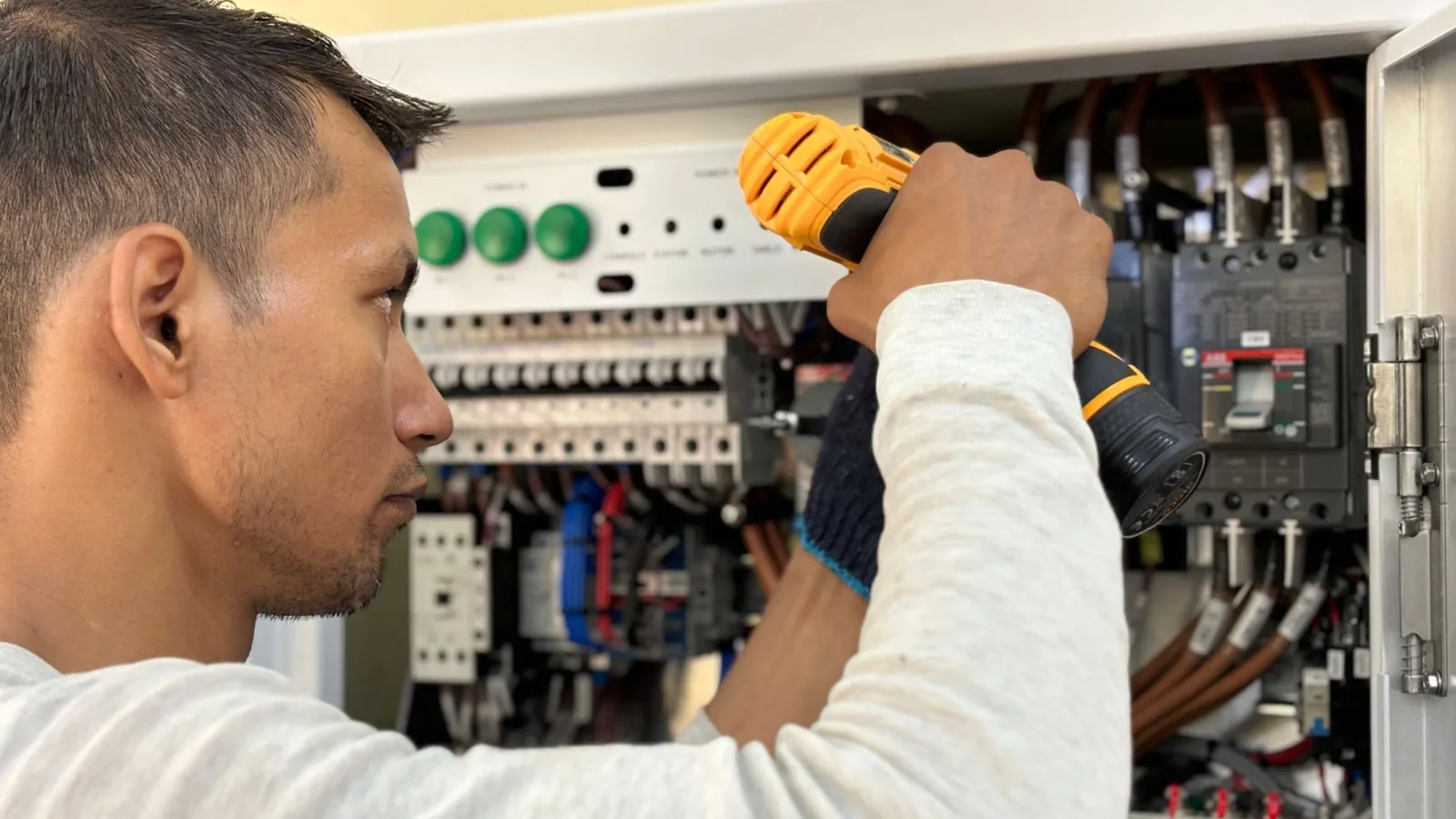
A $4,800 panel upgrade paid by card through an online invoice costs an electrician between $139.50 and $168.01 in processing fees, depending on which app sent the invoice. Paid by bank transfer, the same job costs $10 to $48. That spread, repeated across a year of service calls, is one reason the choice of invoicing software for electricians matters more than the template design.
Our short answer: Jobber is the strongest all-round pick for small and mid-sized residential shops, Housecall Pro suits service electricians who sell with a pricebook and customer financing, and ServiceTitan fits larger contractors running progress billing with retainage. Solo electricians on a tight budget should look at Joist or Square Invoices. All prices below are US list prices in USD, checked on vendor sites as of October 2026.
Jobber Overall, Square on Budget and Retainage for Commercial Jobs
- Best overall: Jobber, from $29 a month on annual billing, with progress invoicing, markups and QuickBooks Online sync on the Connect plan and up.
- Cheapest serious option: Square Invoices is free, and its $20 Plus plan adds milestone payment schedules and caps ACH fees at $10 per payment.
- Commercial work: ServiceTitan and Tradify both handle retainage; ServiceTitan builds pay applications from percent complete.
- Fees decide the real cost: on a $40,000 job paid by ACH, a capped processor charges $10 to $15 while an uncapped 1% rate charges $400.
Invoicing Software for Electricians Compared
Starting prices are the lowest published plan; where an important feature sits on a higher tier, the table says so. “Request pricing” means the vendor quotes after a demo. Where two rates appear, the first is an online card payment and the second is ACH. Data as of October 2026.
| Software | Starting price | Online card / ACH rate | Standout feature for electricians | Best for |
|---|---|---|---|---|
| Jobber | $29/mo annual, $49 monthly (1 user) | 2.9% + 30¢ / 1% | QuickBooks sync, progress invoicing, markups | Residential shops, 1 to 15 techs |
| Housecall Pro | $59/mo annual, $79 monthly (1 user) | 2.99% / 1% | Flat-rate pricebook, financing, QuickBooks sync (Essentials) | Service calls and pricebook selling |
| ServiceTitan | Request pricing (per technician) | Quoted with the plan | Pay applications with line-item retainage | Larger shops with commercial projects |
| QuickBooks Online | $38/mo (Simple Start) | 2.99% / 1%, $1 minimum | Progress invoicing on Plus ($140/mo) | Shops that run everything from the books |
| Tradify | $47 per user per month | Card payments built into every plan | Progress payments and retentions (Pro) | Small crews doing staged jobs |
| Joist | $10/mo (5 documents a month) | 3.49% + 49¢ / 1%, capped at $15 | Change orders (Elite), signatures on every plan | Solo electricians |
| Square Invoices | Free; Plus $20/mo | 3.3% + 30¢ Free, 2.9% + 30¢ Plus / 1%, $10 cap on Plus | Milestone schedules and auto-conversion (Plus) | Low-volume shops, big ACH jobs |
| Workiz | Request pricing | Shown per payout in Workiz Pay | Financing, deposits and price book on every plan | Small service teams |
What Electrical Contractors Should Test Before Buying
Generic invoice apps assume one price and one payment. Electrical work rarely fits. A service call for a tripped GFCI is a flat-rate ticket paid on the spot. A whole-house rewire may take a deposit, two progress draws and a final payment after the inspector signs off. A tenant fit-out for a general contractor brings a schedule of values, change orders and retainage held until closeout. Trial each app against your last three jobs and check:
- Estimate to invoice in one tap: the approved quote, with any optional line items the customer picked, should become the invoice without retyping. Square only automates this on its Plus plan.
- Flat-rate pricebook: a library of tasks (swap a 200A panel, add a 20A circuit, install an EV charger) with labour, parts and margin built in, so every tech quotes the same price.
- Materials markup: wire, breakers and fittings priced from supplier cost with your markup added automatically, and ideally job costing to show whether the markup survived the job.
- Progress billing, change orders and retainage: needed the moment you take on new construction or GC work. Few lightweight apps do all three.
- Field proof: photos of the panel before and after, a customer signature on the quote and a notes field for permit numbers and inspection dates, all attached to the job record you invoice from.
- Payment rates by method: online card, tap-to-pay, keyed card and ACH are usually priced differently, and some processors cap ACH fees while others do not.
The 8 Top Invoicing Apps for Electricians, Reviewed
Each entry is based on the vendor’s published pricing and feature pages, linked inline. Rankings reflect how well each tool covers the electrical workflow above, from a one-van operation to a 15-truck shop.
1. Jobber
Jobber covers the most ground. Its pricing page lists the Core plan at $29 a month on annual billing after a first-year promotional rate of $21, or $49 on monthly billing, for one user. Core handles quotes, invoices and online payments. The Connect plan ($99 a month annual, $139 monthly for one user) is where most electricians should start, because it adds QuickBooks Online sync, automatic payment collection, automated quote and invoice follow-ups, checklists and time tracking.
Grow adds optional line items (handy for “good, better, best” panel options) and job costing; Plus adds unlimited photos and videos per job. Jobber also lists progress invoicing, markups, quote signature approvals and photo attachments on invoices. Connect for ten users is $229 a month on annual billing, and each user beyond a tier costs $29 a month.
- Payments: 2.9% + 30¢ for cards, 2.7% + 30¢ for Tap to Pay, 1% for ACH, plus 1% for instant payouts.
- Suits: residential electricians from one van to about 15 techs who want quoting, scheduling and invoicing in one mobile app.
- Watch for: the jump from Core to Connect is steep, and QuickBooks sync is not on Core.
2. Housecall Pro
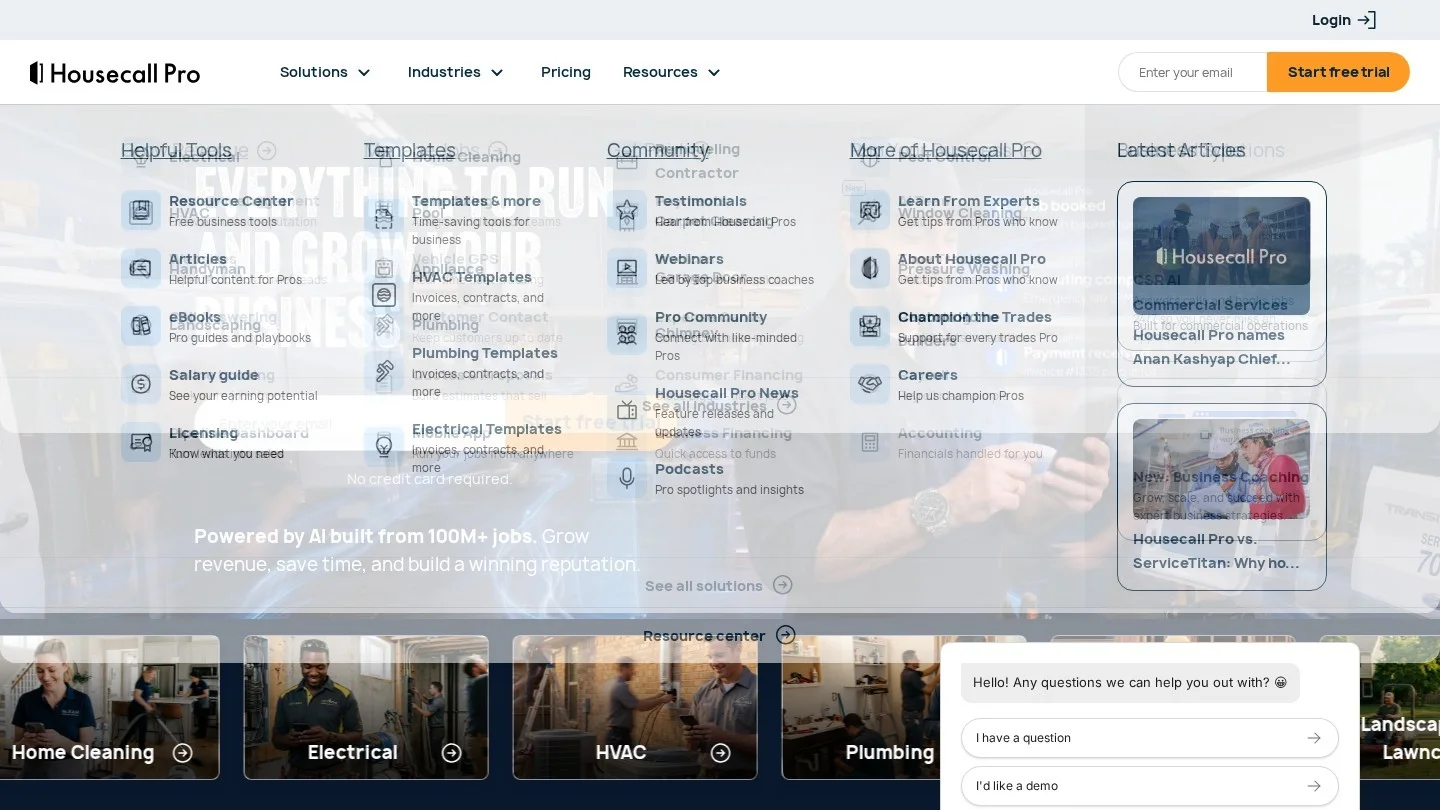
Housecall Pro is built for service work: quote from a pricebook, offer financing, get paid before leaving the driveway. Published plans are Basic at $59 a month annual ($79 monthly) for one user, Essentials at $149 annual ($189 monthly) for five users, and Max at $299 annual ($329 monthly) for eight users, with extra Max users at $35 a month.
Every plan includes estimates, a price book, job costing and consumer financing. Essentials adds flat-rate pricing with profit margins built into service prices, QuickBooks Online sync, and photo reports with annotations. Max includes the Sales Proposal Tool, which the company values at $40 a month.
Card rates are tiered by how the card is taken. According to Housecall Pro’s help centre (dated July 2026), in-person card or Tap to Pay is 2.59%, online card through a digital invoice is 2.99%, and keyed, saved or scanned cards, plus Amex and commercial cards by any method, are 3.49%. ACH is 1%, instant payout adds 1%, consumer financing fees start at 3.9%, and Tap to Pay carries an extra $5 per active device per month.
- Suits: residential service shops with two to eight techs.
- Watch for: commercial and business cards are charged at 3.49%, which hurts if many clients are property managers paying with a company card.
3. ServiceTitan

ServiceTitan is the heavyweight, and the strongest here on commercial progress billing. Its pricing page lists three packages (Starter, Essentials and The Works) priced per technician on request. Starter includes dispatching, invoicing and a pricebook; Essentials adds mobile estimates and payroll. Pricebook Pro is a separate add-on.
On the electrical flat-rate page, ServiceTitan says vendor catalogue connections keep materials prices current. For project work, its progress billing documentation describes an Application for Payment billed on percent complete, a continuation sheet tracking work to date, retainage and balance by line item, and retainage set project-wide or per line, including partial release before the work is 100% complete.
- Suits: shops of about 10 trucks and up mixing residential service with GC work.
- Watch for: progress billing needs account configuration by ServiceTitan support, and every price comes through a sales call.
4. QuickBooks Online
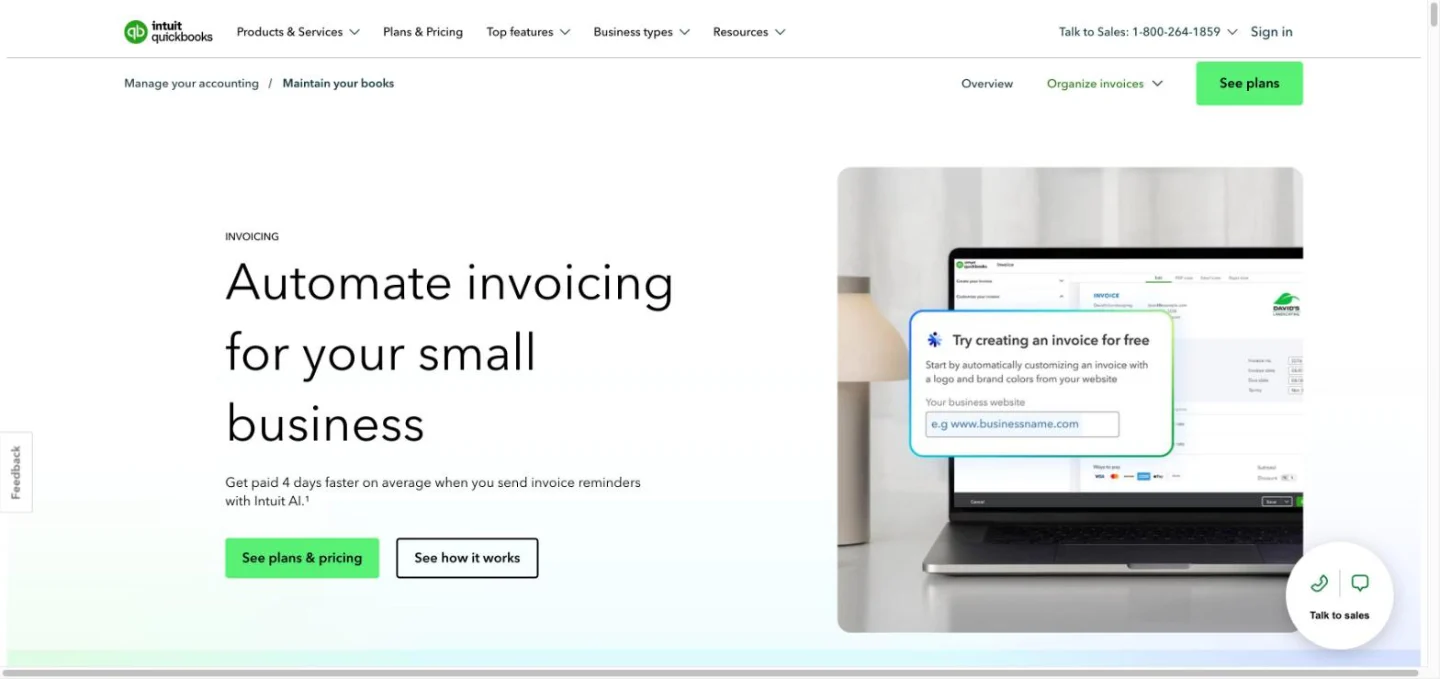
For a shop doing mostly scheduled project work, invoicing straight from QuickBooks avoids a sync altogether. QuickBooks Online lists Simple Start at $38 a month, Essentials at $85, Plus at $140 and Advanced at $340, each with a 50% discount for the first three months.
The plan that matters for contractors is Plus. Intuit’s invoicing page says progress invoicing is on Plus and Advanced, splitting an estimate into invoices by milestone, stage or percentage complete and tracking what is still owed. QuickBooks Payments rates (dated September 2026) are 2.99% for invoiced cards, 3.5% keyed, 2.5% in person and 1% for ACH with a $1 minimum, with instant deposit at 1.75%.
- Suits: contractors with a bookkeeper, light dispatch needs and staged jobs.
- Watch for: no flat-rate pricebook or dispatch board, and ACH has no published cap, so a large bank payment pays the full 1%.
Solo operators weighing Intuit’s cheaper tiers can compare options in our guide to QuickBooks Solopreneur alternatives for 1099 contractors.
5. Tradify
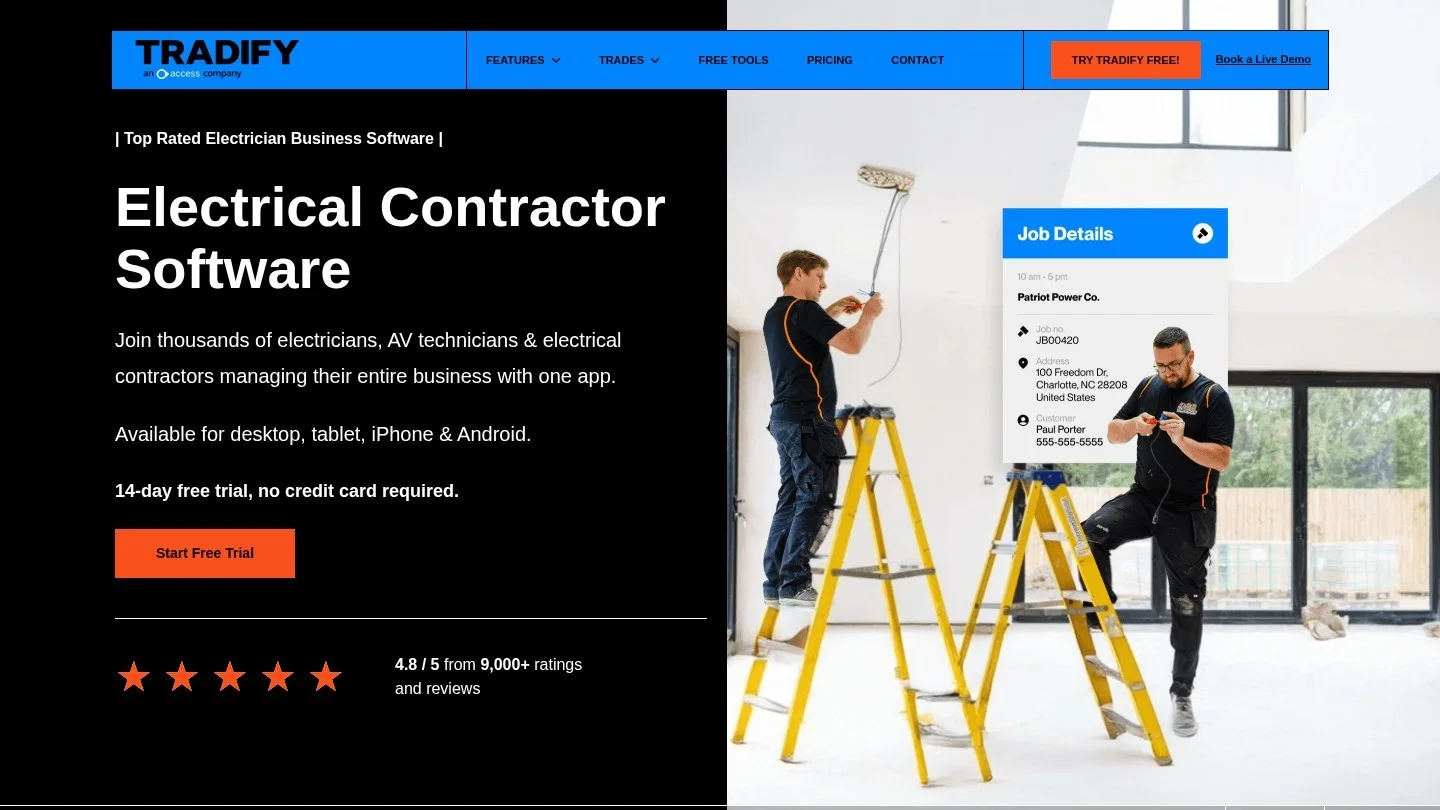
Tradify is the quiet pick for small crews doing staged work. US pricing is per user: Lite at $47, Pro at $51 and Plus at $61 a month, with a 14-day free trial. All plans include quotes to invoices, pricing and markups on materials and jobs, and QuickBooks or Xero sync.
Pro is where it earns its place for electricians: deposits, progress payments and retentions (the Commonwealth term for retainage), job costing with bill tracking, job photos and files, and online quote acceptance. Plus adds purchase orders.
- Suits: small shops doing renovations and new builds that need retention tracking.
- Watch for: per-user pricing adds up fast past ten seats; at $51 a user, 15 users on Pro is $765 a month.
6. Joist
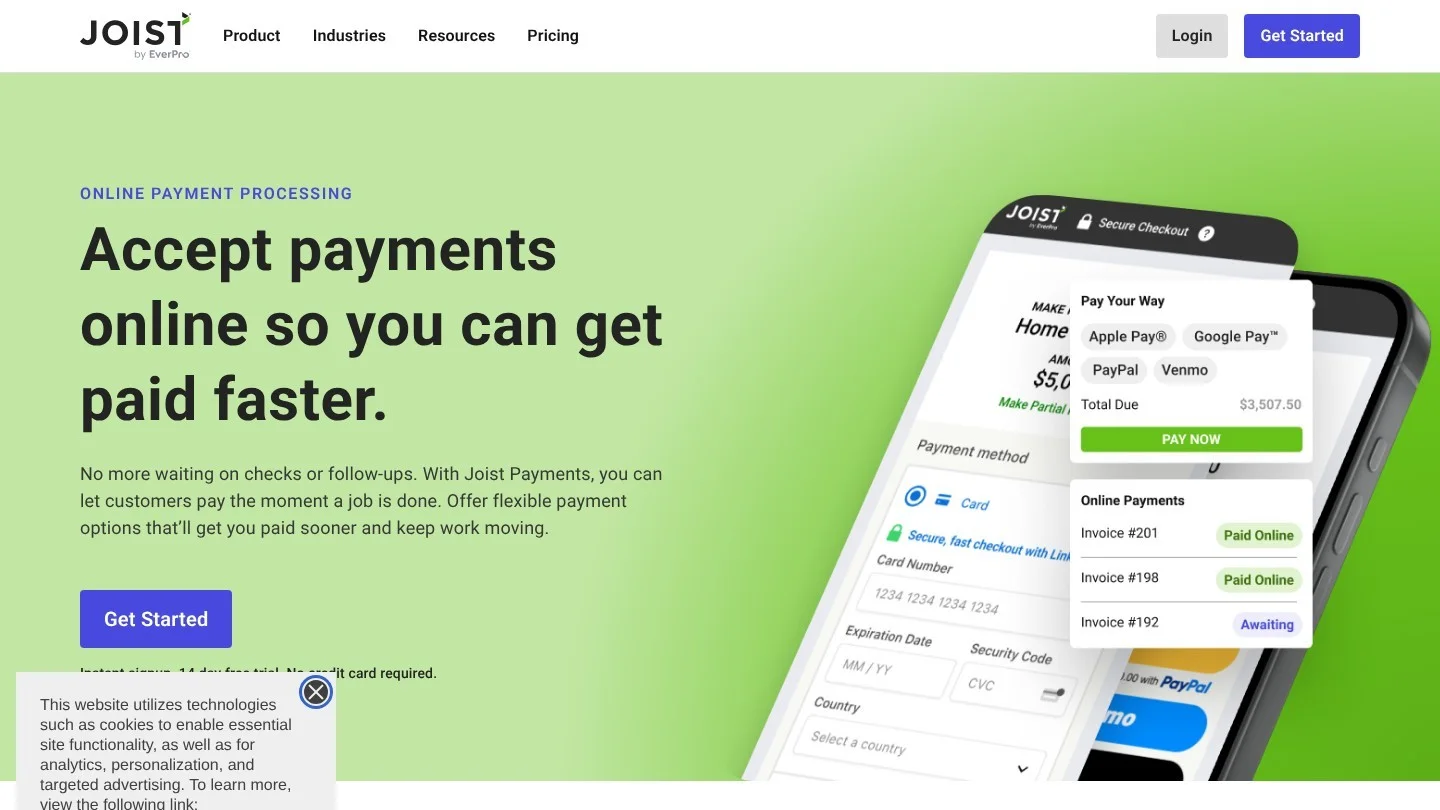
Joist is the cheapest way for a solo electrician to send professional estimates and invoices from a phone. Joist’s official information page, updated September 2026, lists Basics at $10 a month (five estimates or invoices a month), Pro at $16, Elite at $32 and a Run plan with scheduling at a $70 promotional rate. Annual billing gives two months free.
Even Basics includes digital signatures, Tap to Pay, deposit and milestone payments, homeowner financing and the option to pass processing fees to the customer. Pro adds unlimited documents, job photos, contracts and QuickBooks sync. Elite adds change orders, a feature many bigger apps bury, and puts your licence number on documents.
The trade-off is payment cost. Joist Payments charges 3.49% + 49¢ on cards and 2.79% + 49¢ on Tap to Pay, the highest card rates here. ACH, though, is 1% capped at $15, which makes it one of the cheapest ways to collect a large deposit.
- Suits: owner-operators who quote on site and push customers towards bank transfer.
7. Square Invoices
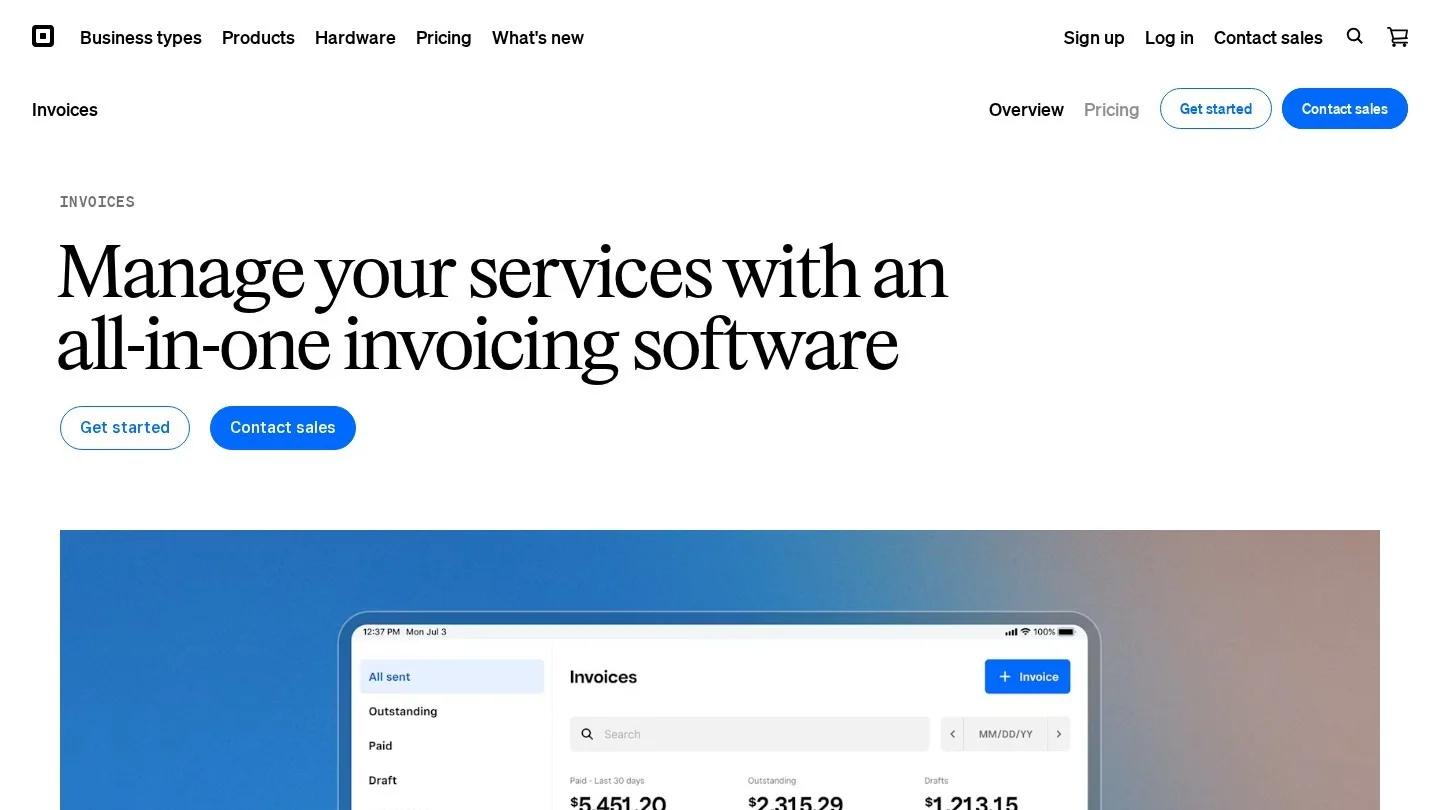
Square Invoices is free and better than that suggests. The free plan includes unlimited invoices and estimates, unlimited contracts with e-signature, deposits, late fees, scheduled reminders and recurring invoices. The $20 Plus plan adds milestone payment schedules, multi-package estimates and automatic conversion of accepted estimates into invoices.
Fees differ by plan. Online invoice card payments cost 3.3% + 30¢ on Free and 2.9% + 30¢ on Plus; tapped or dipped cards cost 2.6% + 10¢ on both. ACH is 1% with a $1 minimum on Free and, on Plus, 1% capped at $10 per payment. Above $1,000, that cap is the cheapest bank-transfer pricing here.
- Suits: solo electricians and small shops that bill a few large jobs a month and can steer customers to ACH.
- Watch for: no dispatch, pricebook or job costing.
8. Workiz
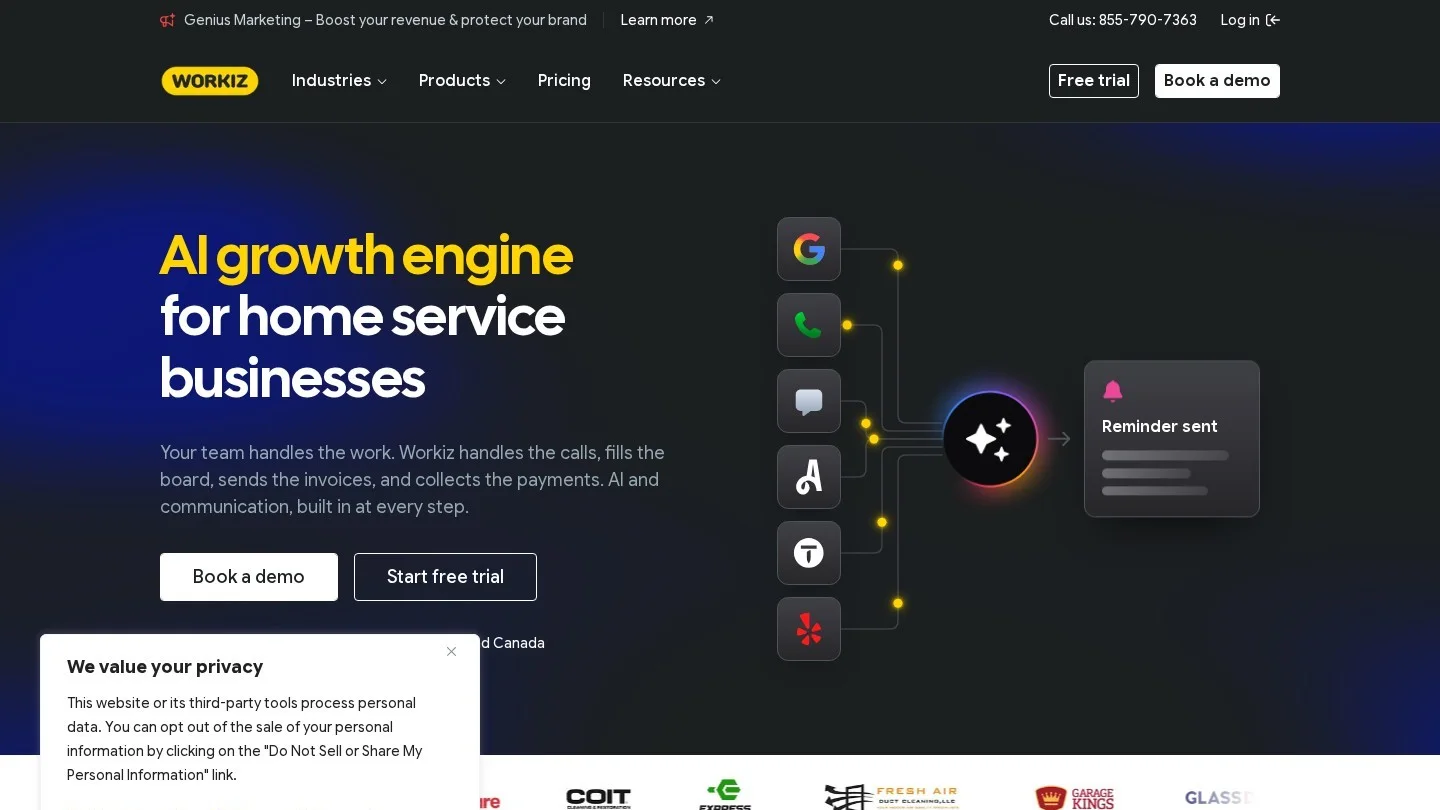
Workiz packs consumer financing, estimate deposits, a price book, Tap to Pay and QuickBooks Online sync into every plan, according to its plan comparison. The three tiers (Standard, Pro and Ultimate) are priced after a demo. Flat-rate pricing, sales proposals, multi-day jobs and custom documents sit on Ultimate only, which matters because flat rate is the feature most service electricians want. Pro adds custom reports and performance pay for techs on commission.
- Suits: small residential service teams that want financing and deposits from day one.
- Watch for: card readers are sold separately. Workiz Pay shows the fee on each payout in its Balance tab, and instant payouts on card payments arrive within 30 minutes.
Card and ACH Fees on a Real Electrical Invoice, Worked in Python
For a busy shop, the processing bill can exceed the subscription. We modelled two invoices: a $4,800 residential panel upgrade and a $40,000 commercial draw. The script applies each vendor’s published US rate, including fixed per-transaction fees, minimums and caps.
# Published US rates, checked 30 October 2026
def pct(rate, fixed=0.0, low=None, high=None):
    def fee(amount):
        f = amount * rate + fixed
        if low is not None:
            f = max(f, low)
        if high is not None:
            f = min(f, high)
        return round(f, 2)
    return fee

RATES = {
    "Jobber":        {"online card": pct(0.029, 0.30),  "tap": pct(0.027, 0.30),  "ACH": pct(0.01)},
    "Housecall Pro": {"online card": pct(0.0299),       "tap": pct(0.0259),       "ACH": pct(0.01)},
    "QuickBooks":    {"online card": pct(0.0299),       "tap": pct(0.025),        "ACH": pct(0.01, low=1)},
    "Square (Free)": {"online card": pct(0.033, 0.30),  "tap": pct(0.026, 0.10),  "ACH": pct(0.01, low=1)},
    "Square (Plus)": {"online card": pct(0.029, 0.30),  "tap": pct(0.026, 0.10),  "ACH": pct(0.01, high=10)},
    "Joist":         {"online card": pct(0.0349, 0.49), "tap": pct(0.0279, 0.49), "ACH": pct(0.01, high=15)},
}

for amount in (4800, 40000):
    print(f"Invoice of ${amount:,}")
    for tool, methods in RATES.items():
        row = "  ".join(f"{m}: ${fn(amount):,.2f}" for m, fn in methods.items())
print(f" {tool:15} {row}")| Software | $4,800 online card | $4,800 tap | $4,800 ACH | $40,000 online card | $40,000 ACH |
|---|---|---|---|---|---|
| Jobber | $139.50 | $129.90 | $48.00 | $1,160.30 | $400.00 |
| Housecall Pro | $143.52 | $124.32 | $48.00 | $1,196.00 | $400.00 |
| QuickBooks Online | $143.52 | $120.00 | $48.00 | $1,196.00 | $400.00 |
| Square (Free) | $158.70 | $124.90 | $48.00 | $1,320.30 | $400.00 |
| Square (Plus) | $139.50 | $124.90 | $10.00 | $1,160.30 | $10.00 |
| Joist | $168.01 | $134.41 | $15.00 | $1,396.49 | $15.00 |
On every platform, tapping a card on site beats an emailed invoice paid later. Between platforms, online card fees on the $4,800 job differ by about $29. ACH caps matter far more on big tickets: $10 on Square Plus or $15 on Joist against $400 at an uncapped 1% on the $40,000 draw.
Scale that to a year. A shop billing ten $4,800 jobs a month through Jobber pays $1,395 a month if every customer pays online by card and $480 if they all pay by ACH, a difference of $10,980 a year. Rerun it on your own average ticket with our percentage calculator, then see how fees move your break-even point. Housecall Pro’s Tap to Pay also adds $5 per active device per month, which on an eight-tech team is $40 a month before a single payment.
Joist lets you pass processing fees on to the customer, but state and card network rules on surcharging vary, so check them first.
Matching the Software to Shop Size, From One Van to 15 Trucks
| Shop profile | First choice | Runner-up | Why |
|---|---|---|---|
| Solo, mostly residential | Joist Pro ($16/mo) | Square Invoices | Unlimited estimates, photos and QuickBooks sync for the price of lunch |
| Solo, big remodels or new builds | Square Invoices Plus ($20/mo) | Joist Elite | Milestone schedules and a $10 ACH cap; Joist Elite adds change orders |
| 2 to 5 techs, service work | Housecall Pro Essentials | Jobber Connect | Flat-rate pricebook, QuickBooks sync and financing in one plan |
| 2 to 8 techs, staged jobs | Tradify Pro | Jobber Grow | Progress payments, retentions and job costing per user |
| 5 to 15 techs, residential | Jobber Grow or Plus | Housecall Pro Max | Job costing, optional line items, crew scheduling |
| 10 to 15+ trucks, service plus commercial | ServiceTitan | QuickBooks Online Plus alongside a field app | Pay applications, line-item retainage, vendor price updates |
Price the team you will have in a year. Jobber’s 15-user Grow plan is $399 a month on annual billing; Tradify Pro for 15 users is $765; Housecall Pro Max covers eight users for $299 and then charges $35 for each additional one, so 15 users comes to $544.
Progress Billing, Change Orders and Retainage on Commercial Electrical Jobs
Commercial and new-construction electrical work runs on a schedule of values: the contract split into lines such as rough-in, service and distribution, trim-out and fixtures, each billed by percent complete. The GC typically withholds a share of each draw as retainage until closeout. Software that cannot track billed, retained and remaining amounts pushes that work into a monthly spreadsheet.
ServiceTitan handles full pay applications with line-item retainage and partial release. Tradify Pro covers progress payments and retentions for far less. QuickBooks Online Plus, Square Invoices Plus and Jobber can split an estimate into percentage or milestone invoices, and Joist Elite names change orders as a feature; elsewhere, a signed add-on quote does the same job.
For permits and inspections, none of these tools replaces your jurisdiction’s portal, but most let you store the permit number, inspection date and photos of the rough-in on the job record. Making the final invoice depend on a passed final inspection, tracked through a job checklist, is a simple habit that stops disputes about when payment is due. For standalone signing, see our roundup of cheaper e-signature tools.
When a Free Electrical Invoice Template Is Enough
An apprentice-turned-owner sending four invoices a month does not need a $99 subscription. Bizolaunch’s free invoice generator builds a clean invoice with line items, sales tax and a PDF download, with no account needed. Split labour and materials, and add your licence number and payment terms. Move to software once you need online payments or a second person in the field.
Electrician Invoicing Questions
What Is the Best Invoicing App for a Solo Electrician?
Joist Pro at $16 a month covers unlimited estimates and invoices, job photos and QuickBooks sync. Square Invoices is free, and its $20 Plus plan caps ACH fees at $10.
Is Jobber or Housecall Pro Better for Electricians?
Housecall Pro suits service electricians selling from a flat-rate pricebook with financing. Jobber is cheaper to start, lists progress invoicing and markups, and scales in 5, 10 and 15-user tiers.
Which Invoicing Software Handles Retainage?
ServiceTitan and Tradify (Pro and Plus) handle retainage; Tradify calls it retentions. ServiceTitan also allows line-item rates and partial release.
How Much Do Electricians Pay in Card Processing Fees?
Online card payments run from 2.9% + 30¢ to 3.49% + 49¢ on the platforms compared, and ACH is 1%, capped at $10 on Square Plus and $15 on Joist. On a $4,800 invoice, cards cost roughly $120 to $168.
Does QuickBooks Online Do Progress Invoicing for Contractors?
Yes, on Plus ($140 a month) and Advanced ($340), splitting an estimate by milestone, stage or percentage.
This article is for information and education only and is not investment, tax or financial advice. Figures were checked on 30 October 2026; confirm current details with the official source or a registered adviser before acting.
More trade-business money guides sit in our Finance section.
Plans and Rates From Jobber, ServiceTitan, QuickBooks and Square
- Jobber: pricing and payment rates
- Housecall Pro: pricing and plans
- Housecall Pro: payment processing options
- ServiceTitan: pricing and plans
- ServiceTitan: electrical flat rate software
- ServiceTitan: progress billing overview and setup
- QuickBooks Online: pricing
- QuickBooks: invoicing and progress invoicing
- QuickBooks Payments: rates
- Tradify: pricing and plans
- Joist: official product and plan information
- Joist: payments and fees
- Square Invoices: pricing and plans
- Workiz: pricing plans
- Workiz: Workiz Pay FAQ