
Angular Projects Have Fewer CMS SDKs, and That Is Manageable
Only a handful of CMS vendors publish an Angular package of their own. Storyblok ships @storyblok/angular, Builder.io ships @builder.io/sdk-angular, and ButterCMS documents an Angular service around its buttercms client. Everyone else, including Strapi, Directus, Sanity and Contentful, reaches Angular through an HTTP API.
That second group works better in Angular than many developers expect, for a reason that has nothing to do with the CMS. Angular’s HttpClient already caches server-side requests and hands them to the browser during hydration, which removes the double fetch that used to make CMS-driven Angular pages slow. So the right CMS for an Angular app is often the one whose content model and editor suit your team, with the SDK question coming second.
We picked eight options for this list and compared each one using the vendor’s own Angular guide, docs and pricing page.

Angular CMS Options by Integration Type
Seven of the eight compared on connection method, editing and published prices. ButterCMS, the blog-focused option, is covered in its own section.
| CMS | How it connects to Angular | Visual editing | Free option | Lowest published paid price |
|---|---|---|---|---|
| Storyblok | Official @storyblok/angular package | Yes, Visual Editor | Starter: 1 seat, 100k API requests | Growth, $99 a month |
| Builder.io | Official @builder.io/sdk-angular (Gen 2) | Yes, drag and drop | 1 user, 60 credits a month | Pro, $24 per user a month |
| Strapi | REST or GraphQL through HttpClient | No | Self-hosted, MIT | Cloud Starter, $35 a month |
| Directus | @directus/sdk or REST | No | Free self-hosting under $5M revenue | Core, $89 a month billed yearly |
| Sanity | @sanity/client or HTTP API | Yes, through Presentation | 20 seats, 10k documents | Growth, $15 per seat a month |
| Contentful | Content Delivery API | Live preview SDK for vanilla JS | 10 users, 100K API calls | Lite, $300 a month |
| Analog Content | Markdown files in the repo | No | Open source | None |
Eight CMS Choices Angular Teams Use
Storyblok With @storyblok/angular
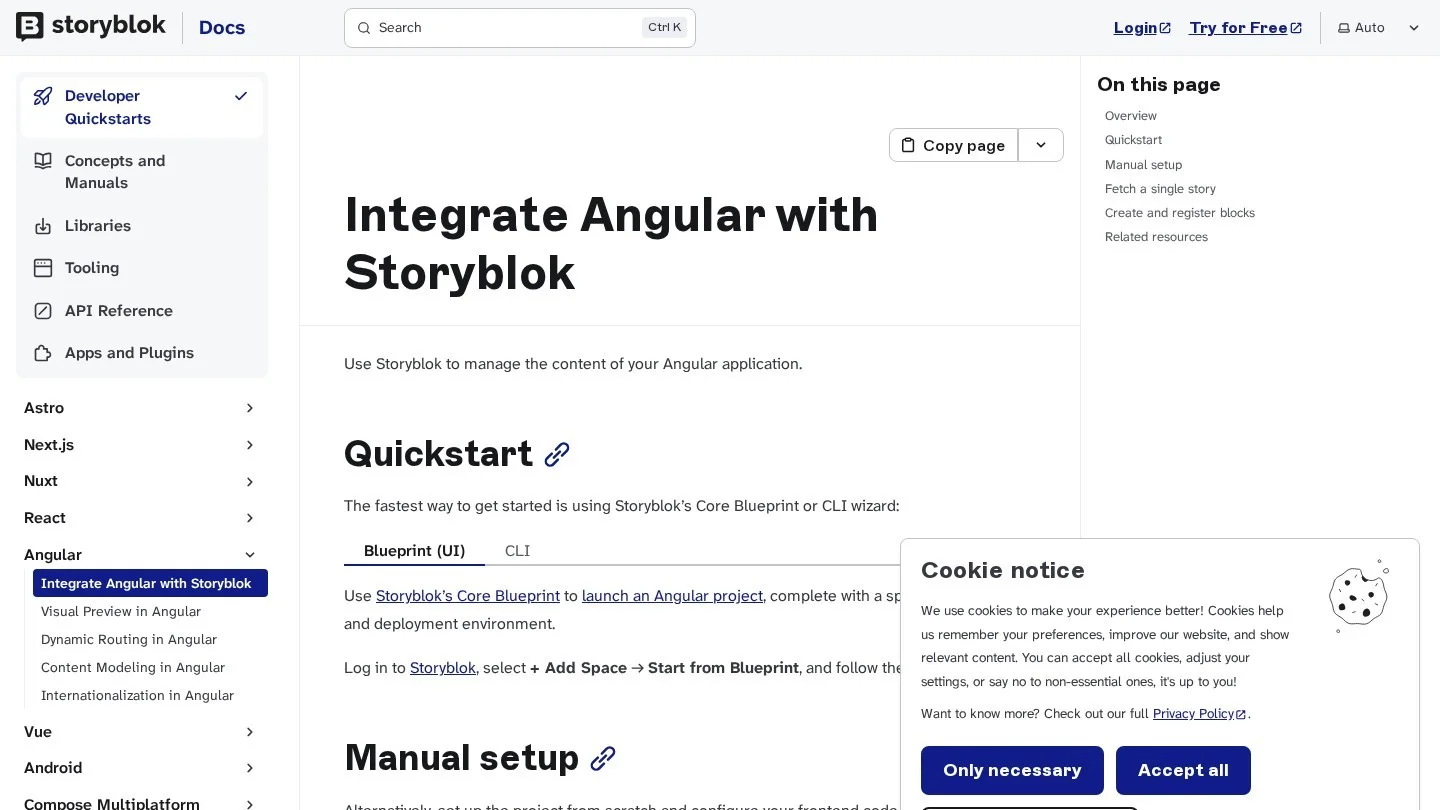
Storyblok is the only hosted CMS in this list with an Angular package and a visual editor from the same vendor. Install it with npm install @storyblok/angular, and note that its guide starts a project with ng new my-storyblok-app --ssr, so server rendering is part of the setup from the first command.
In the guide’s home component, you inject StoryblokService, call getClient(), and fetch the home story with version: "draft". The story content goes into a signal and renders through <sb-component [sbBlok]="...">. The guide’s app.config.ts snippet repeats the provideRouter and provideStoryblok calls, so merge them into one of each when you copy it.
Pricing starts free with one seat and 100,000 API requests a month. Growth costs $99 a month, or $90.75 a month billed yearly, with five seats and 1 million API requests.
Builder.io With @builder.io/sdk-angular
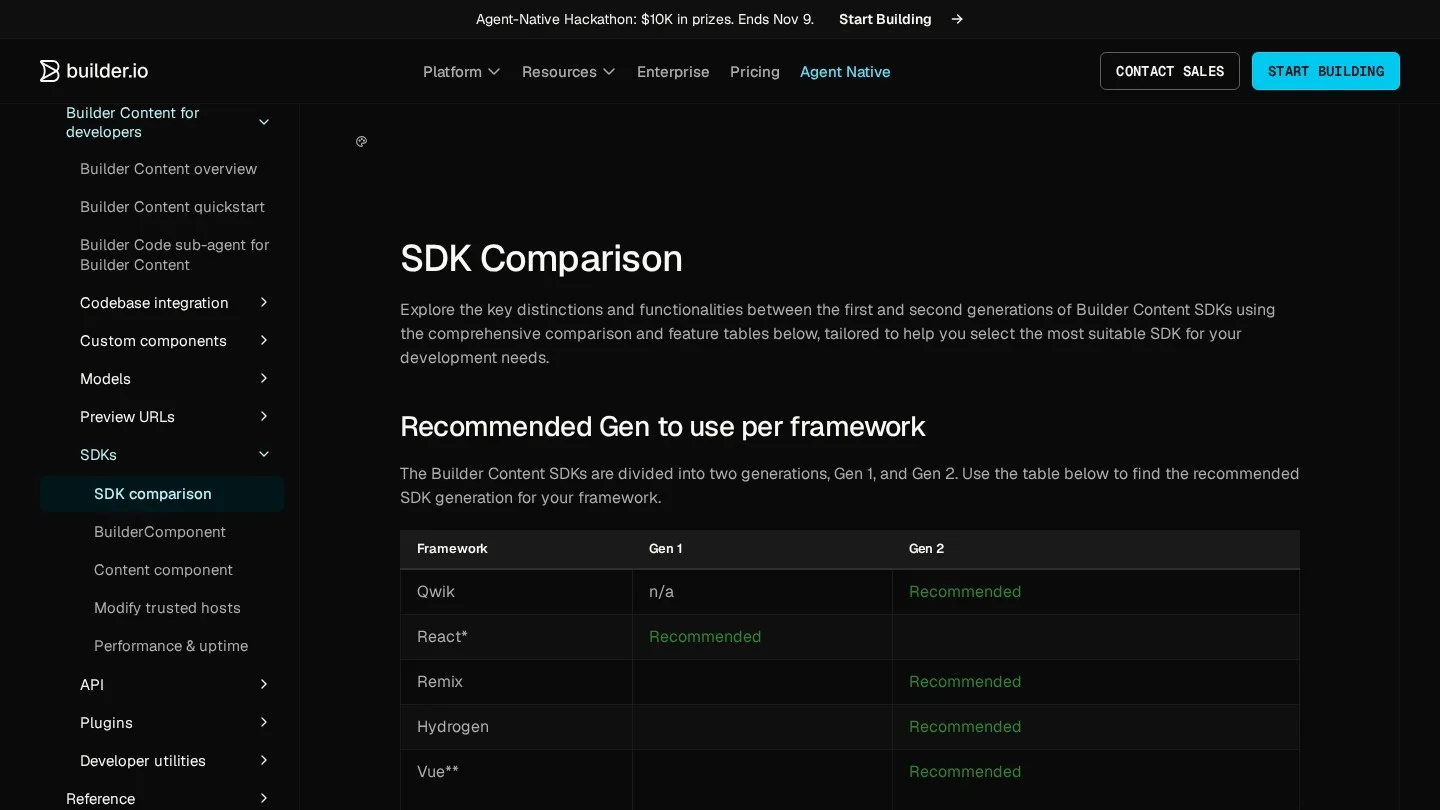
Builder.io lists Angular in both of its SDK generations: @builder.io/angular for Gen 1 and @builder.io/sdk-angular for Gen 2. You register your own Angular components, and marketers arrange them in a drag-and-drop editor. Teams that want landing pages without a developer ticket for each change tend to start here.
Builder.io now prices around AI credits as well as seats, and its Free plan gives one user and 60 credits a month. Pro is $24 per user a month and Team is $40 per user a month for up to 20 users.
ButterCMS Through an Angular Service
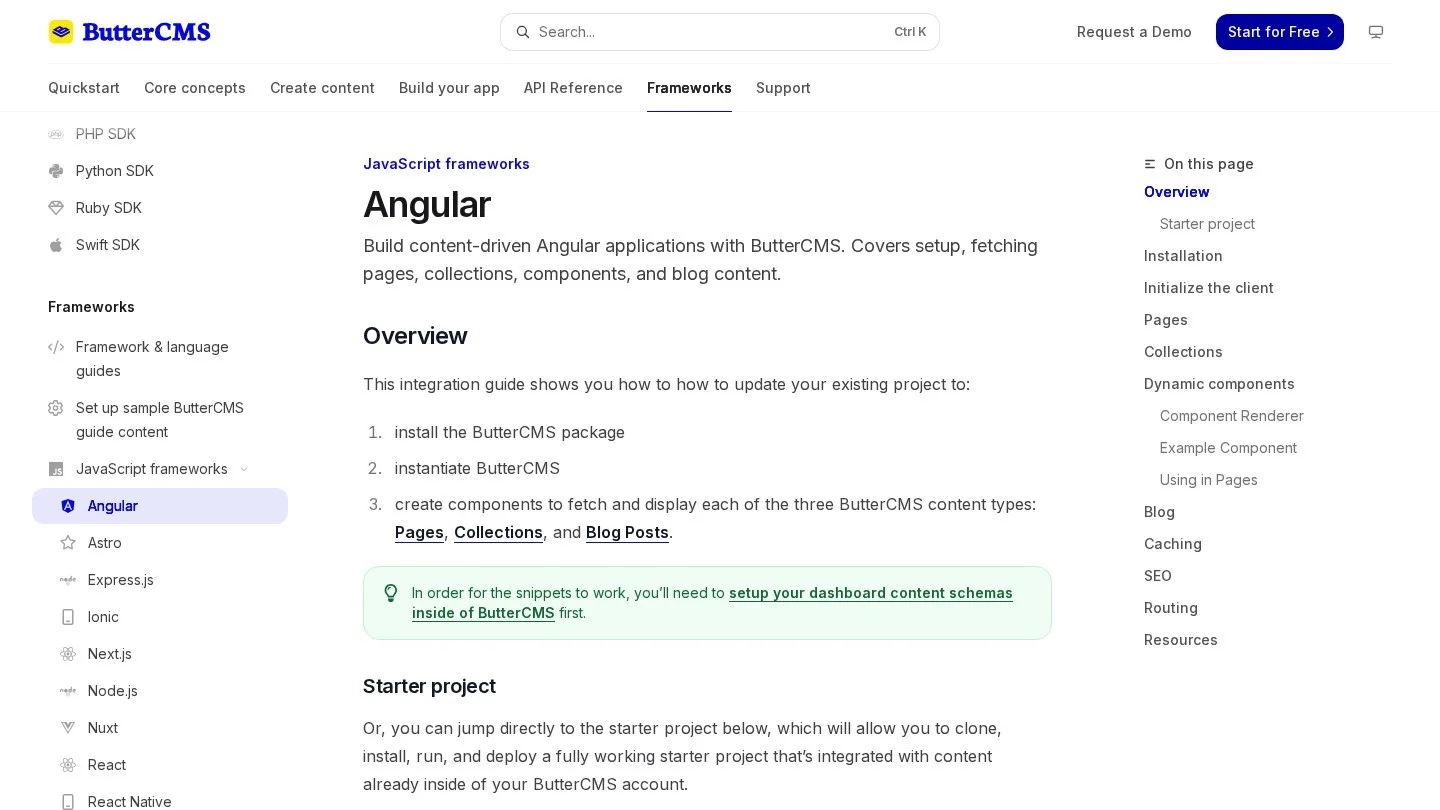
ButterCMS is a hosted CMS with a built-in blog engine, which suits Angular teams that mainly need posts and a few marketing pages. Its Angular guide installs the buttercms package, stores the API token in environment.ts, and wraps the client in an injectable ButterCMSService. That service exposes methods such as getPosts() and getPage(), which components call.
@Injectable({ providedIn: 'root' })
export class ButterCMSService {
  private butter = Butter(environment.butterCmsApiKey);

  async getPosts(params = {}) {
    const response = await this.butter.post.list(params);
    return { posts: response.data.data, meta: response.data.meta ?? null };
  }
}
Because the Butter client is not Angular’s HttpClient, these calls do not use Angular’s transfer cache. On SSR pages, the browser may request the same data again after hydration. Wrap the call in HttpClient against Butter’s REST API if that double request matters for your pages.
Strapi Over REST
Strapi is MIT-licensed and free to run on your own server. Angular talks to it through HttpClient, which is the best case for SSR, because Angular caches those GET requests during server rendering. Content types you create in the Strapi admin become REST endpoints straight away.
If you would rather not run servers, Strapi Cloud starts at $35 a month per project for 100,000 API requests, 50 GB of asset storage and 50 GB of bandwidth. Pro is $90 a month and Business is $450 a month, each priced per project.
Directus Over Its SDK
Directus puts a REST and GraphQL API, plus an admin app for editors, on top of a SQL database. It is a good fit when your Angular app already has a database and you want editors to manage some of its tables without a second data store.
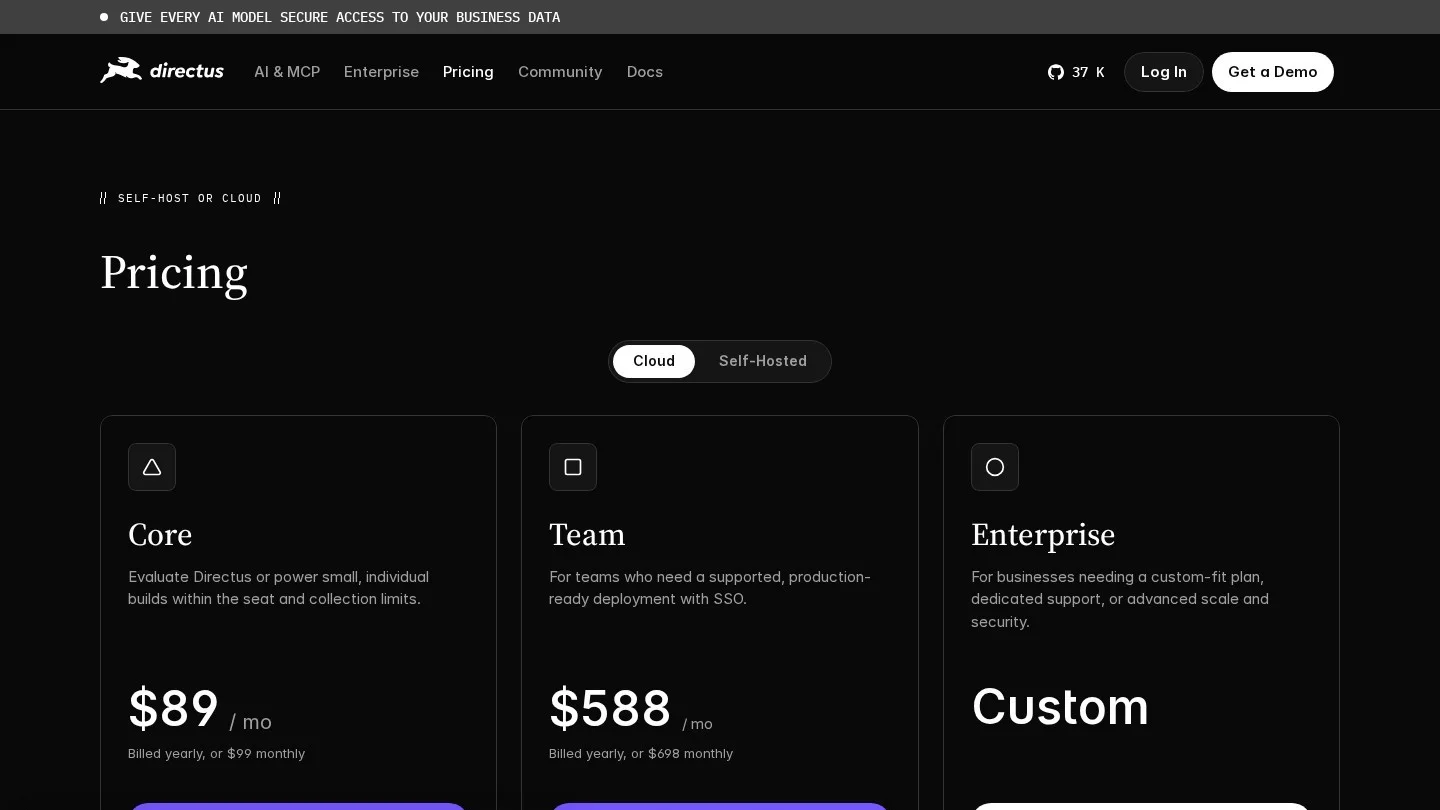
Self-hosting is free for organisations with under $5 million in yearly revenue and fewer than 50 employees, under Directus’s Open Innovation Grant. Directus Cloud’s Core plan costs $89 a month billed yearly, or $99 monthly, with a hard limit of 3 user seats.
Sanity Over @sanity/client
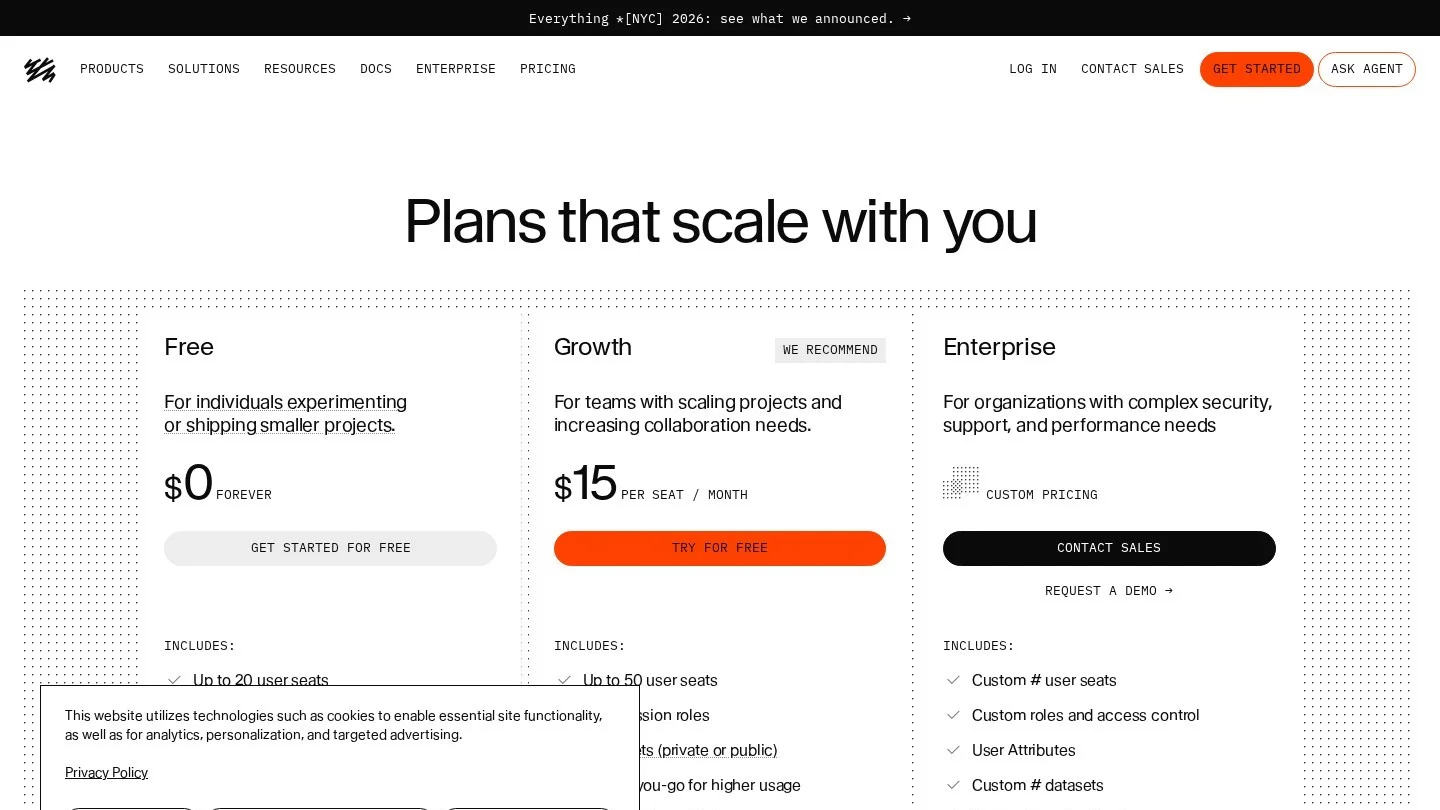
Sanity stores content as structured JSON and queries it with GROQ. Angular apps can use the framework-agnostic @sanity/client or call the HTTP query API with HttpClient. The second route keeps Angular’s transfer cache in play, which avoids a second request after hydration.
The Free plan allows up to 20 seats, 10,000 documents and 250,000 API requests a month. Growth is $15 per seat a month and adds roles such as Editor and Contributor.
Contentful Over the Delivery API
Contentful suits larger organisations where the same content feeds a website, a mobile app and other channels. Its live preview SDK has a vanilla JavaScript mode, ContentfulLivePreview.init() and subscribe(), which you can call from an Angular component in the preview build.
The Free plan includes 10 users, two locales and 100K API calls a month with hard caps. Lite costs $300 a month for teams that outgrow those caps.
Analog Content for Markdown Sites
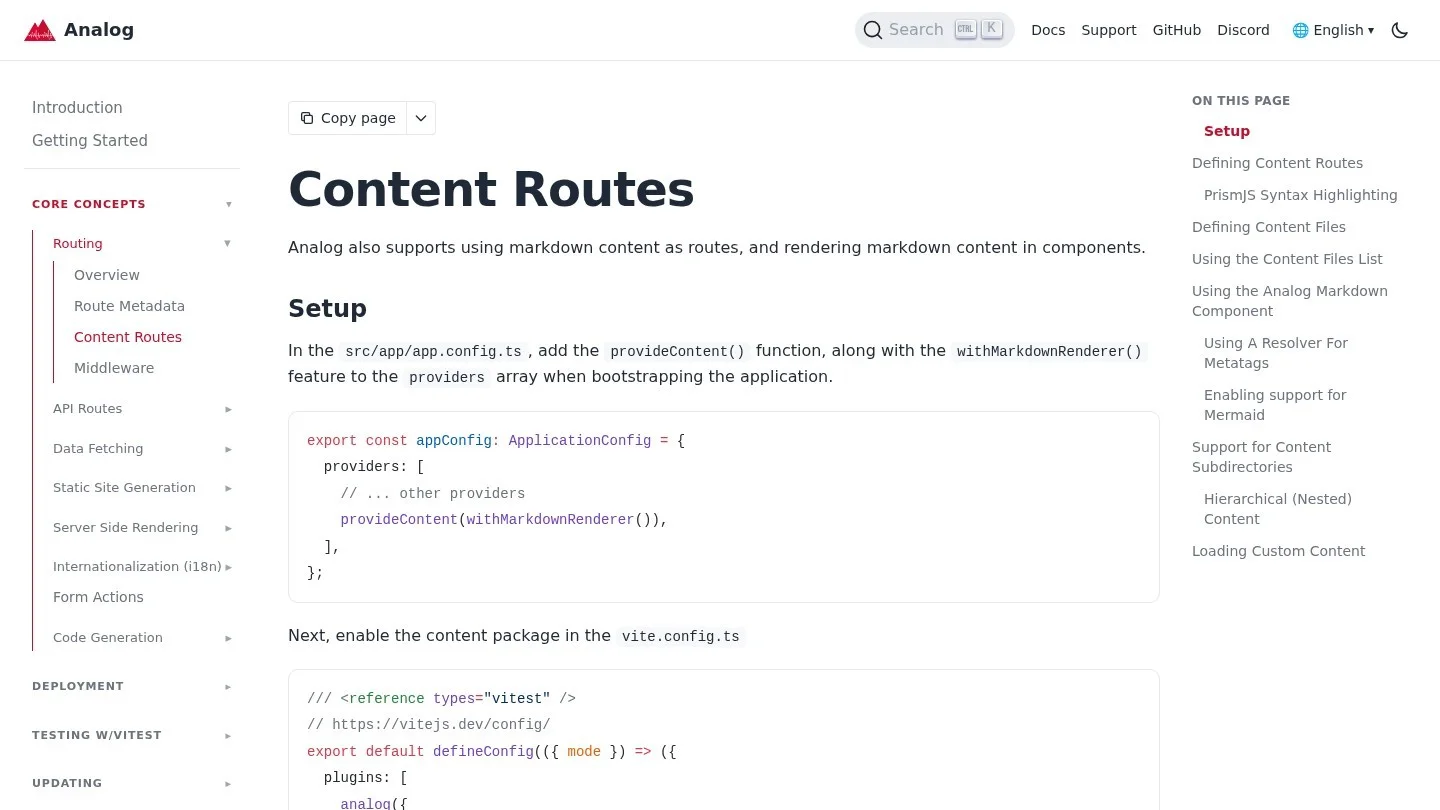
Analog is a meta-framework for Angular, and its content feature turns Markdown files into pages. A file at src/app/pages/about.md becomes the /about page, while blog posts live in src/content, and injectContentFiles() lists them with their frontmatter while injectContent() loads one post body.
This is the right size for documentation sites and developer blogs, where every author is comfortable with Git. Nobody pays a subscription, and every content change is versioned with the code in the same pull request.
How Angular SSR Handles CMS Requests
Angular’s server rendering is set up with ng new --ssr for new apps or ng add @angular/ssr for existing ones. Once it is on, HttpClient caches all GET and HEAD requests made on the server and replays them in the browser during hydration. Requests that carry Authorization, Proxy-Authorization or Cookie headers are left out.
That exclusion is useful for CMS work, and it plays out in two ways. Public delivery requests, which use a token in the URL or no token, get cached and replayed. Preview requests, which usually send a secret token in an Authorization header, do not end up serialised into the HTML that every visitor downloads.
You can tune the cache inside provideClientHydration() when the defaults do not fit. This configuration keeps two response headers, skips one route and caches POST requests:
provideClientHydration(
  withHttpTransferCacheOptions({
    includeHeaders: ['ETag', 'Cache-Control'],
    filter: (req) => !req.url.includes('/api/profile'),
    includePostRequests: true,
    includeRequestsWithAuthHeaders: false,
  }),
)
Turn includePostRequests on if your CMS uses GraphQL over POST, as DatoCMS and some Strapi setups do. Leave includeRequestsWithAuthHeaders off unless you are certain the response holds nothing private.
Prerendering CMS Pages With getPrerenderParams
Marketing pages and blog posts rarely change between deploys, so many Angular teams prerender them. Angular’s server routes take a renderMode of Server, Prerender or Client. For a dynamic route, getPrerenderParams tells the build which slugs to generate. In this example it asks a CMS-backed service for every post ID at build time:
// app.routes.server.ts
{
  path: 'post/:id',
  renderMode: RenderMode.Prerender,
  async getPrerenderParams() {
    const dataService = inject(PostService);
    const ids = await dataService.getIds();
    return ids.map((id) => ({ id }));
  },
},
New posts then need a rebuild before they appear, so set the CMS publish webhook to trigger a deploy hook on your host, or keep posts on RenderMode.Server and cache them at the CDN.
Render Modes for Common CMS Route Types
Angular lets each route pick its own render mode, which means a single app can mix prerendered marketing pages with server-rendered listings and client-only previews. We map the usual CMS route types to a mode below, based on how often their content changes and who views them.
| Route type | Suggested render mode | Reason |
|---|---|---|
| Home and landing pages | RenderMode.Prerender | Content changes with campaigns, and a rebuild on publish is cheap |
| Blog posts and docs | RenderMode.Prerender with getPrerenderParams | Old posts rarely change, and static HTML is fastest for readers and crawlers |
| Search results and filtered listings | RenderMode.Server | Results depend on query parameters that cannot be listed at build time |
| Editor preview pages | RenderMode.Client or Server behind sign-in | Drafts must never be written into static files that the public can fetch |
| Logged-in account pages | RenderMode.Client | Content is personal, so there is nothing to gain from caching it on a CDN |
When a prerendered page needs fresh content, the cheapest route is a publish webhook from the CMS that calls your host’s deploy hook, since most hosts can rebuild a mid-sized Angular site in a few minutes. Server-rendered routes, by contrast, pick up changes at once, but every request reaches your server and, unless you add a CDN cache in front, the CMS API as well.
A Framework-Agnostic CMS Service in Angular
For any CMS without an Angular package, one injectable service keeps the API details out of your components. This version calls Strapi’s REST API with HttpClient, so the transfer cache applies:
// post.service.ts
import { Injectable, inject } from '@angular/core';
import { HttpClient } from '@angular/common/http';
import { environment } from '../environments/environment';

@Injectable({ providedIn: 'root' })
export class PostService {
  private http = inject(HttpClient);
  private base = environment.cmsUrl;

  getPosts() {
    return this.http.get<{ data: Post[] }>(`${this.base}/api/posts`);
  }

  getPostBySlug(slug: string) {
    return this.http.get<{ data: Post[] }>(
      `${this.base}/api/posts?filters[slug][$eq]=${slug}`
    );
  }
}
Swap the URLs for Directus (/items/posts) or Sanity’s query endpoint and the components stay the same. Test the endpoints in an API client before you write any components. Our list of open-source API clients covers tools that save these requests next to your code.
Matching an Angular App to a CMS
These six checks settle most Angular CMS decisions in a single planning meeting.
- If marketers need to build pages by clicking on them, shortlist Storyblok and Builder.io, the two vendors with Angular packages and visual editors.
- If the app is already backed by a SQL database you control, Directus can put an admin panel on it without moving any data.
- If content must stay on your own servers, Strapi and Directus both self-host, and Analog keeps content in your Git repository.
- If the content is mostly blog posts, ButterCMS or Analog Content keep the setup small and the number of moving parts low.
- If the same content will feed mobile apps and other sites, Contentful and Sanity are built around structured content that can be reused across channels.
- Count the editors who will log in, because seat pricing ranges widely: Sanity charges $15 per seat a month, while Storyblok’s Growth plan includes five seats in its $99 fee.
Editors also need secure sign-in, so if your company already uses single sign-on, check which CMS plan includes it, and see our roundup of passwordless authentication software for the identity side.
If you are using another framework next, we compare headless CMS platforms for Next.js App Router projects and content management systems for Vue.js with the same level of detail.
Questions From Angular Developers About CMS Choice
Is There an Official Angular SDK for Contentful or Sanity?
Both work through framework-agnostic JavaScript clients and HTTP APIs, and calling those APIs through Angular’s HttpClient gives you the SSR transfer cache with no extra code.
Can Angular Use a Headless CMS Without SSR?
Yes, because a client-rendered Angular app can fetch content at runtime like any other data. Search engines and link previews do better with server-rendered or prerendered HTML, so turn on SSR for public pages.
What Is the Cheapest Way to Add a CMS to an Angular App?
Analog Content and self-hosted Strapi have no license fee at any team size. Directus is also free to self-host for organisations under $5 million in revenue with fewer than 50 staff. Hosting, backups and upgrades remain your own costs in every case.
Does Angular SSR Cache CMS Preview Requests?
Not by default, because requests with an Authorization header are excluded from the transfer cache, which keeps preview tokens and draft content out of the public page payload.
Angular and CMS Documentation Used Here
- Angular server-side and hybrid rendering guide
- Storyblok Angular guide
- Storyblok pricing
- Builder.io SDK comparison
- Builder.io pricing
- ButterCMS Angular documentation
- Strapi self-hosting and license
- Strapi Cloud pricing
- Directus pricing
- Sanity pricing
- Contentful live updates docs
- Contentful pricing
- Analog content routes documentation