

The best invoicing software for photographers who want the most for their money is Studio Ninja. Its $16-a-month Starter plan already includes invoices, payment schedules, contracts, online payments and appointment booking. If you also want client galleries in the same app, look at Sprout Studio or Pixieset. And if you only need free invoices, Wave and Pixieset each have a free plan.
We researched eight tools that photographers use to bill clients. Then we compiled each one’s official prices and photographer features into one table. Finally, we worked out what each costs a year and what card fees take from a wedding payment plan.
Eight Picks of Invoicing Software for Photographers in One Table
We built this table from each company’s own pricing and feature pages. The “lowest paid price” column shows the cheapest paid plan we could confirm.
| Tool | Lowest paid price | Free plan or trial | Payments and schedules | Photographer extras |
|---|---|---|---|---|
| — | — | — | — | — |
| Studio Ninja | $16 a month or $160 a year | 7-day free trial | All plans | Contracts and booking on all plans |
| HoneyBook | $29 a month, billed yearly | 30-day free trial | Payment plans and autopay | SMS reminders on Essentials and Premium |
| Dubsado | $335 a year | 21-day trial of Premier | Starter, with autopay | Scheduler on Premier |
| Sprout Studio | $19 a month (lowest listed) | Free trial | Set on each invoice | Client galleries on every plan |
| Pixieset Studio Manager | $12 a month, billed yearly | Free plan | Card payments on every plan, reminders on Plus | Booking calendar on every plan |
| VSCO One (Workspace) | $499.99 a year | Free Starter, 30-day refund on One | Card, ACH and tips through Stripe or Square | Unlimited client galleries |
| 17hats | $60 a month or $600 a year | Free CRM and 7-day trial | Online payments through Stripe or Square | Contracts included |
| Wave | $19 a month or $190 a year (Pro) | Free Starter plan | Deposits on estimates (Pro) | Recurring billing on Pro |

Photography Invoicing Software Reviewed One by One
1. Studio Ninja for Full Features at a Low Price
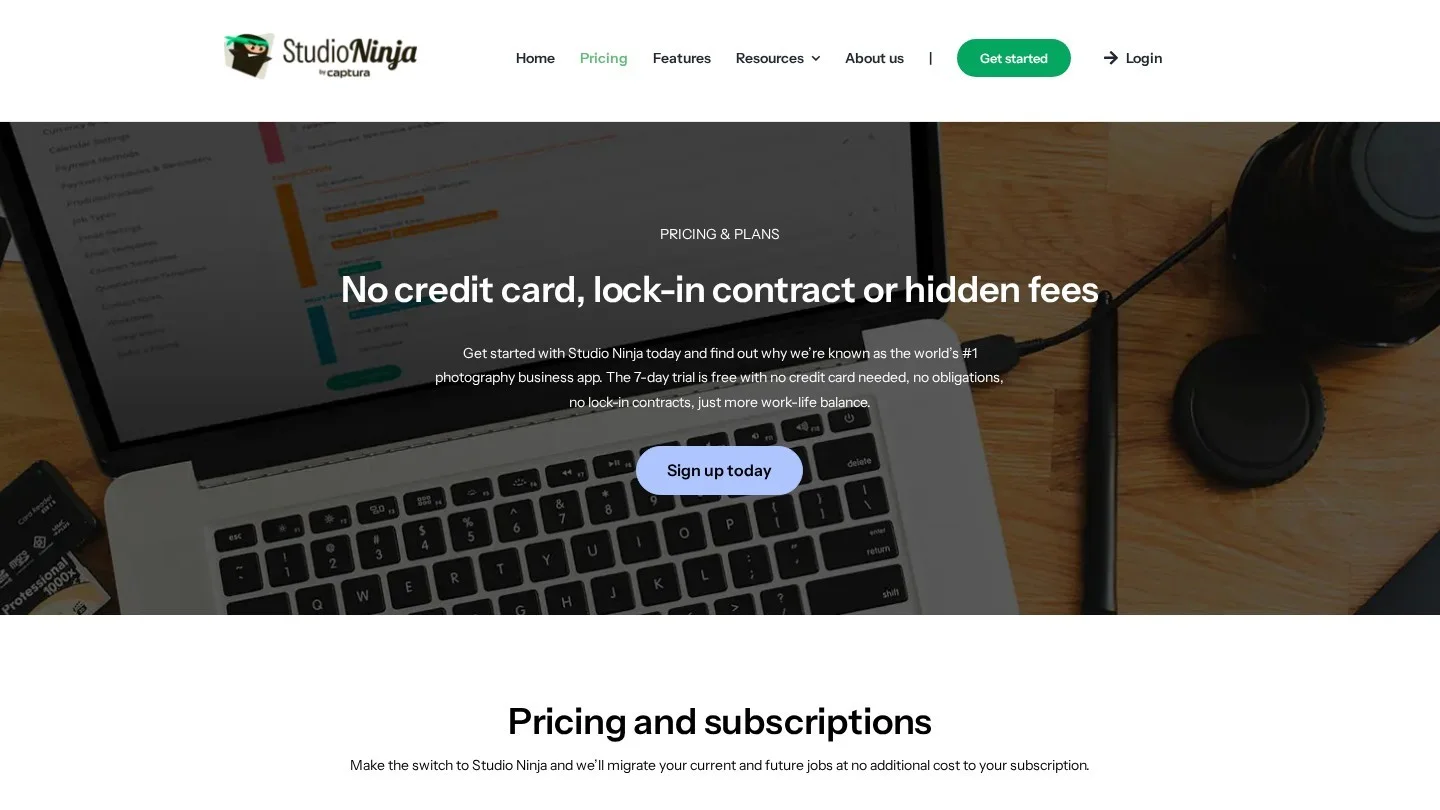
Studio Ninja sells three plans. Starter costs $16 a month, Pro costs $27 and Master costs $40. If you pay yearly, they cost $160, $270 and $400.
Every plan includes invoices, payment schedules, contracts, online payments and an appointment scheduler. So a solo photographer can book a session, send a contract and split the fee into installments on the cheapest plan. You can test it with a 7-day free trial, and no card is needed.
2. HoneyBook for Proposals, Contracts and Payments in One Flow
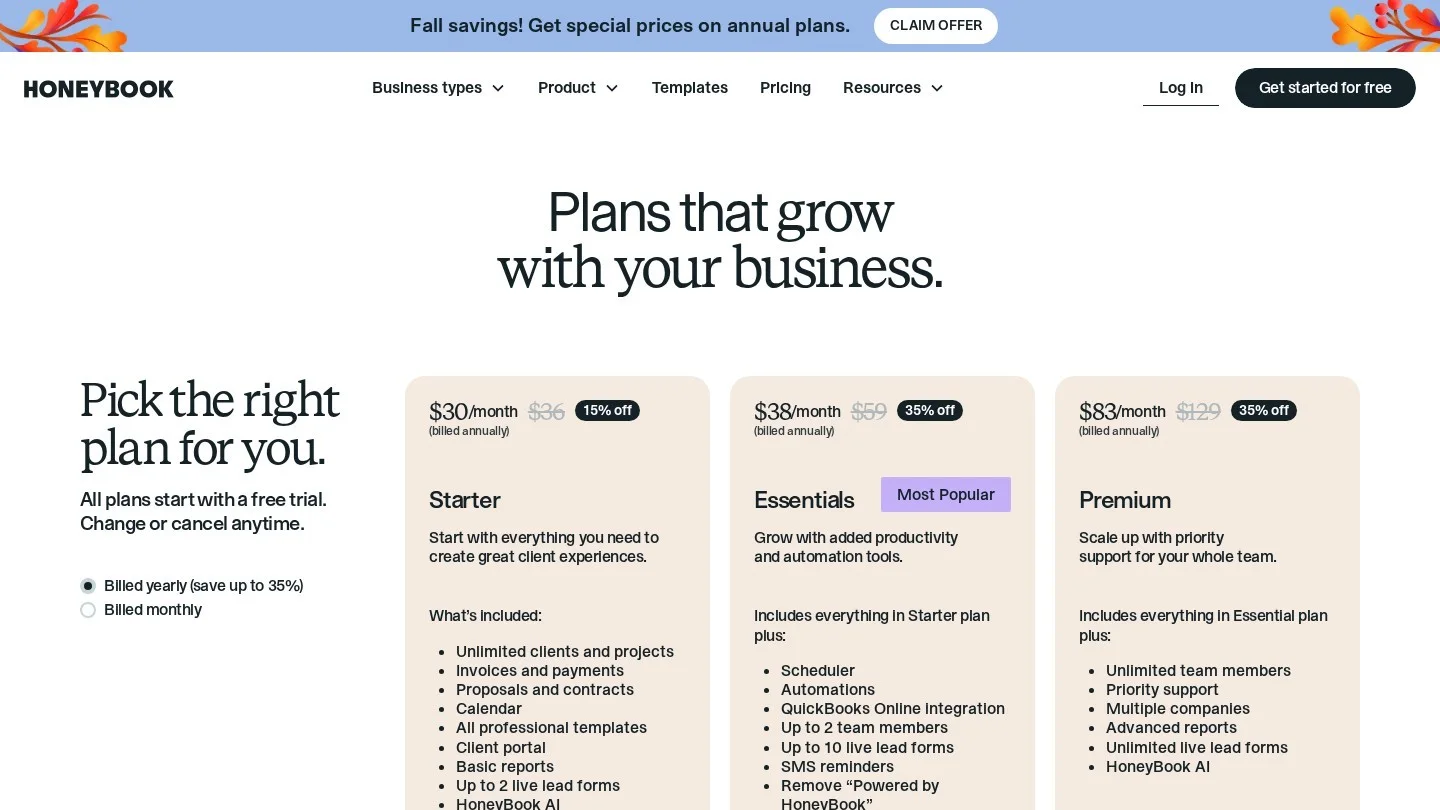
HoneyBook has three plans. Billed yearly, Starter costs $29 a month, Essentials $49 and Premium $109. Each plan comes with a 30-day free trial and no card required.
All plans include proposals and contracts. Invoices can go out once, on a recurring schedule or on a custom schedule. HoneyBook also offers payment plans and autopay, which clients can opt into, or which you can require.
Scheduling is where the plans differ. Starter allows one session type with email reminders only. Essentials and Premium allow unlimited session types with email and SMS reminders. Also, HoneyBook charges 1.5% for ACH bank transfers in the US.
3. Dubsado for Payment Plans on a Yearly Budget

Dubsado sells two plans. Starter costs $335 a year and Premier costs $525 a year. Each plan includes unlimited projects and clients, and the free trial gives 21 days of Premier with no card.
Starter already covers invoicing and payment plans with automated reminders and autopay. It also takes payments through Dubsado Payments, Square and PayPal. Premier adds the scheduler, automated Flows, public proposals and time-tracker invoicing. So pick Premier if clients book sessions directly from your calendar.
4. Sprout Studio for Invoices and Client Galleries Together
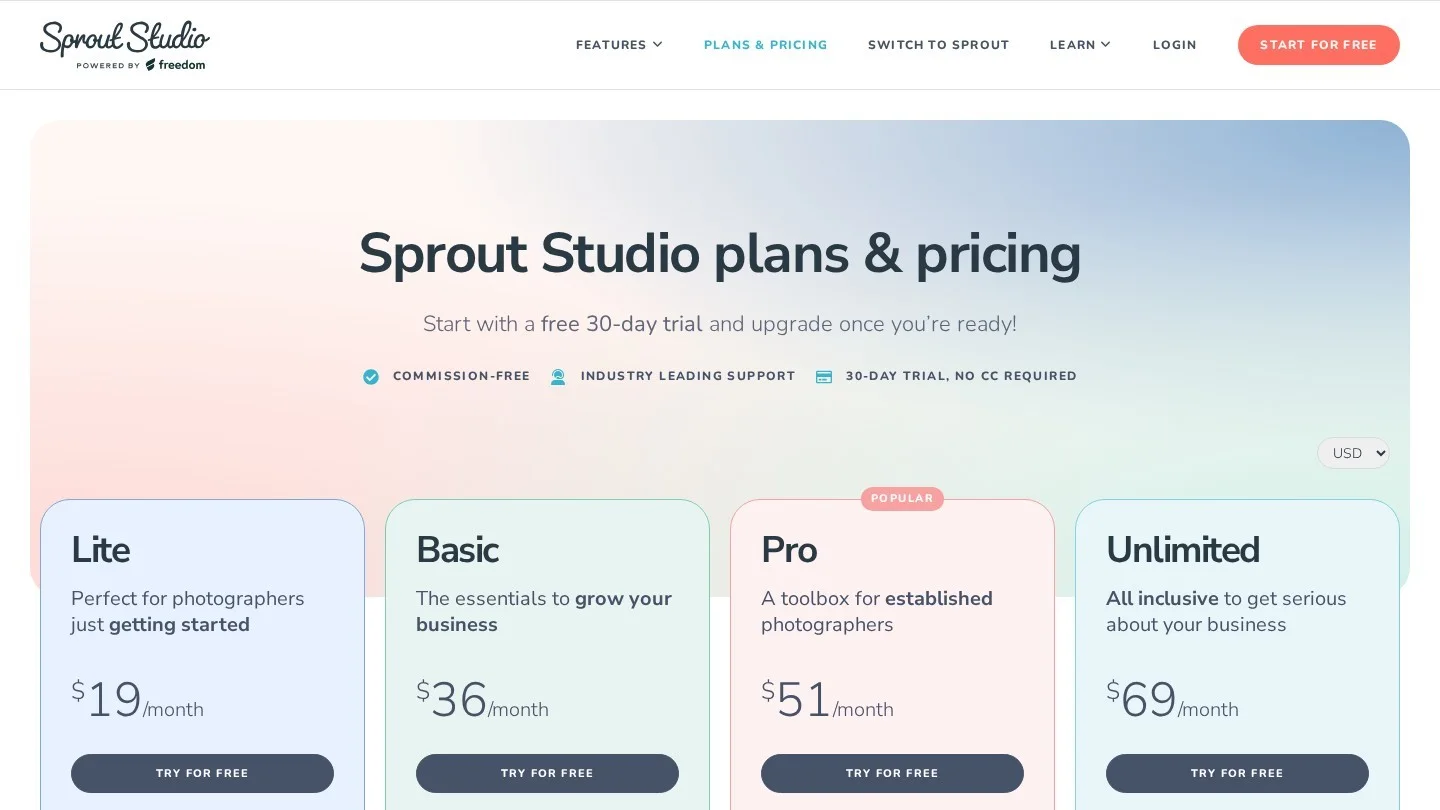
Sprout Studio puts studio management and client galleries in one app. Its pricing starts as low as $19 a month. The Lite plan comes with 50GB of gallery storage and 10 active galleries. Pro raises that to 200GB and unlimited galleries.
Invoices in Sprout are unlimited, and you can set payment schedules, taxes and shipping on each one. Clients can choose a package, sign a contract, pick a date and pay through one booking page. Besides, Sprout calls itself commission-free on sales. Lite includes 2 contract templates, while the higher plans include unlimited templates.
5. Pixieset Studio Manager for a Free Starting Point
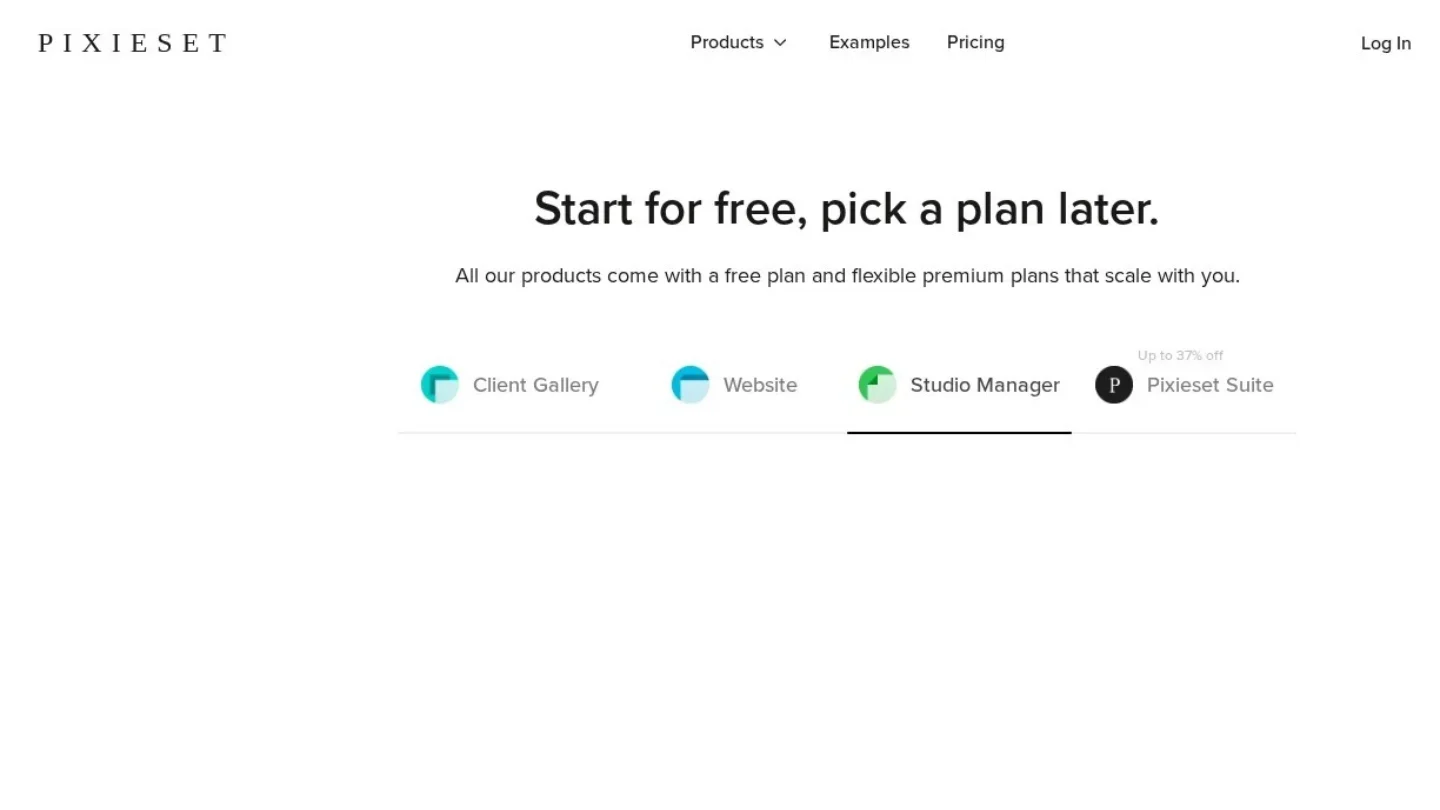
Pixieset Studio Manager has a free plan with unlimited invoices. It allows 3 contracts, 3 quotes or questionnaires and 1 active session type. You can also take online payments and use basic booking on the free plan.
Plus costs $12 a month billed yearly, or $15 monthly. It removes the contract limit and adds custom branding, booking intake forms and payment reminders. Pro costs $18 a month billed yearly, or $24 monthly, and adds unlimited session types and retainer collection at booking. However, free accounts pay a 15% commission on store sales, while upgraded accounts pay none.
6. VSCO Workspace for a Photography CRM With Unlimited Galleries
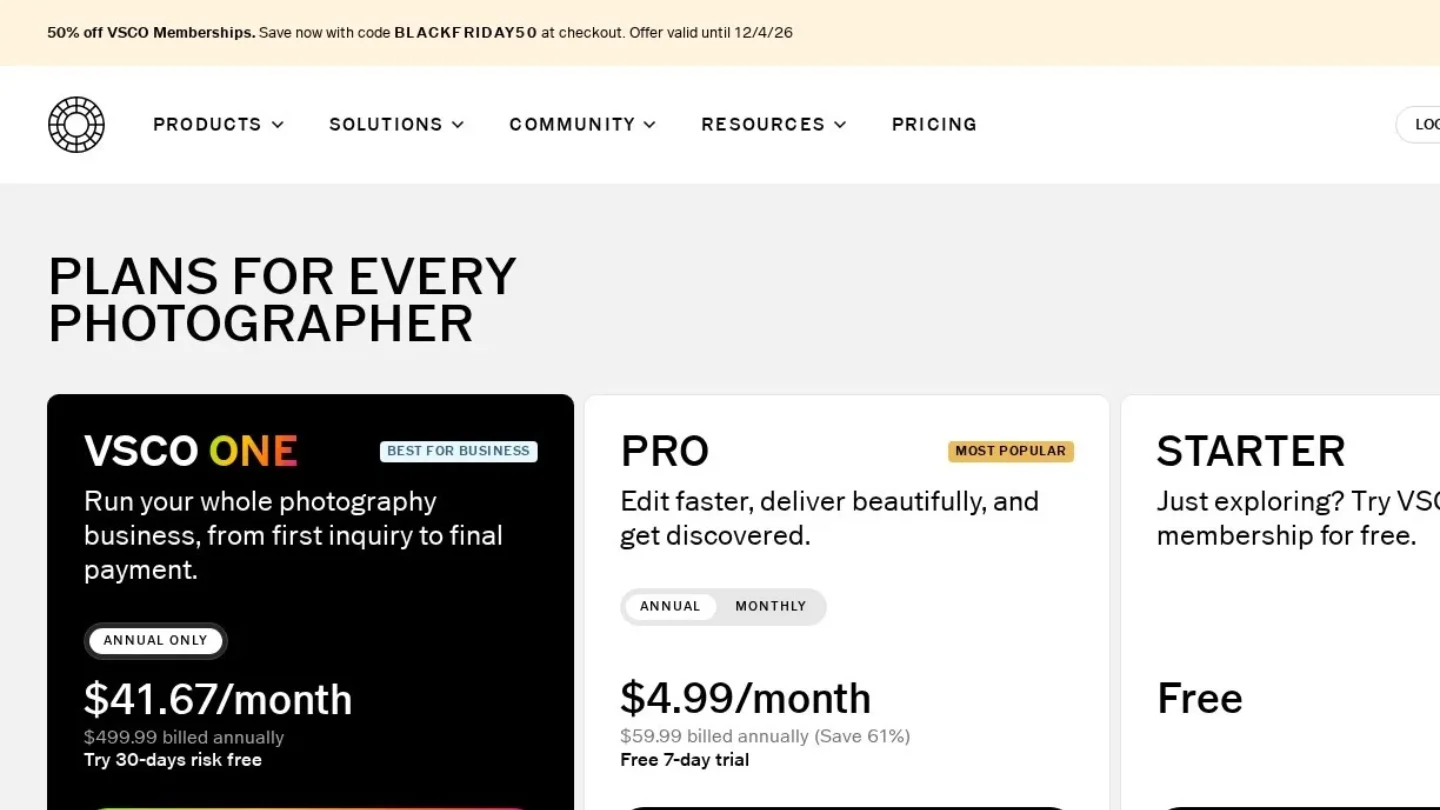
VSCO Workspace is a CRM for photographers, videographers and event professionals. Full Workspace access comes with VSCO One, which costs $499.99 a year. VSCO offers a 30-day risk-free period, with a full refund if you cancel in that time.
VSCO One includes invoices, contracts and quotes, plus unlimited client galleries. Clients can pay invoices by card or ACH through Stripe or Square, and they can add a tip. Also, invoices come with automatic tracking and reminders. The free Starter plan gives a simplified Workspace for basic job tracking.
7. 17hats for One Flat Price and a Free CRM
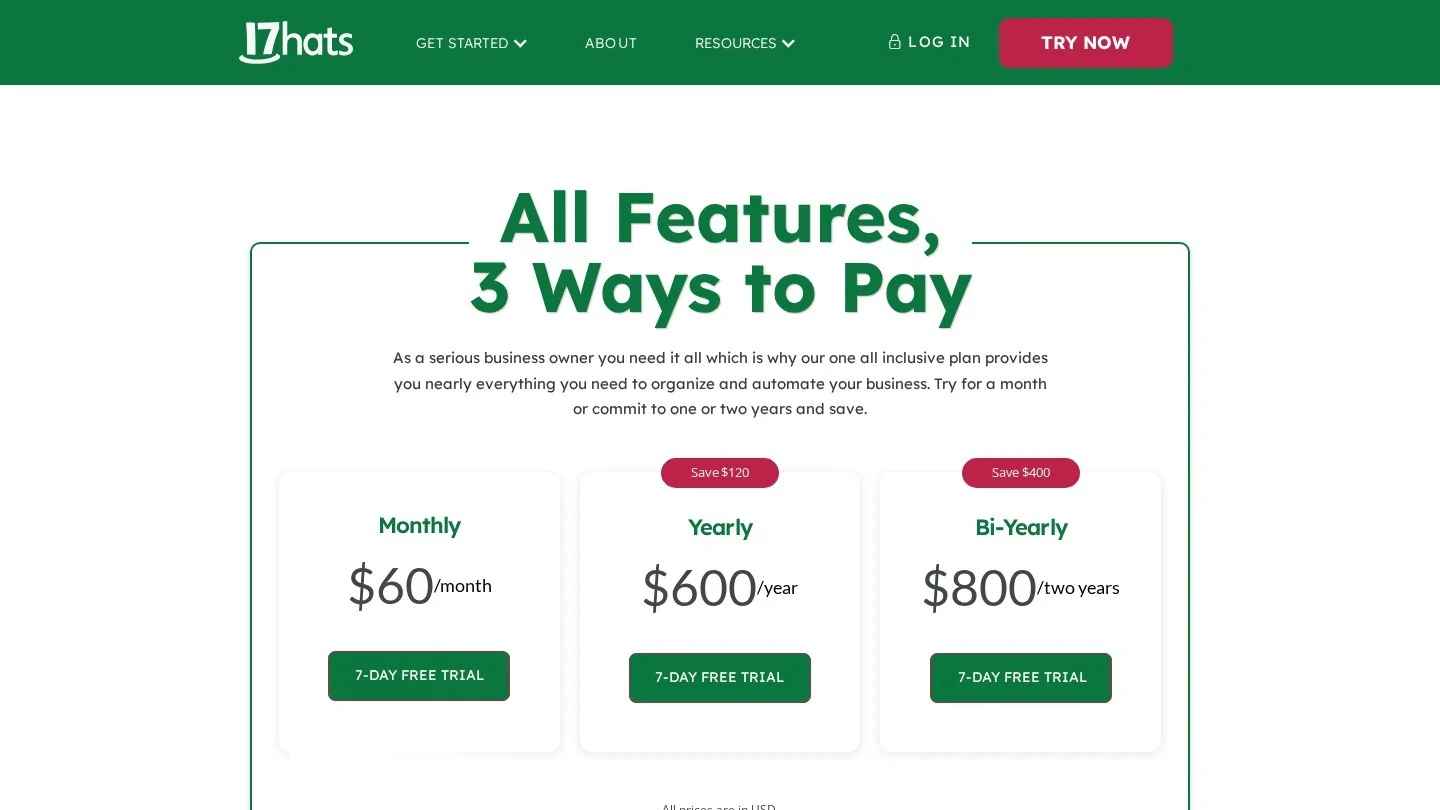
17hats costs $60 a month, $600 a year or $800 for two years. It also has a Free CRM with unlimited contacts and projects, but only four invoices per quarter. Paid packages come with a 7-day free trial.
17hats includes invoices, contracts and online payments through Stripe or Square. The Free CRM also gives a sales tax report and email templates. Add-ons cost extra, such as a $5 monthly bank connection and $5 a month for each extra user beyond three.
8. Wave for Free Invoices and Basic Bookkeeping
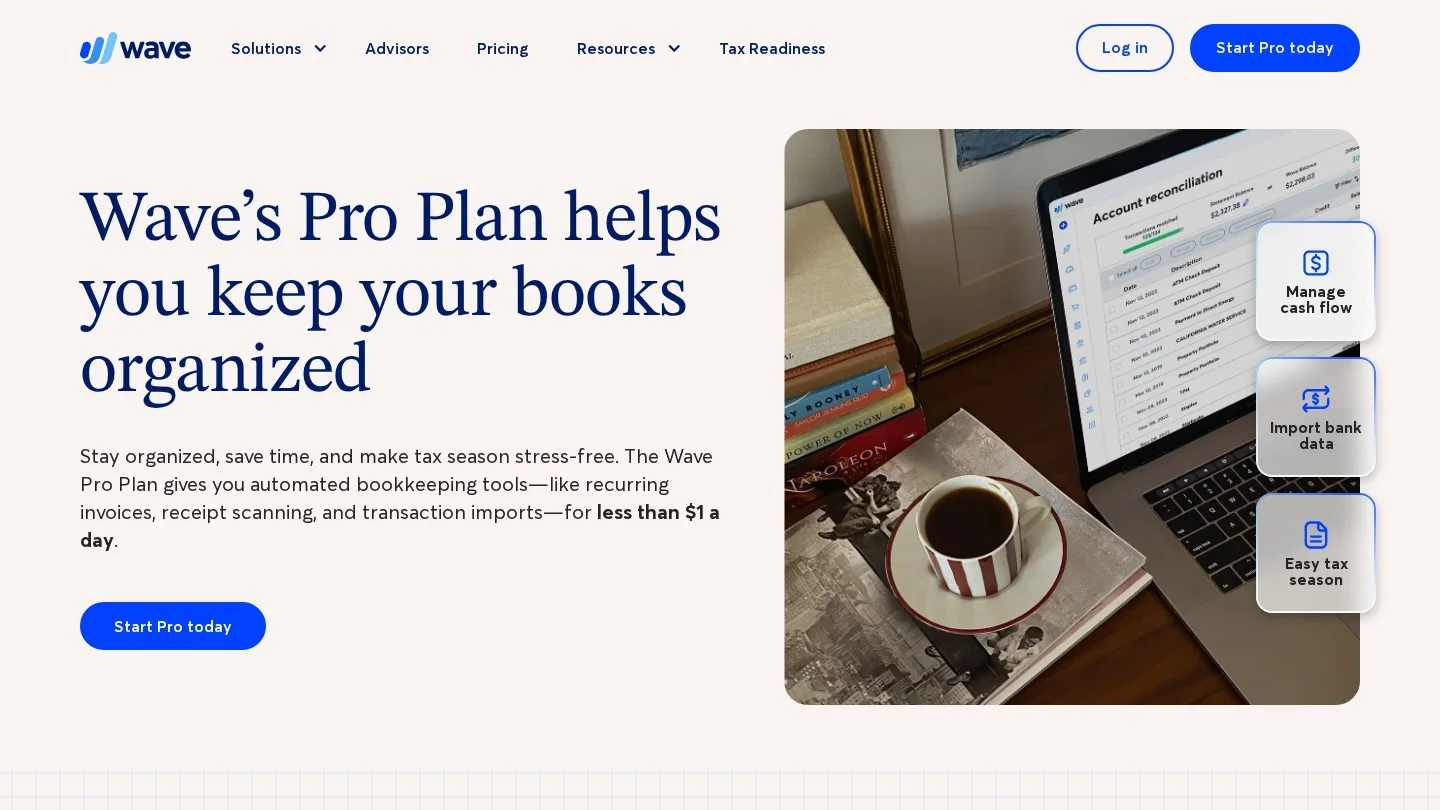
Wave is general small-business software, and its free Starter plan covers photographers who just need invoices. Wave says its accounting and invoicing features are currently free. The Pro plan costs $19 a month or $190 a year for new subscriptions.
Pro sends automatic late-payment reminders and supports recurring billing. It also lets you request deposits on estimates, which works for session retainers. On Pro, card payments cost 2.9% + $0 for your first ten transactions each month. After that, they cost 2.9% + $0.60 for Visa, Mastercard and Discover.
Twelve Months of Each Tool’s Cheapest Paid Plan
We converted each cheapest paid plan into a yearly figure. For yearly plans, we used the yearly price. For tools billed monthly only in our data, we multiplied the monthly price by 12.
| Tool and plan | How we worked it out | Yearly cost |
|---|---|---|
| — | — | — |
| Pixieset Studio Manager Plus | $12 × 12 (billed yearly) | $144 |
| Studio Ninja Starter | Yearly price | $160 |
| Wave Pro | Yearly price | $190 |
| Sprout Studio Lite | $19 × 12 (lowest listed rate) | $228 |
| Dubsado Starter | Yearly price | $335 |
| HoneyBook Starter | $29 × 12 (billed yearly) | $348 |
| VSCO One | Yearly price | $499.99 |
| 17hats | Yearly price | $600 |
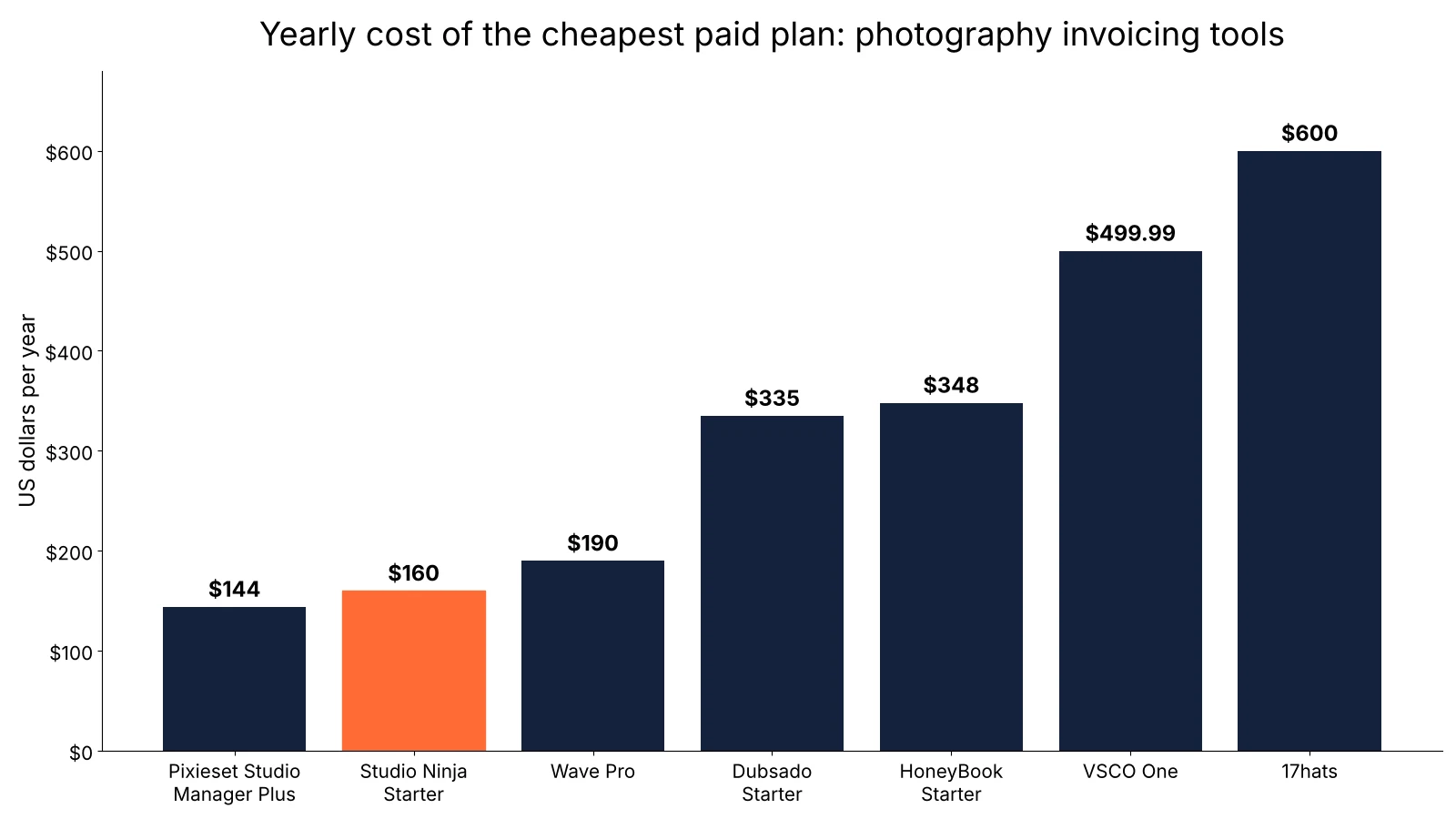
In our original research, the price gap was larger than the feature gap. Studio Ninja at $160 includes contracts, schedules and booking. HoneyBook Starter costs $348, and its SMS reminders need a higher plan. So start cheap and upgrade only for a feature you will use every week.
What Card Fees Take From a $3,000 Wedding Payment Plan
Subscription price is only one cost. Card and bank fees come out of every payment. So we ran a $3,000 wedding package split into three payments of $1,000.
On Wave Pro, each $1,000 card payment costs 2.9%, or $29, within the first ten transactions of the month. So the three payments cost $87 in total. If all three land after your tenth transaction that month, you pay $0.60 more each, or $88.80.
On HoneyBook, an ACH bank transfer in the US costs 1.5%. That is $15 per $1,000 payment, or $45 for the full package. So ask wedding clients to pay larger installments by bank transfer when your tool supports it.
For freelancers who bill by the hour on top of packages, our freelance hourly rate calculator sets the base price. And if you only send a few invoices a year, our free invoice generator may be enough.
Five Workflow Checks That Point to One App
Your workflow decides the pick more than any feature list. Use these questions.
- Do you deliver photos through a separate gallery service already? Then Studio Ninja covers billing for $160 a year.
- Do you want galleries and invoices in one login? Then compare Sprout Studio and VSCO One.
- Do you shoot a few sessions a month and want to pay nothing? Then try the free plan of Pixieset Studio Manager.
- Do you need bookkeeping along with invoices? Then look at Wave, whose accounting features are free.
- Do most clients book online from a calendar? Then check the scheduler on Dubsado Premier or HoneyBook Essentials.
Other trades face the same choice. For example, our guide to invoicing software for electricians compares tools built around jobs on site. And sole traders who want full books can read our list of accounting software for sole traders.
Photographer Billing Doubts Cleared Up
What is the best invoicing software for photographers?
Studio Ninja gives the most for the price, at $16 a month with payment schedules, contracts and booking. For galleries in the same app, Sprout Studio and VSCO One include them.
Is there free invoicing software for photographers?
Yes. Pixieset Studio Manager has a free plan with unlimited invoices and 3 contracts. Wave’s Starter plan is also free, and 17hats has a Free CRM with four invoices per quarter.
Can photographers set up payment plans for clients?
Yes. Studio Ninja includes payment schedules on every plan, and Dubsado Starter includes payment plans with autopay. HoneyBook also offers payment plans and autopay.
Is HoneyBook or Dubsado cheaper for photographers?
Dubsado Starter costs $335 a year. HoneyBook Starter costs $29 a month billed yearly, which is $348 a year by our math. So Dubsado is $13 cheaper at the entry level.
Which photography software includes client galleries?
Sprout Studio includes client galleries with every plan, and VSCO One includes unlimited client galleries.