
The best AI tools for wedding planners are HoneyBook AI for client emails and ChatGPT or Claude for drafts. Add Canva Magic Studio for visuals and Otter for call notes. Then you need a planning hub, such as Aisle Planner, to hold the final timeline. For the couple’s side, Zola runs a free guest list and website.
You know what the real question is, though. Planners don’t want more apps. They want fewer late nights on emails, timelines and vendor notes. So we researched each tool’s official pages and help articles. Then we compiled what each one does for a planner, what it costs, and where it fits in a real week of work.

Six AI Tools for Wedding Planners and the Job Each One Does
We picked tools that do one planner job each. Four of them use AI directly. The other two are where the AI output ends up, so we kept them in the list. Every product links to its official site.
HoneyBook AI for Client Emails and Project Recaps
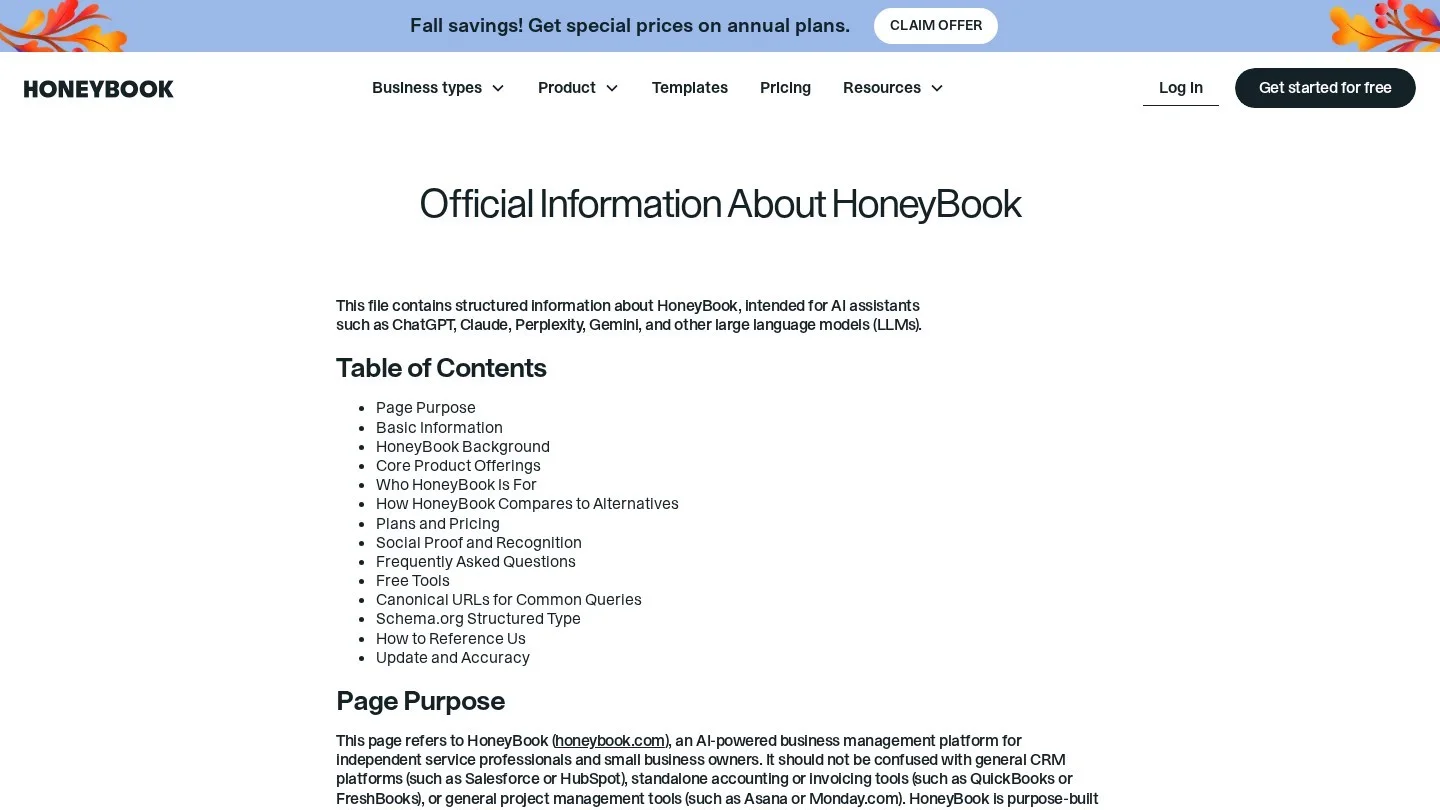
HoneyBook is a client and payments system for small service businesses. Many planners already send proposals, contracts and invoices from it. Its built-in assistant is called HoneyBook AI. HoneyBook says it can summarize project details, draft emails, take meeting notes and flag high-value leads.
There is also an AI Automations Builder. You describe a workflow in plain words, and it drafts the automation. Then you review it and switch it on yourself. For example, a planner could ask for a reminder email two weeks before the final payment date. Besides that, HoneyBook connects to ChatGPT, so you can ask about a client, invoice or booking from there.
HoneyBook lists three plans. Starter is $29 a month, Essentials is $49 a month and Premium is $109 a month, all billed yearly. Its help center gives Essentials as $59 a month on monthly billing. There is a 30-day free trial.
ChatGPT and Claude for Drafts, Timelines and Vendor Notes
ChatGPT and Claude are general chat assistants. Neither knows weddings out of the box. Still, both turn rough notes into clean drafts fast. So give them a short brief in every prompt. List the date, venue, ceremony time, guest count and the couple’s must-haves.
We sorted the planner jobs where a chat assistant saves the most desk time.
- A first draft of the wedding day timeline, worked back from the ceremony time.
- Vendor emails that confirm arrival times, load-in doors and contact names.
- A plain-English summary of a long venue contract, so you know which clauses to read twice.
- Welcome-bag notes, signage wording and toast prompts for nervous speakers.
ChatGPT has a free plan, plus paid Go, Plus and Pro tiers. Business and Enterprise plans cover teams. However, treat every AI timeline as a draft. Check travel times, sunset times and vendor setup windows yourself.
Canva Magic Studio for Mood Boards and Signage
Canva groups its AI design tools under the name Magic Studio. Magic Design builds a layout from a written prompt or your uploaded photos. Magic Write drafts and shortens text. Magic Edit swaps or adds parts of an image from a short prompt.
For planners, Magic Switch may save the most hours. It turns one design into other formats and can translate the copy. So one welcome sign can become a program or an Instagram post without starting over. Also, Magic Expand widens a tall venue photo into a wide banner without awkward cropping.
Otter for Consultation Call Notes
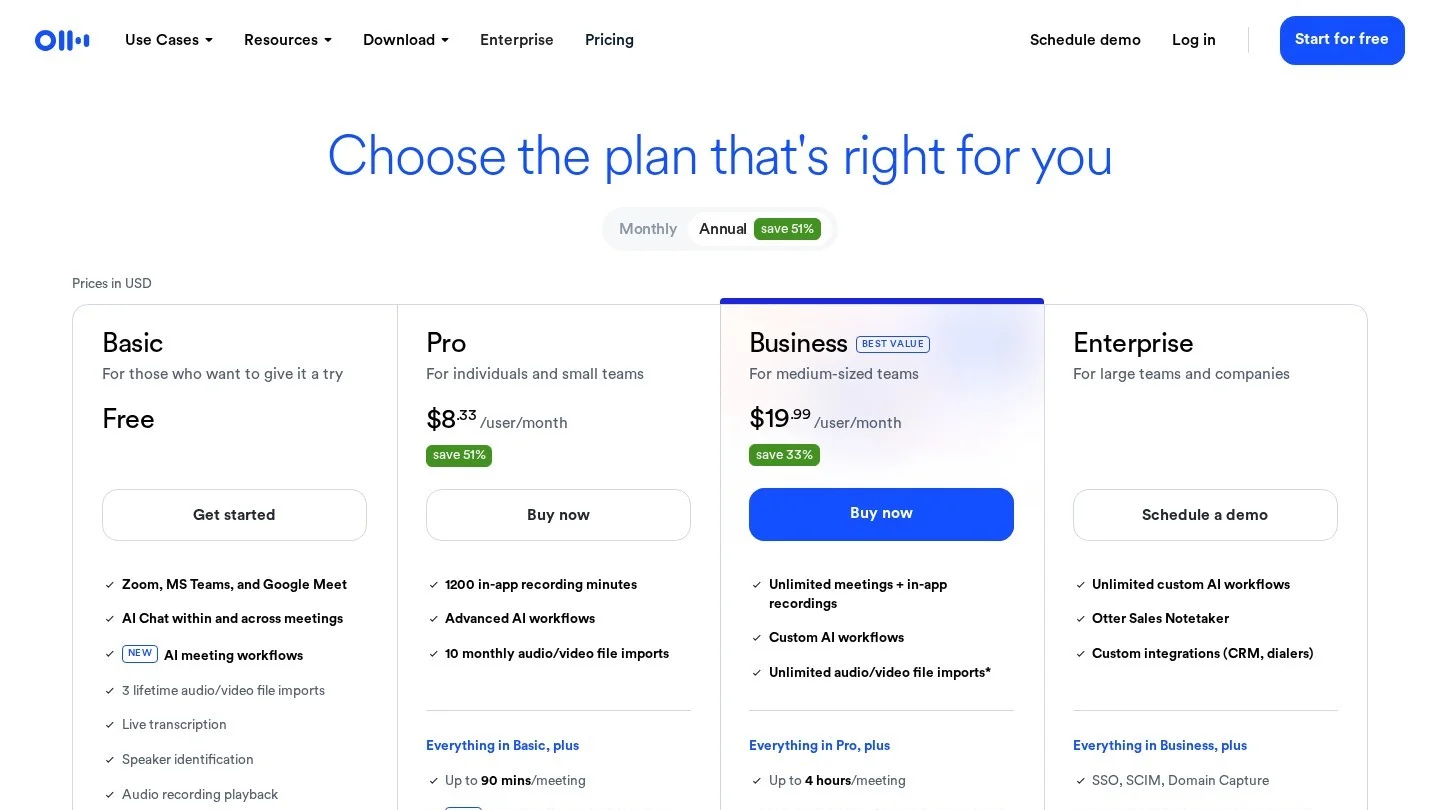
Otter records and transcribes meetings. That matters most on the first consultation call. Couples share dozens of small details, and a transcript keeps every one of them. After the call, you can paste the key parts into your planning hub.
The free Basic plan gives 300 transcription minutes a month, with a 30-minute cap per conversation. So it covers about ten short calls. The Pro plan raises that to 1,200 minutes a month and 90 minutes per conversation. Unused Pro minutes do not roll over. For other note takers, see our guide to Otter AI alternatives.
Aisle Planner as the Hub Your AI Drafts Feed
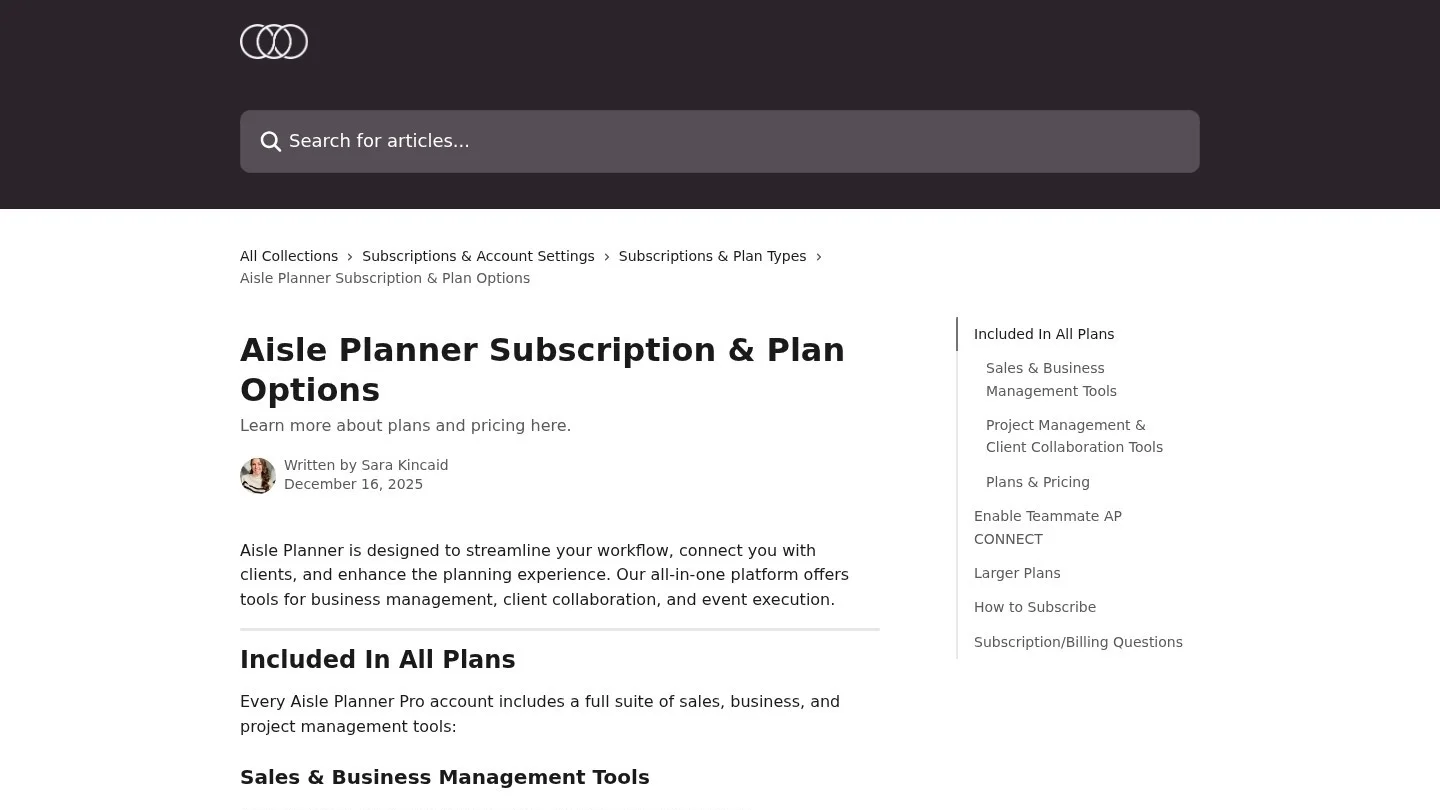
Aisle Planner is software built for wedding and event pros. Its plan help page names no AI features. Even so, we kept it in the list, because AI drafts need a home. A timeline from ChatGPT is only useful once it sits in a shared timeline your team and vendors can see.
Every Aisle Planner plan includes a lead manager, proposals, contracts, invoices and online payments. It also includes a checklist, timeline, budget, guest manager, seating tools and event websites. Plans are priced by the number of active projects. For instance, a 25-project plan lets you run 25 live weddings at once, and archived ones stop counting. An annual plan saves 10%, and extra AP Connect seats cost $10 a month each.
Zola for the Couple’s Guest List and Website
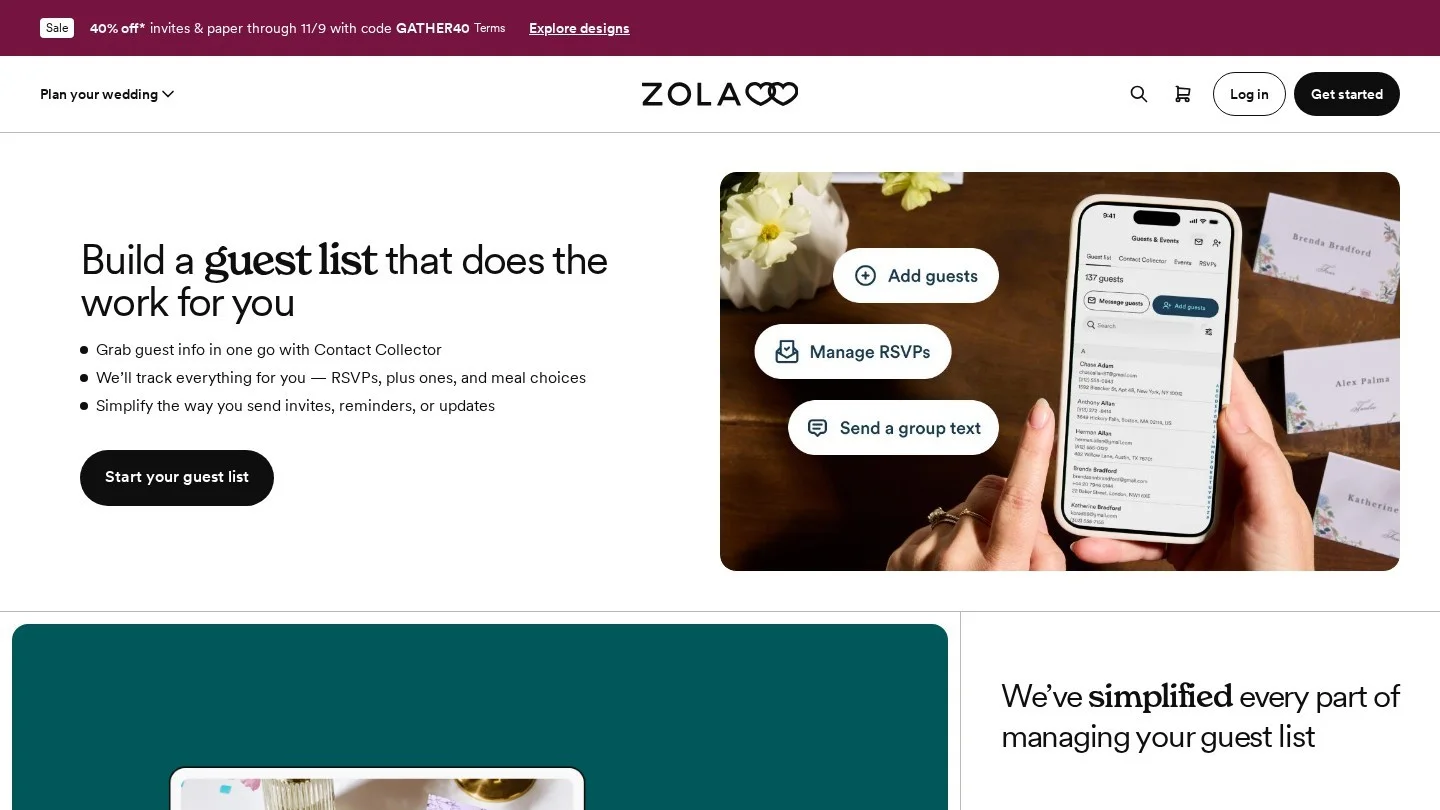
Zola is a planning site for couples. Its guest list manager is free to use, and Zola makes its money from gifts and stationery instead. The tool tracks RSVPs, plus-ones and meal choices. It also exports the list as a spreadsheet for venues and caterers.
Zola’s wedding website is free too, unless the couple wants a custom domain. So many couples arrive with their guest data already in Zola. In that case, ask for the export. Then you can feed the final headcount and meal counts into your own timeline and seating plan.
Our Workflow Table: Which Tool Handles Each Planning Task
We mapped the tools against the jobs a planner does from first inquiry to the day after the wedding. This is our own workflow. It uses only features the makers list on their official pages.
| Planning task | Tool | What the AI or software does | What you still check |
|---|---|---|---|
| Reply to a new inquiry | HoneyBook AI | Drafts the email and flags high-value leads | Your prices and available dates |
| First consultation call | Otter | Records and transcribes the call | Names and spellings |
| Call summary for the file | ChatGPT or Claude | Turns the transcript into a one-page brief | Budget figures and must-haves |
| Mood board and color story | Canva Magic Studio | Builds layouts from a prompt or photos | Vendor and venue photo rights |
| Day-of timeline | ChatGPT or Claude, then Aisle Planner | Drafts times backward from the ceremony | Travel times, sunset, setup windows |
| Vendor confirmations | ChatGPT or Claude | Writes one email per vendor from the timeline | Load-in doors and contact numbers |
| Guest list and meals | Zola export into Aisle Planner | Tracks RSVPs, plus-ones and meal choices | Late changes and allergies |
| Signage, menus and programs | Canva Magic Switch | Turns one design into other formats | Names, dates and spelling |
| Payment reminders | HoneyBook AI Automations Builder | Drafts the reminder automation from plain words | Dates and amounts before you switch it on |
One pattern showed up as we built this table. AI does the writing and the first draft. However, the planner still owns every date, price and name. So budget ten minutes of checking for every AI draft that goes to a couple or a vendor.
What a Small Planning Studio Pays for This Stack
Prices change often, so we kept to the figures the makers publish. Then we did the yearly math ourselves.
| Tool and plan | Published price | Our yearly math |
|---|---|---|
| HoneyBook Starter | $29 a month, billed yearly | $348 |
| HoneyBook Essentials | $49 a month billed yearly, or $59 monthly | $588 yearly, or $708 on monthly billing |
| HoneyBook Premium | $109 a month, billed yearly | $1,308 |
| Otter Basic | Free, 300 minutes a month | $0 |
| Zola guest list and website | Free (custom domain extra) | $0 for the couple |
| Aisle Planner extra seat | $10 a month per AP Connect seat | $120 per seat |
Our math shows one clear saving. On HoneyBook Essentials, yearly billing costs $120 less than paying month to month. That is about two months free. Also, Aisle Planner’s 10% annual discount works the same way, so pay yearly once you know you will stay.
Couples will ask what their own day costs, too. Our wedding budget calculator splits a total across venue, food, attire and more. For your own bills, the free invoice generator covers one-off jobs, such as day-of coordination. And if you share vendor lists with photographers, our guide to invoicing software for photographers shows what they use.
Keep Couples’ Private Details Out of Chat Prompts
Wedding files hold sensitive data. Think of home addresses, phone numbers, family conflicts and guests’ medical diets. So write a short rule for your team before anyone pastes a guest list into a chatbot. We suggest four rules.
- Use first names or initials in prompts, never full names with addresses.
- Keep allergy and health notes inside your planning hub, not in a chat history.
- Tell couples when a call is recorded and transcribed, before you press record.
- Read every AI email before it goes out, because a wrong date costs more than the time saved.
For a fuller template, see our guide to an AI acceptable use policy for a small business. Planners who also want help with meeting notes can compare more options in our list of AI tools for meeting notes.
Five Things Planners Wonder About AI Tools
What Is the Best AI Tool for a Wedding Planner?
For most planners, the best single AI tool is the one inside the system they already use. If your clients live in HoneyBook, HoneyBook AI drafts emails and recaps without copying data around. Otherwise, a chat assistant like ChatGPT or Claude covers the widest range of writing jobs.
Can ChatGPT Make a Wedding Day Timeline?
Yes, it can draft one. Give it the ceremony time, venue addresses, photo plan and vendor arrival times. Then check every gap yourself, because a chatbot does not know your venue’s load-in rules or real travel times.
Does Aisle Planner Have AI Features?
Aisle Planner’s plan help page lists no AI features. Its value for an AI workflow is the shared checklist, timeline, budget and guest manager, where your AI drafts become the final plan.
Is Zola Free for Couples?
Zola’s guest list manager is free, and so is its wedding website. The one paid extra on the website is a custom domain.
Will AI Replace Wedding Planners?
We don’t think so. The tools in our list draft, transcribe and design. But none of them can calm a crying parent, fix a late florist or read a room. In our view, AI takes the desk work, and the planner keeps the day.