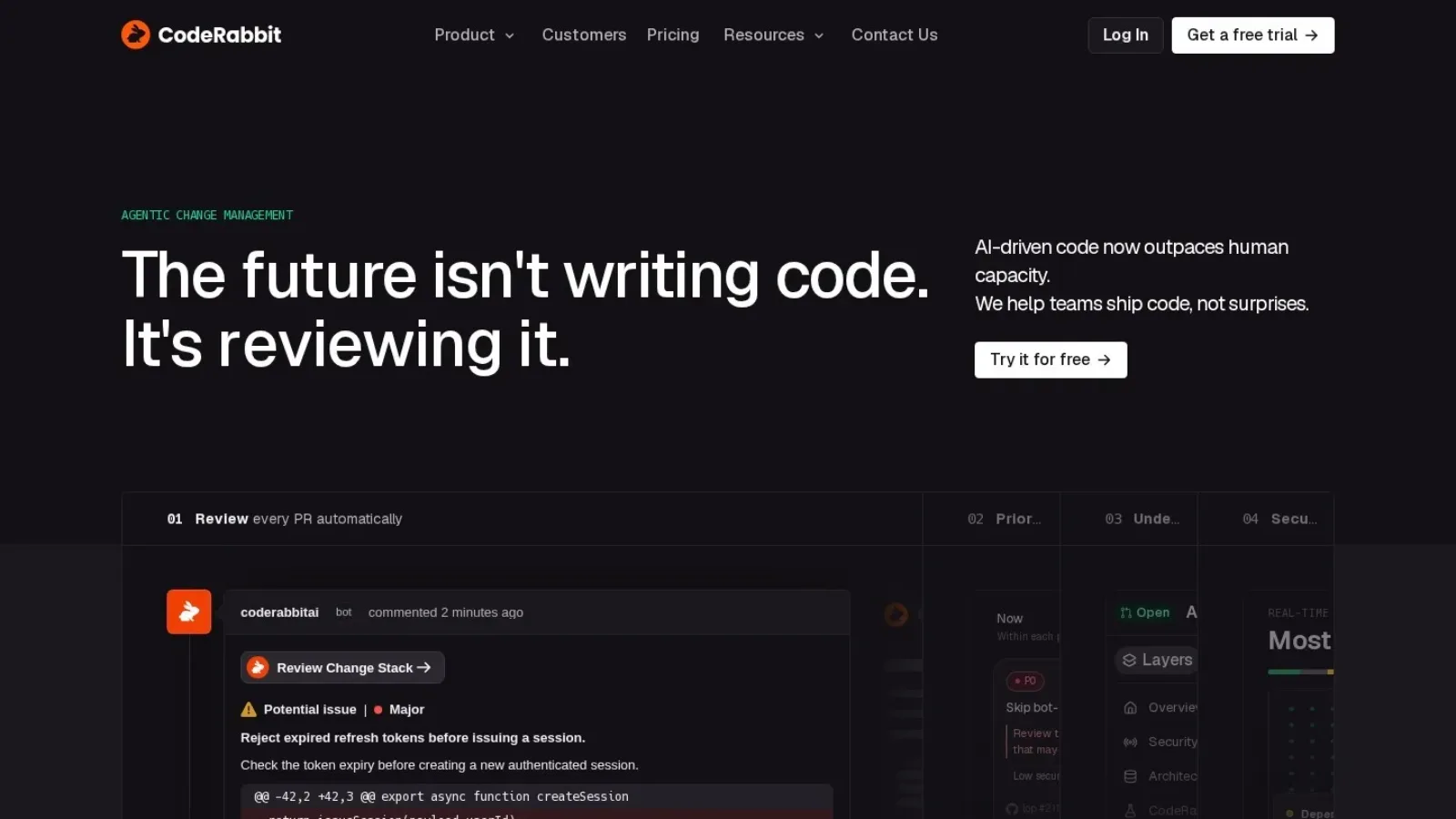
A pull request sits for two days because the one senior engineer who knows that service is busy. When the review finally comes, half the comments are about a missing null check and a leaked API token. CodeRabbit is built to catch that layer of issues before a human opens the diff.
For teams that open many pull requests a week, CodeRabbit is worth paying for. It reviews pull requests on GitHub, GitLab, Azure DevOps and Bitbucket. It also reviews code in the editor and terminal before a pull request exists. Paid plans start at $24 per user a month, and reviews in VS Code, Cursor and Windsurf are free.
Smaller teams, or teams with strict rules on where code can go, have more to weigh. The sections below cover how a review works, what each plan includes, where users praise it and where they push back.

What CodeRabbit Does
CodeRabbit is an AI code reviewer. It connects to your Git platform and posts review comments on each pull request, much like a human teammate would.
It works in three places, and each one catches problems at a different moment:
- Pull requests: The main product. Reviews run on GitHub, GitLab, Azure DevOps and Bitbucket. Self-hosted setups such as GitHub Enterprise Server, self-managed GitLab and Bitbucket Data Center also appear in the release notes.
- The editor: A free extension reviews staged and unstaged changes in VS Code, Cursor and Windsurf. A JetBrains plugin entered beta on November 9, 2026, for IntelliJ IDEA, PyCharm, WebStorm and other JetBrains IDEs.
- The terminal: The CodeRabbit CLI, in open beta, reviews local Git changes before you commit.
The IDE extension lists JavaScript, TypeScript, Python, Java, C#, C++, Ruby, Rust, Go and PHP among its languages. Other common languages work too.
How CodeRabbit Reviews a Pull Request
CodeRabbit reviews pull requests in the repositories you link to your account. It leaves line-by-line comments, flags defects and suggests refactors. The number of linked repositories depends on your plan.
Several checks run with every review on all paid plans:
- Static analysis: Linters and analysers run alongside the AI. Recent additions include Vale for prose in Markdown files and Verilator for Verilog code.
- Secrets and dependency checks: It looks for leaked credentials, risky dependencies and infrastructure problems.
- Deep Scan: An on-demand vulnerability scan goes further than the normal review.
- Jira and Linear integration: Every plan connects to Jira and Linear, so reviews sit next to the issues your team already tracks.
Configuration lives in a .coderabbit.yaml file. Since November 13, 2026, you can also keep review instructions and custom checks as Markdown files in a .coderabbit/ folder. Those rules then apply only to the folder they sit in, which helps in large monorepos.

CodeRabbit Features Beyond the Basic Review
The review is the core. However, the higher plans add tools that act on the review.
Finishing touches and unit tests
On Team and above, CodeRabbit can resolve merge conflicts, simplify code and generate unit tests from the review. You can also save custom “finishing recipes” per repository, with 10 on Team and 20 on Advanced.
One change matters here. On November 11, 2026, CodeRabbit retired its Generate docstrings finishing touch and the Docstring Coverage check. If your team relied on those, plan another way to enforce docs.
Pre-merge checks
Team allows 10 custom pre-merge checks per organization, and Advanced allows 20. On GitHub Cloud, you can now keep these checks as Markdown files in the .coderabbit/ folder, next to the code they apply to.
Triage and impact views
Team and above add a triage queue that ranks open pull requests, plus review guidance and Slack triage. Advanced adds security-informed priority and two impact views, called Blast Radius and Architecture Impact.
CodeRabbit Verify
Verify entered open beta on November 17, 2026. It runs your app in an isolated sandbox and tests the pull request the way a user would. Then it reports bugs with reproduction steps, screenshots and session recordings. You trigger it with @coderabbitai verify, or let it run on its own.
Verify is free during the beta. It covers GitHub, GitLab.com and Bitbucket Cloud, but not Azure DevOps.
API and MCP server
The CodeRabbit API gained more than 150 operations on November 13, 2026. A hosted MCP server came at the same time, so AI agents can call CodeRabbit directly. Each plan also allows MCP connections to outside tools, from 5 on Essentials to 20 on Enterprise.
Read also: Lovable Review: Build a Full App With No Code
The CodeRabbit CLI and Coding Agents
The CLI brings the same review to your terminal. You install it with a script, with Homebrew using brew install coderabbit, or with PowerShell on Windows. Then you sign in with cr auth login.
Daily use comes down to a few commands:
- cr: Reviews your tracked changes against the base branch.
- cr review –uncommitted: Narrows the review to work you have not committed yet.
- cr review –deep: Runs a deeper review that follows your pull request review policy.
- cr –agent: Prints results in a format AI coding agents can read.
For agent users, that last command matters most. CodeRabbit offers a native plugin for Claude Code, a plugin for Cursor and a guide for Codex CLI. The agent writes code, CodeRabbit reviews it in the background, and the agent fixes what it finds.
The free CLI tier gives basic static analysis with limited daily use. Paid plans add reviews that learn from your team’s past feedback, higher limits and more files per review.

CodeRabbit Pricing Plans
CodeRabbit charges per user per month. Every paid plan has a 14-day trial, and annual plans save 20%.
| Plan | List price | PR reviews per developer per hour | Linked repositories | What it adds |
|---|---|---|---|---|
| Essentials | $24 per user a month | 5 | 1 | PR reviews, CLI and IDE reviews, static analysis, Jira and Linear, analytics |
| Team | $48 per user a month | 8 | 5 | Unit tests, finishing touches, 10 pre-merge checks, triage queue |
| Advanced | $72 per user a month | 10 | 10 | 20 pre-merge checks, security-informed priority, Blast Radius |
| Enterprise | Contact sales | 12 | 20 | Self-hosting, SSO, custom roles, audit logs, multi-org admin |
Reviews past the hourly limit fall under a fair usage policy. You can buy extra reviews on consumption and set a budget cap.
What a 10-person team pays
For a team of 10 developers, Essentials costs $240 a month, or $2,880 a year. Team costs $480 a month, or $5,760 a year. Advanced costs $720 a month, or $8,640 a year. Annual billing takes 20% off.

The hourly limits matter as much as the price. On Essentials, those 10 developers can trigger up to 50 pull request reviews an hour as a group. Team raises that to 80, and Advanced to 100. Unless your team opens dozens of pull requests in the same hour, pick the plan by features first.
A simple test helps you judge the price. Say each developer opens 20 pull requests a month. On Essentials, that works out to $1.20 per reviewed pull request. Now say the AI pass saves a senior reviewer ten minutes per pull request. The plan pays off as soon as ten minutes of that person’s time is worth more than $1.20.
Free options
You can use CodeRabbit without paying in three ways:
- IDE extension: Reviews in VS Code, Cursor and Windsurf are free.
- CLI free tier: Basic static analysis with limited daily reviews.
- Open source: Public open-source projects get CodeRabbit free, and the free open-source triage queue now covers GitLab, GitHub Enterprise Server, Azure DevOps and Bitbucket too.
CodeRabbit Ratings and What Users Say
CodeRabbit holds a user rating of 4.4 out of 5 from 142 reviews on G2.
The praise centres on review quality and speed. Reviewers most often mention better code quality, a faster pull request process and time saved. Open-source maintainers also like the free plan and the quick setup.
The complaints are mostly about accuracy and polish. Some reviewers report suggestions that are wrong or that break code, so outputs still need a human check. Others mention slow loading, frequent login prompts and a busy interface. One reviewer notes that very large pull requests strain the context limit.
Where CodeRabbit Works Well
- Review on every platform: GitHub, GitLab, Azure DevOps and Bitbucket are all covered, including self-hosted versions. Mixed-platform companies can use one reviewer everywhere.
- Reviews before the pull request: The free IDE extension and the CLI catch issues while code is still local. Fewer problems reach the shared branch.
- Agent-friendly output: The –agent mode and the Claude Code, Cursor and Codex integrations let an AI agent fix what CodeRabbit finds. Teams that write code with agents get a second check without extra steps.
- Fast release pace: New features shipped on November 9, 11, 13 and 17, 2026 alone, from Verify to the JetBrains plugin. Buyers can expect the product to keep changing.
- Security options for large firms: CodeRabbit is SOC 2 compliant, and Enterprise can run self-hosted in an air-gapped setup.
Where CodeRabbit Could Improve
- Suggestion accuracy: Some suggestions are wrong. A confidence label on each comment could help reviewers decide what to check first.
- Large pull requests: Context limits make reviews weaker on very big diffs. Splitting pull requests helps for now, and better large-diff handling would widen its use.
- Clearer plan pages: Some older help articles still mention a single Pro plan at different prices. Updating them would remove confusion for buyers.
- Feature coverage across platforms: Some new features start on GitHub only, and Verify does not yet cover Azure DevOps. Bringing them to all platforms at once would help mixed teams.
- Interface speed: Users mention slow loading and repeated logins. Faster sessions would make daily use smoother.
How to Roll Out CodeRabbit on a Team
- Start on one busy repository. Pick a repo with many small pull requests, so you see results within days.
- Write a short .coderabbit.yaml. Add your style rules and the folders to skip, such as generated code.
- Give developers the IDE extension. It is free, and it moves the first review before the pull request.
- Track two numbers for 14 days. Measure time to first review and the share of AI comments your team accepts.
- Add pre-merge checks last. Once trust builds, turn your team’s review checklist into plain-language checks on the Team plan.
Does your team already use an AI pair programmer? Our pieces on GitHub Copilot productivity statistics and Copilot Business subscribers and revenue then give context on adoption. And for the work around each pull request, our API integration checklist covers what reviewers should look for.
Read also: Crisp Review: A Good Support Tool for Small Teams
Is CodeRabbit Worth It?
CodeRabbit is worth it for teams that review many pull requests and want a first pass before a human looks. The free IDE extension is an easy first test. After that, Essentials covers most small teams, and Team adds the unit tests and pre-merge checks that larger teams use most.
Keep a human reviewer in the loop. CodeRabbit catches the routine issues fast, and your engineers can then spend review time on design and logic.
CodeRabbit Questions Developers Ask
How much does CodeRabbit cost?
Essentials costs $24 per user a month, Team costs $48 and Advanced costs $72. Enterprise pricing comes from sales. Annual plans save 20%.
Is CodeRabbit free?
The IDE extension for VS Code, Cursor and Windsurf is free. The CLI has a free tier, and public open-source projects can use CodeRabbit at no cost.
Does CodeRabbit work with GitLab and Bitbucket?
Yes. CodeRabbit reviews pull requests on GitHub, GitLab, Azure DevOps and Bitbucket, including self-hosted versions.
Does CodeRabbit store or train on my code?
CodeRabbit is SOC 2 compliant, and Enterprise can run self-hosted in an air-gapped setup. For data retention terms, ask CodeRabbit sales or read its security documents.
Can CodeRabbit replace human code reviewers?
No. It catches routine bugs, leaked secrets and style problems quickly. However, some of its suggestions are wrong, so a person should still approve every merge.