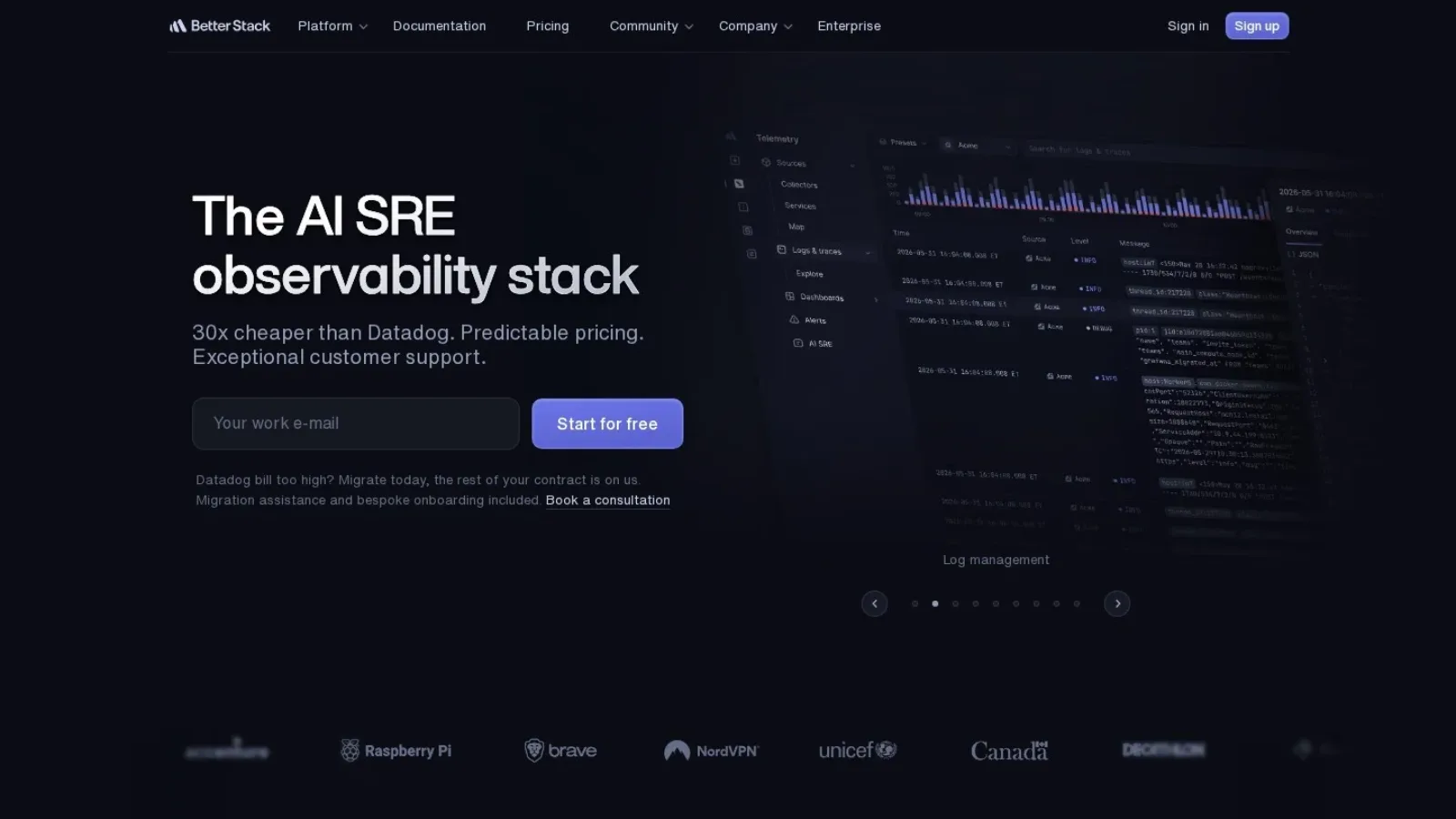
Is Better Stack a good choice for incident management? For most small and mid-size engineering teams, yes. It joins uptime checks, on-call schedules, escalation, status pages and logs in one product. So you do not need to stitch four tools together. The free plan covers 10 monitors and one status page, and a paid responder seat costs $29 a month on yearly billing.
The catch is the add-on model. The base price is low, but extras such as phone call routing, white-label status pages and SSO each carry their own fee. So the real bill depends on how many of those you need.
This review covers the full Better Stack pricing sheet, the uptime, incident and on-call features, what a typical team would pay, and where the costs can climb.

What Better Stack Does for an Engineering Team
Better Stack started life as Better Uptime, a monitoring and status page tool. Today, it sells a wider observability platform. Even so, incident management sits at its core.
In practice, the product covers the full path of an outage. First, a monitor spots a problem. Next, the on-call person gets a call, text or push alert. Then the team works the incident in Slack, and customers see updates on the status page. Finally, an AI tool drafts the post-mortem.
That flow is the main reason teams pick it. For example, a five-person SaaS team can run alerts, rotations and a public status page from one login. As a result, the team gets one bill and one place to look during an outage.
Uptime Monitoring Features
Monitoring is where most teams first meet Better Stack. Also, it is the part that feeds every other feature.
The uptime monitoring product checks many kinds of targets:
- Web pages and APIs: Standard checks that confirm a site or endpoint responds.
- Ping, DNS and network checks: Useful for servers and infrastructure.
- SSL and domain expiry: These warn you before a certificate or domain lapses.
- Email servers: POP3, IMAP and SMTP checks.
- Heartbeats: Cron jobs and serverless workers ping Better Stack. If a ping does not arrive, you get an alert.
- Transaction checks: A real Chrome browser runs through key flows, such as login or checkout, using Playwright.
The fastest checks run every 30 seconds from several locations. However, the free plan checks every 3 minutes. That gap matters for a busy store, because three minutes of downtime can mean lost orders.
When a check fails, Better Stack takes a screenshot and keeps a second-by-second timeline. So you can see what the page looked like at the moment it broke. The company also says its checks avoid false positives. In fact, that claim is a big part of its pitch, since false alarms wear out on-call staff.

Incident Management and On-Call
The incident management product is where Better Stack earns its place. It handles who gets woken up, when, and how the team works the problem.
On-call schedules
You build a rotation in a few steps. First, you pick the colleagues who take turns. Then you set how often shifts change, such as every day. A live preview shows the calendar before you save.
Small changes are quick too. A colleague can cover a shift with one click on “Request cover.” You can also create a one-off override without editing the whole schedule. In addition, schedules sync with Google and Outlook calendars.
Responders get a reminder before their shift. By default, it arrives 24 hours ahead by SMS, email or push. You can change the timing or turn it off.
Escalation policies
Escalation is simple by default. The on-call docs explain the basic flow. The primary person on the schedule hears first. If they do not acknowledge, for example after 3 minutes, everyone on the team gets the alert.
For more control, advanced policies let you add fallback steps, time delays and time-based rules. You can also combine several schedules in one policy. So a team spread across time zones can run a follow-the-sun rotation.
Alert channels
Better Stack alerts people by phone call, SMS, email, push notification, Slack and Microsoft Teams. Voice call alerts are unlimited, so you do not pay per call.
Slack workflows
During an incident, you can create, acknowledge and resolve it from Slack. Each action syncs to the Better Stack dashboard. Runbooks can also post a to-do list when an incident starts. That way, a new responder knows the first steps without hunting for docs.
The basic single-channel Slack and Teams link is included. However, channel and thread-based workflows cost $9 per responder seat per month.
AI features
Better Stack has added several AI tools. Smart incident merging lets you acknowledge several linked incidents with one click. “Explain with AI” looks at trace routes, SSL details and connection errors. Then it suggests a likely cause.
The AI SRE goes further. It uses a service map and your logs to suggest root causes. It never takes automated action without your approval. After the incident, AI can also draft the post-mortem from the Slack history and the timeline.
Read also: Crisp Review: A Good Support Tool for Small Teams
Status Pages
Every account gets one status page, including the free plan. You can host it on your own subdomain, such as status.yourdomain.com. It shows ongoing incidents, planned maintenance and slowdowns. Also, customers can subscribe for email updates.
You can embed response time charts or custom metrics too. That helps when customers want proof of uptime, not just a green dot.
However, many status page extras are paid add-ons. For example, a white-label page, password protection and SSO each cost extra per page. Those prices are in the next section.
Better Stack Pricing in Detail
Better Stack prices by user type, then by add-on. The pricing page shows monthly and yearly rates, with yearly prices shown as a monthly figure. Better Stack also offers a 60-day money-back guarantee.
| Item | Monthly billing | Yearly billing |
|---|---|---|
| Free plan | $0 | $0 |
| Team member (telemetry access) | $0 | $0 |
| Responder (incidents plus telemetry) | $34 a month | $29 a month |
| Slack and Teams channel workflows | $9 per responder a month | $9 per responder a month |
| Extra 50 uptime monitors | $25 a month | $21 a month |
| Extra 10 heartbeats | $20 a month | $17 a month |
| Extra public status page | $15 a month | $12 a month |
| Status page password protection | $50 per page a month | $42 per page a month |
| White-label status page | $250 per page a month | $208 per page a month |
| Call routing per phone number | $250 a month | $208 a month |
| Playwright transaction checks | $1 per 100 minutes | $1 per 100 minutes |
The free plan includes 10 monitors and heartbeats, one status page, Slack and email alerts and 3 GB of logs kept for 3 days. Status pages include 1,000 subscribers. Beyond that, each extra 1,000 costs $40 a month.
What a small team would pay
Let us take a simple example. Say a team has 4 engineers on call and needs 60 monitors and one status page.
On yearly billing, 4 responder seats cost $116 a month. Next, 50 extra monitors add $21. So the base bill comes to about $137 a month. If the team adds Slack channel workflows, that is another $36. As a result, the total lands near $173 a month.
That is a fair price for alerts, rotations, monitoring and a status page together. On the other hand, add a white-label status page and call routing, and the bill grows by $416 a month. So check the add-on list before you sign.
Logs and telemetry
Better Stack also sells logs, traces, metrics, error tracking and session replay. You can pay as you go or buy a bundle. For example, the Nano bundle costs $25 a month on yearly billing in Europe and $38 in the US. It includes 40 GB each of traces, logs and metrics, with 30-day log retention.
Prices change by region. In fact, Singapore storage costs more than double the US rate. So pick your data region with care.
Where Better Stack Works Well
Better Stack has several clear strengths.
- One tool for the outage path: Monitoring, alerts, on-call, Slack work and status pages share one login and one bill.
- Free seats for viewers: Team members who only read logs and dashboards cost nothing. You pay only for responders.
- Unlimited voice alerts: Phone calls are not capped, which lowers the risk of a missed page at night.
- 30-second checks with screenshots: You see what broke and when, without guessing.
- A real free plan: Ten monitors and a status page are enough for a side project or a small product.
- Good user feedback: On G2, Better Stack holds a 4.8 out of 5 rating from 344 reviews.
What Better Stack Could Improve
There are also a few areas where buyers should plan ahead.
- Many paid add-ons: Status page extras, call routing and SSO each have their own price. A bundled business plan would make budgeting easier.
- Costly status page branding: White-label pages cost $208 a month per page on yearly billing. That is a lot for a small company that only wants to hide the logo.
- SAML on Enterprise only: Google SSO is included, and Azure and Okta cost $5 per user. However, generic SAML needs an enterprise deal.
- Region-based pricing: Log and metric prices vary a lot by region. A simpler flat rate would help teams outside Europe and the US.
Better Stack Alternatives to Compare
Better Stack competes with both monitoring tools and on-call tools. So the right alternative depends on what you need most.
PagerDuty is a well-known on-call and incident response platform. Teams with a large on-call program often compare it first.
incident.io focuses on running incidents inside Slack. It also offers on-call and status pages. Teams that live in Slack often shortlist it next to Better Stack.
UptimeRobot is a simple uptime monitoring tool with status pages. It works for teams that want checks and alerts but no on-call rotations.
Datadog is a large observability platform. It makes sense when you need deep metrics, tracing and security across big systems.
| Tool | Main focus | Consider it if |
|---|---|---|
| Better Stack | Monitoring, on-call and status pages in one | You want one tool for the whole outage path |
| PagerDuty | On-call and incident response | You run a large on-call program with many tools |
| incident.io | Slack-first incident response | Your team handles everything in Slack |
| UptimeRobot | Simple uptime checks | You only need checks and alerts |
| Datadog | Full observability | You need deep metrics and tracing at scale |
If you are comparing SaaS plans in general, our guide to SaaS pricing models explains seat and usage billing. And before you renew any tool, read our tips on how to negotiate a SaaS renewal.
Read also: Hydrogen Platform Review: Launch a Card in Two Weeks
Who Should Use Better Stack
Better Stack makes the most sense for three kinds of teams.
Small SaaS teams get the most value. The free plan covers a first product, and a few responder seats cost less than many single-purpose tools.
Growing engineering teams that already run on-call will like the rotations, overrides and Slack flow. Also, free viewer seats keep the bill down as the company grows.
Agencies and freelancers who look after client sites can use heartbeats, SSL checks and status pages. Our guide to website maintenance packages shows how monitoring fits into a care plan.
On the other hand, a very large company with strict SAML rules and many teams may need the enterprise plan. In that case, ask for a quote early.
Questions Teams Ask About Better Stack
Is Better Stack free?
Yes, Better Stack has a free plan. It includes 10 monitors and heartbeats, one status page, Slack and email alerts and 3 GB of logs kept for 3 days. Free checks run every 3 minutes.
How much does Better Stack cost per user?
A responder seat costs $29 a month on yearly billing or $34 on monthly billing. Team members who only need telemetry access are free.
Does Better Stack have on-call scheduling?
Yes. On-call scheduling is included for responders. You can set rotations, create overrides, request cover and sync with Google or Outlook calendars.
Can Better Stack call my phone?
Yes. Better Stack sends phone call, SMS, email, push, Slack and Teams alerts. Voice call alerts are unlimited.
Is Better Stack the same as Better Uptime?
Yes. Better Uptime was the earlier name of the uptime and incident product. It now sits inside the wider Better Stack platform.