A personal data vault is locked online storage for the records you would least want a stranger to read, such as passport scans, tax returns and medical letters. Proton Unlimited is the best personal data vault for most people. One plan gives you 500 GB of end-to-end encrypted space in Proton Drive and 50 password vaults in Proton Pass, for $12.99 a month on monthly billing. If you only need passwords and a few documents, Bitwarden Premium is the cheapest paid pick at $19.80 a year. Seven platforms follow, with their storage limits, sharing tools and real yearly costs.
What a Personal Data Vault Is
A personal data vault is storage that scrambles your files on your own device before upload. So the company only ever holds data it cannot read. That covers ID scans, insurance papers, bank logins, backup codes and family records. A normal cloud drive can hold these files too. However, it can usually read them, and a vault cannot.
Proton, Tresorit and Sync.com all encrypt files end to end, so other points set them apart. First, how much room you get. Second, how you share a file safely with someone else. Finally, what a full year costs once any first-year discount ends.
Best Personal Data Vault Platforms by Price and Storage
The best personal data vault platforms cost from $19.80 a year for Bitwarden Premium to $12.99 a month for Proton Unlimited. Storage runs from 1 GB to 1 TB. Each price is the regular one, in the company’s own currency.
| Platform and plan | Price | Storage | Free option | Built for |
|---|---|---|---|---|
| Proton Unlimited | $12.99 a month (monthly billing) | 500 GB plus Pass, Mail and VPN | Proton Free, 5 GB Drive | One person who wants everything in one account |
| Proton Drive Plus | $4.99 a month | 200 GB | Proton Free, 5 GB Drive | Documents and photos only |
| Tresorit Personal Lite | From €3.99 a month | 50 GB, files up to 2 GB | Basic, 3 GB | Small sets of sensitive files |
| Sync.com Personal 1TB | $12 a month billed yearly ($9 in year one) | 1 TB | 30-day trial | Large document archives |
| Bitwarden Premium | $19.80 a year | 5 GB of encrypted attachments | Free plan, unlimited logins | Passwords plus important documents |
| 1Password Individual | $3.99 a month billed yearly | 1 GB of document storage | 14-day trial | Passwords plus a few files |
| Inrupt Data Wallet | No public price | Set by the deploying organization | 60-day evaluation for organizations | Companies and governments giving people a data wallet |
Read also: 12 AI Tools for Interior Designers and Their Costs
The 7 Best Personal Data Vaults, Reviewed
The 7 best personal data vaults are Proton Unlimited, Proton Drive Plus, Tresorit, Sync.com, Bitwarden, 1Password and the Inrupt Data Wallet. Each entry shows how the vault deals with files, passwords and sharing.
1. Proton Unlimited (Proton Drive and Proton Pass)

Proton is a Swiss company, so your Drive data is covered by Swiss privacy laws. Its servers are in Switzerland, Germany and Norway. Its code is also open source and checked by outside auditors, which lets experts see how the encryption works.
Proton Unlimited costs $12.99 a month on monthly billing. In Europe, a year costs €119.88, which works out to €9.99 a month. The plan includes 500 GB of shared storage, 50 Pass vaults and unlimited hide-my-email aliases. It also adds Proton VPN on up to 10 devices.
So one login covers your files and your passwords. For instance, you can keep a scanned passport in Drive and the passport number in a Pass note. Drive also keeps earlier file versions on Plus and Unlimited plans. Families can step up to Proton Family, which covers 6 users and 3 TB for $29.99 a month.
2. Proton Drive Plus and Proton Free
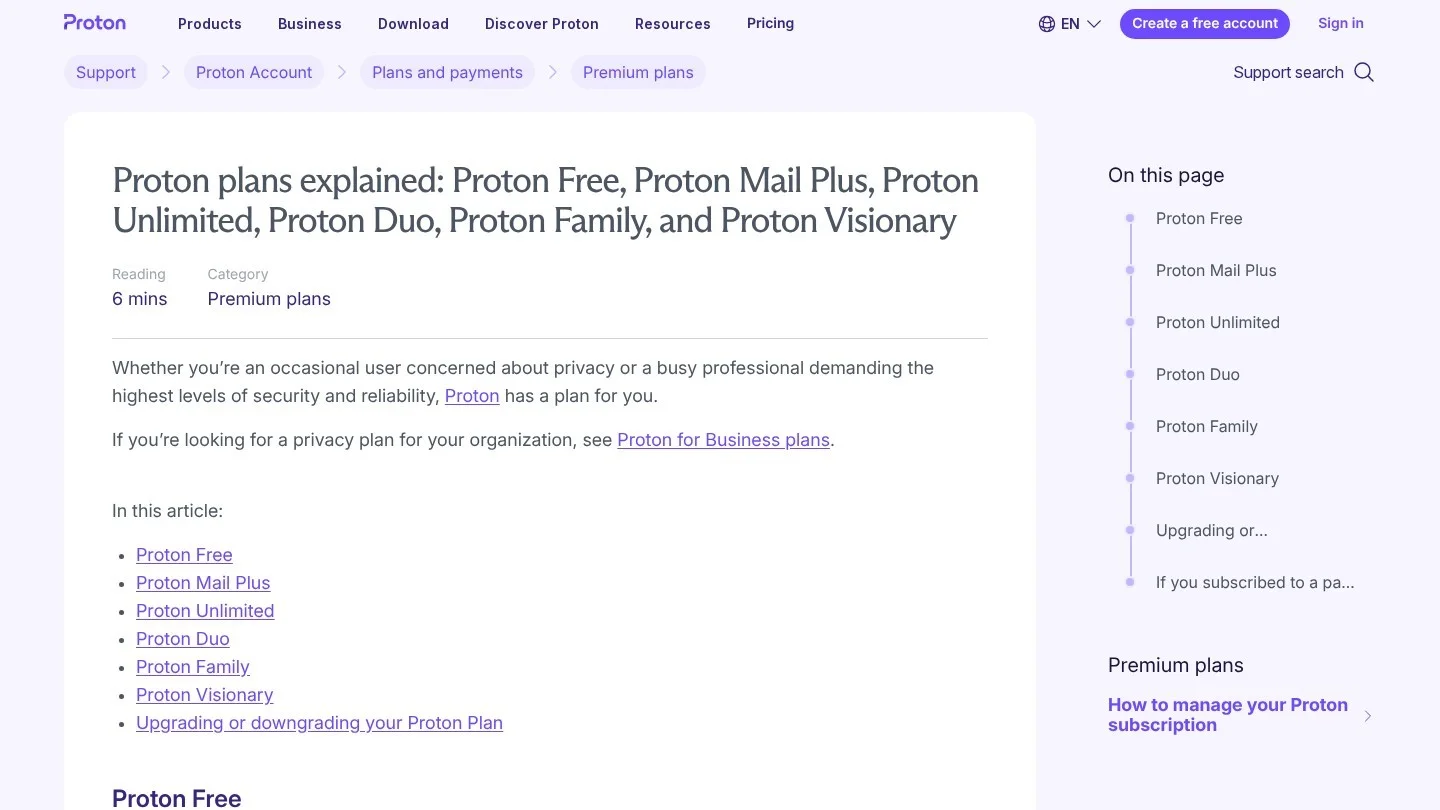
For $4.99 a month, Drive Plus gives you 200 GB. It leaves out the Pass upgrades, but it covers documents and photo backup. Proton Drive uploads your photos to Proton’s encrypted cloud on its own.
Proton Free is the place to try the service. It gives up to 5 GB on Drive, and no credit card is needed. The free tier also includes Proton Pass with 2 vaults and 10 hide-my-email aliases.
3. Tresorit Personal
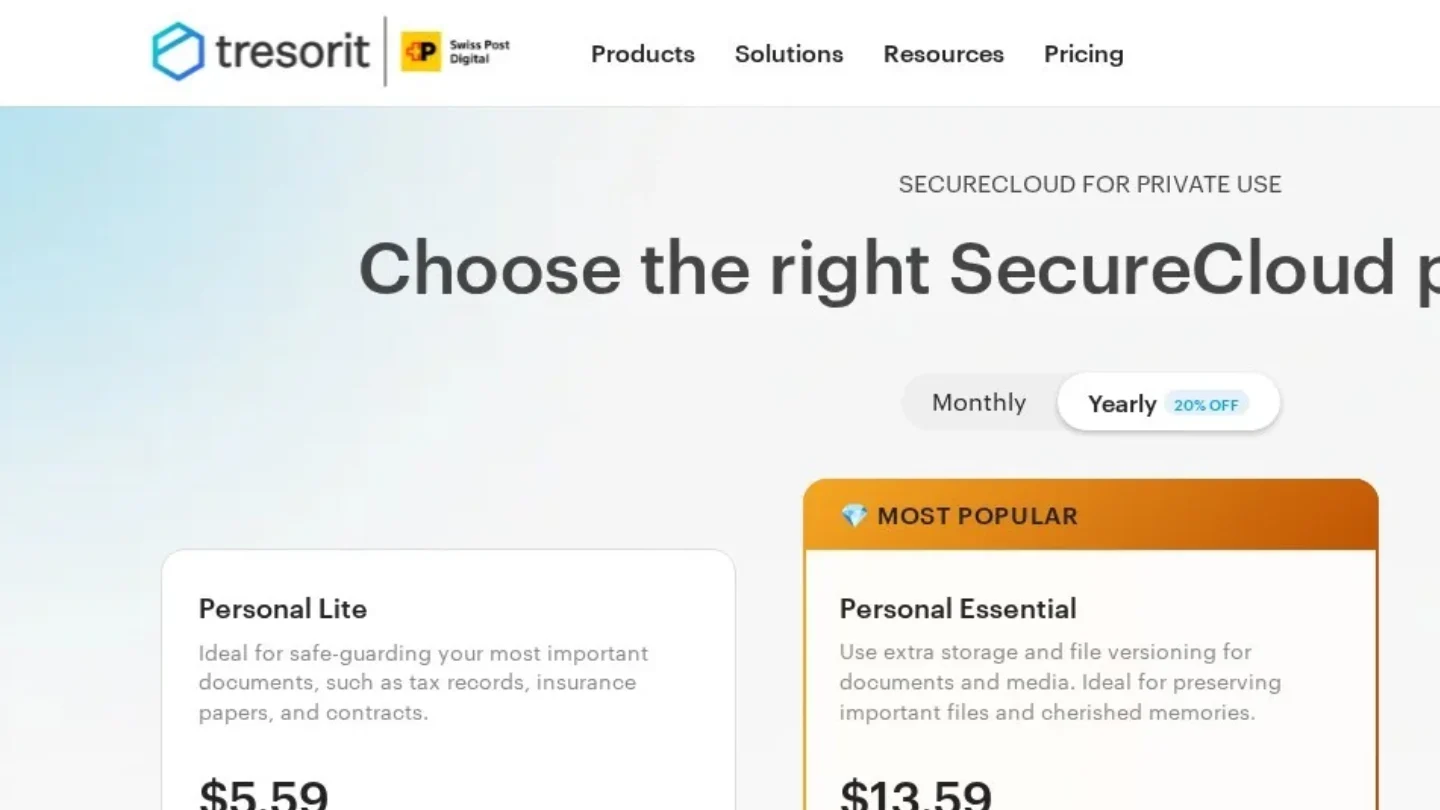
Three Tresorit personal plans start at €3.99 a month for 50 GB. Tresorit offers “end-to-end encryption with zero-knowledge privacy.” In plain terms, it cannot open your files or see your keys. Files sit in European data centers and are copied across several servers.
The plans scale by storage. Personal Lite gives 50 GB on 2 devices. Personal Essential gives 1 TB on 10 devices, and Personal Pro gives 4 TB. Pro also adds file requests and detailed access logs. As a result, it works for a freelancer who collects signed papers from clients.
The free Tresorit Basic plan gives 3 GB on 2 devices, with files up to 500 MB. It allows up to 10 encrypted links a month.
4. Sync.com Personal
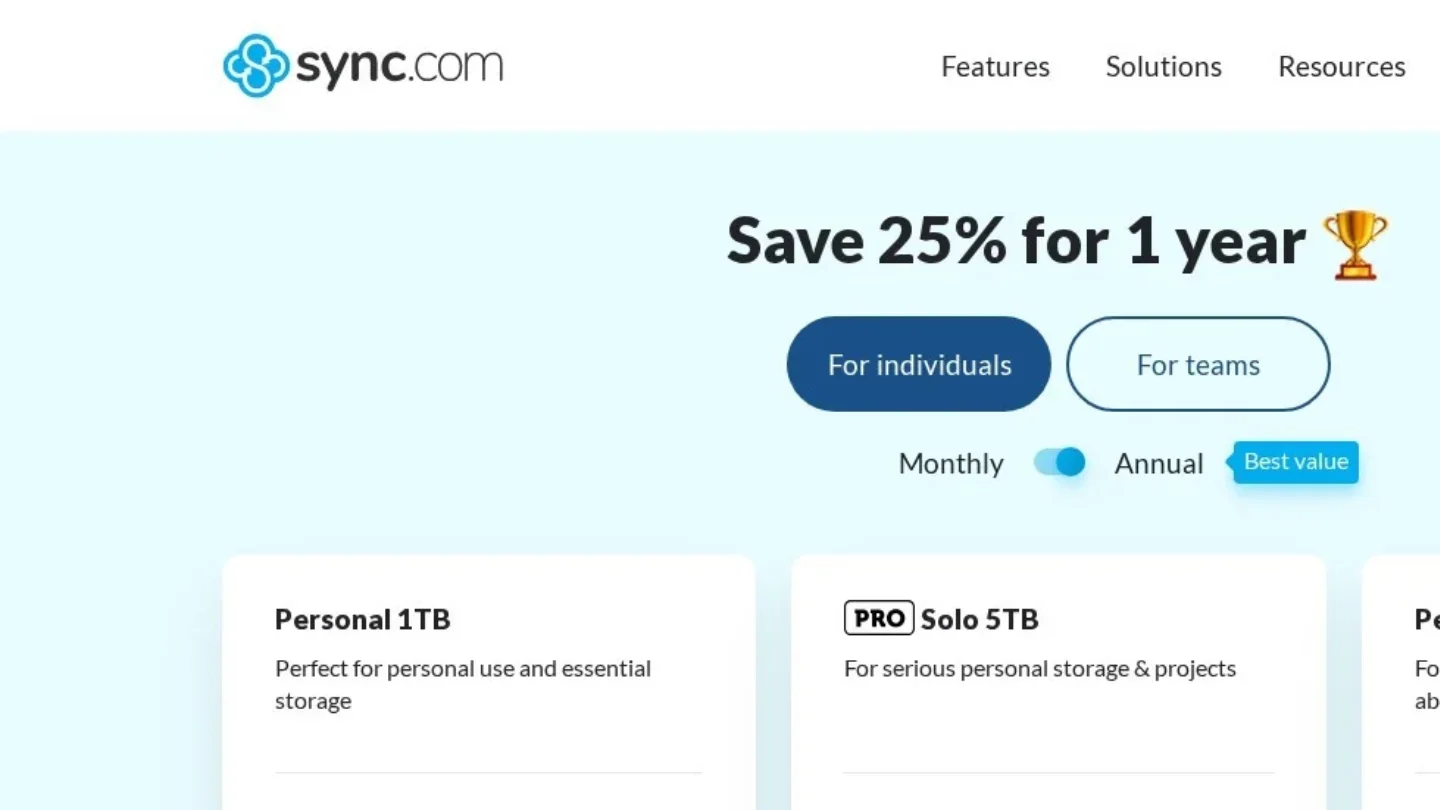
For big archives, such as ten years of scanned tax files, Sync.com offers end-to-end encrypted storage that only you can open. It also complies with GDPR and PIPEDA, the privacy laws of the EU and Canada.
Personal 1TB costs $12 a month billed yearly. In the first year, Sync charges $9 a month, or $108 in total. Then Solo 5TB costs $28 a month billed yearly, and Personal Unlimited costs $45. Sync offers a 30-day free trial, but it has no free storage tier.
5. Bitwarden Premium and Bitwarden Send

Bitwarden is a password manager first. But its Premium plan adds 5 GB of locked file space. Bitwarden raised that space fivefold on 21 January 2026. The plan costs $1.65 a month, billed at $19.80 a year.
Bitwarden Send handles sharing. On the free plan, Send shares text only. Then Premium and Families can send files and vault items too. For example, you can send a babysitter the alarm code with a link that expires.
Bitwarden Families costs $47.88 a year for up to 6 users. Each member gets 5 GB of personal storage, plus 5 GB of shared storage. If a password breach worries you, read our steps on what to do after a password manager breach.
6. 1Password Individual

At a regular price of $3.99 a month billed yearly, 1Password Individual gives you 1 GB for documents. New buyers who pay direct can get a first-year discount, so the price may look lower at checkout.
Families costs $5.99 a month at the regular price, for 5 users with 1 GB each. Both plans come with a 14-day free trial. Still, 1 GB is small next to Bitwarden’s 5 GB. So 1Password works better for a handful of important files than for a full archive.
7. Inrupt Data Wallet and Solid Pods
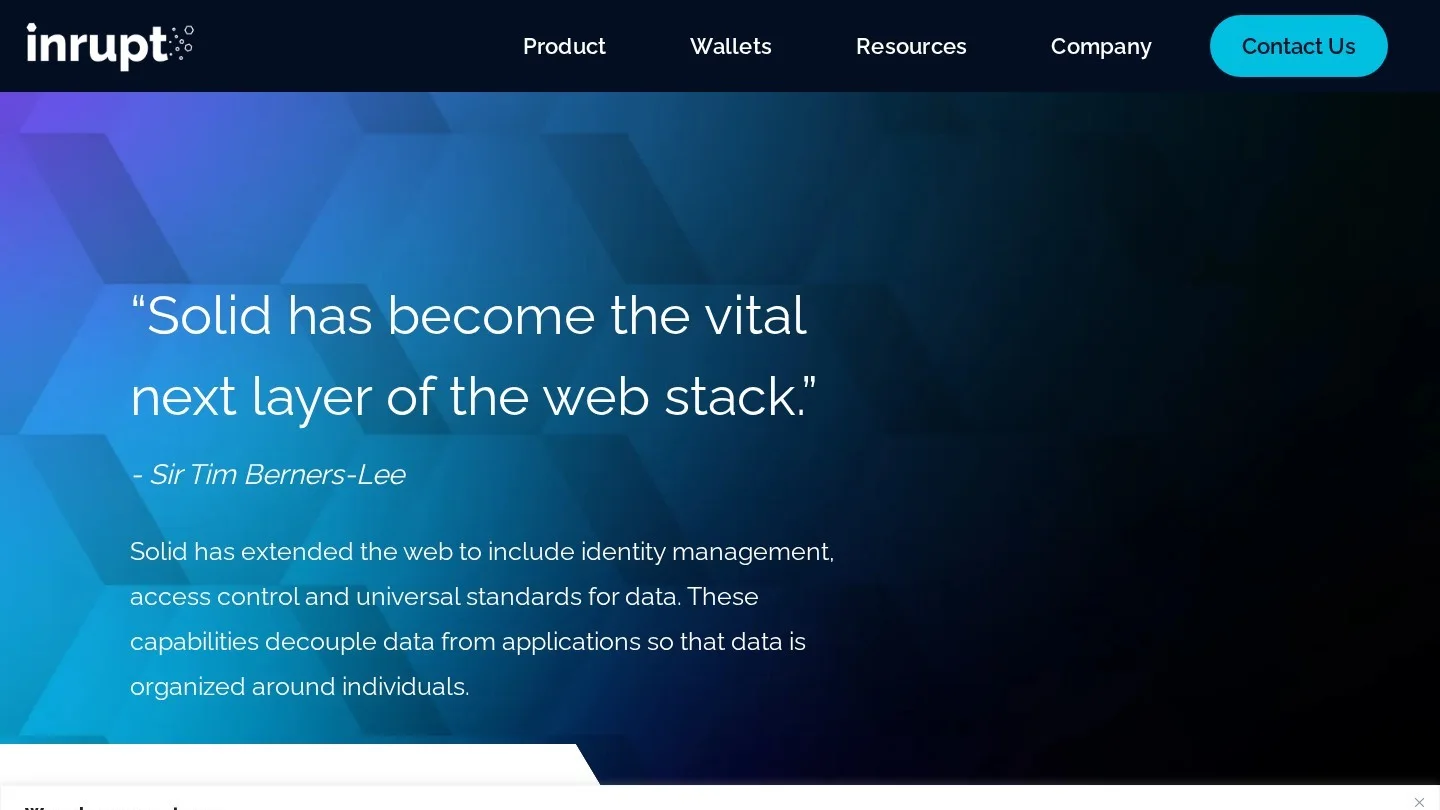
Unlike the other six, Inrupt builds on Solid, a way to organize data, apps and identities on the web. Solid Pods are “personal data stores.” So your data sits in your Pod, and apps ask your permission to use it.
Inrupt released its Data Wallet on 23 July 2024. It can hold things such as passports, school certificates and benefit records. However, you cannot buy it yourself. Instead, firms and governments set it up for their customers or citizens. Inrupt gives them a 60-day free trial and does not post a price.
This model is close to how digital IDs work. Our explainer on how decentralized identity verification works shows how signed IDs move between wallets and firms.
Yearly Cost of Five Personal Data Vault Plans
A year of personal data vault storage costs $19.80 on Bitwarden Premium and $47.88 on 1Password Individual. It costs $59.88 on Proton Drive Plus, $144 on Sync.com Personal 1TB and $155.88 on Proton Unlimited. Proton prices here use monthly billing in US dollars, while the other three use yearly billing.

| Plan | Monthly price used | Yearly cost | Storage | Cost of 100 GB a year |
|---|---|---|---|---|
| Bitwarden Premium | $1.65 | $19.80 | 5 GB | Not comparable (5 GB cap) |
| 1Password Individual | $3.99 | $47.88 | 1 GB | Not comparable (1 GB cap) |
| Proton Drive Plus | $4.99 | $59.88 | 200 GB | $29.94 |
| Sync.com Personal 1TB | $12.00 | $144.00 | 1,000 GB | $14.40 |
| Proton Unlimited | $12.99 | $155.88 | 500 GB | $31.18 |
If you need room, Sync.com gives the lowest cost for each 100 GB. But if you want passwords and files in one place, Proton Unlimited bundles both. Then, on a tight budget, Bitwarden Premium plus Proton Free gives you 5 GB of attachments and 5 GB of Drive for $19.80 a year.

Five Questions to Answer Before You Pick a Data Vault
Before you pick a data vault, answer five questions. They cover locking, space, sharing, passwords and the price in year two. Take them in order, and the right plan among the seven usually becomes obvious:
- Does the provider encrypt files on your device, so it cannot read them? Proton, Tresorit and Sync.com all do.
- How much do you really need to store? List the files first, because ID papers take far less room than photo libraries.
- Will you share files with family or an accountant? Then look for expiring links, such as Bitwarden Send or Tresorit’s encrypted links.
- Do you want passwords in the same account? If so, look at Proton Unlimited, Bitwarden or 1Password.
- What will year two cost? Sync.com and 1Password both show lower first-year prices.
Also, protect the vault login itself. A passkey or hardware key adds a second lock to the account, and our list of passwordless authentication software covers the options. Then save your backup codes offline. A provider that cannot read your data also cannot reset it for you.
Finally, think about what happens if a provider is sold. Our explainer on what happens to your data when a software company is acquired covers that risk. Small firms that store client files can also run through our small business cybersecurity checklist.
Read also: Best Headless CMS for SvelteKit: 7 Picks and Costs
What People Ask About Storing Private Documents Online
Is it safe to store a passport scan in the cloud?
It is safer to store a passport scan in an end-to-end encrypted vault than in a regular cloud drive. Proton, Tresorit and Sync.com cannot read the files you upload. Still, protect the account with two-step login.
What is the cheapest secure vault for documents?
The cheapest secure vaults for documents are Proton Free and Tresorit Basic, which cost nothing. Proton Free gives up to 5 GB on Drive, and Tresorit Basic gives 3 GB. Among paid plans, Bitwarden Premium costs $19.80 a year with 5 GB of attachments.
Can a password manager store documents?
Yes, a password manager can store documents. Bitwarden Premium includes 5 GB of locked file space, and 1Password includes 1 GB. In the Unlimited plan, Proton Pass also works next to Proton Drive.
What is a Pod in Solid?
A Pod in Solid is a personal data store that apps can use only with your permission. Inrupt builds its Data Wallet on Solid, and organizations deploy it for their users.
Which vault is best for a family?
Bitwarden Families is the best-value vault for a family, at $47.88 a year for 6 users. For more file space, Proton Family covers 6 users with 3 TB for $29.99 a month.