Customers rarely say what bugs them. They just stop coming back. A short feedback form catches that problem early, but only if people finish it. Long forms, broken mobile layouts and surprise response caps kill the replies you need most.
So which tool should you use to create a customer feedback form? For most small businesses, the answer is Tally. Its free plan gives you unlimited forms and submissions within fair use, plus logic and file uploads. If you live in Google or Microsoft apps, the free Google Forms or Microsoft Forms will do the job. Product teams that want surveys inside their app should look at Survicate.
For every tool on this list, you get three things. First, what the free plan really allows. Second, what the first paid plan costs. Third, which features matter for customer feedback, such as NPS templates, branching and response limits.
Customer Feedback Form Tools Compared
Prices come from each company’s own pricing page. Where a tool offers yearly billing, we show the lower monthly rate and say so.
| Tool | Best use | Free option | Paid from |
|---|---|---|---|
| Google Forms | Quick feedback forms in Google apps | Free with a personal Google account | Workspace Business Standard, $12 per user a month (1-year term) |
| Microsoft Forms | Teams already on Microsoft 365 | Free with a Microsoft account, 200 responses per form | Included in Microsoft 365 business plans |
| Tally | Free forms with no hard response cap | Unlimited forms and submissions (fair use) | Pro, $24 a month |
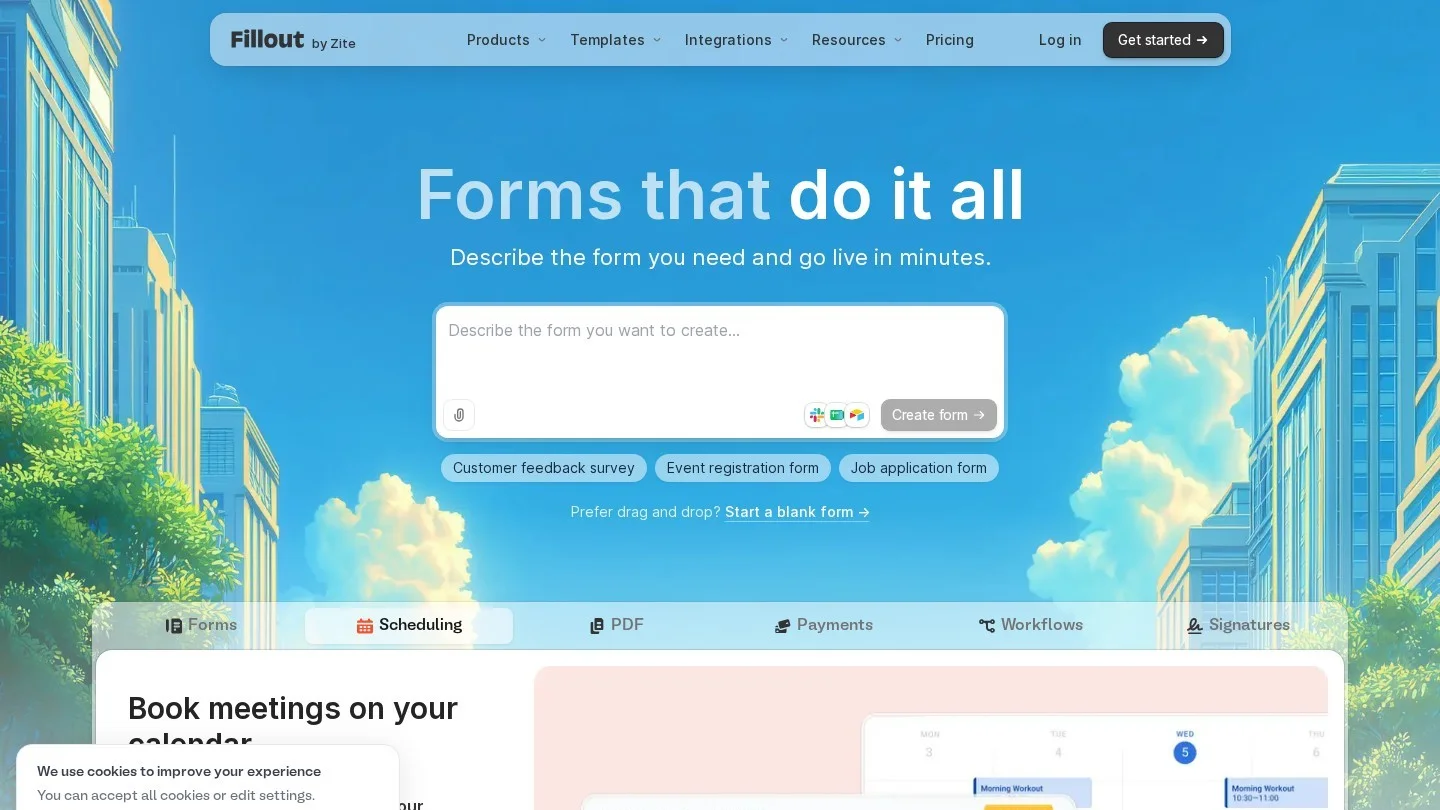
| Fillout | High-volume free forms | 1,000 responses a month | Starter, $15 a month |
| Cognito Forms | Feedback forms with payments or calculations | 100 entries a month | Pro, $19 a month billed yearly |
| Jotform | Lots of ready-made templates | 5 forms, 100 submissions a month | Bronze, $34 a month billed yearly |
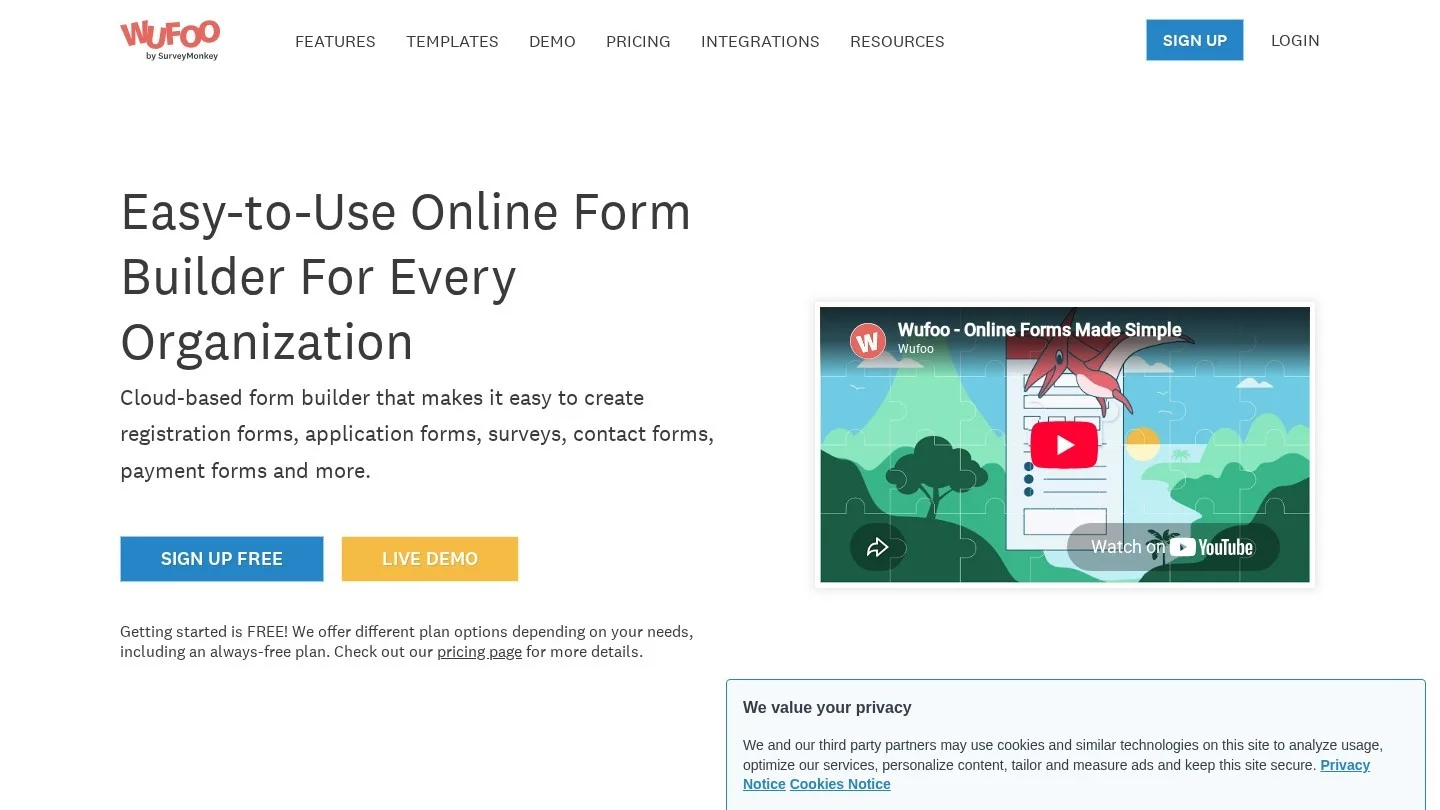
| Wufoo | Simple forms at a low yearly price | 5 forms, 100 entries | Starter, $195 a year |
| Typeform | One-question-at-a-time forms people enjoy | Limited responses a month | Basic, $28 a month billed yearly |
| SurveyMonkey | Classic customer surveys | Basic plan, 10 questions per survey | Advantage, $39 a month billed yearly |
| Survicate | In-product and website feedback | 25 responses a month | Growth, from $56 a month on a yearly plan |
| Formstack | Regulated teams and workflows | 14-day free trial | Forms, $83 a month paid yearly |
| Formbricks | Self-hosted, open source feedback | Free Community Edition (self-hosted) | Experience Suite, custom quote |
Free Tools for Creating Customer Feedback Forms
A free plan is enough for many shops, cafes and service businesses. These four let you collect real feedback without paying anything.
Google Forms
Google Forms is free for anyone with a personal Google account. You build a feedback form by picking question types, then drag questions to reorder them. Answers show up as charts that update in real time.
Google Forms works well for customer feedback in a few ways:
- Sheets link: You can open the raw answers in Google Sheets. So you can sort complaints by date or count how many people gave a low score.
- Templates: Google offers ready-made templates, so a basic feedback form takes a few minutes.
- Response checks: Built-in validation rules check things such as email format. As a result, you get usable contact details when a customer asks for a reply.
- Shared editing: You can add collaborators, so a manager and a front-desk lead can write questions together.
Forms is free for personal use. Business email and admin controls come with Google Workspace, and Business Standard costs $12 per user a month on a 1-year commitment.

Microsoft Forms
Google Forms fits Gmail users. Microsoft Forms fits teams on Outlook and Excel. It is free for anyone with a Microsoft account, such as Outlook.com or Hotmail.
The free account has limits you should know about:
- Response cap: Free Microsoft accounts get up to 200 responses per form. Paid personal accounts get up to 1,000. Work and school plans allow up to 50,000 responses per form.
- Branching: You can send people to different questions based on their answers. For example, an unhappy customer can see a “What went wrong?” question that a happy one skips.
- Excel export: You can export answers to Excel for deeper analysis, and charts are built for you automatically.
Microsoft Forms also comes with Microsoft 365 business plans, such as Business Basic and Business Standard. So many offices already have it without knowing.

Tally
Both of those tools cap you at some point. Tally barely does. Its free plan includes unlimited forms and unlimited submissions, as long as you stay within its fair use rules. That is why it tops our list for small businesses.
You also get features on the free plan that other tools charge for:
- Conditional logic: You can show or hide questions based on earlier answers. So a five-star review skips the complaint box.
- File uploads: Customers can attach a photo of a damaged item or a screenshot of an error.
- Signatures and payments: These are in the free plan too, which helps if feedback ties into a refund or service form.
Tally Pro costs $24 a month. Business costs $74 a month and adds data retention controls and email verification. Yearly billing gives you two months off.

Fillout
Tally is free with fair use. Fillout gives you a clear number instead: 1,000 responses a month on the free plan. You also get unlimited forms, unlimited seats, multi-page forms and most integrations.
The free plan leaves out a few things worth checking:
- Branding: Free forms carry a Fillout badge, and you cannot add your logo or custom theme.
- File size: Uploads are capped at 20 MB, which is fine for photos but small for videos.
- Analytics: Form analytics, respondent emails and custom endings sit on paid plans.
Starter costs $15 a month and allows 2,000 responses. Pro costs $40 a month for 5,000 responses. Business costs $75 a month with unlimited responses.
Read also: 10 Best Tools for Creating Online Forms
Form Builders With Low-Cost Paid Plans
Free plans run out fast once a busy store sends a form after every order. The next three tools add more entries for a modest monthly fee.
Cognito Forms
Fillout counts responses. Cognito Forms counts entries, and every plan allows unlimited forms. The free Individual plan gives one user 100 entries a month and 100 MB of storage, with Cognito Forms branding.
Cognito is handy when feedback links to money or numbers:
- Payments on free: You can take payments even on the free plan. So a feedback form can double as a deposit form for a repair shop.
- Team plans: Team gives five users 10,000 entries a month, which helps a multi-location business share one account.
- No form limit: Every plan, free or paid, allows unlimited forms. So you can run one form per product without upgrading.
Pro costs $19 a month billed yearly, or $24 billed monthly, and gives you 2,000 entries a month.

Jotform
Cognito gives you room to grow. Jotform gives you a huge template library and a clear free tier. The free Starter plan includes 5 forms, 100 submissions a month, 100 MB of space and 10,000 form views a month.
Its paid tiers step up by form count and submissions:
- Bronze: 25 forms and 1,000 submissions a month for $39 a month, or $34 a month billed yearly.
- Silver: 50 forms and 2,500 submissions a month for $49 a month, or $39 billed yearly.
- Gold: 100 forms and 10,000 submissions a month for $129 a month, or $99 billed yearly.
Jotform helps a business that runs many forms at once, such as one feedback form per branch or per product line.

Wufoo
Jotform bills monthly or yearly. Wufoo shows yearly prices only, and they are low. The free plan gives you 5 forms, 100 entries and 10 fields per form.
One free plan rule catches people out:
- Form shutoff: Wufoo deactivates a form once it passes the monthly entry limit. So a viral post can switch off your feedback form mid-month.
- Starter tier: $195 a year buys 10 forms and 1,000 entries a month.
- Professional tier: $399 a year gives unlimited forms and 5,000 entries a month.
Advanced costs $999 a year for 25,000 entries. Ultimate costs $2,523 a year for 200,000 entries.
Survey Tools Built for Customer Feedback Programs
Some teams need more than a contact form. They track scores over time and act on them. These tools focus on surveys, NPS and in-app feedback.
Typeform
Wufoo shows every question on one page. Typeform shows one question at a time, which feels more like a chat. It also offers an NPS form builder, a customer satisfaction template and a beta product feedback template.
Plans scale by responses and users:
- Basic: 100 responses a month and 1 user, for $39 a month or $28 a month billed yearly.
- Plus: 1,000 responses a month and 3 users, for $79 a month or $56 billed yearly.
- Business: 10,000 responses a month and 5 users, for $129 a month or $91 billed yearly.
The free plan has basic features and a limited number of responses each month. Typeform helps brands that care how the form looks and feels.

SurveyMonkey
Typeform sells the experience. SurveyMonkey sells the survey. Its free Basic plan includes unlimited surveys with up to 10 questions each. You can build with AI, share a web link, post to social media and add surveys to a website.
Watch the limits before you rely on the free plan:
- Hidden answers: Basic limits how many responses you can view per survey, even if more people answer.
- Response caps: Advantage Annual allows 15,000 responses a year, and Premier Annual allows 40,000.
- Overage fee: Paid plans charge $0.15 for each response beyond the limit.
Advantage Annual costs $39 a month, billed as $468 a year. Premier Annual costs $139 a month. Standard Monthly costs $149 a month for 1,000 responses a month.

Survicate
SurveyMonkey sends people a link. Survicate can also meet them where they already are. You can run surveys by email, link or QR code, on your website, inside your product, in a mobile app or through Intercom.
The plans differ by commitment:
- Free: 25 responses a month, with up to 300 total across active surveys, and no time limit.
- Starter: From $89 a month, billed monthly only, with 100 to 500 responses a month and 2 active surveys.
- Growth: From $56 a month on a yearly commitment, with up to 1,500 responses a month and a team of 10.
Advanced plans are custom, and you book a call with sales. Survicate helps software and ecommerce teams that want feedback at the moment a customer uses the product.

Feedback Tools for Larger or Regulated Teams
The last two tools serve a different need. One handles workflows and compliance. The other lets you host your own data.
Formstack
Survicate lives in your product. Formstack lives in your workflow. The Forms plan starts at $83 a month, paid yearly, and gives 1 builder user 25 forms and 1,000 submissions per form.
Formstack fits teams with bigger process needs:
- Suite plan: From $250 a month paid yearly, with 3 builders, 100 forms and 5,000 submissions per form.
- Documents and eSignatures: Suite adds 250 document deliveries a month and unlimited eSignatures.
- Trial: You can test the Forms product free for 14 days with no credit card.
Formstack helps larger teams where a feedback form starts an internal process, such as a document or a sign-off.
Formbricks
Formstack is a hosted service. Formbricks lets you run feedback surveys on your own server. Its Community Edition is free forever and released under the AGPLv3 open source license.
Formbricks works differently from the rest of this list:
- Self-hosting: You install it yourself, so customer answers stay on infrastructure you control.
- Experience Suite: Paid features come as an annual license, priced by the number of responses you collect a year.
- Trial license: A 15-day trial turns on Experience Suite features on your own setup.
Formbricks does not publish Experience Suite prices, so you get a quote after a sales call. Teams with a developer and strict data rules get the most from it.

How to Build a Customer Feedback Form People Finish
The tool matters less than the questions. So keep the form short and ask about one experience at a time.
These steps work in any of the tools above:
- Ask the score question first. Open with one rating, such as “How likely are you to recommend us to a friend?” on a 0 to 10 scale.
- Branch on the answer. Send low scores to “What went wrong?” and high scores to “What did you like most?” Tally and Microsoft Forms both support this.
- Keep it to five questions or fewer. Every extra field gives people a reason to quit.
- Ask for contact details last, and make it optional. Add a checkbox such as “Can we follow up with you?”
- Send it at the right moment. Email the link right after delivery, or show it on the order confirmation page.
- Read answers every week. Tag each comment as product, service, price or delivery, then fix the most common tag first.
Feedback forms also work well inside your email flow. Our email marketing checklist for small businesses covers timing and list hygiene. If you need forms for sign-ups, quotes or bookings, see our list of the best tools for creating online forms.

Read also: The 10 Best Tools for Creating Interactive Worksheets Now
Customer Feedback Form Questions Business Owners Ask
What is the best free tool for customer feedback forms?
Tally is the best free pick for most small businesses. Its free plan allows unlimited forms and submissions within fair use. Google Forms is also free and links to Sheets.
Can I collect NPS with a free form builder?
Yes. Any tool with a 0 to 10 rating or linear scale can collect an NPS question. Typeform also offers a dedicated NPS form builder and template.
Which feedback tool works inside a website or app?
Survicate runs surveys on websites, inside products and in mobile apps. Formbricks offers the same kind of setup if you want to host it yourself.
How many responses do free plans allow?
It varies a lot. Survicate allows 25 a month, Jotform and Cognito Forms allow 100, and Fillout allows 1,000. Microsoft Forms allows 200 per form on a free account.